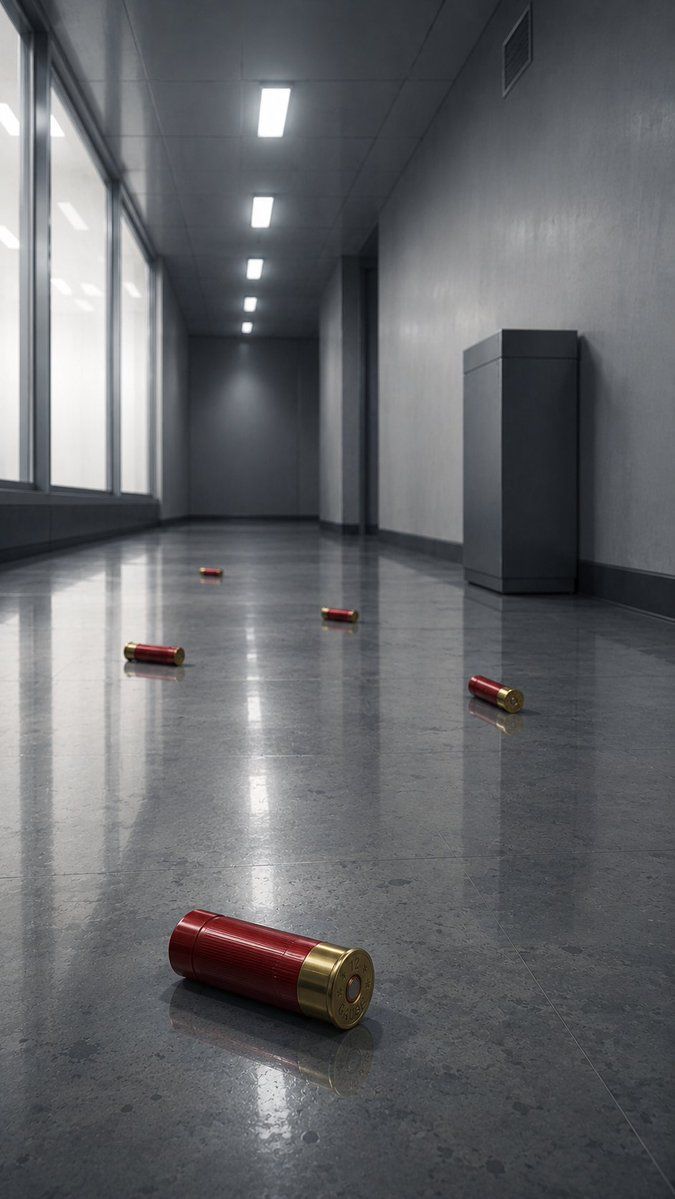
带有霰弹的空旷走廊
Prompt
Create a photorealistic cinematic low-angle view down a long, empty {argument name="location" default="modern gray office corridor"} with a cold dystopian atmosphere. The camera is placed near the glossy polished stone floor, using strong one-point perspective toward a dark vanishing point at the far end. On the left side, tall frosted glass windows run along the corridor, glowing with soft overcast white light; on the right side, plain gray concrete-textured walls include a dark doorway recess, a small ventilation grille near the ceiling, and one rectangular gray utility cabinet or pedestal against the wall. The ceiling has exactly five bright rectangular fluorescent light panels receding into the distance. The reflective floor is highly polished, showing elongated reflections of the windows, ceiling lights, walls, and objects. Scatter exactly five red-and-brass {argument name="scattered object" default="shotgun shells"} across the floor: one large sharply focused shell in the extreme foreground near the bottom center-left, lying horizontally with its brass base facing the viewer; one shell on the right midground near the wall; one shell near the center midground; one shell left of center farther back; and one tiny shell near the distant center. Use muted gray-blue tones, realistic materials, subtle dust and floor speckling, shallow depth of field, crisp foreground detail, soft background haze, and dramatic Blade Runner-like reflections without neon. No people, no text, no blood, no action scene, no watermark.- Category
- Photography & Realism
- Model
- GPT Image 2
- Creator
- ゴードン・シャムウェイ@終末旅COTD連載中
- Source ID
- 22397
- Published
- May 24, 2026
Views1