19

忧郁夜色窗影自拍
Enlarge

忧郁夜色窗影自拍

Prompt
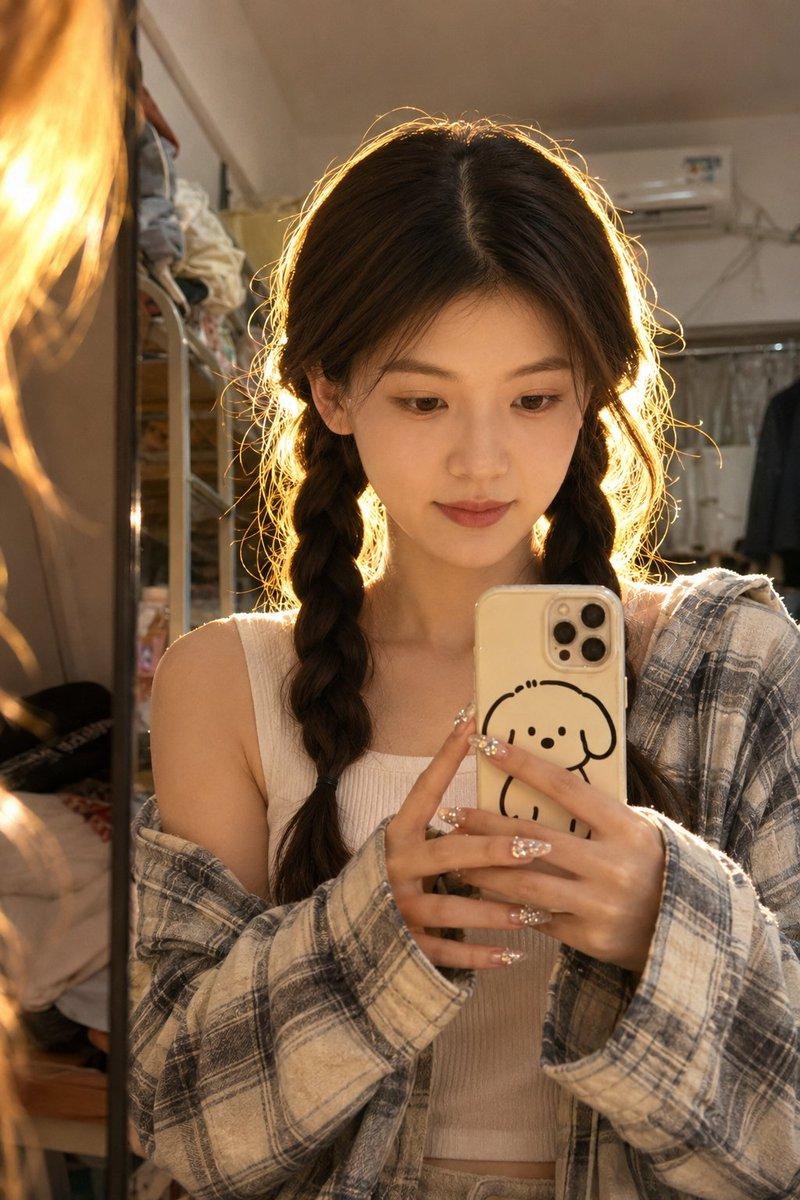
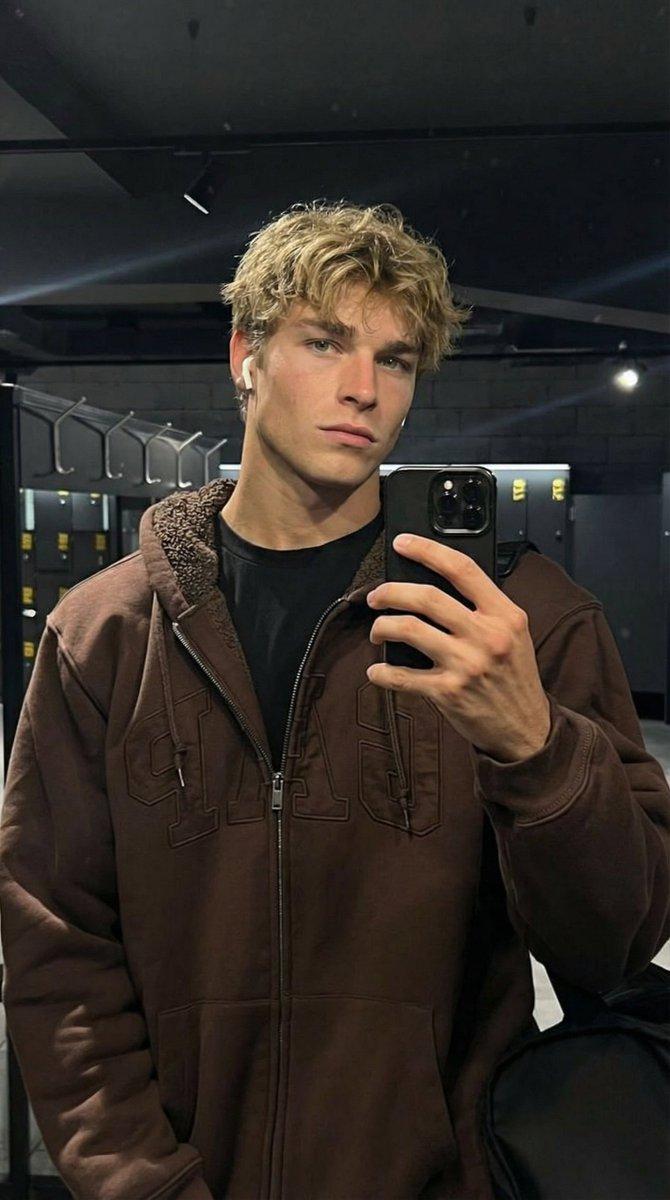
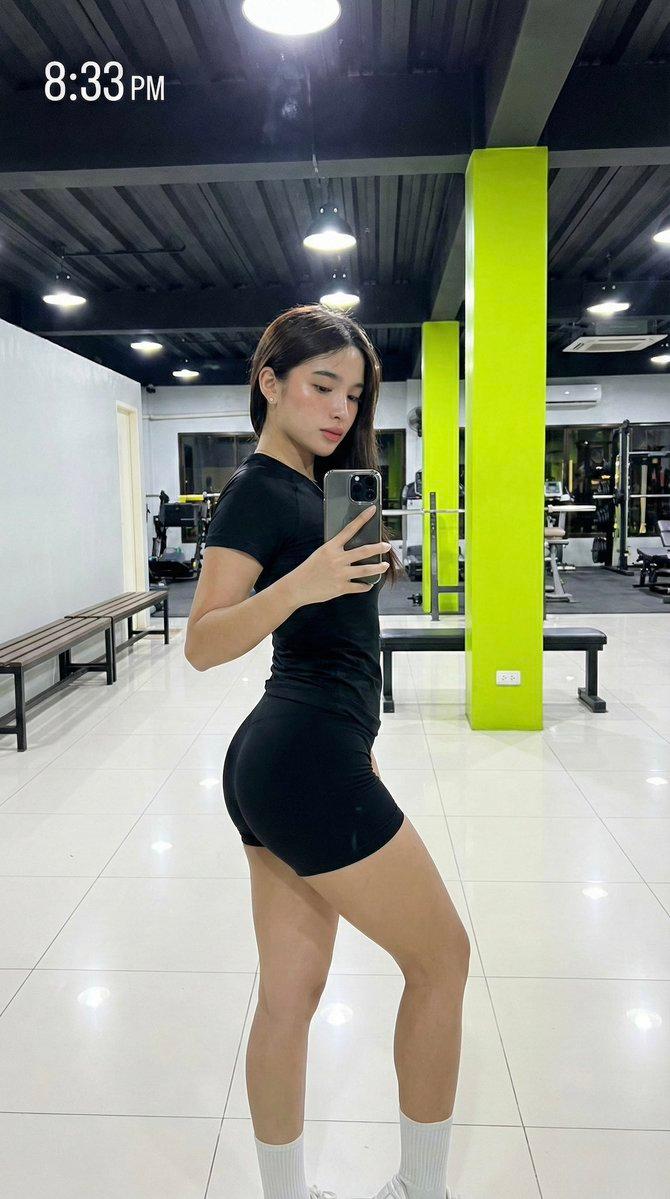
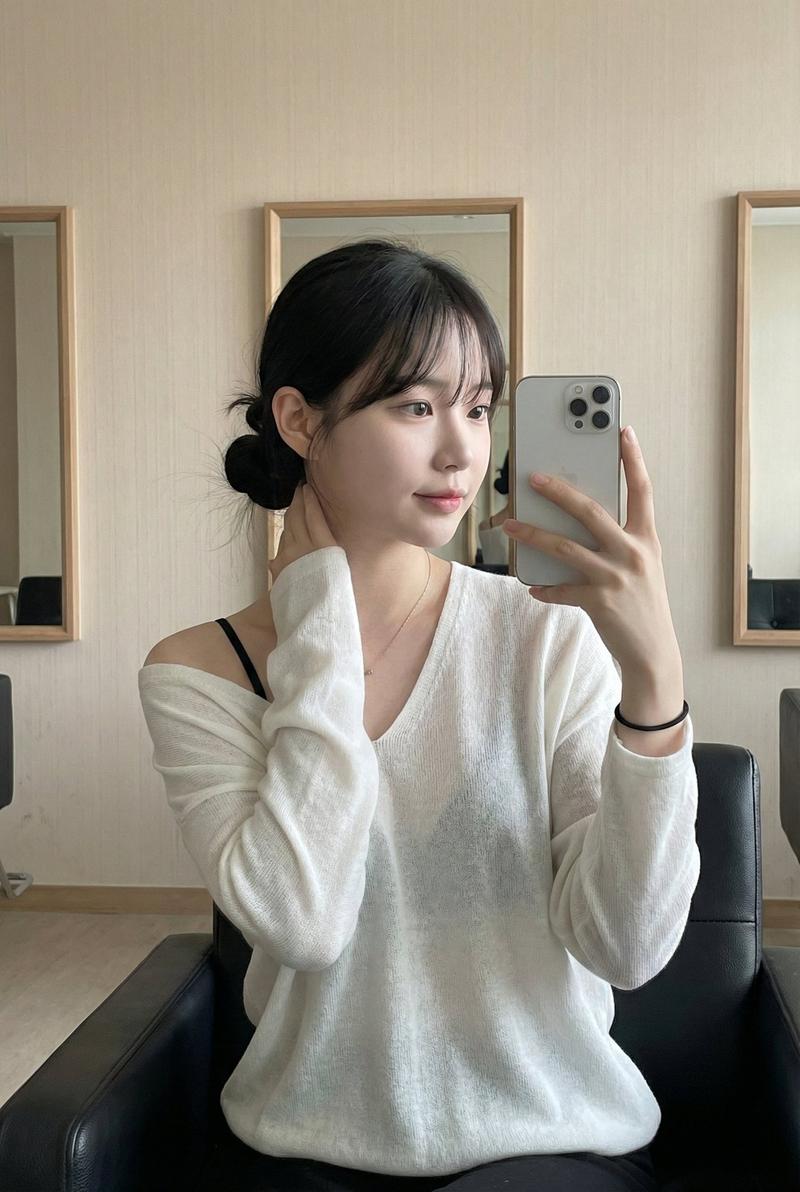
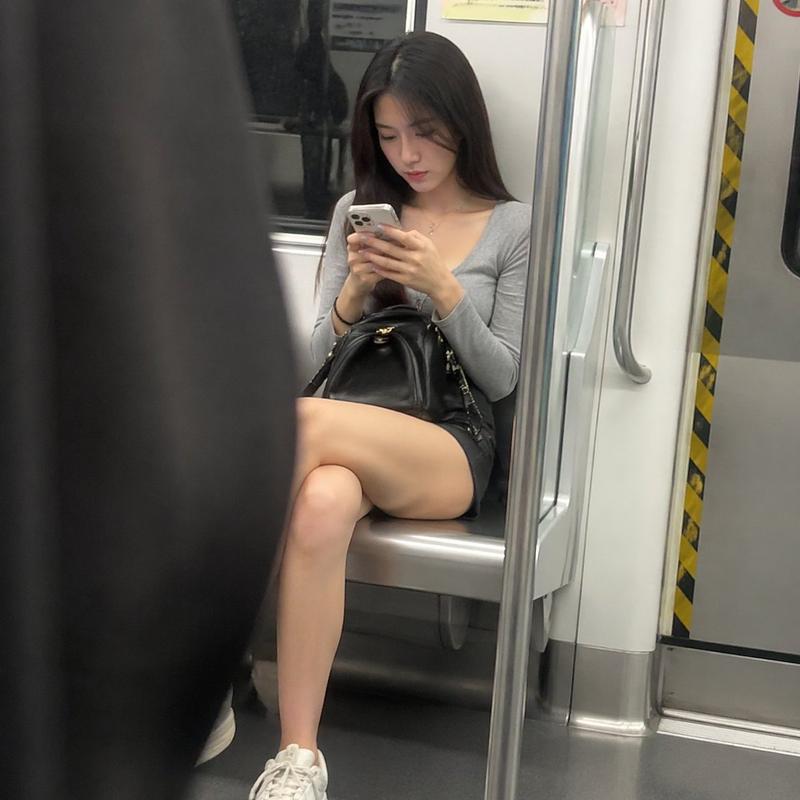
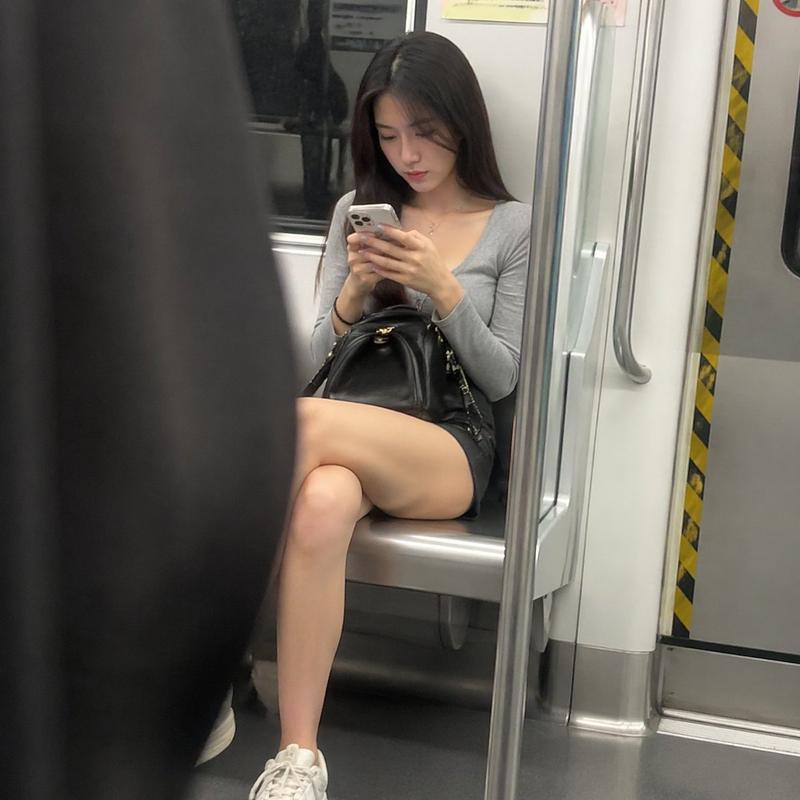
Use the uploaded portrait as the identity reference only. Preserve the subject’s real face shape, facial features, skin tone, and hairstyle. Do not copy the original portrait’s clothes, background, pose, lighting, or image quality.

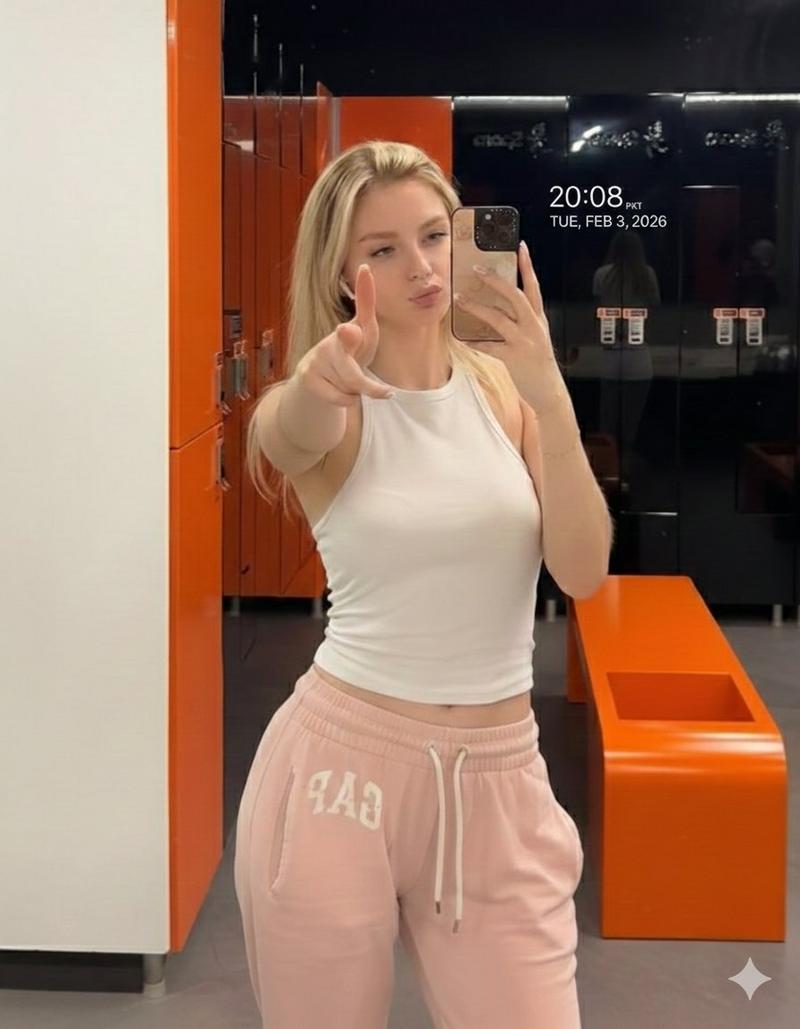
Create a realistic vertical 9:16 night street reflection selfie. The subject is seen through a glass window reflection, holding a smartphone in front of part of the face, wearing a {argument name="outfit" default="simple dark outfit"}. Soft messy hair moved slightly by wind. Behind the glass, a bright {argument name="store name" default="24H MART"} or subway-station shop appears heavily blurred with horizontal motion streaks, creating a cinematic long-exposure feeling. Moody cool-toned lighting, soft haze, glass reflections, subtle smudges, realistic shadows, natural skin texture, authentic phone-shot atmosphere, slightly melancholic urban mood. Any visible signs should be simple English text such as "{argument name="sign text" default="ROSE"}", no Chinese characters.
Category
Brand & Logos
Model
GPT Image 2
Creator
Shinning
Views5
Source ID
22512
Published
May 25, 2026

Guide

About "忧郁夜色窗影自拍"

What is this prompt for?

"忧郁夜色窗影自拍" AI image prompt for GPT Image 2 (Brand & Logos). 生成一张通过便利店玻璃窗拍摄的电影感长曝光风格自拍,在保留主体身份的同时增添都市氛围。 Copy it on Picva and recreate the look in one click.

The full copyable prompt and example visuals above are ready for AI image generation or one-click recreate in Picva.

How to use this prompt

  1. Step 1

    Open the prompt detail

    Review the example visuals, category, and full prompt text for "忧郁夜色窗影自拍".

  2. Step 2

    Copy the prompt

    Copy the prompt body from this page, or load it directly in Studio.

  3. Step 3

    Pick a model (GPT Image 2)

    Prefer GPT Image 2. If you switch models, keep subject and composition and tweak style terms.

  4. Step 4

    Generate and export

    Recreate the look in Picva, or export into your workflow for editing and publishing.

FAQ

What is the "忧郁夜色窗影自拍" prompt?
It is an AI image-generation prompt for GPT Image 2 in the Brand & Logos category. This page includes the full prompt text, example visuals, and a one-click recreate path in Picva.
How do I use this prompt to generate an image?
Copy the prompt from this page, or use Generate / Studio. Paste it into a compatible image model, or recreate the look in Picva with optional reference images.
Which model is this prompt for?
This page lists GPT Image 2. Most descriptive prompts also transfer to nearby image models such as GPT Image, Flux, or Midjourney with light style tweaks.
Can I use the result commercially?
You can usually copy the prompt for creation, but commercial use of the final image depends on the model terms, reference-image rights, and the generated content. Follow the source author and platform rules.