17

Z 世代诗意微型拼贴画
Enlarge

Example images

Z 世代诗意微型拼贴画

Prompt
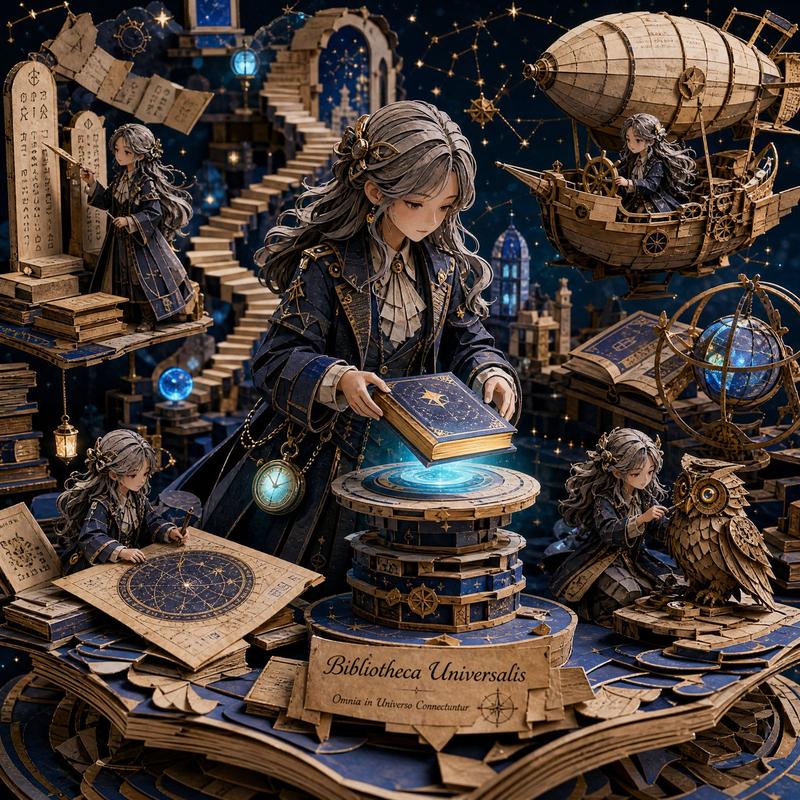
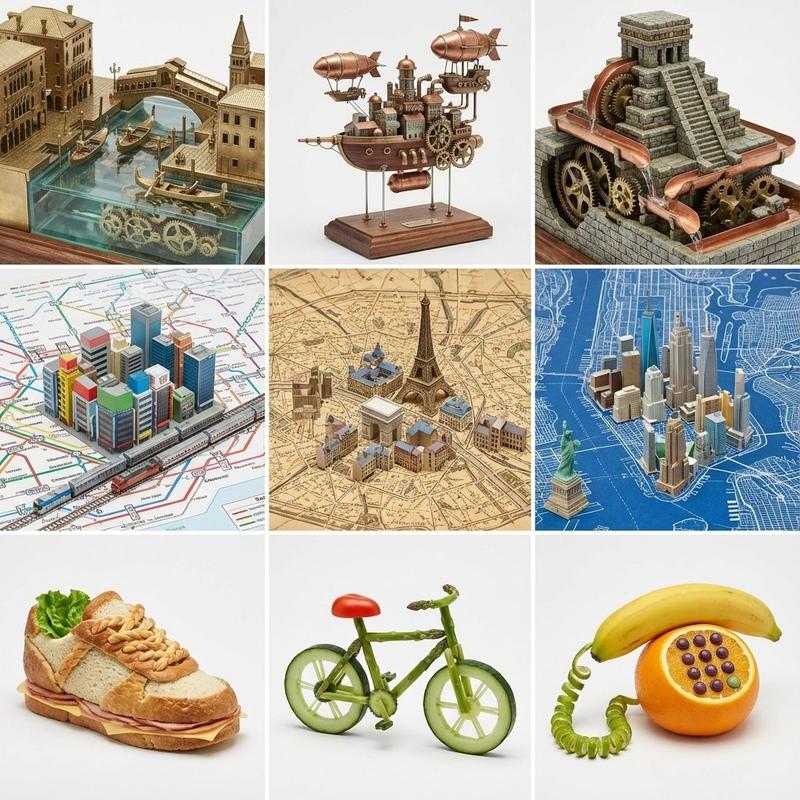
Create a poetic miniature collage universe showing a student’s DIGITAL IDENTITY through real photographed objects and tiny emotional worlds. Style: cozy handmade scrapbook diary, emotional collage aesthetic, Gen Z healing vibe, mixed media collage with warm daylight, cream paper texture, soft grain, masking tape, torn paper, handwritten English notes, arrows, doodles, layered scrapbook composition, whimsical miniature worldbuilding. Include customizable elements: Dream career: {argument name="dream career" default="architect"} Favorite things: {argument name="favorite things" default="plants and cats"} Digital objects: {argument name="digital elements" default="laptops and headphones"} Personality keywords: {argument name="personality keywords" default="creative, quiet"} Online alter ego: {argument name="online persona" default="pixel artist"} Emotional quote: {argument name="emotional quote" default="Small steps every day."} Transform real objects into miniature emotional environments: keyboard → futuristic city, headphones → music tunnel, books → rooftop homes, camera → memory archive, tablet → glowing digital ocean, controller → arcade town, coffee cup → café lake, cables → subway system.
Category
Charts & Infographics
Model
GPT Image 2
Creator
Eesha
Views4
Source ID
22534
Published
May 25, 2026

Guide

About "Z 世代诗意微型拼贴画"

What is this prompt for?

"Z 世代诗意微型拼贴画" AI image prompt for GPT Image 2 (Charts & Infographics). 这是一个复杂且富有诗意的提示词,旨在利用混合媒介、涂鸦和手工剪贴簿美学,创作一个代表数字身份的微型拼贴世界。 Copy it on Picva and recreate the…

The full copyable prompt and example visuals above are ready for AI image generation or one-click recreate in Picva.

How to use this prompt

  1. Step 1

    Open the prompt detail

    Review the example visuals, category, and full prompt text for "Z 世代诗意微型拼贴画".

  2. Step 2

    Copy the prompt

    Copy the prompt body from this page, or load it directly in Studio.

  3. Step 3

    Pick a model (GPT Image 2)

    Prefer GPT Image 2. If you switch models, keep subject and composition and tweak style terms.

  4. Step 4

    Generate and export

    Recreate the look in Picva, or export into your workflow for editing and publishing.

FAQ

What is the "Z 世代诗意微型拼贴画" prompt?
It is an AI image-generation prompt for GPT Image 2 in the Charts & Infographics category. This page includes the full prompt text, example visuals, and a one-click recreate path in Picva.
How do I use this prompt to generate an image?
Copy the prompt from this page, or use Generate / Studio. Paste it into a compatible image model, or recreate the look in Picva with optional reference images.
Which model is this prompt for?
This page lists GPT Image 2. Most descriptive prompts also transfer to nearby image models such as GPT Image, Flux, or Midjourney with light style tweaks.
Can I use the result commercially?
You can usually copy the prompt for creation, but commercial use of the final image depends on the model terms, reference-image rights, and the generated content. Follow the source author and platform rules.