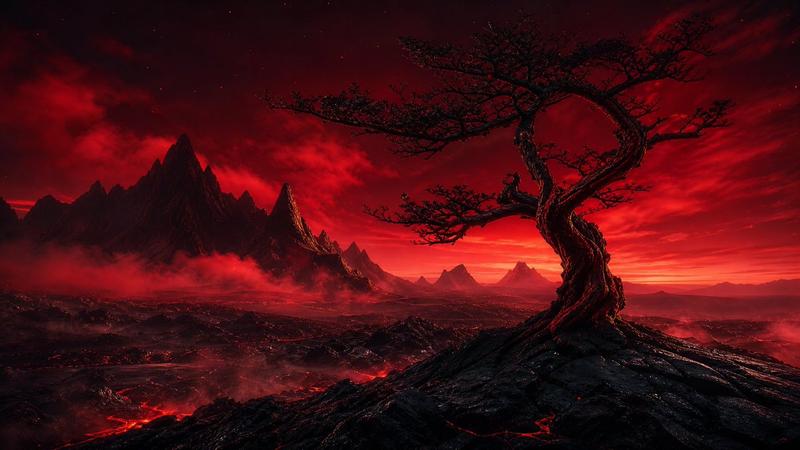
黑暗外星巨型结构洞穴
Prompt
Create a vast cinematic dark sci-fi landscape showing the interior of an enormous alien megastructure or cavern, like a hollow asteroid cathedral filled with twisting organic-metal arches and colossal ribbed columns. The scene is viewed in a wide 16:9 composition from deep inside the structure, with the camera looking across multiple layers of monumental black rock and glossy biomechanical surfaces. The environment should feel ancient, terrifying, and beautiful: jagged curved supports, suspended masses, concave tunnels, and huge openings receding into foggy distance. Surfaces are nearly black, wet, and reflective, densely speckled with thousands of tiny warm lights like distant city windows or stars embedded in the structure. Use {argument name="main environment" default="an immense alien megastructure cavern"}, {argument name="mood" default="ominous, mysterious, and awe-inspiring"}, and {argument name="lighting color" default="cold white-gray backlight with tiny amber highlights"}. Include exactly three major visible light sources: one bright hazy opening on the left, one vertical glowing opening on the right, and one small distant light near the center. Add one tiny human-like explorer silhouette near the lower left carrying a single narrow torch or lamp, emphasizing the overwhelming scale. The palette should be almost monochrome black, charcoal, deep gray, and muted bronze sparks, with volumetric mist, atmospheric depth, high contrast, realistic cinematic rendering, ultra-detailed texture, no text, no borders, no watermark.- Category
- Architecture & Spaces
- Model
- GPT Image 2
- Creator
- lost in latency
- Source ID
- 22587
- Published
- May 25, 2026
Views5