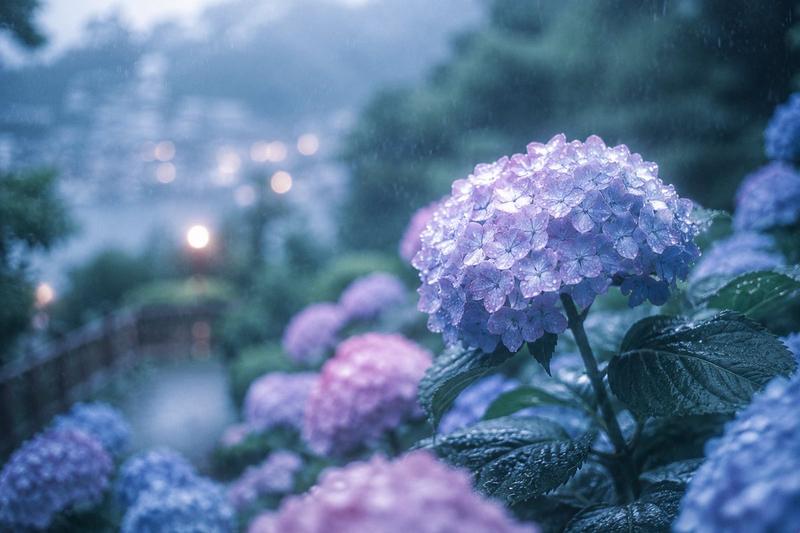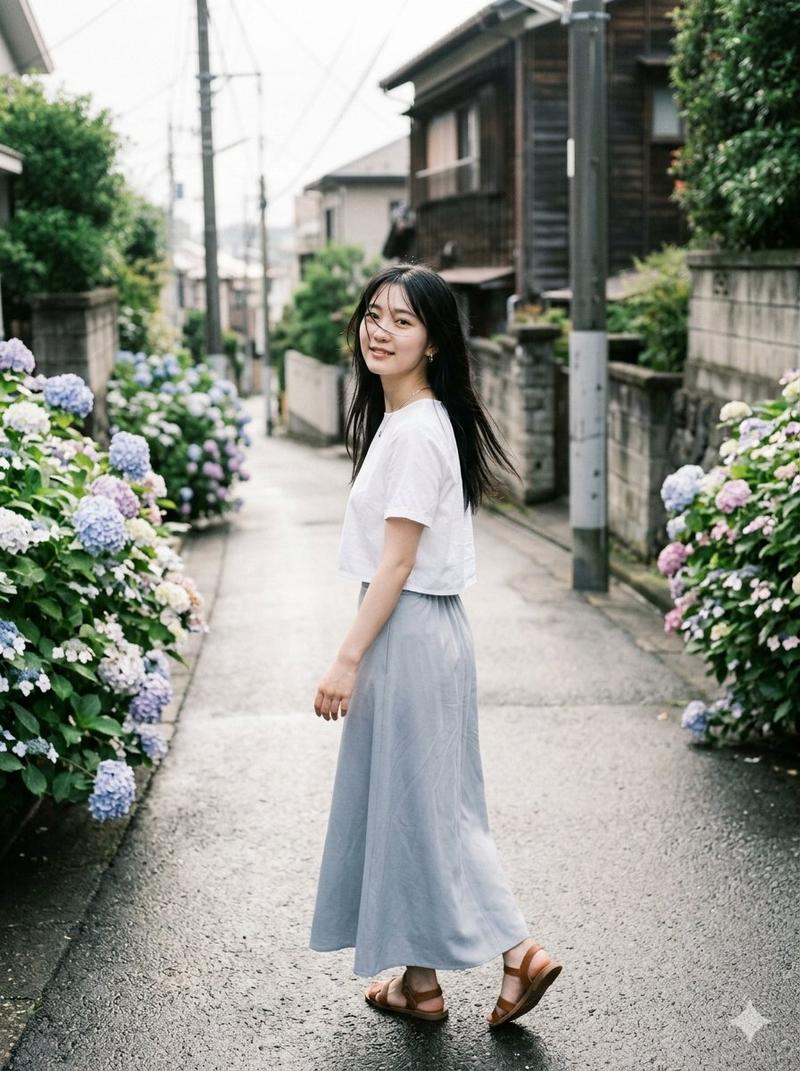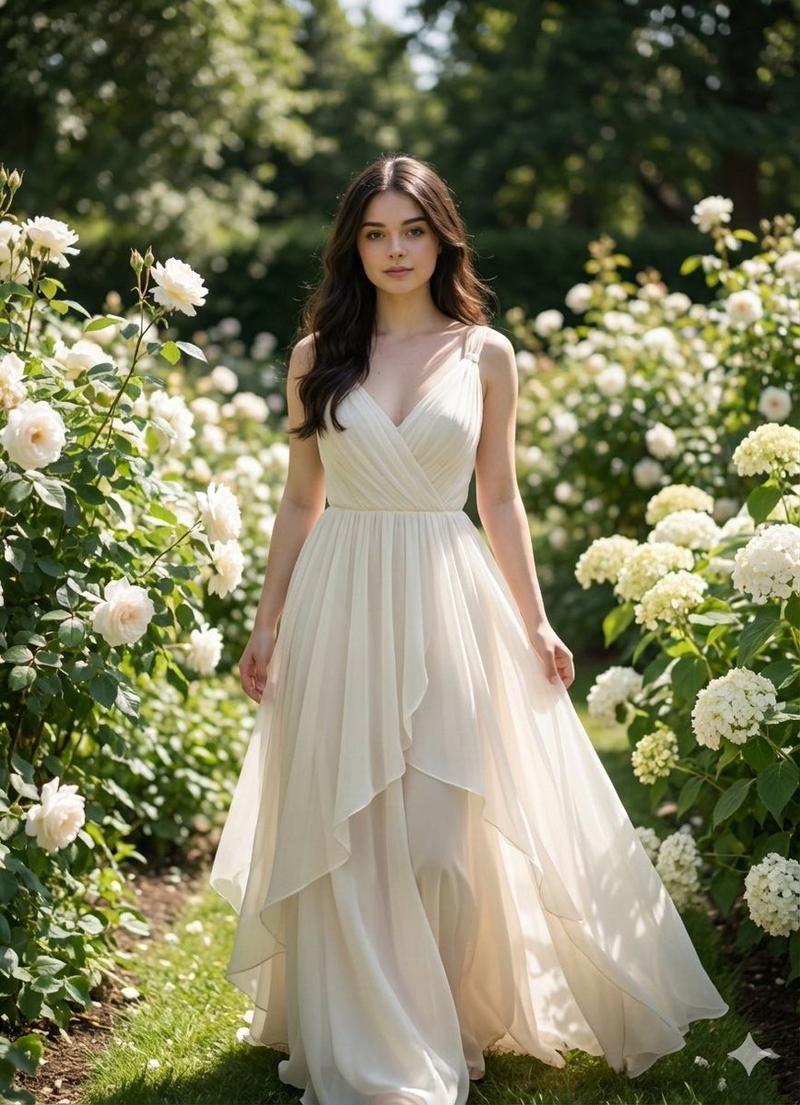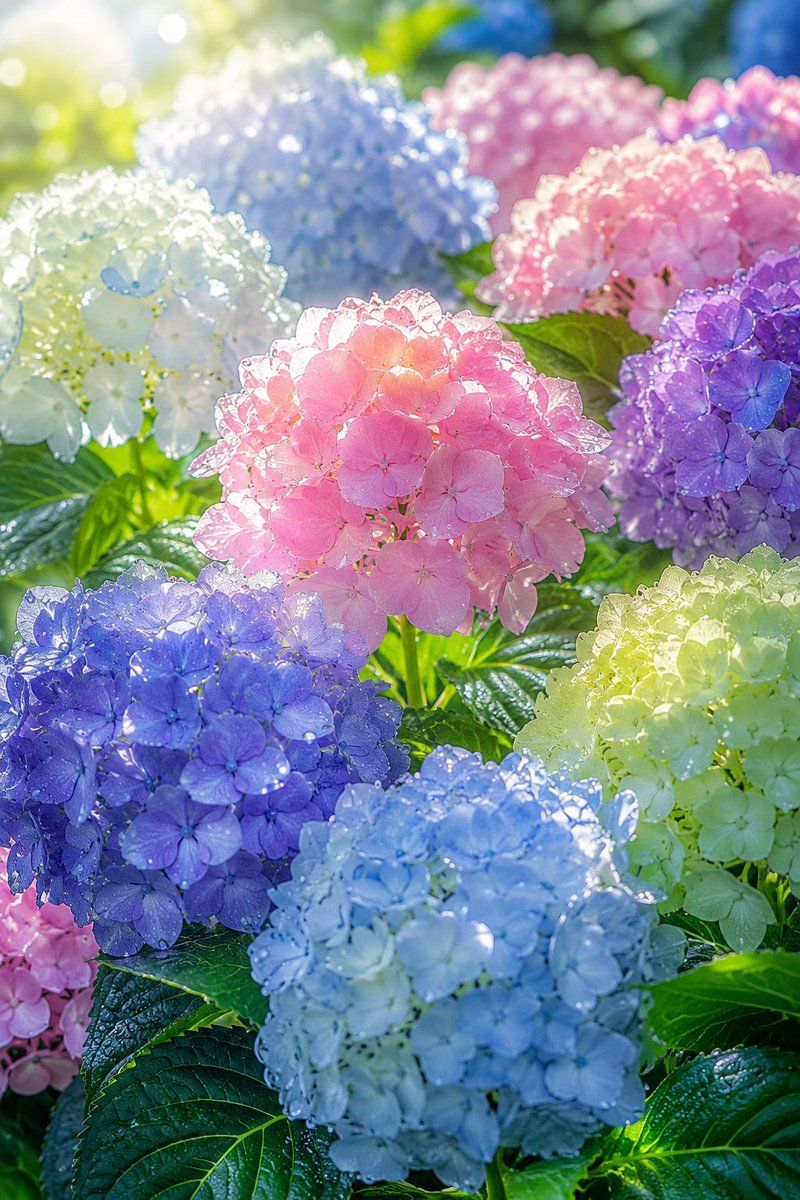
阳光下的露珠绣球花园
Prompt
Create a luminous vertical close-up photograph of a summer hydrangea garden, filled edge to edge with exactly 11 visible hydrangea flower clusters: 1 large translucent pink cluster in the center foreground, 1 deep blue-purple cluster in the lower left foreground, 1 pale icy blue cluster in the lower center foreground, 1 pale lime-white cluster at the lower right, 1 violet-purple cluster at mid right, 1 soft pink cluster at upper right, 1 larger rose-pink cluster in the upper middle background, 1 misty periwinkle-blue cluster in the upper center-left background, 1 white-to-pale-green cluster at upper left, 1 small partial pink cluster peeking from the bottom left edge, and 1 blurred blue cluster near the top right background. Use {argument name="main flower" default="hydrangeas"} as the subject, with {argument name="color palette" default="pastel pink, translucent blue, violet purple, pale lime, and white"}. The petals should look glassy and semi-transparent as sunlight passes through them, sparkling with many tiny dew or rain droplets on every blossom and glossy green leaf. Shoot from a low macro garden perspective with shallow depth of field, creamy bokeh, bright backlighting from the upper left, soft lens flare, and a fresh post-rain summer morning atmosphere. Emphasize realistic botanical detail, serrated wet leaves, round hydrangea mophead forms made of many small four-petal flowers, high-key natural light, airy highlights, and a dreamy photorealistic style. No people, no insects, no text, no vase, no artificial objects; keep the scene natural, lush, and immersive.- Category
- Charts & Infographics
- Model
- GPT Image 2
- Creator
- Kollab_AI
- Source ID
- 22624
- Published
- May 25, 2026
Views5