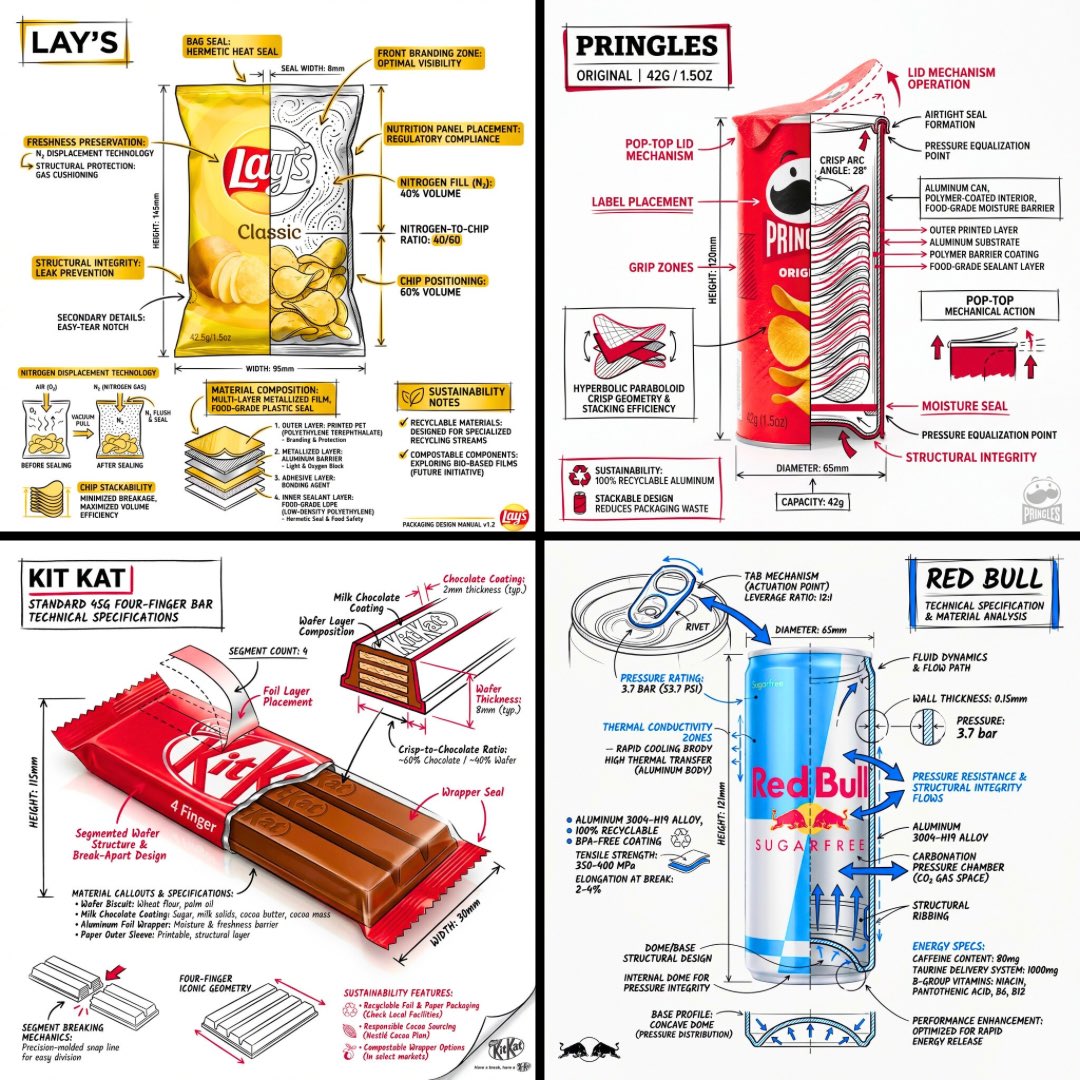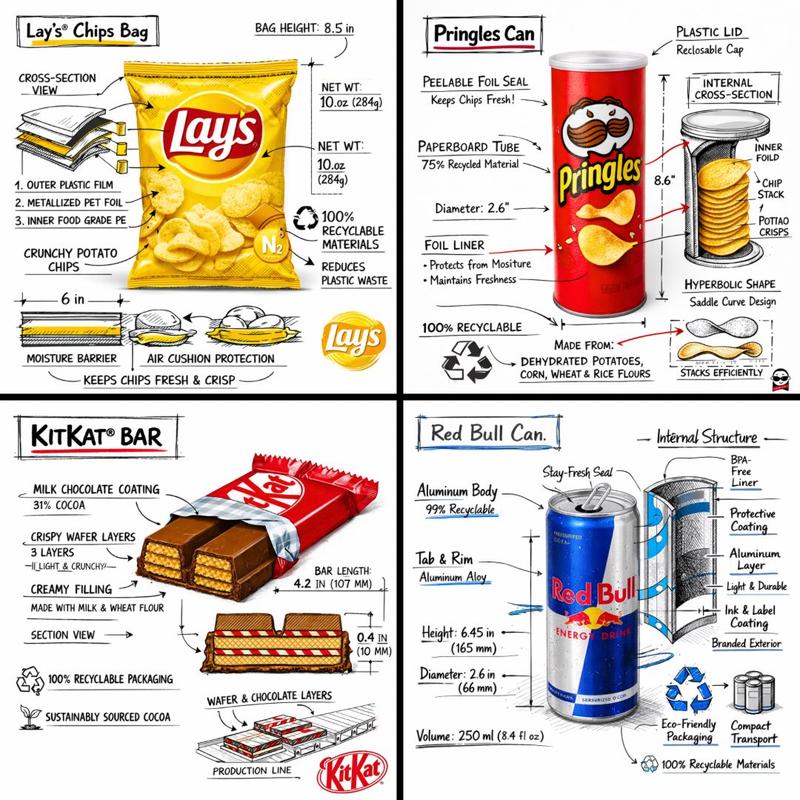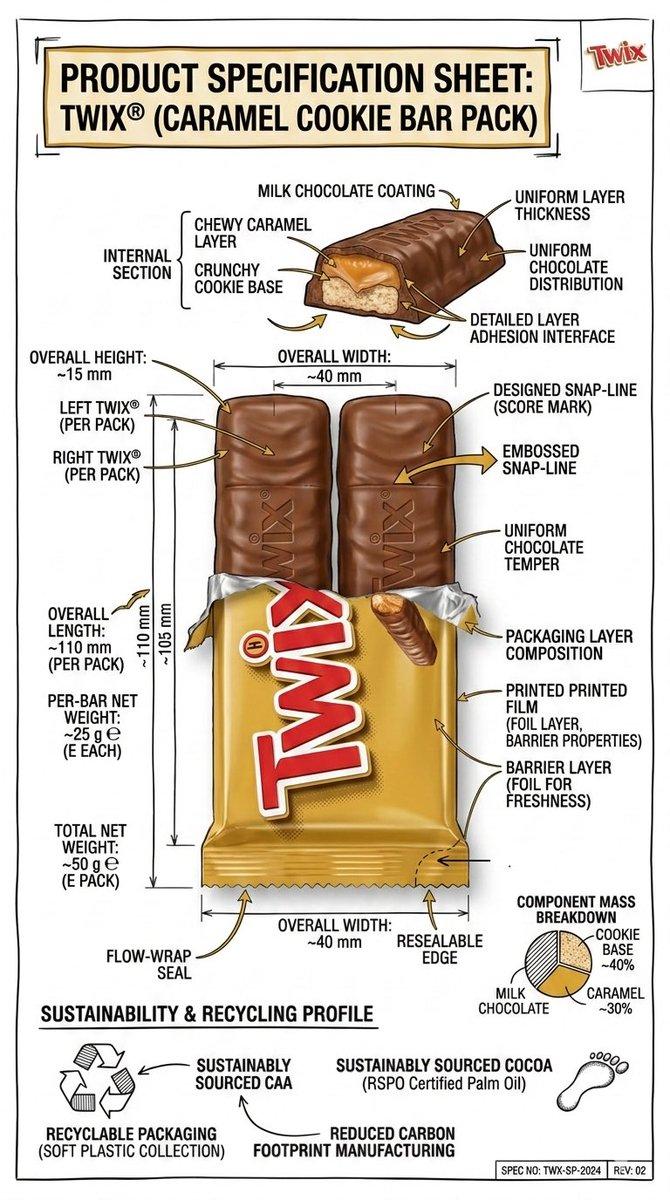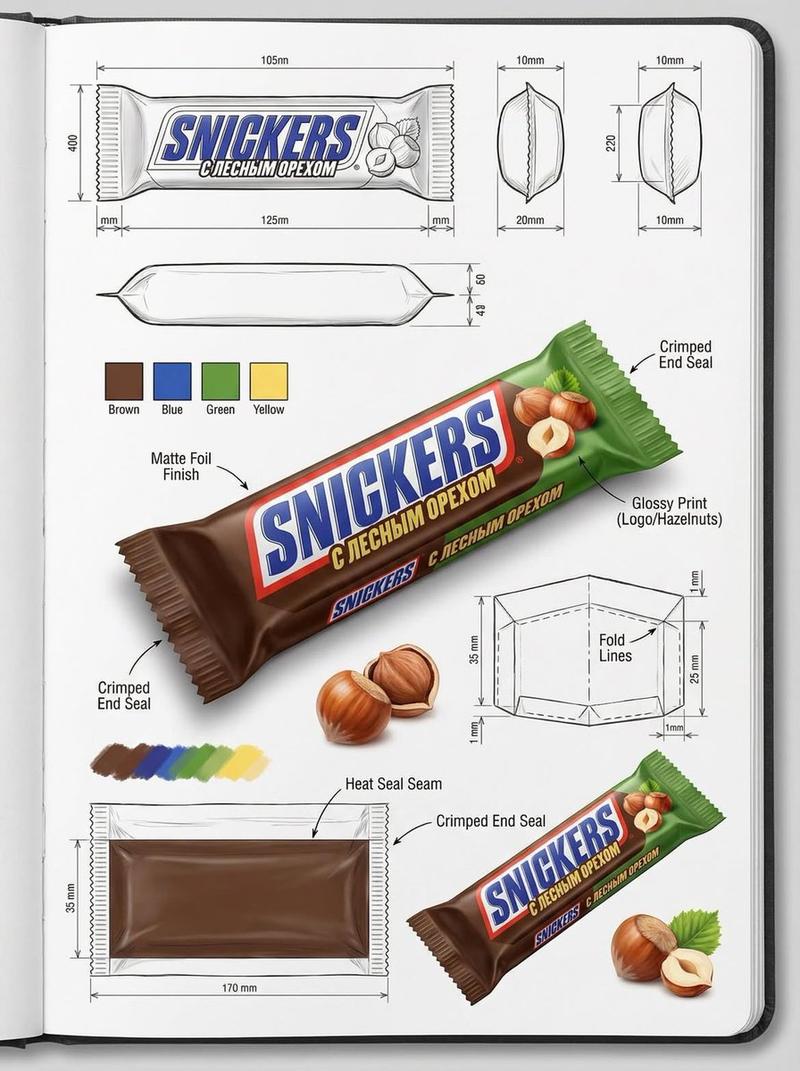
技术工程产品信息图
Prompt
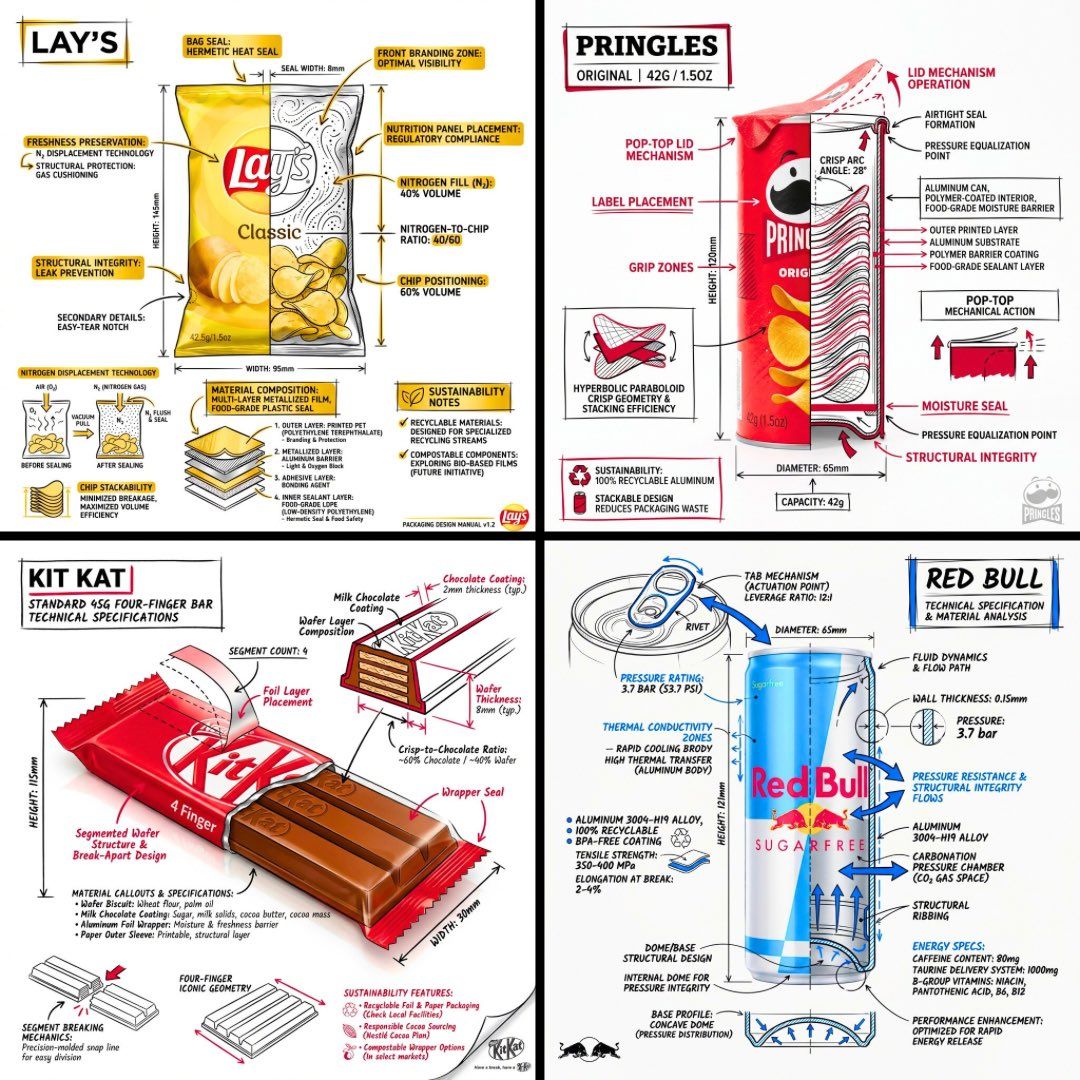
Design a branded technical infographic of a {argument name="subject" default="[SNACK]"} that overlays architectural-style annotations onto a realistic product photograph or photoreal render. Place everything on a pure white studio background, with black ink linework as the primary technical language and strategic {argument name="brand color" default="[BRAND COLOR]"} accents (engineer-sketch energy on premium packaging).

Layer the following annotations on top of the product:
• Labels calling out every key component
• An internal cross-section that reveals layering, structure, or internal design
• Dimensions, measurements, and product specifications
• Material callouts listing composition and quantities
• Arrows pointing to primary features and structural details
• A small schematic or sectional diagram showing mechanical / design logic
• Sustainability callouts
Set the product name in bold font inside a hand-drawn annotation box with an accent-color border, anchored in an upper corner as the title.

Style and layout rules:
• Keep the realistic product fully visible underneath all the linework
• Annotations should read as sketched, technical, and architectural
• About 70-80% black linework for primary technical lines, 20-30% {argument name="accent color" default="[BRAND COLOR]"} for accent highlights
• Balanced composition with generous negative space
• Educational food-engineering tone with premium brand polish
• Drop a subtle brand logo mark in one corner

Visual style: minimal technical-illustration aesthetic, black linework with accent color over realistic imagery, precise but with a slightly hand-drawn feel.
Color palette: white background, black annotation lines and text, [BRAND COLOR] reserved for accents and key callouts only.
Output: 1080×1080, ultra-crisp, optimized for social feeds, no watermark.- Category
- Charts & Infographics
- Model
- GPT Image 2
- Creator
- PromptLab
- Source ID
- 22735
- Published
- May 26, 2026
Views3