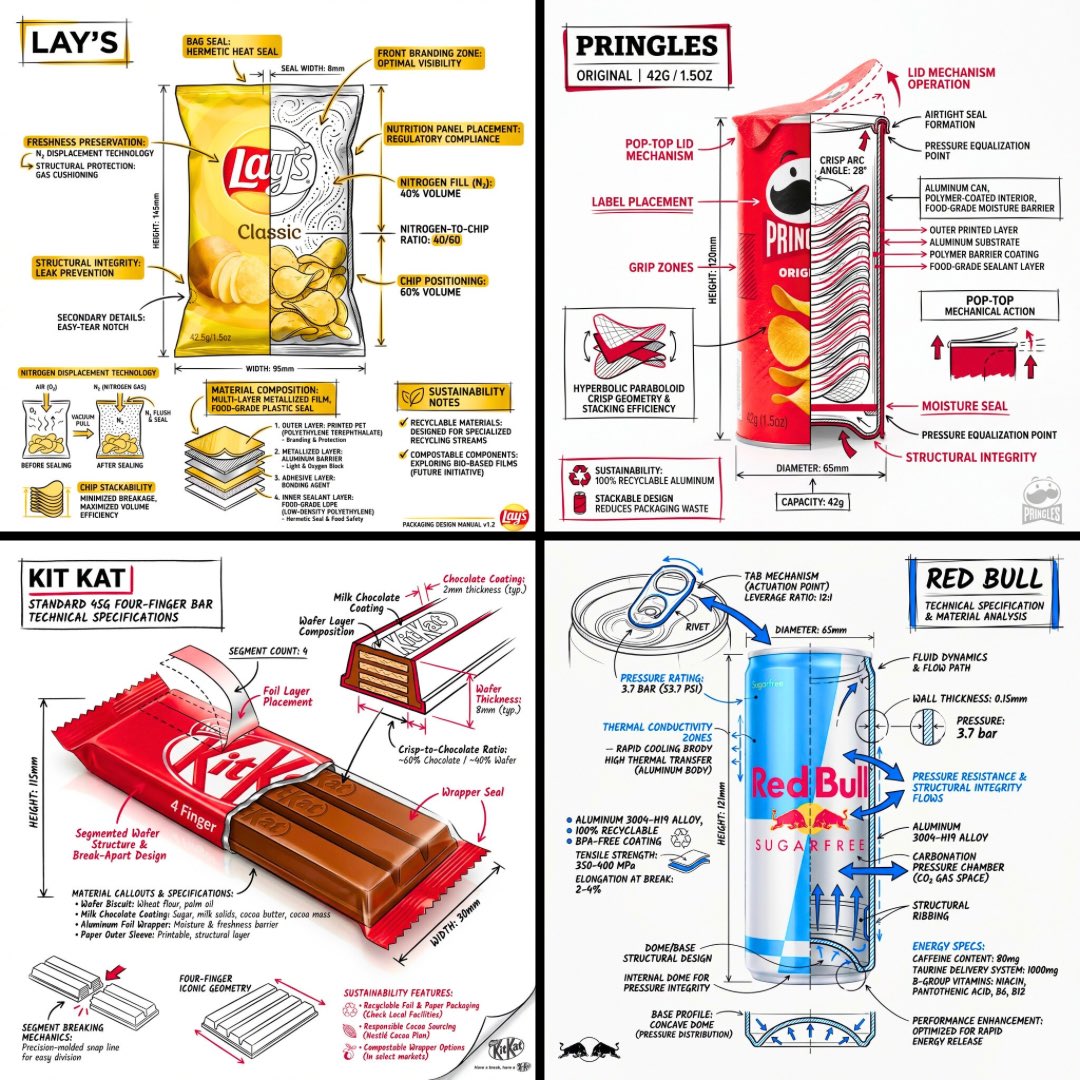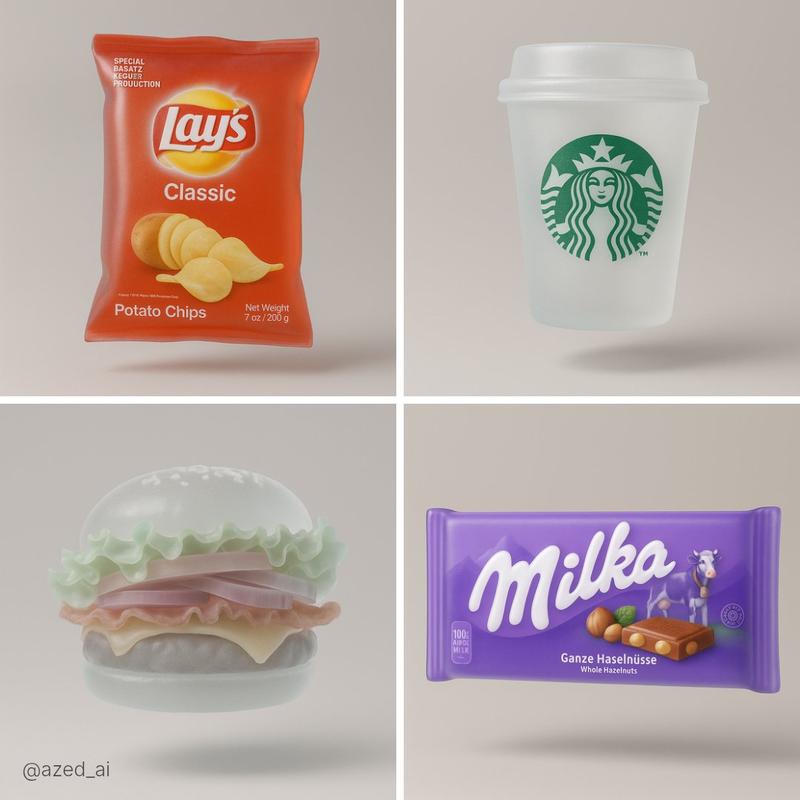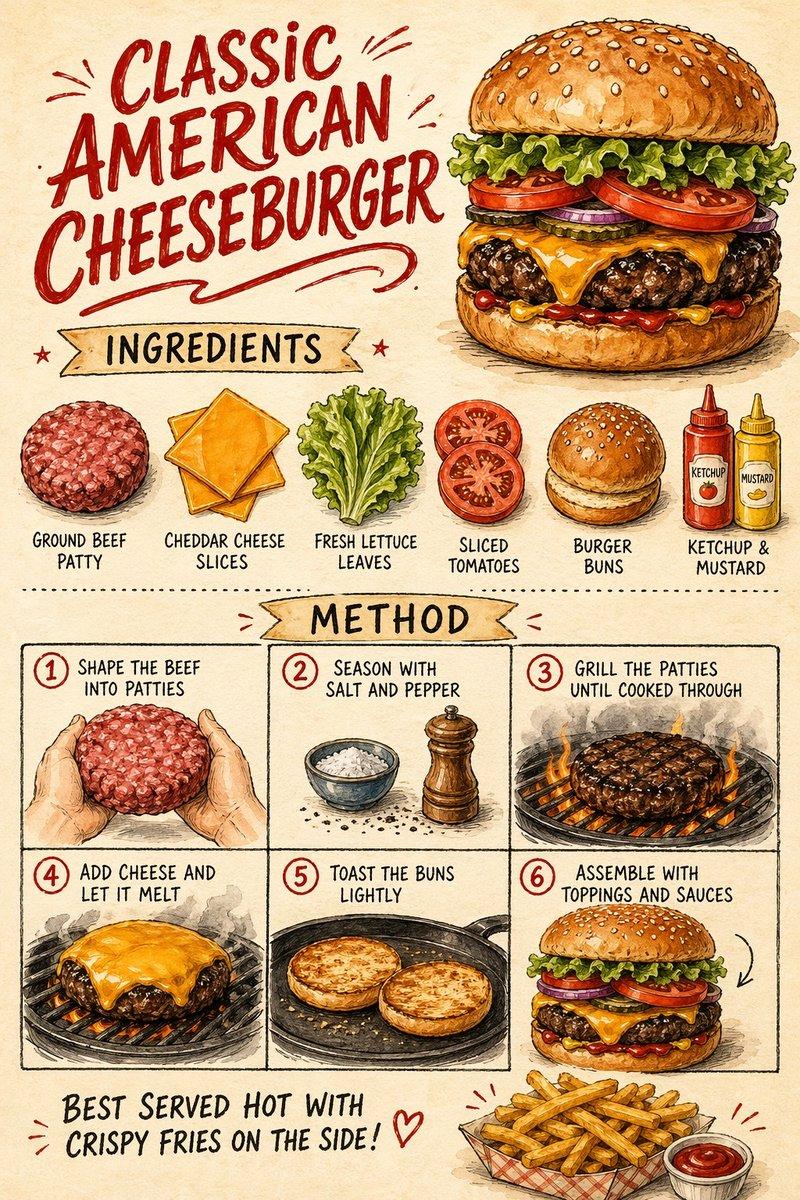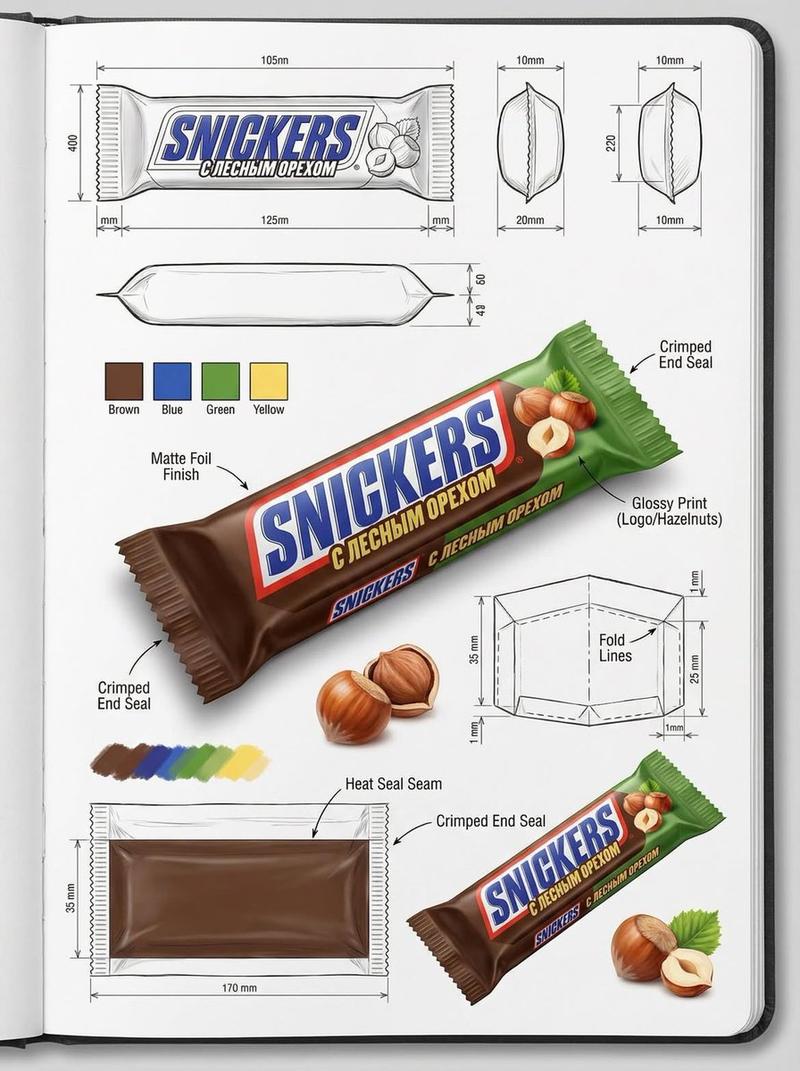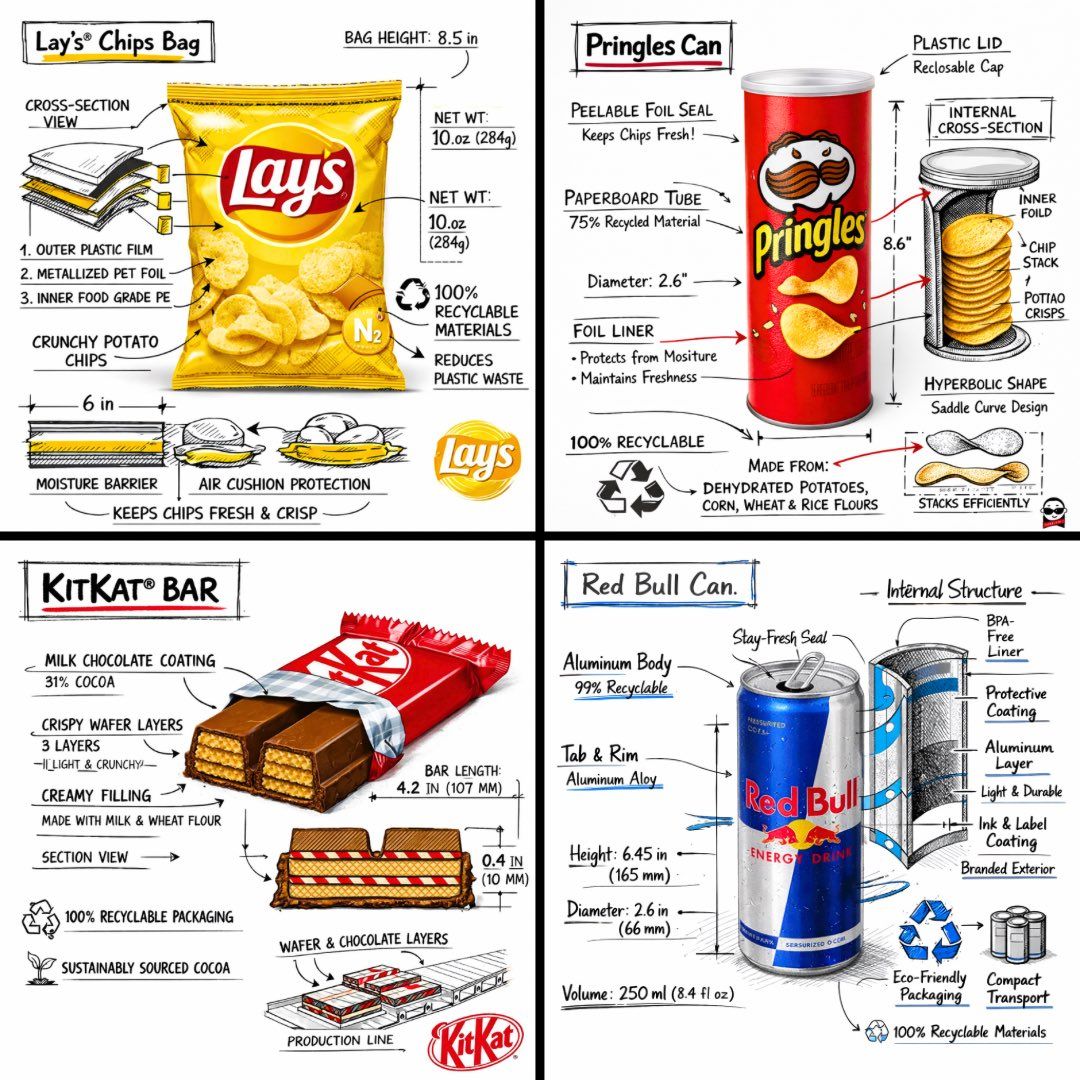
零食品牌技术分解图
Prompt
[中文] 创建一个 [SNACK] 的品牌技术信息图,结合产品的真实照片或照片级真实渲染,并将技术注释覆盖层直接置于其上。在纯白摄影棚背景上使用带有策略性 [BRAND COLOR] 点缀的黑色墨水风格线条画(建筑草图外观),包括: • 关键组件标签 • 显示结构、分层或内部设计的内部截面图 • 测量数据、尺寸和规格 • 带有成分和数量的材料标注 • 指示主要功能和结构完整性的箭头 • 显示关键机械或设计元素的简单示意图或剖面图 • 可持续性标注 标题位置:位于手绘技术注释框内,带有强调色边框,粗体字显示产品名称,置于上角。 风格与布局规则: • 真实产品保持清晰可见 • 注释具有素描感、技术感和建筑感 • 强调色用于高光(占线条工作的 20-30%),黑色用于主要技术线条(70-80%) • 构图整洁,负空间平衡 • 具有教育意义、食品工程氛围和高端品牌感 • 在角落包含微妙的品牌标志 视觉风格:极简技术插画美学,黑色线条在真实图像上带有点缀,精确但略带手绘感。 调色板:白色背景,黑色注释线/文本,[BRAND COLOR] 仅用于点缀和关键标注。 输出:1080×1080,超清晰,社交媒体动态优化,无水印。 [English] Create a branded technical infographic of a [SNACK], combining a realistic photograph or photoreal render of the product with technical annotation overlays placed directly on top. Use black ink–style line drawings with strategic [BRAND COLOR] accents (architectural sketch look) on a pure white studio background, including: • Key component labels • Internal cross-section showing structure, layering, or internal design • Measurements, dimensions, and specifications • Material callouts with composition and quantities • Arrows indicating function for primary features and structural integrity • Simple schematic or sectional diagram showing key mechanical or design elements • Sustainability callouts Title placement: Inside a hand-drawn technical annotation box with accent border reading the product name in bold font, positioned in upper corner. Style & layout rules: • The realistic product remains clearly visible • Annotations feel sketched, technical, and architectural • Accents used for highlight (20-30% of linework), black for primary technical lines (70-80%) • Clean composition with balanced negative space • Educational, food-engineering vibe with premium branding • Include subtle brand logo mark in corner Visual style: Minimal technical illustration aesthetic, black linework with accents over realistic imagery, precise but slightly hand-drawn feel. Color palette: White background, black annotation lines/text, [BRAND COLOR] for accents and key callouts only. Output: 1080×1080, ultra-crisp, social-feed optimized, no watermark.
- Category
- Brand & Logos
- Model
- GPT Image 2
- Creator
- freestylefly
- Source ID
- 310
Views3