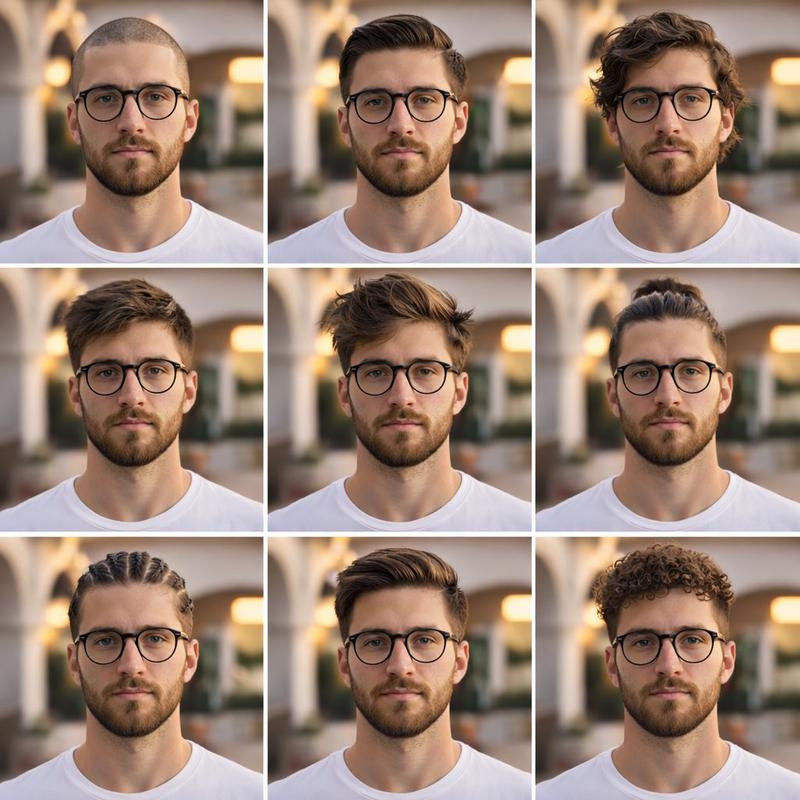
四款发型对比网格图
Prompt
Create a realistic 2x2 comparison grid showing the same adult man with four different haircut options, intended as a “which haircut fits him best?” visual. Canvas: square image with four equal rectangular photo panels separated by thick clean white gutters and a thin white outer margin. Each panel shows the man from mid-torso upward, centered, facing camera, wearing the same medium-blue denim button-up shirt with an open collar and chest pocket. His face must be anonymized with a smooth vertical rectangular blur/mosaic patch in warm beige tones, covering all facial features but leaving ears, jawline, neck, and hair visible. Background in every panel is the same softly blurred, bright modern living room: white built-in bookshelves with books and decor, a dark TV on the left shelf area, green houseplants, a beige sofa with cushions on the right, warm wooden floor, and a large round paper pendant lamp near the upper center. Lighting is natural daylight, warm and realistic, shallow depth of field, DSLR portrait quality.

Layout and haircut count: show exactly 4 haircut variations, one per panel. Top-left: medium-length wavy dark brown hair, voluminous and swept back with loose texture. Top-right: short spiky textured crop, close sides, dark brown hair. Bottom-left: slicked-back undercut or taper, neat side volume, glossy combed-back top. Bottom-right: very short buzz cut, evenly cropped close to the scalp. Keep the same pose, shirt, body proportions, room, camera distance, and color grading across all four panels so only the hairstyle changes. No text, no labels, no logos, no watermark.
- Category
- Posters & Typography
- Model
- GPT Image 2
- Creator
- AI Image.app
- Source ID
- 22752
- Published
- May 26, 2026
Views7