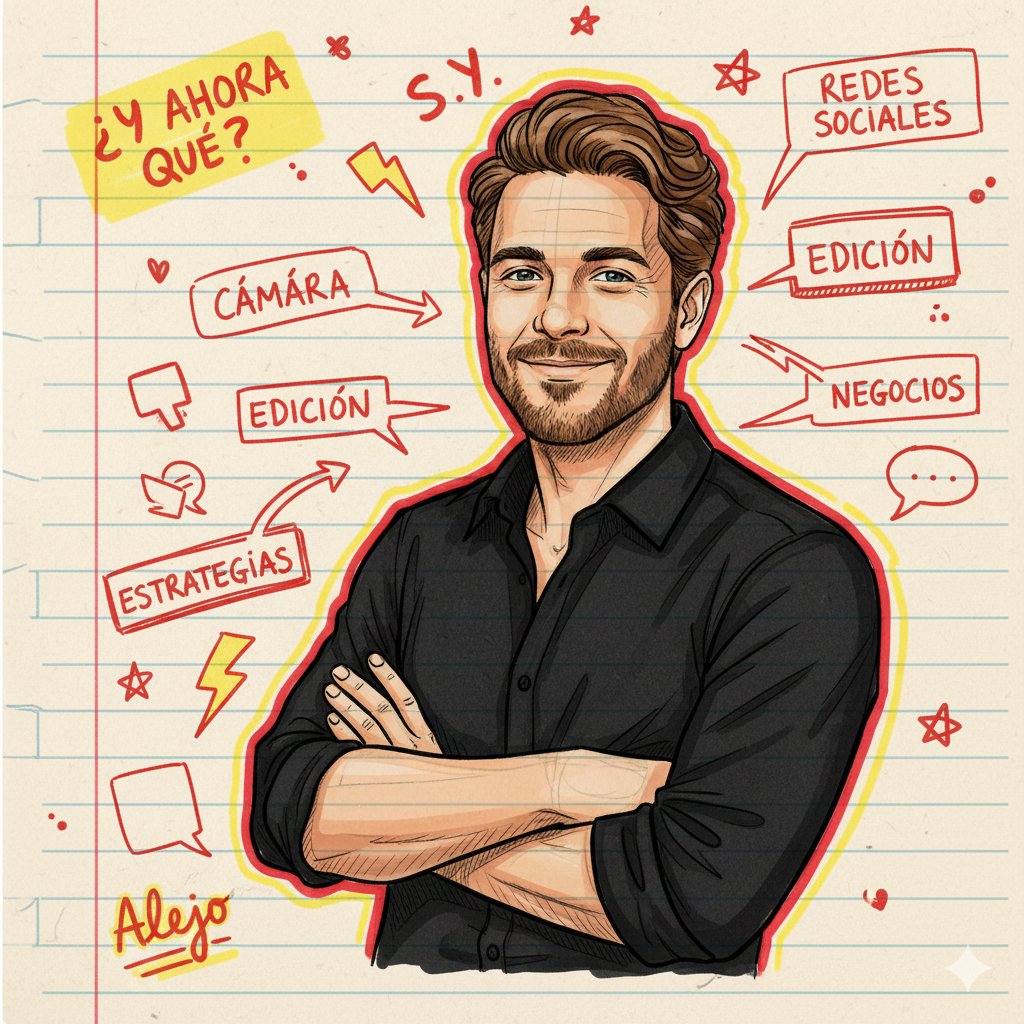
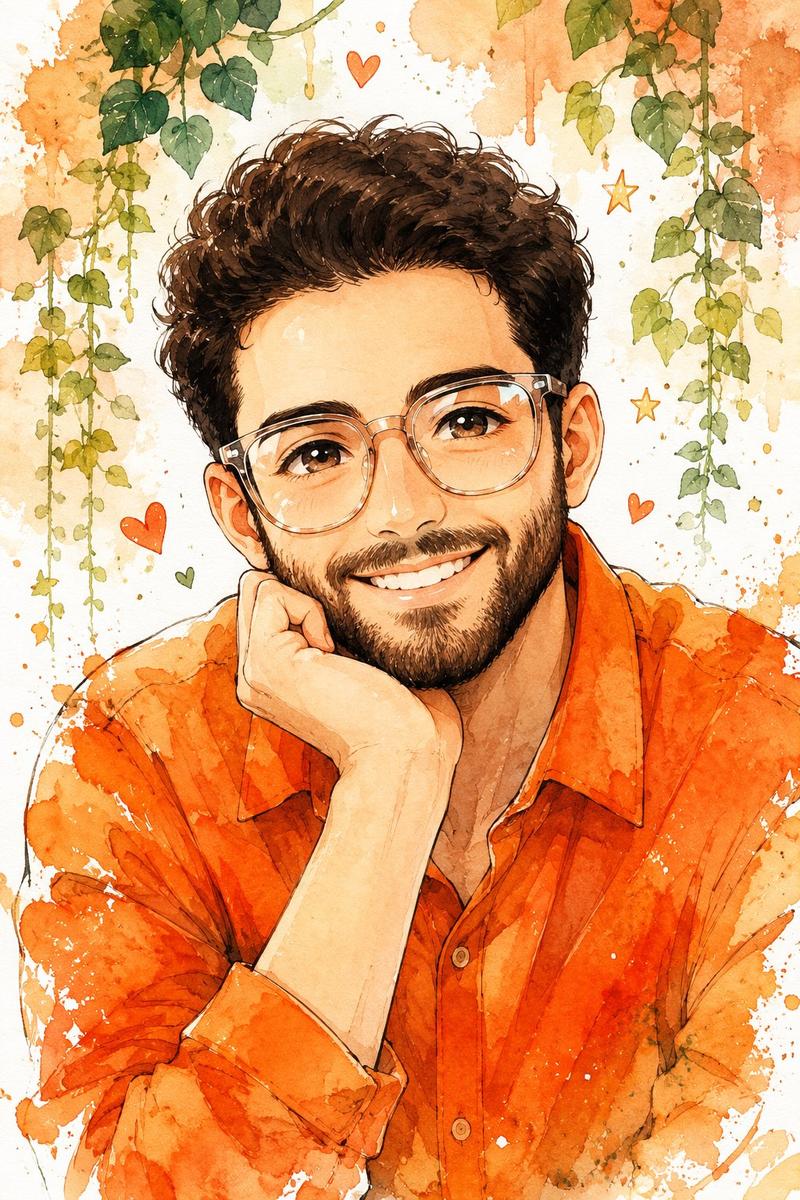
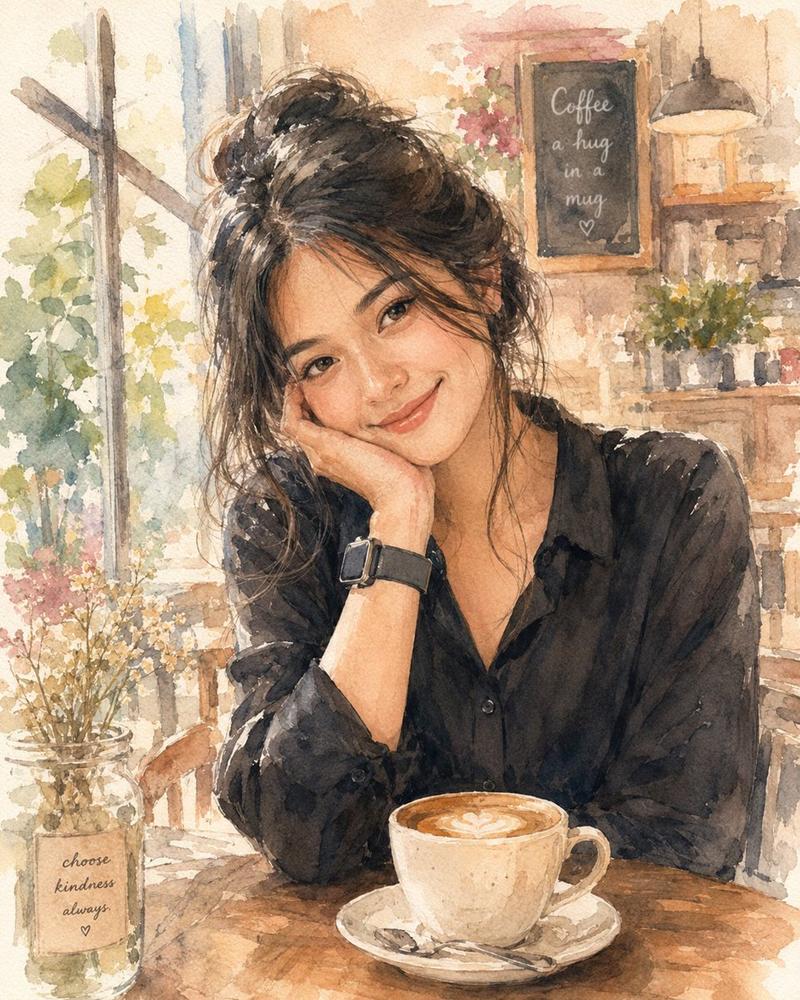
吉卜力与动漫风格照片转换
Prompt
将此肖像转换为 {argument name="anime style" default="吉卜力工作室动画风格"}。使用 {argument name="color palette" default="柔和色调"}、手绘线条以及温暖的背景。- Category
- Photography & Realism
- Model
- GPT Image 2
- Source ID
- 20040
- Published
- May 13, 2026
Views2
20

将此肖像转换为 {argument name="anime style" default="吉卜力工作室动画风格"}。使用 {argument name="color palette" default="柔和色调"}、手绘线条以及温暖的背景。Guide
"吉卜力与动漫风格照片转换" AI image prompt for GPT Image 2 (Photography & Realism). 一套适用于 GPT Image 2.0 的风格化提示词,可将个人肖像转换为吉卜力工作室风格动画、现代动漫、水彩画或印象派油画。 Copy it on Picva and re…
The full copyable prompt and example visuals above are ready for AI image generation or one-click recreate in Picva.
Step 1
Review the example visuals, category, and full prompt text for "吉卜力与动漫风格照片转换".
Step 2
Copy the prompt body from this page, or load it directly in Studio.
Step 3
Prefer GPT Image 2. If you switch models, keep subject and composition and tweak style terms.
Step 4
Recreate the look in Picva, or export into your workflow for editing and publishing.