19

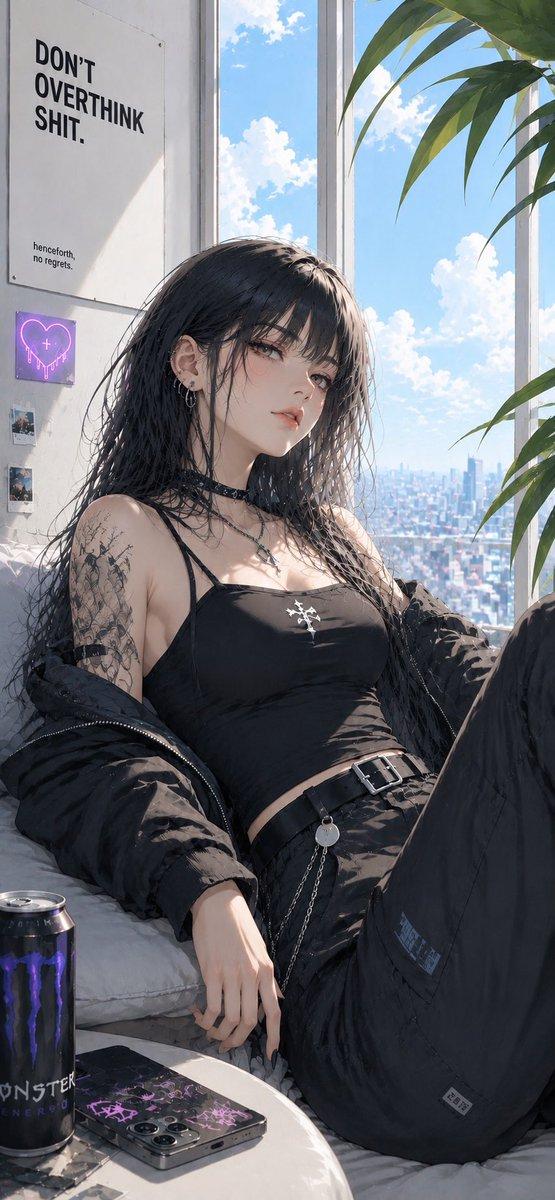
清晨背光沙发动漫场景
Enlarge

清晨背光沙发动漫场景

Prompt
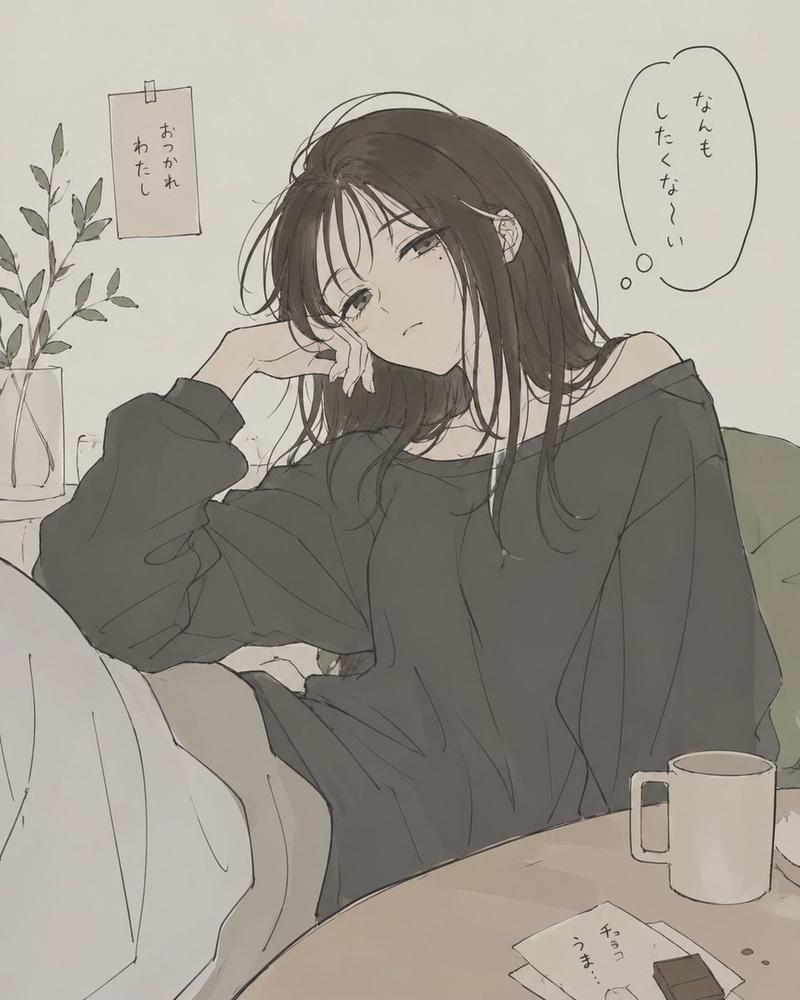
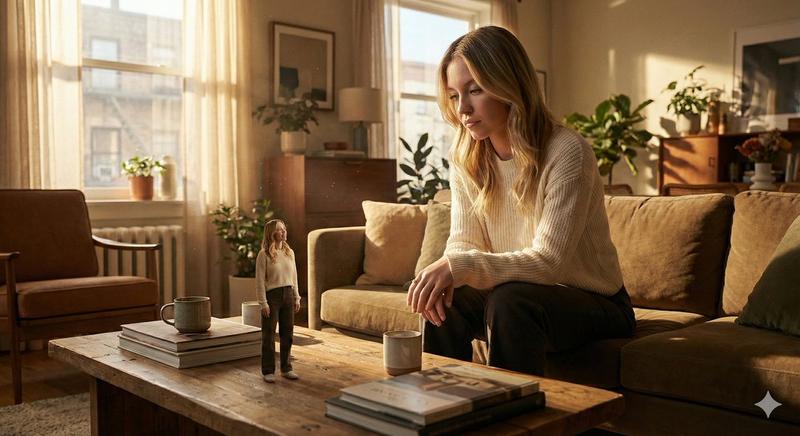
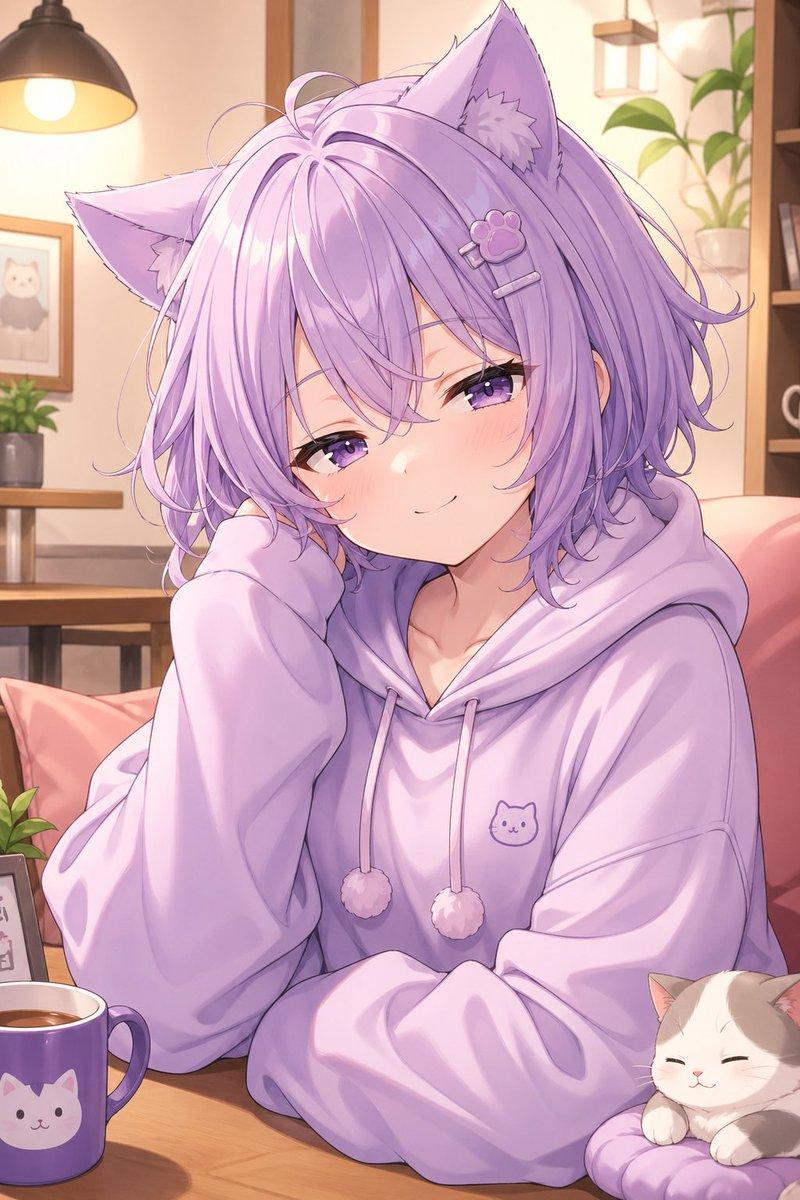
Using REFERENCE_0 as the character, cat, and soft anime illustration style base, create a different composition: change the canvas to a horizontal living-room scene where the girl sits curled up on the sofa with her knees hugged close, turned slightly toward a large bright window. Keep the relaxed white loungewear mood and the orange tabby cat, but make the cat smaller and sleeping beside her on the sofa. Emphasize {argument name="morning atmosphere" default="dazzling sunrise backlight and a fresh,爽やかな morning feeling"}: strong warm sunlight flooding in from the right, soft overexposure near the window, gentle rim light, and airy dust motes. Add sheer white curtains billowing softly in the breeze. Add a calm interior background not present in the reference: exactly 2 visible plant areas, one leafy plant and small potted plant on a rear shelf at left, and one potted plant on a low table at right; also include a framed wall picture, a mug, and stacked books. Keep the image quiet, cozy, pastel, and cinematic, with delicate linework and soft shadows. Avoid adding text or extra characters.
Category
Charts & Infographics
Model
GPT Image 2
Views3
Source ID
22774
Published
May 26, 2026

Guide

About "清晨背光沙发动漫场景"

What is this prompt for?

"清晨背光沙发动漫场景" AI image prompt for GPT Image 2 (Charts & Infographics). 将参考角色和猫咪转化为清新的横向清晨构图,呈现发光的背光效果、飘逸的窗帘以及舒适的客厅环境。 Copy it on Picva and recreate the look in…

The full copyable prompt and example visuals above are ready for AI image generation or one-click recreate in Picva.

How to use this prompt

  1. Step 1

    Open the prompt detail

    Review the example visuals, category, and full prompt text for "清晨背光沙发动漫场景".

  2. Step 2

    Copy the prompt

    Copy the prompt body from this page, or load it directly in Studio.

  3. Step 3

    Pick a model (GPT Image 2)

    Prefer GPT Image 2. If you switch models, keep subject and composition and tweak style terms.

  4. Step 4

    Generate and export

    Recreate the look in Picva, or export into your workflow for editing and publishing.

FAQ

What is the "清晨背光沙发动漫场景" prompt?
It is an AI image-generation prompt for GPT Image 2 in the Charts & Infographics category. This page includes the full prompt text, example visuals, and a one-click recreate path in Picva.
How do I use this prompt to generate an image?
Copy the prompt from this page, or use Generate / Studio. Paste it into a compatible image model, or recreate the look in Picva with optional reference images.
Which model is this prompt for?
This page lists GPT Image 2. Most descriptive prompts also transfer to nearby image models such as GPT Image, Flux, or Midjourney with light style tweaks.
Can I use the result commercially?
You can usually copy the prompt for creation, but commercial use of the final image depends on the model terms, reference-image rights, and the generated content. Follow the source author and platform rules.