20

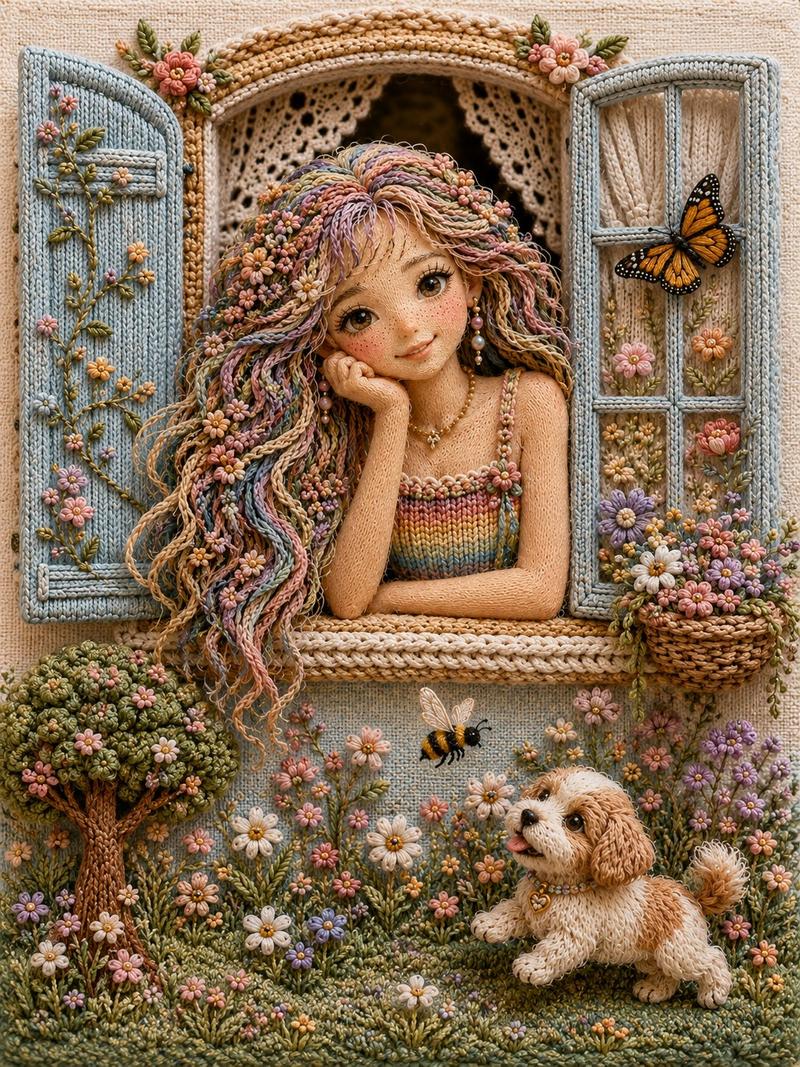
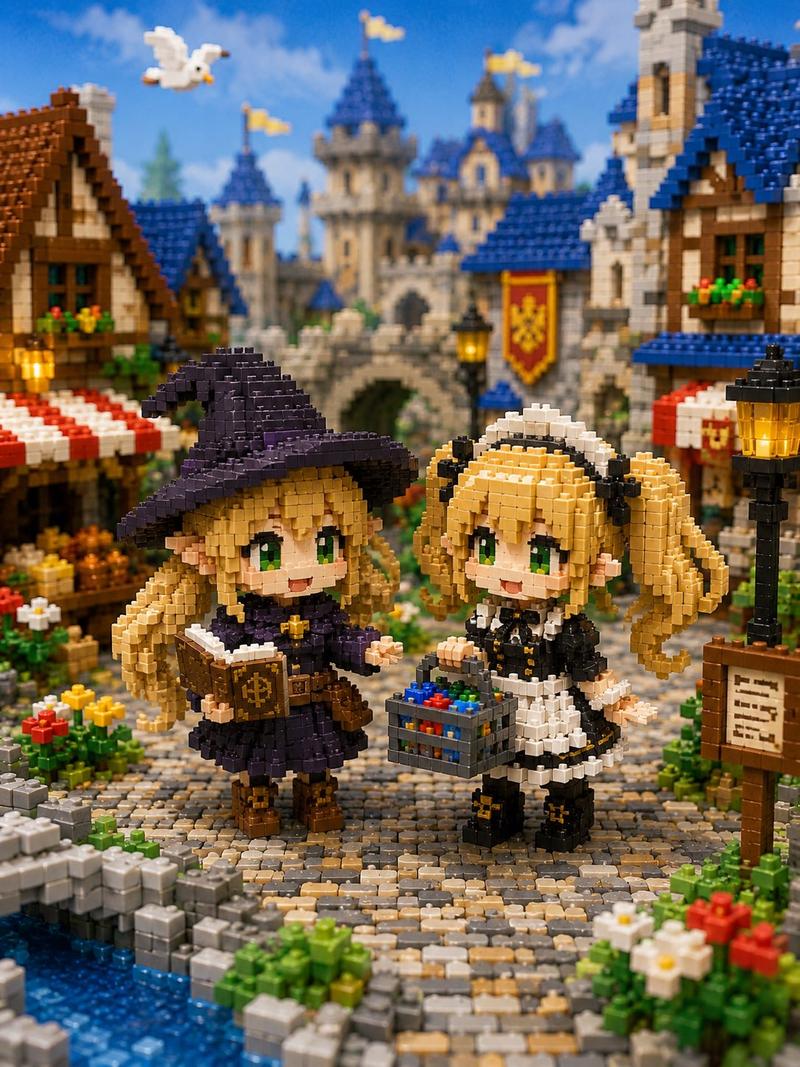
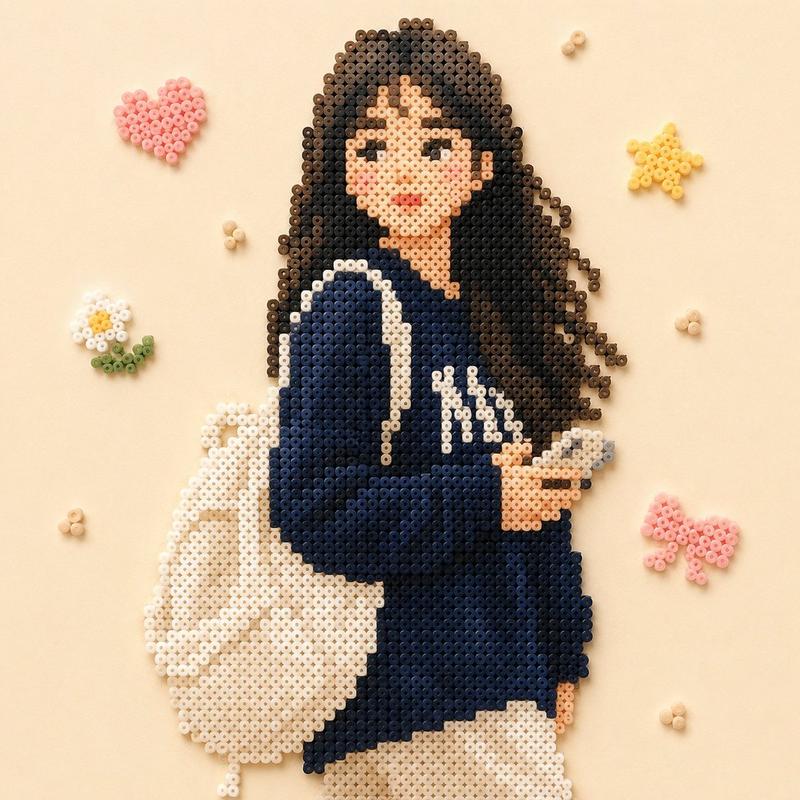
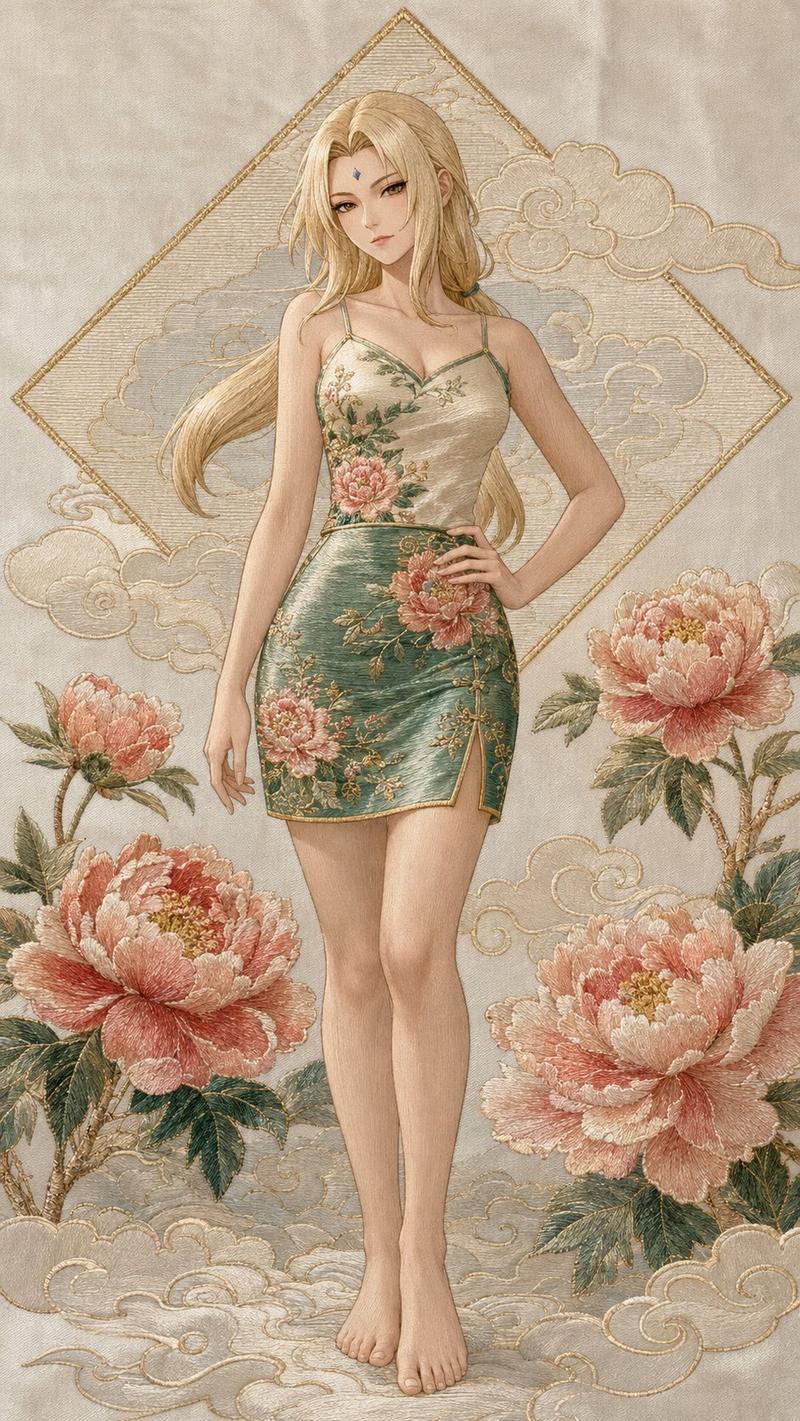
体素定格动画角色
Enlarge

体素定格动画角色

Prompt
Create a highly stylized 3D character portrait with a {argument name="style" default="blocky, geometric voxel-like form"} and a {argument name="texture" default="handcrafted clay / foam micro-particle texture"}, inspired by painterly stop-motion aesthetics. Use the person from the ATTACHED REFERENCE PHOTO. Preserve the person’s identity, facial structure, proportions, skin tone, and key features, but reinterpret them into a cuboid, low-poly caricature form with simplified geometry, squared facial planes, and intentionally rigid structure. Apply a dense tactile surface made of tiny bead-like or felted particles across all visible elements for a handcrafted look. Render against a {argument name="background" default="swirling, painterly, post-impressionist background"} with thick directional strokes and vibrant motion, evoking a dreamlike night-sky energy. Lighting should be soft but directional, with warm highlights and gentle shadow falloff to enhance texture depth without realism. The overall look should feel artistic, whimsical, museum-grade, and handcrafted, not photoreal, not Pixar, not vinyl, not glossy CGI. Ultra-high detail, clean edges, intentional stylization, no text, no logos, no watermarks. Aspect ratio 4:5.
Category
Brand & Logos
Model
GPT Image 2
Creator
SPEEDYAI
Views6
Source ID
22860
Published
May 27, 2026

Guide

About "体素定格动画角色"

What is this prompt for?

"体素定格动画角色" AI image prompt for GPT Image 2 (Brand & Logos). 将参考照片重新诠释为具有手工粘土质感和绘画风格背景的几何体素风格 3D 角色。 Copy it on Picva and recreate the look in one click.

The full copyable prompt and example visuals above are ready for AI image generation or one-click recreate in Picva.

How to use this prompt

  1. Step 1

    Open the prompt detail

    Review the example visuals, category, and full prompt text for "体素定格动画角色".

  2. Step 2

    Copy the prompt

    Copy the prompt body from this page, or load it directly in Studio.

  3. Step 3

    Pick a model (GPT Image 2)

    Prefer GPT Image 2. If you switch models, keep subject and composition and tweak style terms.

  4. Step 4

    Generate and export

    Recreate the look in Picva, or export into your workflow for editing and publishing.

FAQ

What is the "体素定格动画角色" prompt?
It is an AI image-generation prompt for GPT Image 2 in the Brand & Logos category. This page includes the full prompt text, example visuals, and a one-click recreate path in Picva.
How do I use this prompt to generate an image?
Copy the prompt from this page, or use Generate / Studio. Paste it into a compatible image model, or recreate the look in Picva with optional reference images.
Which model is this prompt for?
This page lists GPT Image 2. Most descriptive prompts also transfer to nearby image models such as GPT Image, Flux, or Midjourney with light style tweaks.
Can I use the result commercially?
You can usually copy the prompt for creation, but commercial use of the final image depends on the model terms, reference-image rights, and the generated content. Follow the source author and platform rules.