20

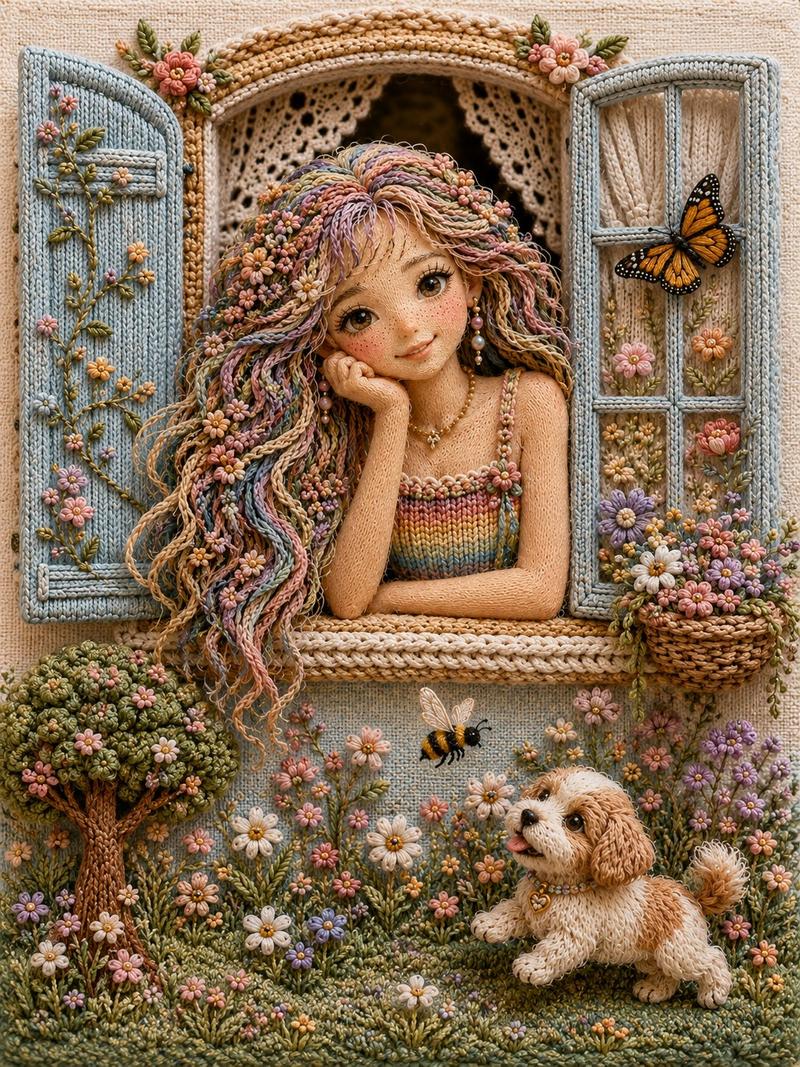
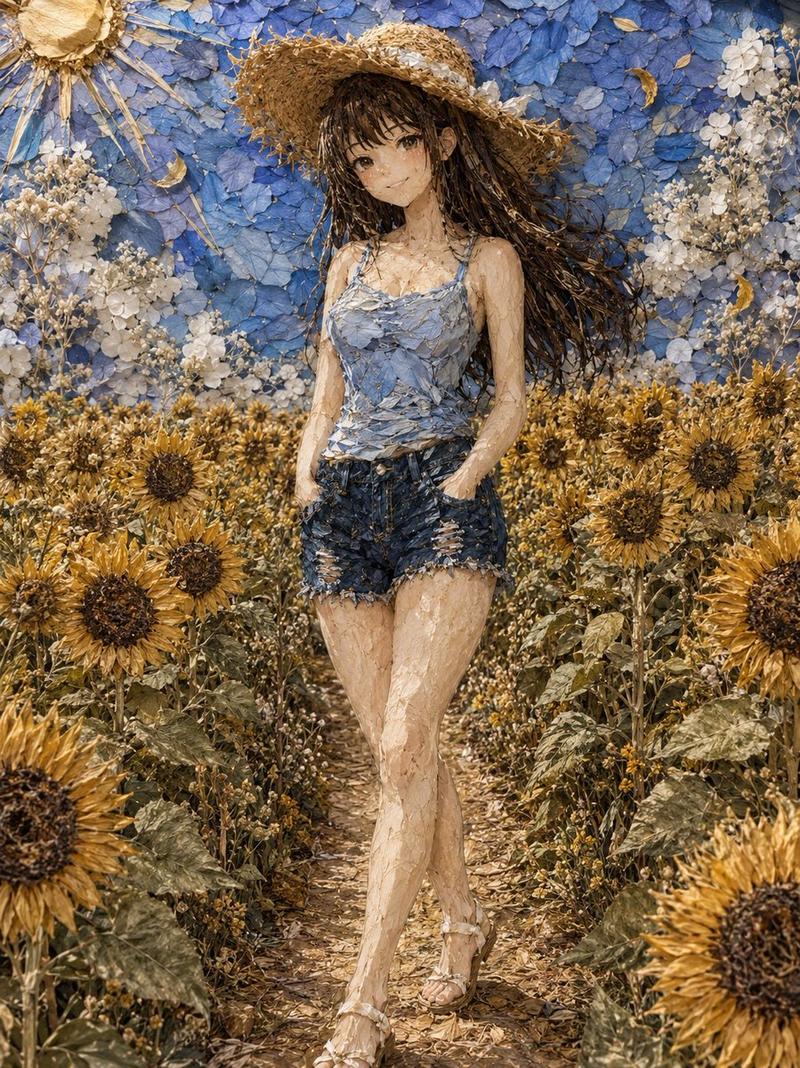
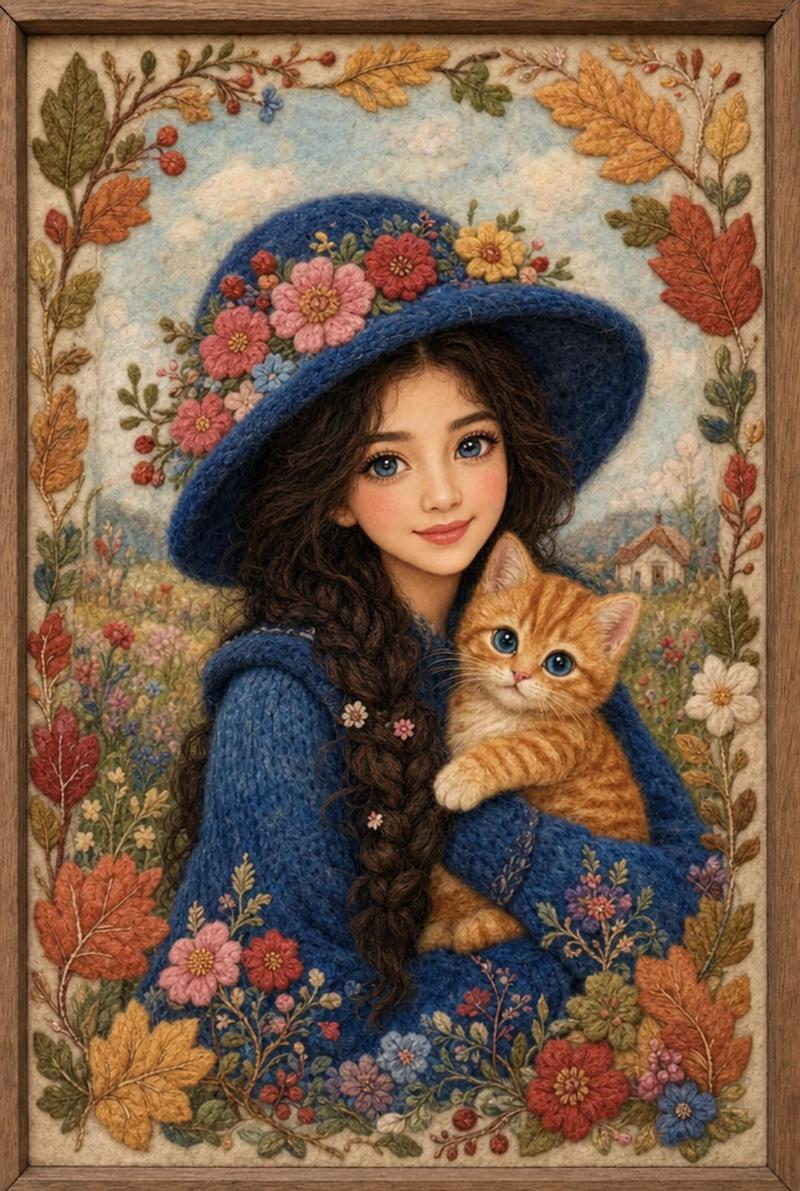
手工刺绣纺织肖像画
Enlarge

手工刺绣纺织肖像画

Prompt
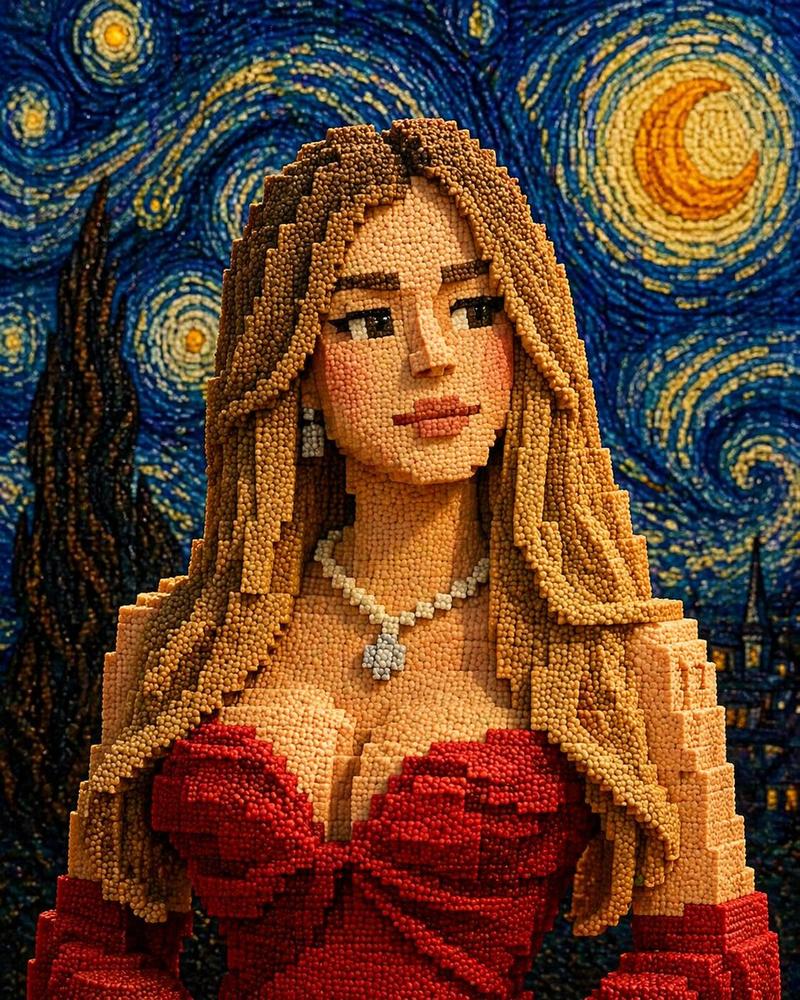
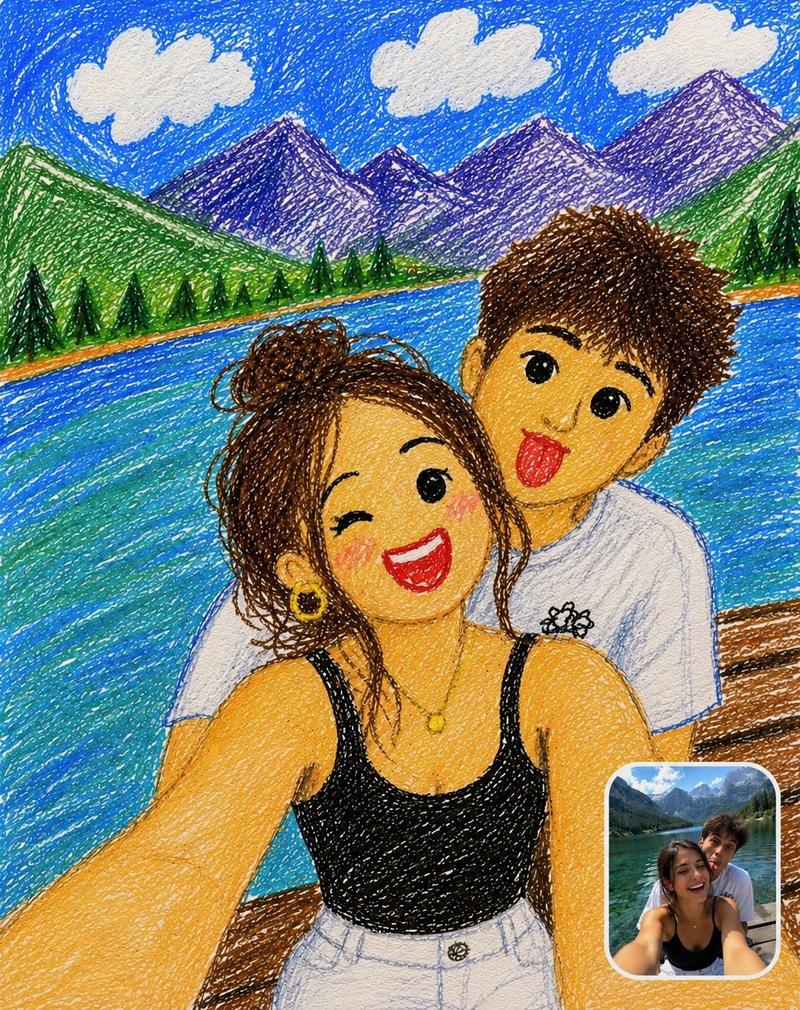
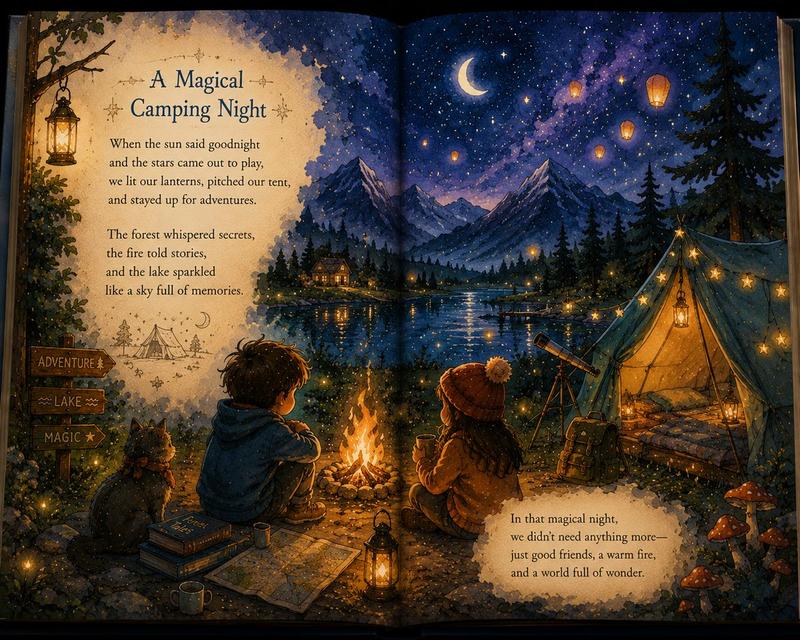
Transform the uploaded image into a highly detailed handcrafted embroidery artwork. IMPORTANT: - Preserve the exact facial identity, facial features, expression, age, skin tone, body proportions, hairstyle, and pose from the original image. - Convert the entire image into {argument name="art medium" default="realistic thread embroidery and stitched textile art"}. - Every element must appear made from {argument name="texture" default="thousands of carefully sewn threads, yarn fibers, embroidery stitches, and textured fabric"}. - Replace all photographic textures with authentic handcrafted embroidery textures. - Maintain the original composition and subject position. STYLE: - Ultra-detailed embroidery thread art - Visible stitch patterns and yarn texture - Handmade needlework appearance - Premium textile craftsmanship - Realistic woven fabric details - Museum-quality embroidery artwork - Rich depth and dimensional stitching - Intricate thread shading and color blending LIGHTING: - Soft cinematic lighting - Natural depth and shadows - High contrast thread details - Professional artwork presentation QUALITY: - Hyper-detailed - Ultra realistic embroidery - 8K masterpiece - Sharp focus - Professional textile art - Highly intricate stitched details. The final image should look like a real {argument name="final look" default="handcrafted embroidered artwork created entirely with colored threads and fabric"}, while perfectly preserving the original person's identity and composition.
Category
Charts & Infographics
Model
GPT Image 2
Views4
Source ID
23183
Published
May 29, 2026

Guide

About "手工刺绣纺织肖像画"

What is this prompt for?

"手工刺绣纺织肖像画" AI image prompt for GPT Image 2 (Charts & Infographics). 将肖像转化为由数千根丝线制成、细节极其丰富的手工刺绣艺术品,同时保留面部特征。 Copy it on Picva and recreate the look in one clic…

The full copyable prompt and example visuals above are ready for AI image generation or one-click recreate in Picva.

How to use this prompt

  1. Step 1

    Open the prompt detail

    Review the example visuals, category, and full prompt text for "手工刺绣纺织肖像画".

  2. Step 2

    Copy the prompt

    Copy the prompt body from this page, or load it directly in Studio.

  3. Step 3

    Pick a model (GPT Image 2)

    Prefer GPT Image 2. If you switch models, keep subject and composition and tweak style terms.

  4. Step 4

    Generate and export

    Recreate the look in Picva, or export into your workflow for editing and publishing.

FAQ

What is the "手工刺绣纺织肖像画" prompt?
It is an AI image-generation prompt for GPT Image 2 in the Charts & Infographics category. This page includes the full prompt text, example visuals, and a one-click recreate path in Picva.
How do I use this prompt to generate an image?
Copy the prompt from this page, or use Generate / Studio. Paste it into a compatible image model, or recreate the look in Picva with optional reference images.
Which model is this prompt for?
This page lists GPT Image 2. Most descriptive prompts also transfer to nearby image models such as GPT Image, Flux, or Midjourney with light style tweaks.
Can I use the result commercially?
You can usually copy the prompt for creation, but commercial use of the final image depends on the model terms, reference-image rights, and the generated content. Follow the source author and platform rules.