19

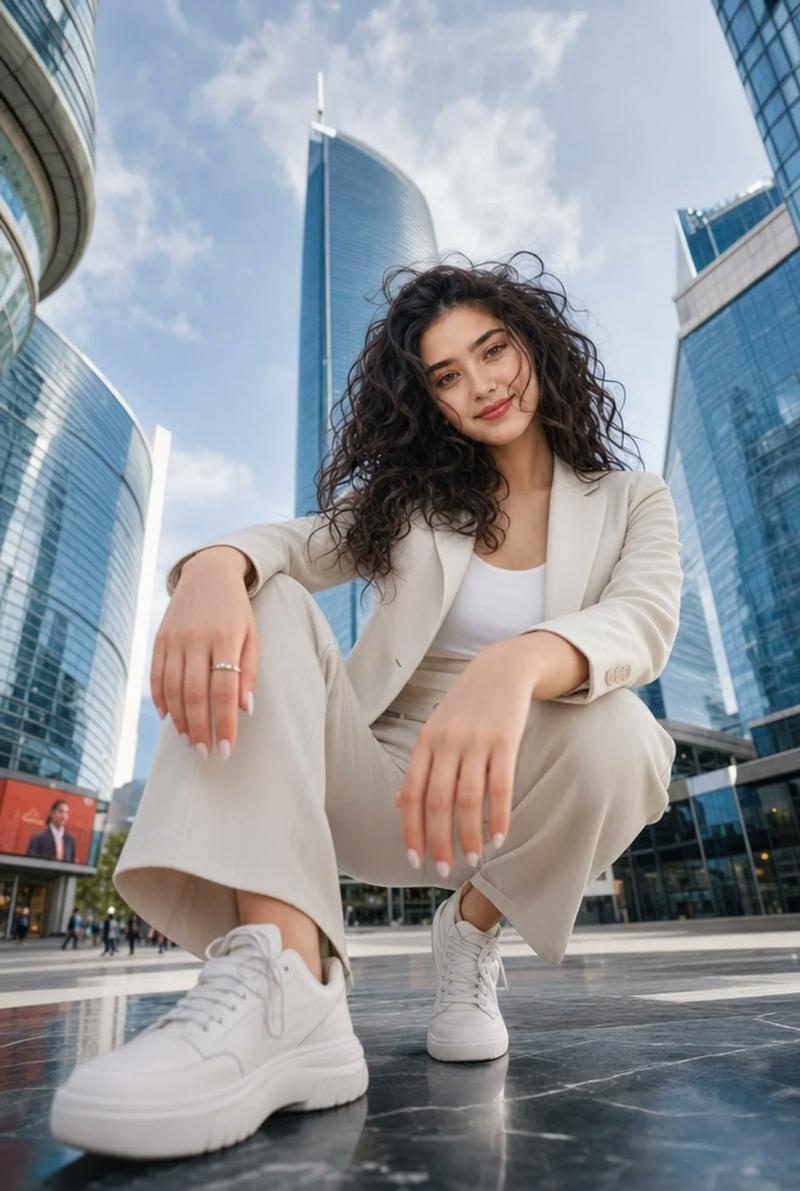
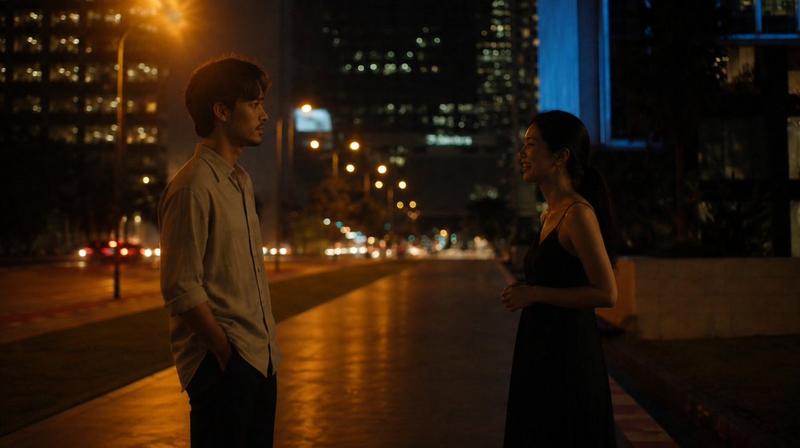
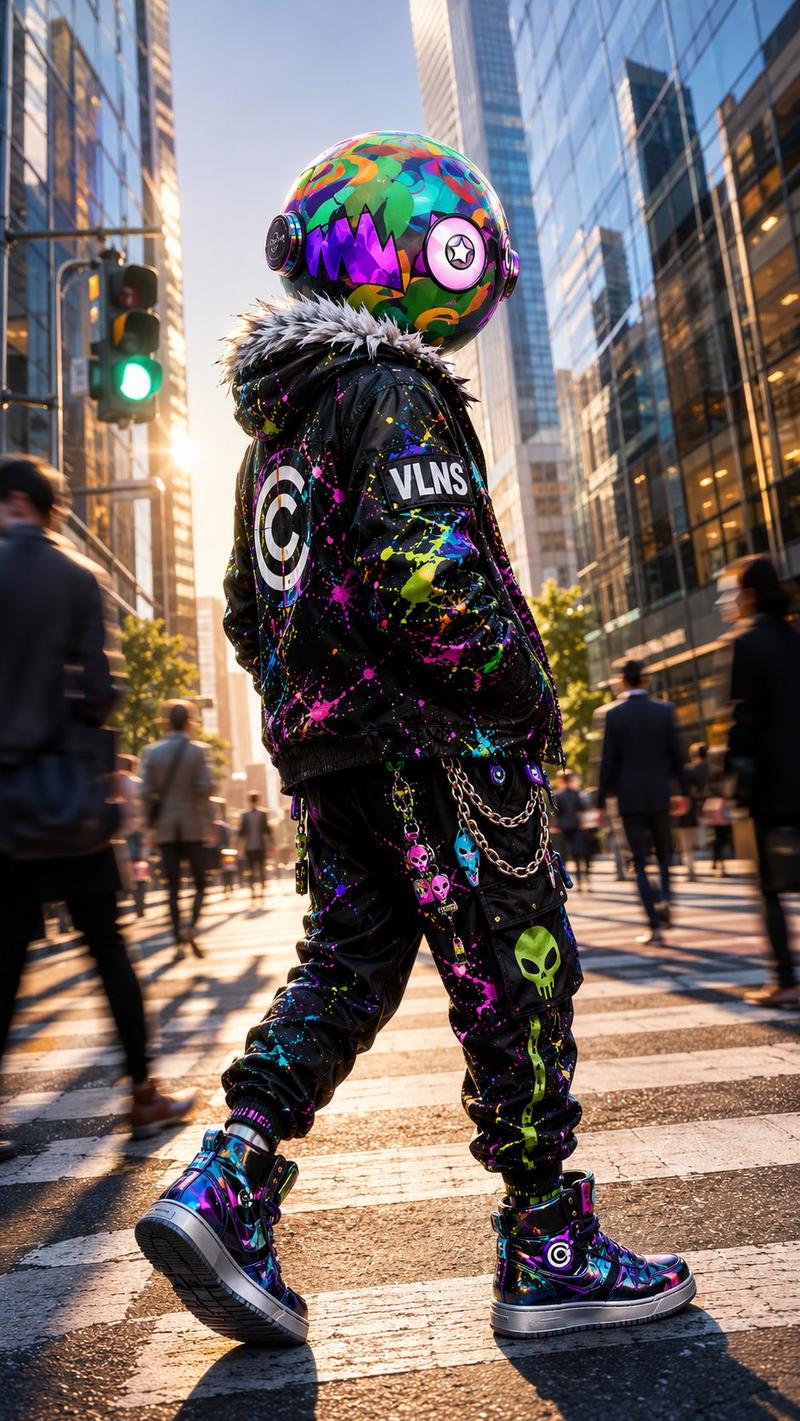
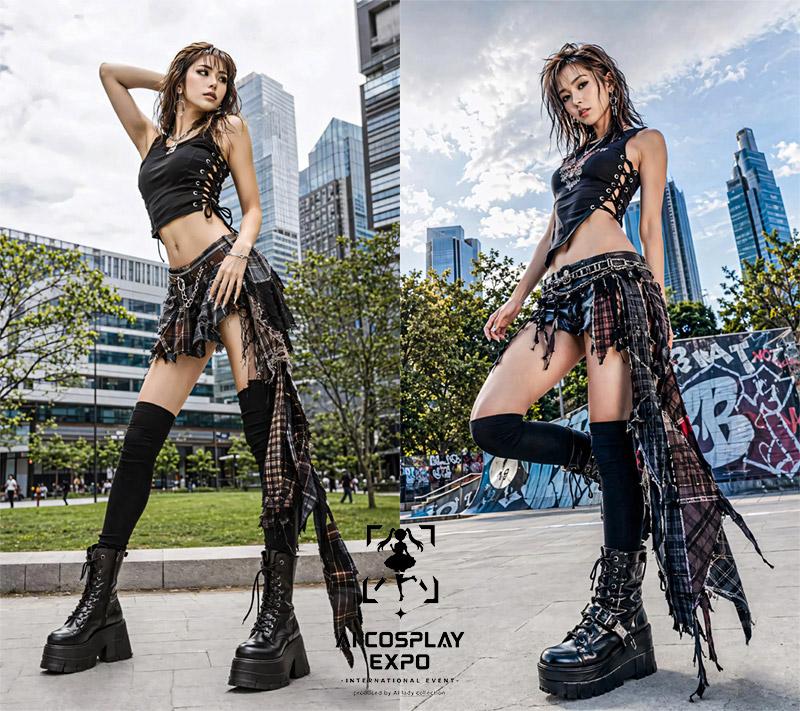
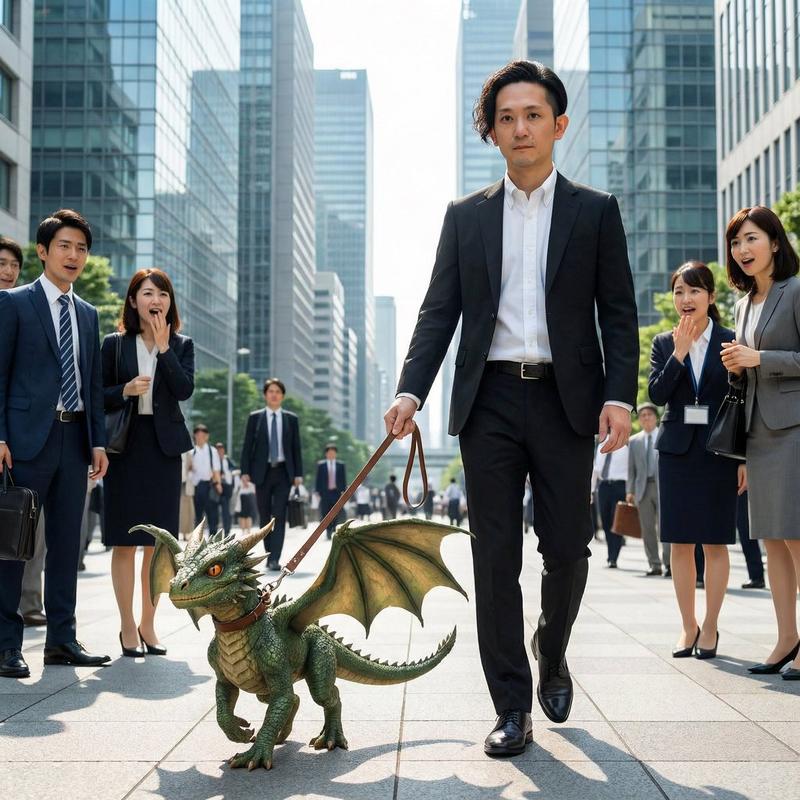
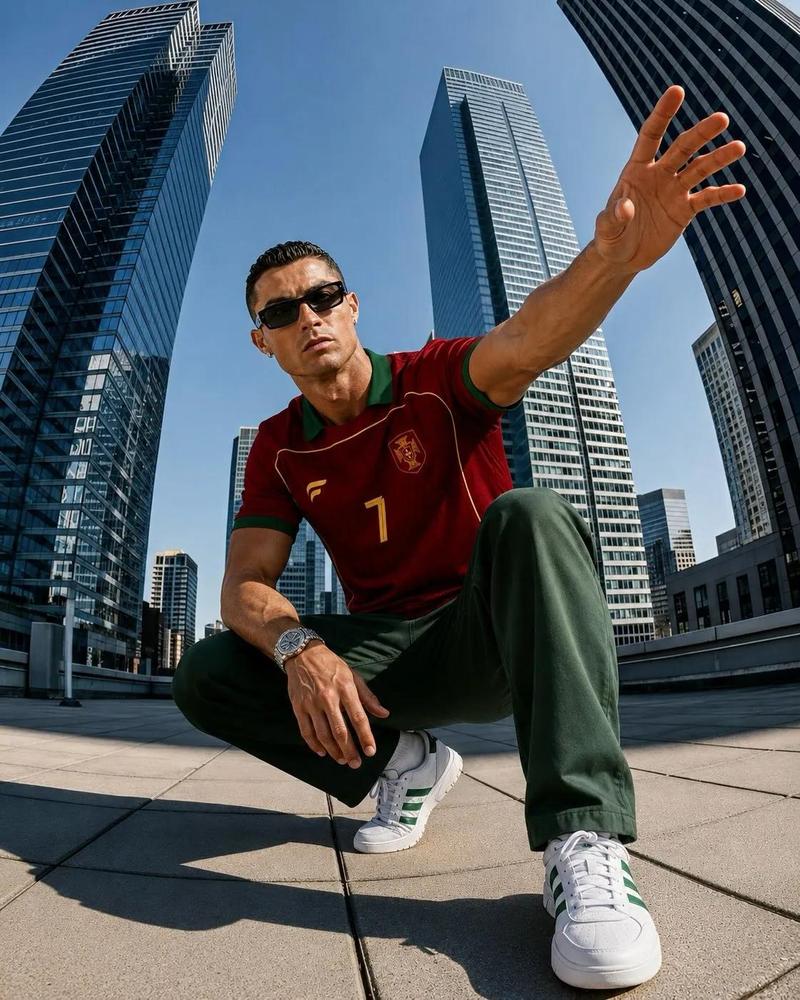
超广角城市运动鞋人像
Enlarge

Example images

超广角城市运动鞋人像

Prompt
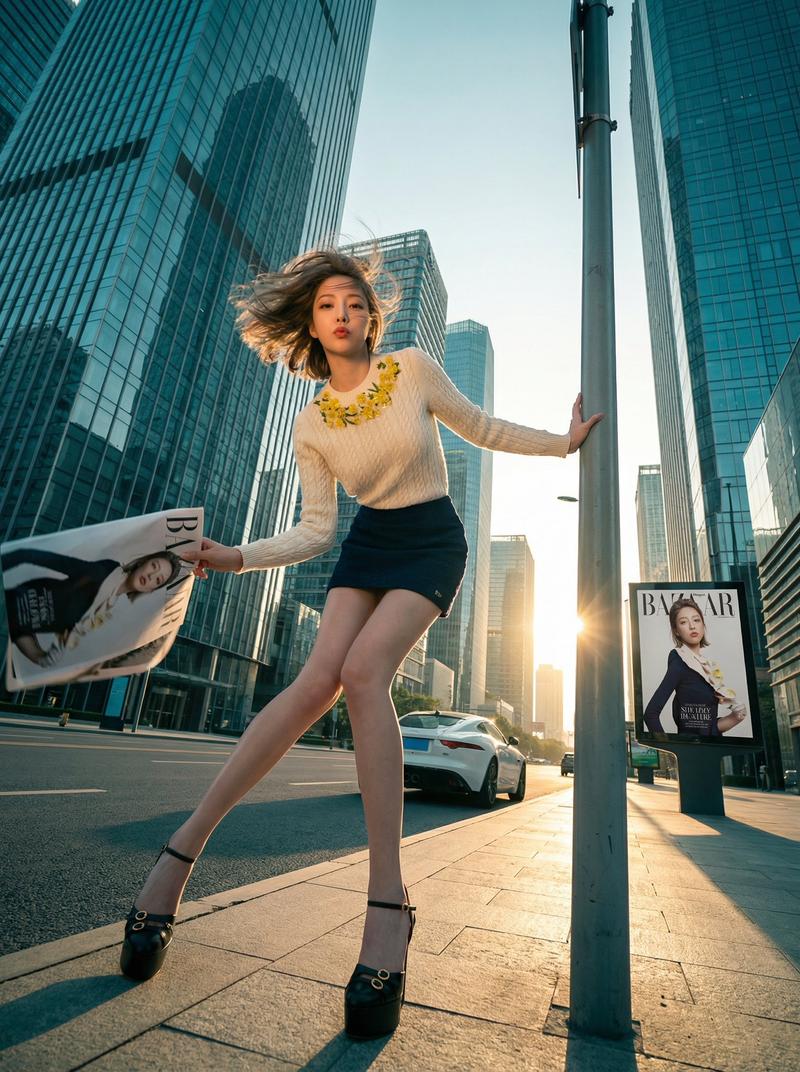
Use my uploaded portrait only for facial identity and hairstyle. Create a realistic wide-angle urban fashion photo inspired by the reference: a person crouching in the middle of a modern city street, shot from an extremely low camera angle with strong perspective distortion. One hand reaches toward the lens in the foreground, and one white sneaker sole is very close to the camera, oversized due to the wide-angle lens. Tall glass skyscrapers rise on both sides, cloudy overcast sky, cinematic street atmosphere, natural daylight, slightly raw smartphone-photo realism. Keep my face recognizable, realistic facial structure, natural skin texture, real hair details, no plastic skin, no anime style. Outfit should be casual and soft-toned, similar to the reference: {argument name="top style" default="loose light shirt"}, {argument name="pants style" default="relaxed pants"}, white sneakers. Dynamic pose, dramatic depth, realistic shadows, coherent lighting, high-detail city background, editorial street photography, 2:3 vertical composition, no text, no logo, no watermark. Negative Prompt: anime, cartoon, doll face, plastic skin, over-smoothed skin, fake face, face swap look, distorted identity, unrealistic eyes, bad hands, extra fingers, broken limbs, deformed shoe, messy perspective, low quality, blurry face, watermark, logo, text, signature
Category
Charts & Infographics
Model
GPT Image 2
Creator
Shinning
Views6
Source ID
22900
Published
May 27, 2026

Guide

About "超广角城市运动鞋人像"

What is this prompt for?

"超广角城市运动鞋人像" AI image prompt for GPT Image 2 (Charts & Infographics). 一个具有强烈透视畸变的戏剧性低角度城市人像提示词,其中运动鞋鞋底非常靠近镜头。 Copy it on Picva and recreate the look in one cli…

The full copyable prompt and example visuals above are ready for AI image generation or one-click recreate in Picva.

How to use this prompt

  1. Step 1

    Open the prompt detail

    Review the example visuals, category, and full prompt text for "超广角城市运动鞋人像".

  2. Step 2

    Copy the prompt

    Copy the prompt body from this page, or load it directly in Studio.

  3. Step 3

    Pick a model (GPT Image 2)

    Prefer GPT Image 2. If you switch models, keep subject and composition and tweak style terms.

  4. Step 4

    Generate and export

    Recreate the look in Picva, or export into your workflow for editing and publishing.

FAQ

What is the "超广角城市运动鞋人像" prompt?
It is an AI image-generation prompt for GPT Image 2 in the Charts & Infographics category. This page includes the full prompt text, example visuals, and a one-click recreate path in Picva.
How do I use this prompt to generate an image?
Copy the prompt from this page, or use Generate / Studio. Paste it into a compatible image model, or recreate the look in Picva with optional reference images.
Which model is this prompt for?
This page lists GPT Image 2. Most descriptive prompts also transfer to nearby image models such as GPT Image, Flux, or Midjourney with light style tweaks.
Can I use the result commercially?
You can usually copy the prompt for creation, but commercial use of the final image depends on the model terms, reference-image rights, and the generated content. Follow the source author and platform rules.