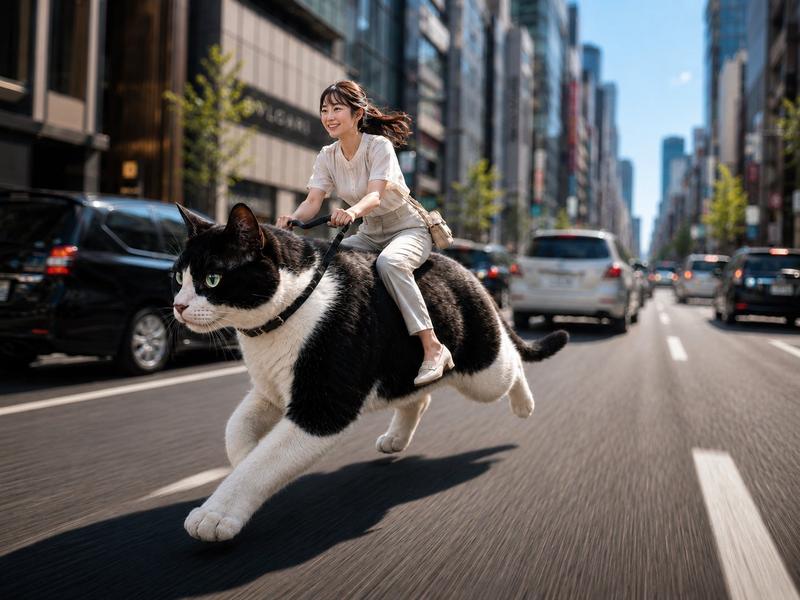
巨人错位视角街拍
Prompt
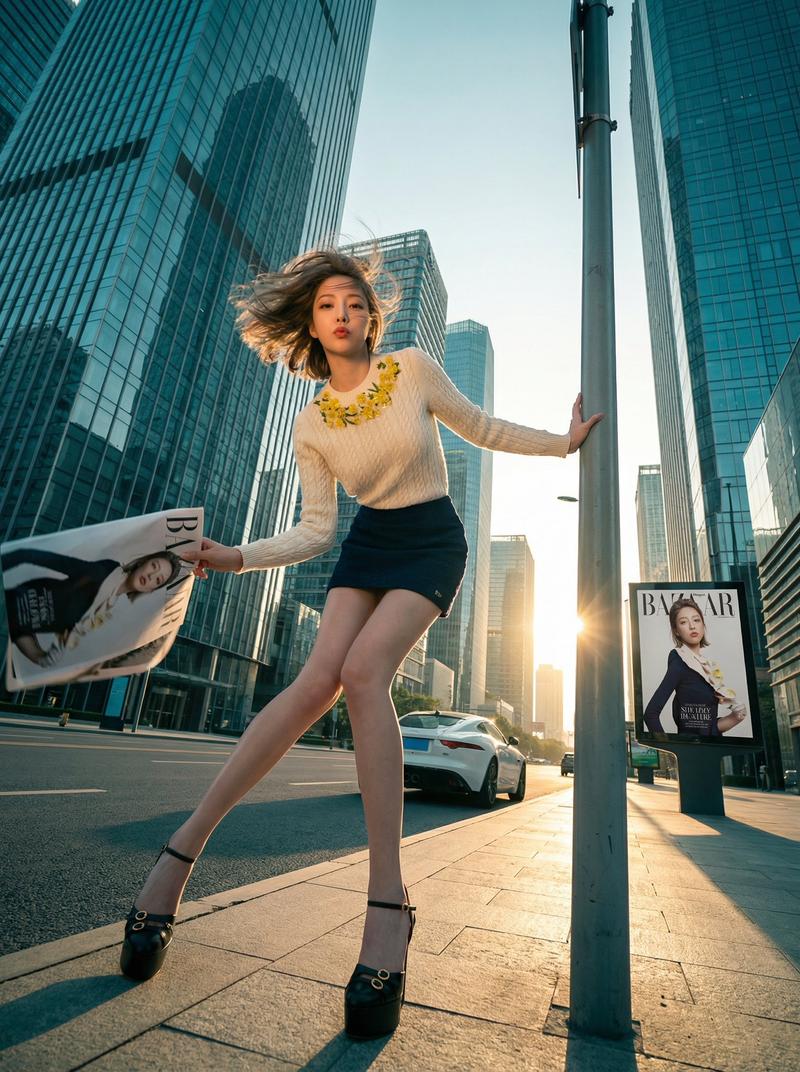
Create a surreal forced-perspective ultra-realistic photograph of the same young woman appearing at two different scales in the middle of a modern downtown city street during golden hour. The giant version of {argument name="character name" default="the woman"} is crouching low on the right side of the empty roadway between tall glass skyscrapers, smiling gently and looking down as she reaches one hand toward a tiny full-body version of herself standing on the left side of the street. The tiny version wears the same outfit and raises one arm upward, touching or almost touching the giant woman’s fingertip, creating a playful miniature-meets-giant illusion. She has {argument name="hair color" default="dark brown hair"} tied in a high ponytail with loose strands, natural makeup, hoop earrings, and a soft friendly expression. Outfit: loose {argument name="shirt color" default="black"} oversized t-shirt, beige cargo pants with side pockets, chunky white sneakers, and a light-colored watch on the giant figure’s wrist. Use realistic anatomy and proportions at both scales, one giant crouching figure and one miniature standing figure only. Set the scene on a wide asphalt avenue with warm sunlight glowing directly down the canyon of skyscrapers, long shadows, reflective glass buildings, a few blurred cars and pedestrians far in the background, traffic lights, and cinematic depth of field. Camera is low to the road at street level, vertical portrait composition, dramatic golden-hour backlight, warm highlights on the pavement, sharp focus on both figures, photorealistic texture, ultra-detailed clothing folds, natural skin, no text, no watermark, no extra duplicate people.- Category
- Architecture & Spaces
- Model
- GPT Image 2
- Creator
- Alina Ai
- Source ID
- 28190
- Published
- Jul 9, 2026
Views3