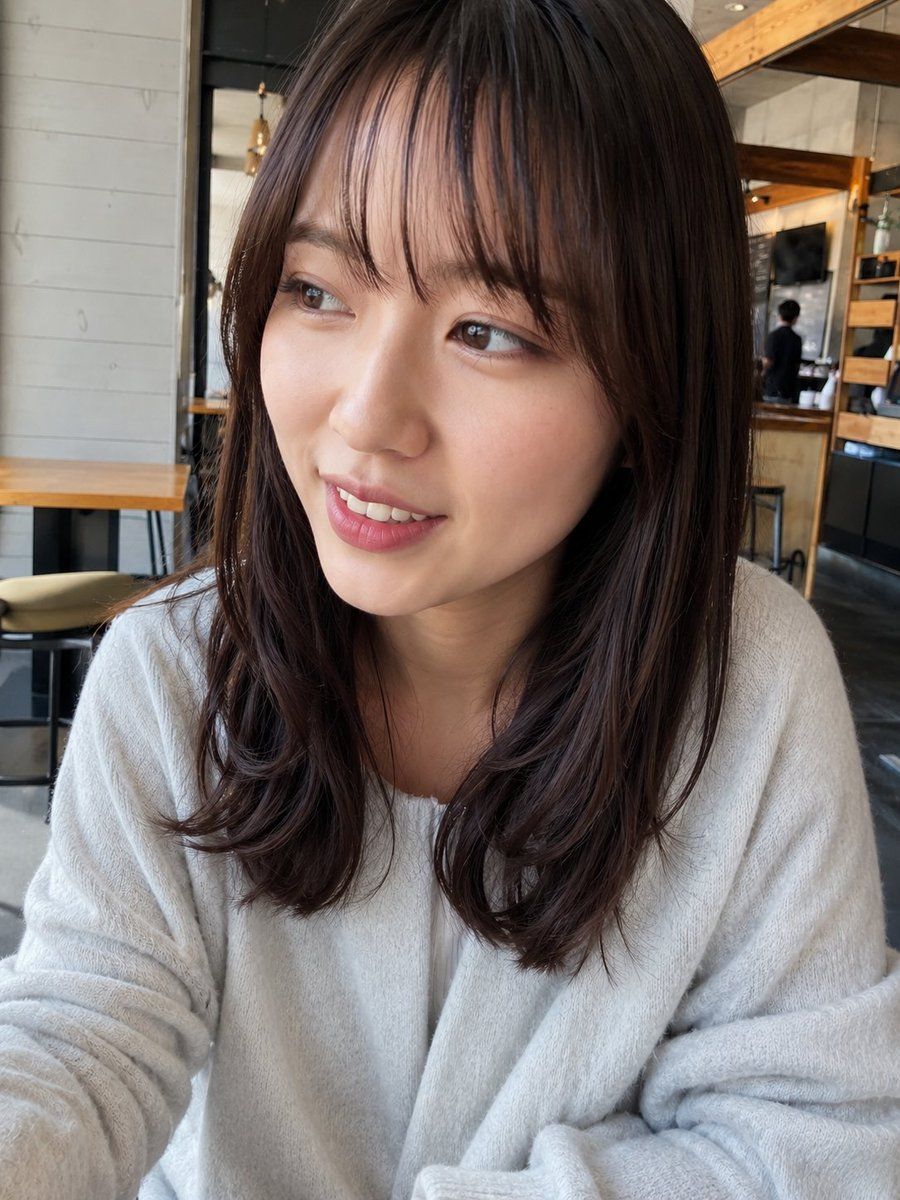
咖啡馆遮挡肖像
Prompt
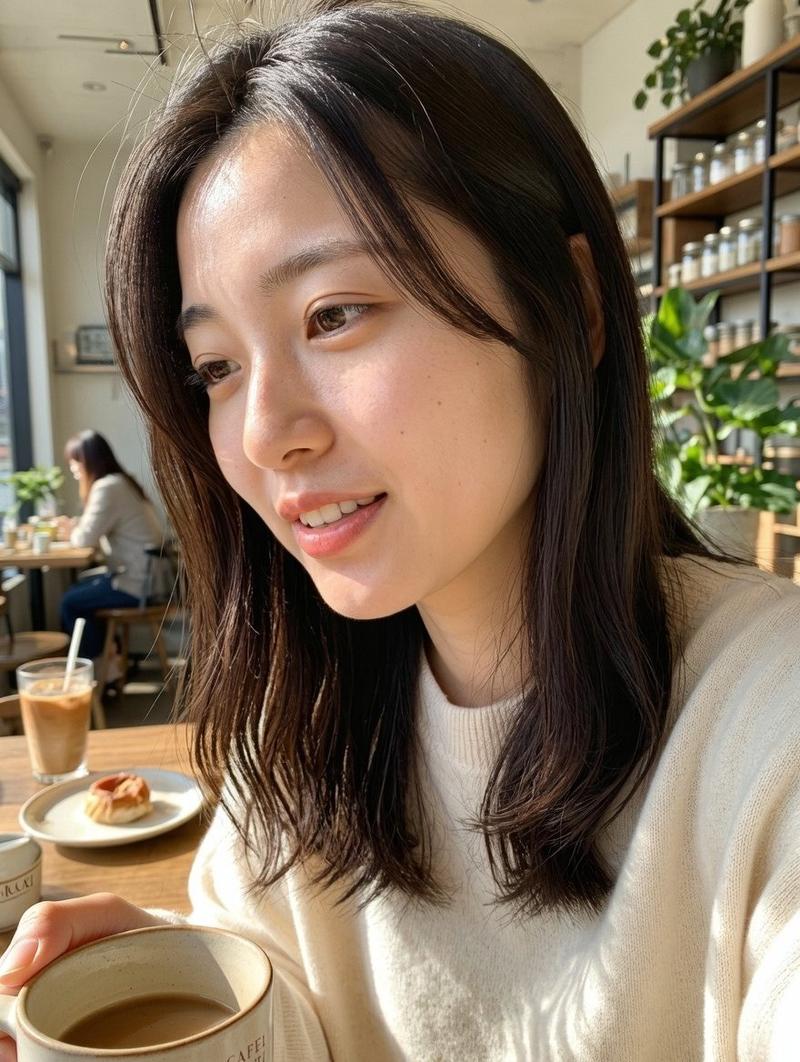
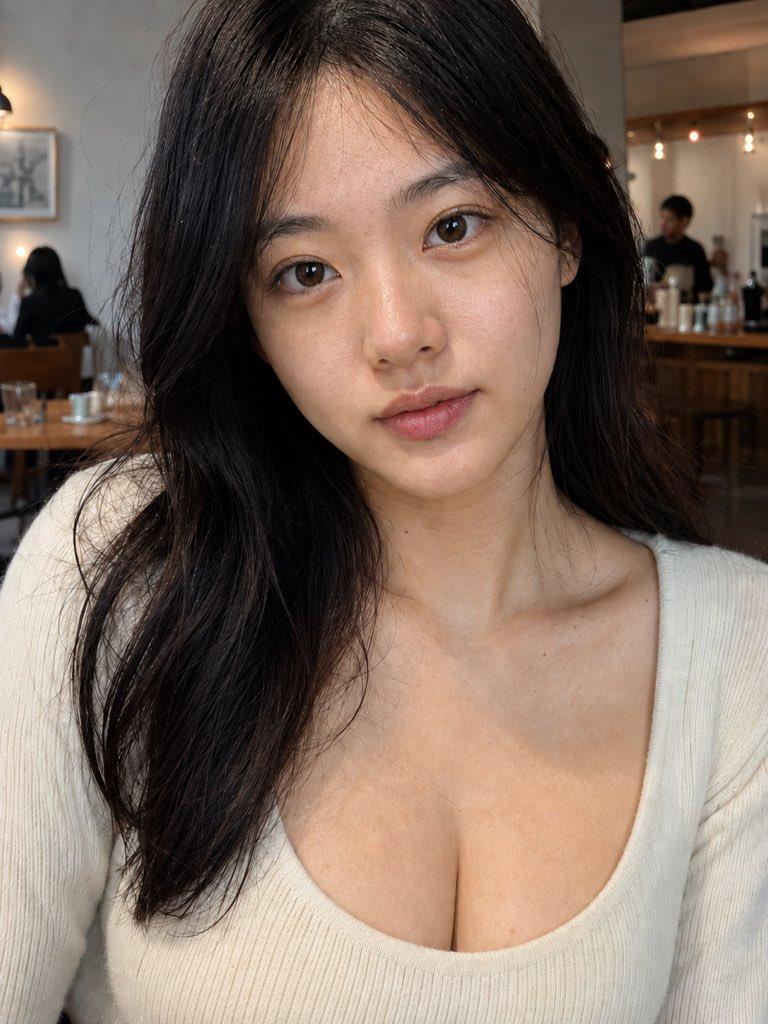
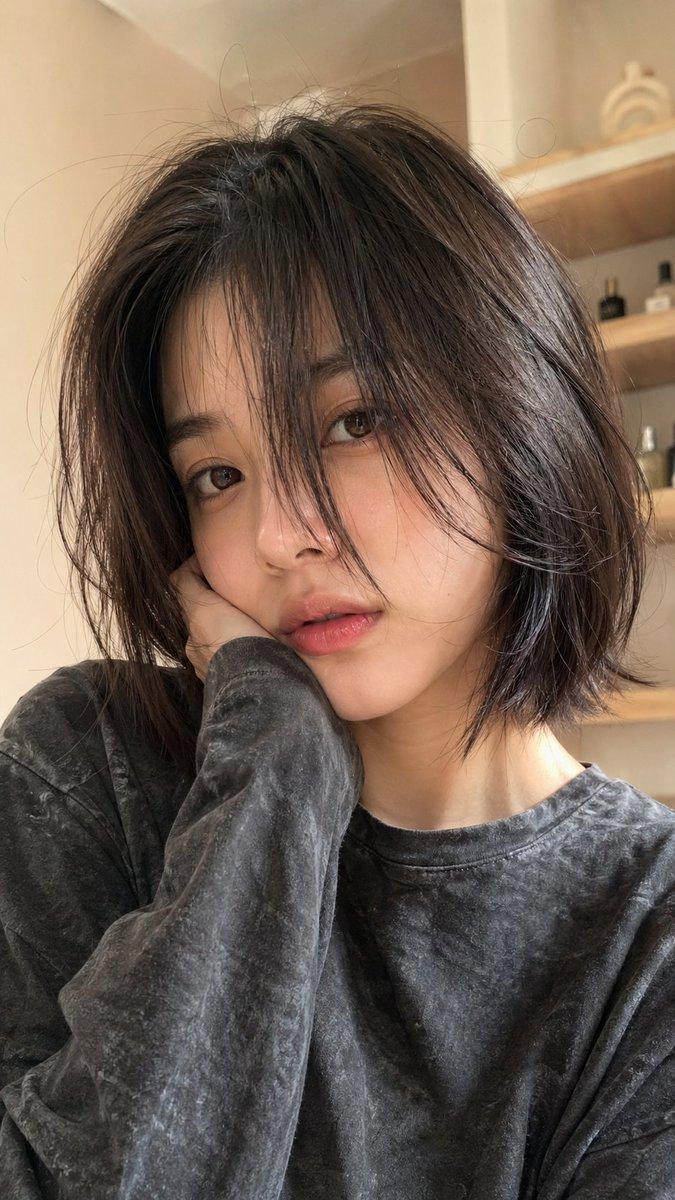
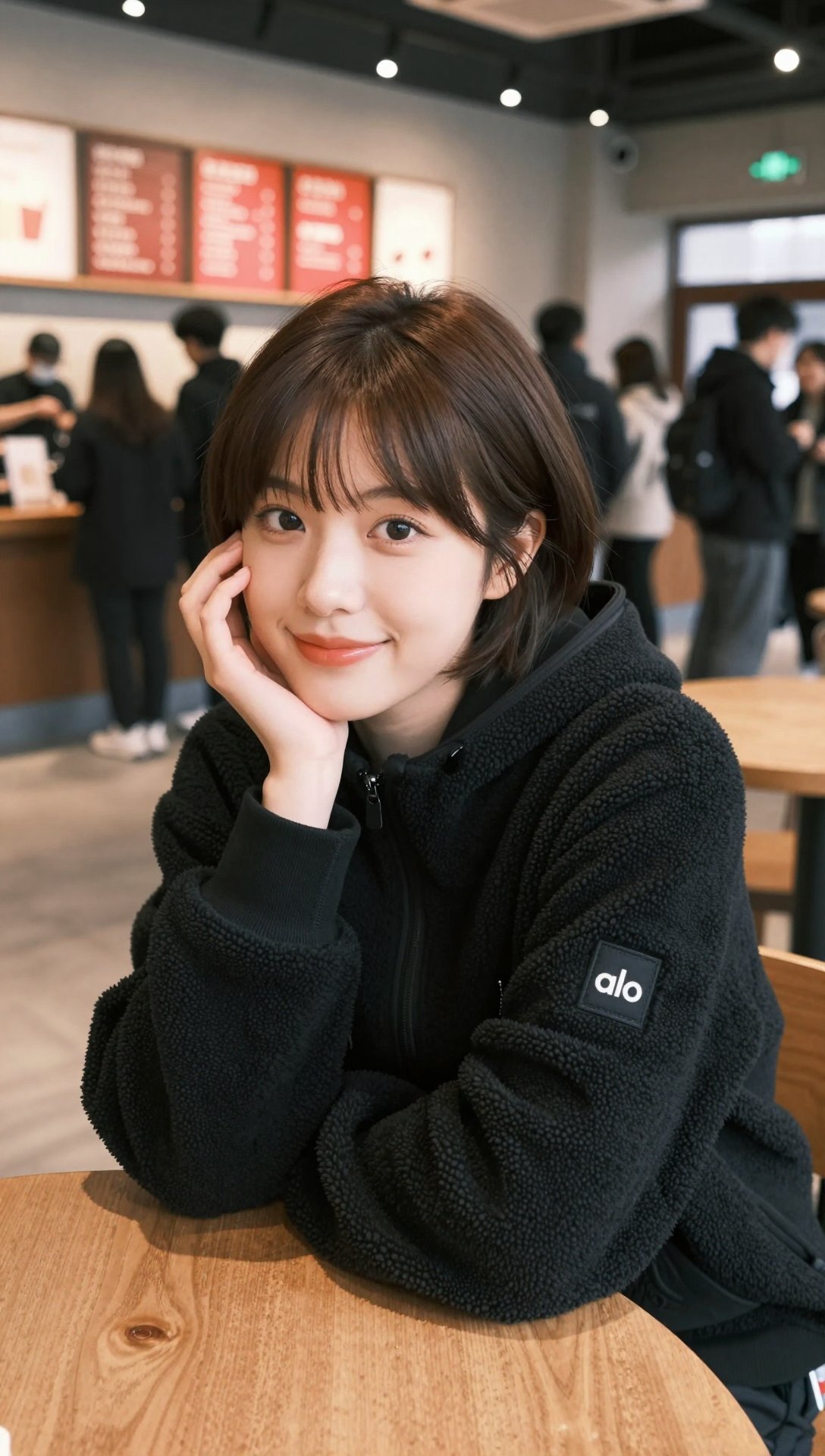
Create a photorealistic casual smartphone portrait of a {argument name="subject" default="young Japanese woman"} seated indoors at a modern cafe, framed from the chest up in a vertical 3:4 image. She is centered and close to the camera, leaning slightly forward as if photographed across the table. Her face is intentionally hidden by one large opaque rectangular privacy block centered over the face, covering from the forehead/eyes area down past the mouth and chin; the block is a flat muted brown skin-tone color with sharp edges and no text. Visible details: medium-length dark brown hair with soft bangs, layered ends, slightly tousled natural shine, shoulder-length curls turning inward and outward; a loose fluffy off-white knit sweater with wide sleeves and soft texture; relaxed posture with both forearms near the bottom edge. Background: a realistic cafe interior with pale gray painted wall panels on the left, a wooden table and low stool/chair partially visible, black metal framing, warm wooden beams and shelving on the right, a mirror or glass panel reflecting a person in dark clothing, subtle ceiling lights, and a casual urban atmosphere. Use natural daylight mixed with warm indoor lighting, realistic Japanese facial proportions implied by hair and body even though the face is obscured, accurate fabric and hair texture, shallow-to-moderate depth of field, candid phone-camera look, slight wide-angle perspective, 28mm equivalent lens, f/2.8, ISO 400, 1/125s, high-resolution realistic color photo. Avoid beauty-filter smoothness, avoid over-stylized AI glamour, avoid extra people in the foreground, avoid text or watermark.- Category
- Charts & Infographics
- Model
- GPT Image 2
- Creator
- GENEL | AIを用いた動画制作
- Source ID
- 22948
- Published
- May 27, 2026
Views2