18

超写实自拍人像
Enlarge

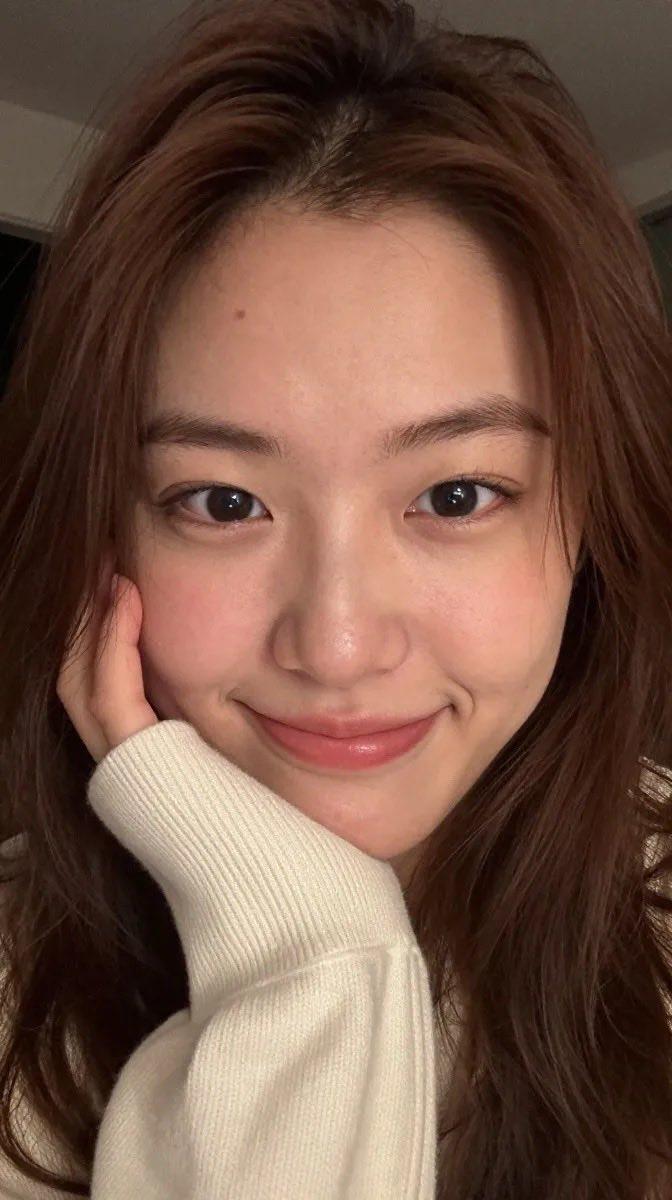
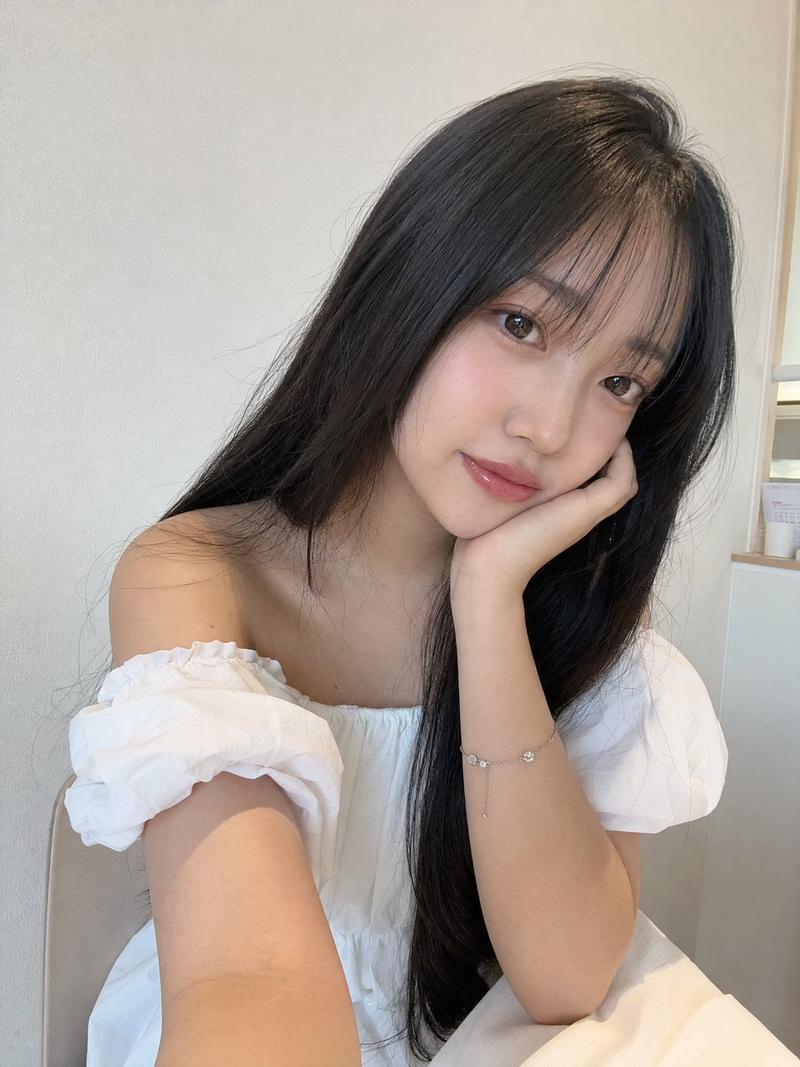
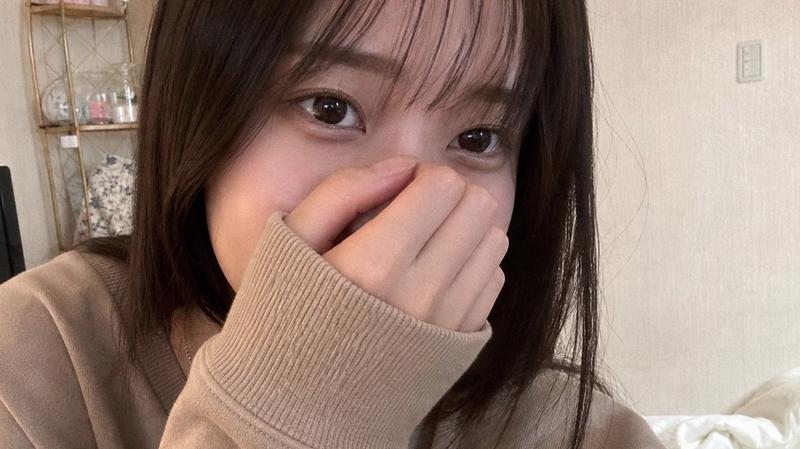
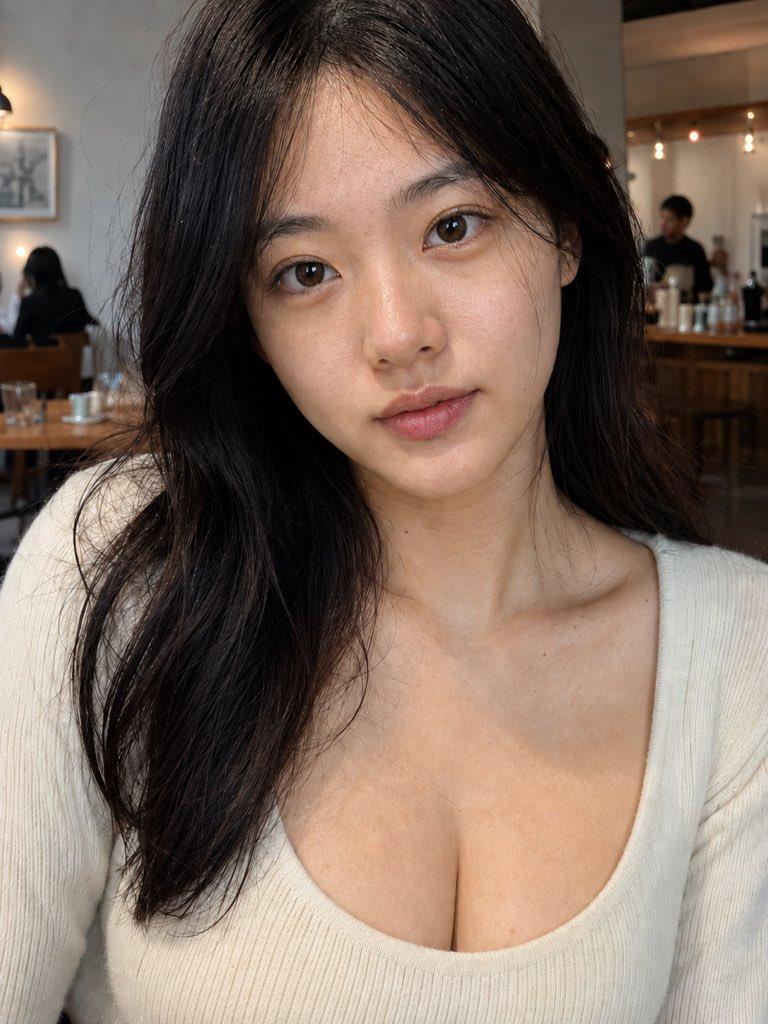
Example images

超写实自拍人像

Prompt
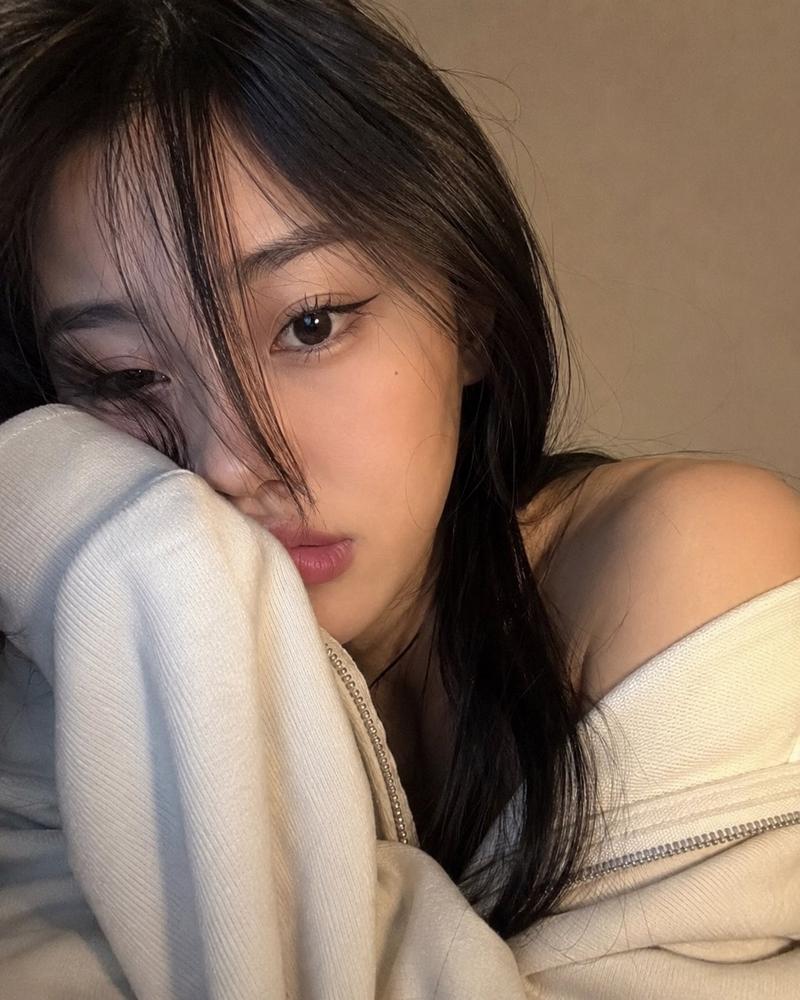
A hyper-realistic close-up portrait of a {argument name="subject" default="young woman (use my face)"} with warm, soft indoor lighting. The composition is a half-body shot (chest to head), with a slightly low and tilted camera angle, creating a casual, selfie-like feel. The main focus is on the face and hair. The face features bright, glass-like skin with realistic texture (no over-smoothing). Brown eyes with a {argument name="expression" default="calm, slightly melancholic expression"}, looking directly at the camera. Lips are natural pink with a berry tint in the inner area, slightly parted with a soft, moist finish. Makeup is a natural “no-makeup” look. Hair MUST be highly accurate: {argument name="hair style" default="Short hair above the shoulders (short bob), with an uneven, choppy cut and soft layers"}. Natural dark brown color with subtle warm undertones. The texture looks soft and slightly messy, not overly neat. The front has long bangs, parted asymmetrically, with some strands falling over parts of the eyes and cheeks. Fine strands are scattered around the face, creating an effortless and natural effect. The ends of the hair curve slightly inward and outward irregularly, giving light volume and an airy feel. The hair is not too voluminous but has natural movement, as if gently blown by a breeze.
Category
Photography & Realism
Model
GPT Image 2
Creator
Kashberg
Views9
Source ID
17522
Published
May 1, 2026

Guide

About "超写实自拍人像"

What is this prompt for?

"超写实自拍人像" AI image prompt for GPT Image 2 (Photography & Realism). 一个高度详细的人像提示词,专注于真实的皮肤纹理、特定的发型设计以及随意的自拍构图。 Copy it on Picva and recreate the look in one clic…

The full copyable prompt and example visuals above are ready for AI image generation or one-click recreate in Picva.

How to use this prompt

  1. Step 1

    Open the prompt detail

    Review the example visuals, category, and full prompt text for "超写实自拍人像".

  2. Step 2

    Copy the prompt

    Copy the prompt body from this page, or load it directly in Studio.

  3. Step 3

    Pick a model (GPT Image 2)

    Prefer GPT Image 2. If you switch models, keep subject and composition and tweak style terms.

  4. Step 4

    Generate and export

    Recreate the look in Picva, or export into your workflow for editing and publishing.

FAQ

What is the "超写实自拍人像" prompt?
It is an AI image-generation prompt for GPT Image 2 in the Photography & Realism category. This page includes the full prompt text, example visuals, and a one-click recreate path in Picva.
How do I use this prompt to generate an image?
Copy the prompt from this page, or use Generate / Studio. Paste it into a compatible image model, or recreate the look in Picva with optional reference images.
Which model is this prompt for?
This page lists GPT Image 2. Most descriptive prompts also transfer to nearby image models such as GPT Image, Flux, or Midjourney with light style tweaks.
Can I use the result commercially?
You can usually copy the prompt for creation, but commercial use of the final image depends on the model terms, reference-image rights, and the generated content. Follow the source author and platform rules.