19

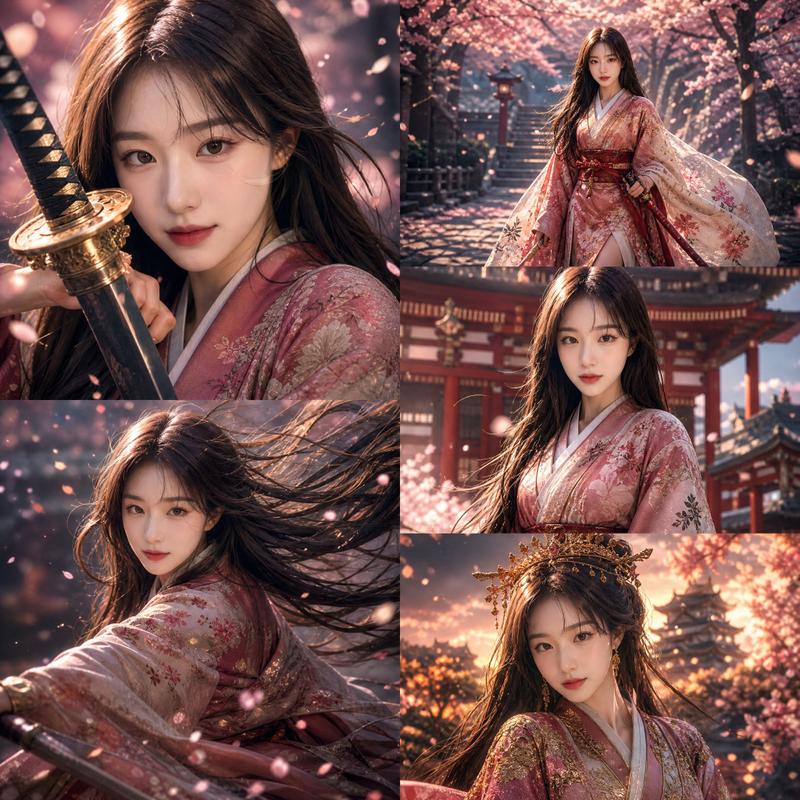
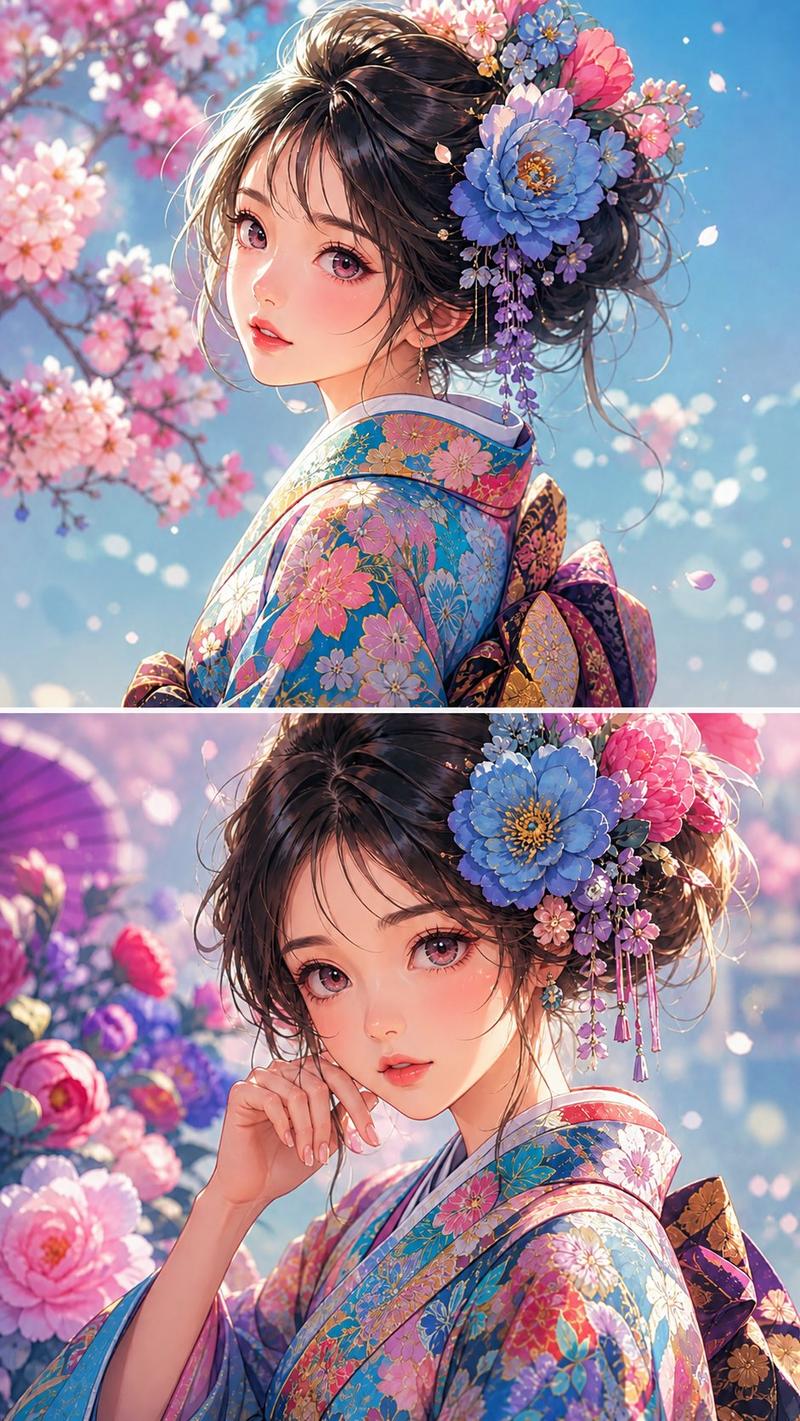
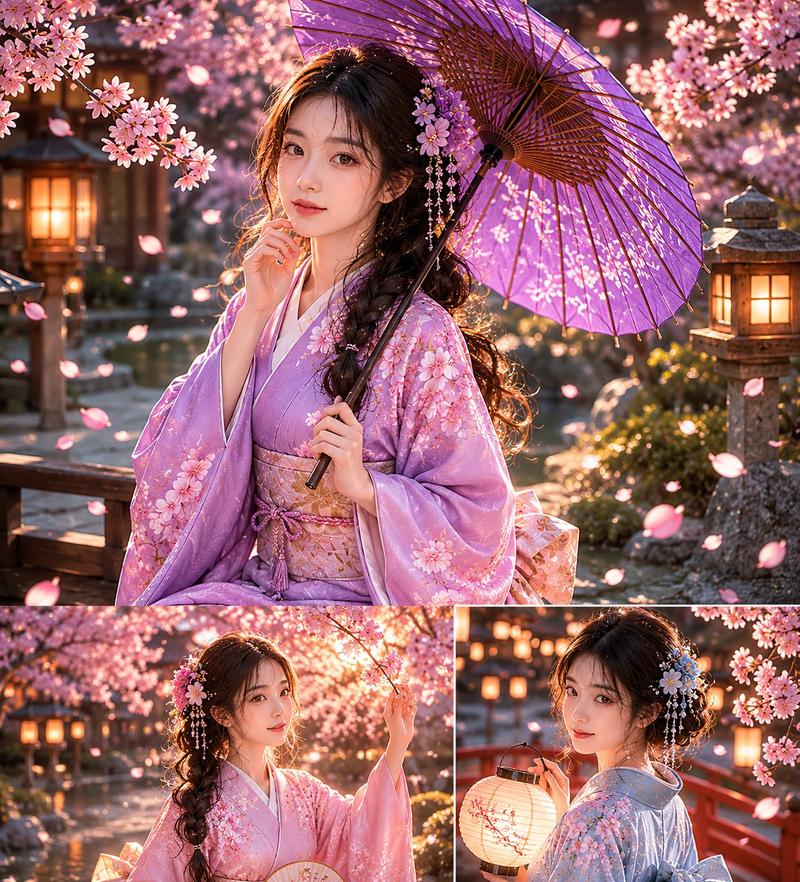
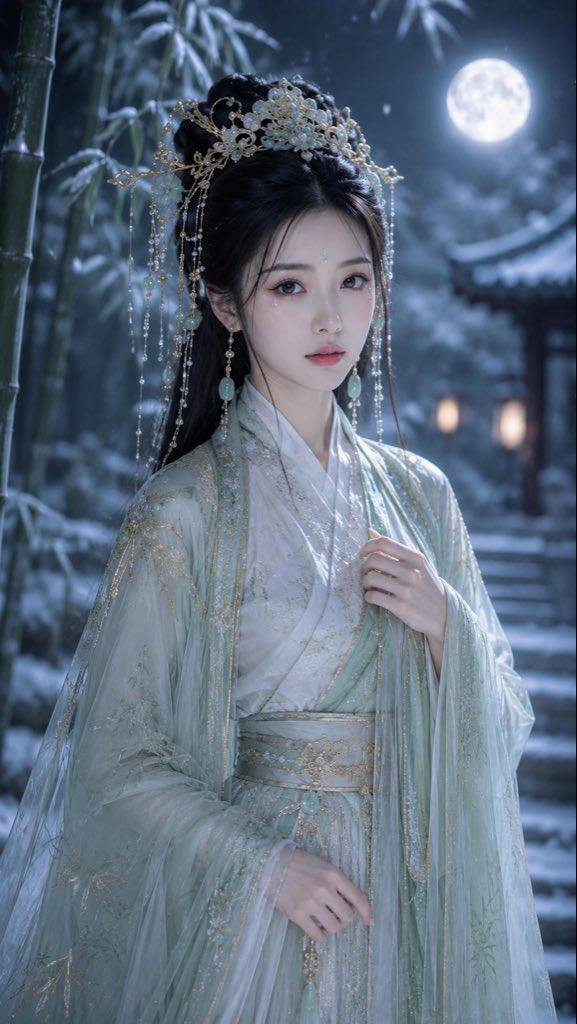
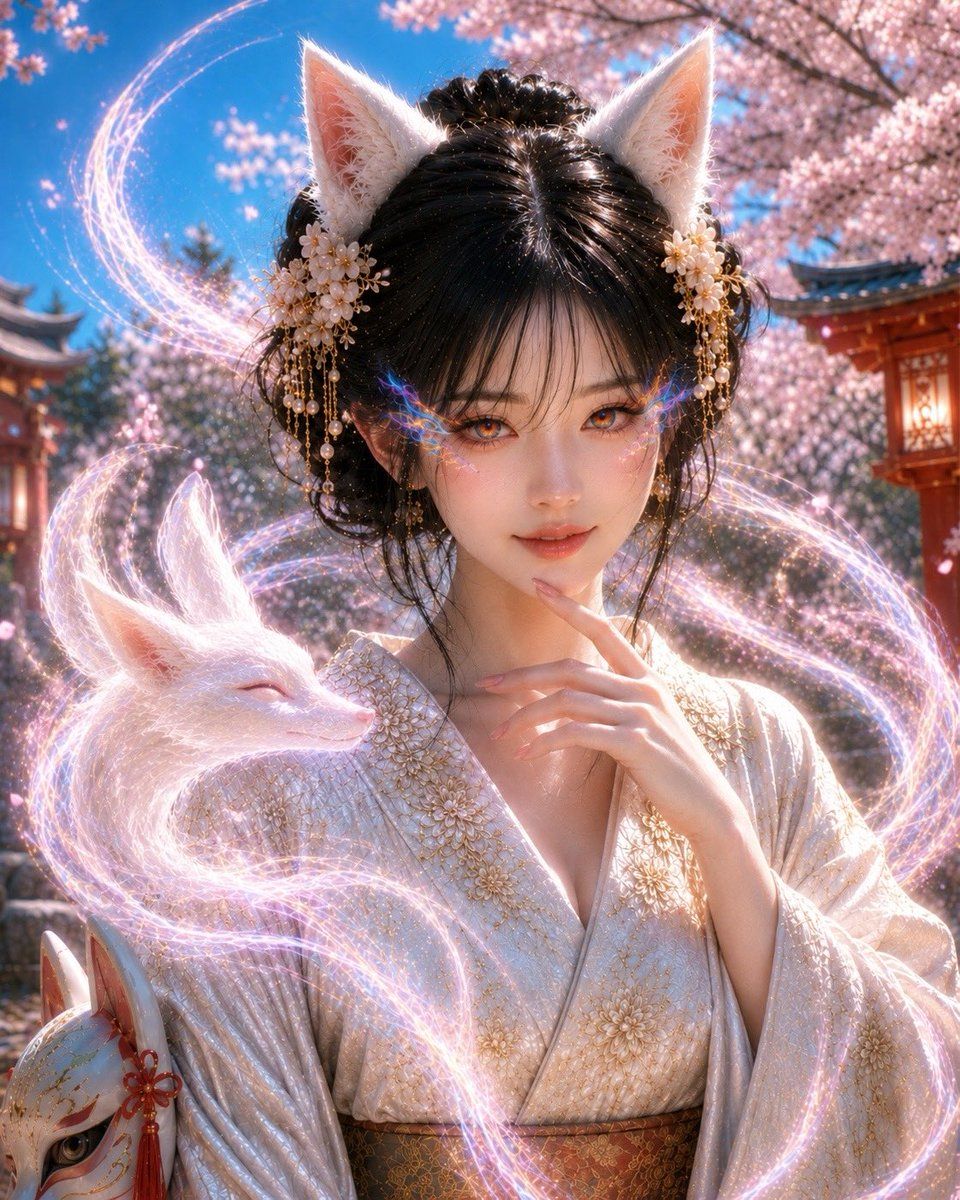
神秘狐仙神像肖像
Enlarge

Example images

神秘狐仙神像肖像

Prompt
主题:{argument name="subject" default="身披白狐、置身于春日神社的日本狐仙肖像"}

人物/表情:黑发年轻女性,自然的日本面部特征,精致的刘海和优雅的发髻,白狐耳,半透明的白皙皮肤,细长而迷人的双眼,柔和且引人注目的凝视,优雅的表情带着淡淡的微笑,神秘的眼眸中闪烁着虹彩折射光,光芒自然地从下眼睑溢出至眼角,自然且精致的日系妆容。

服装/姿势:{argument name="clothing" default="以白色和金色为主调的华丽日式服装,带有精致金线刺绣的和服"},领口微敞,优雅中透出一丝含蓄的魅力,自然丰满的胸部,姿态柔美,指尖轻触嘴唇,一只白狐灵兽栖息在肩头,脚边放着一个狐狸面具。

背景/光影:{argument name="background" default="樱花盛开的明亮日间神社"},蓝天,朱红色的神社建筑和灯笼,柔和的春日自然光,飘落的花瓣,白狐周围环绕着淡粉色和虹彩光点,背景在保持神社氛围的同时进行柔和虚化。

构图/镜头:竖构图,以半身像为中心,近正面视角,视觉引导聚焦于面部和眼睛,白狐位于左侧,布局平衡,85mm 人像镜头,浅景深,高清锐利的面部细节,自然的背景虚化,非常适合社交媒体的震撼大片。

质感/风格:融合了写实摄影与奇幻元素的日本奇幻肖像,高清,4K 画质,展现自然毛孔、纹理和唇部细节的摄影级皮肤,鼻梁和眼部的阴影,高品质成品,减少 CG 感,柔软细腻的白狐毛发,虹彩眼光表现为瞳孔折射而非装饰性图案,受控的灯光效果将注意力聚焦于面部、眼睛和白狐,营造出可爱、神秘且优雅迷人的氛围。

负面提示:低质量,不自然的面部、眼睛或手部,多指或缺指,面部扭曲,眼睛过大,强烈的 CG 感,动漫风格,不自然的皮肤修饰,过度发光,背景杂乱,和服破损,动物重复,文字,Logo,水印。
Category
Photography & Realism
Model
GPT Image 2
Views8
Source ID
23009
Published
May 29, 2026

Guide

About "神秘狐仙神像肖像"

What is this prompt for?

"神秘狐仙神像肖像" AI image prompt for GPT Image 2 (Photography & Realism). 一幅细节极其丰富的奇幻肖像,描绘了春日神社背景下的日本狐仙,画面中包含樱花和白狐。 Copy it on Picva and recreate the look in one cli…

The full copyable prompt and example visuals above are ready for AI image generation or one-click recreate in Picva.

How to use this prompt

  1. Step 1

    Open the prompt detail

    Review the example visuals, category, and full prompt text for "神秘狐仙神像肖像".

  2. Step 2

    Copy the prompt

    Copy the prompt body from this page, or load it directly in Studio.

  3. Step 3

    Pick a model (GPT Image 2)

    Prefer GPT Image 2. If you switch models, keep subject and composition and tweak style terms.

  4. Step 4

    Generate and export

    Recreate the look in Picva, or export into your workflow for editing and publishing.

FAQ

What is the "神秘狐仙神像肖像" prompt?
It is an AI image-generation prompt for GPT Image 2 in the Photography & Realism category. This page includes the full prompt text, example visuals, and a one-click recreate path in Picva.
How do I use this prompt to generate an image?
Copy the prompt from this page, or use Generate / Studio. Paste it into a compatible image model, or recreate the look in Picva with optional reference images.
Which model is this prompt for?
This page lists GPT Image 2. Most descriptive prompts also transfer to nearby image models such as GPT Image, Flux, or Midjourney with light style tweaks.
Can I use the result commercially?
You can usually copy the prompt for creation, but commercial use of the final image depends on the model terms, reference-image rights, and the generated content. Follow the source author and platform rules.