19

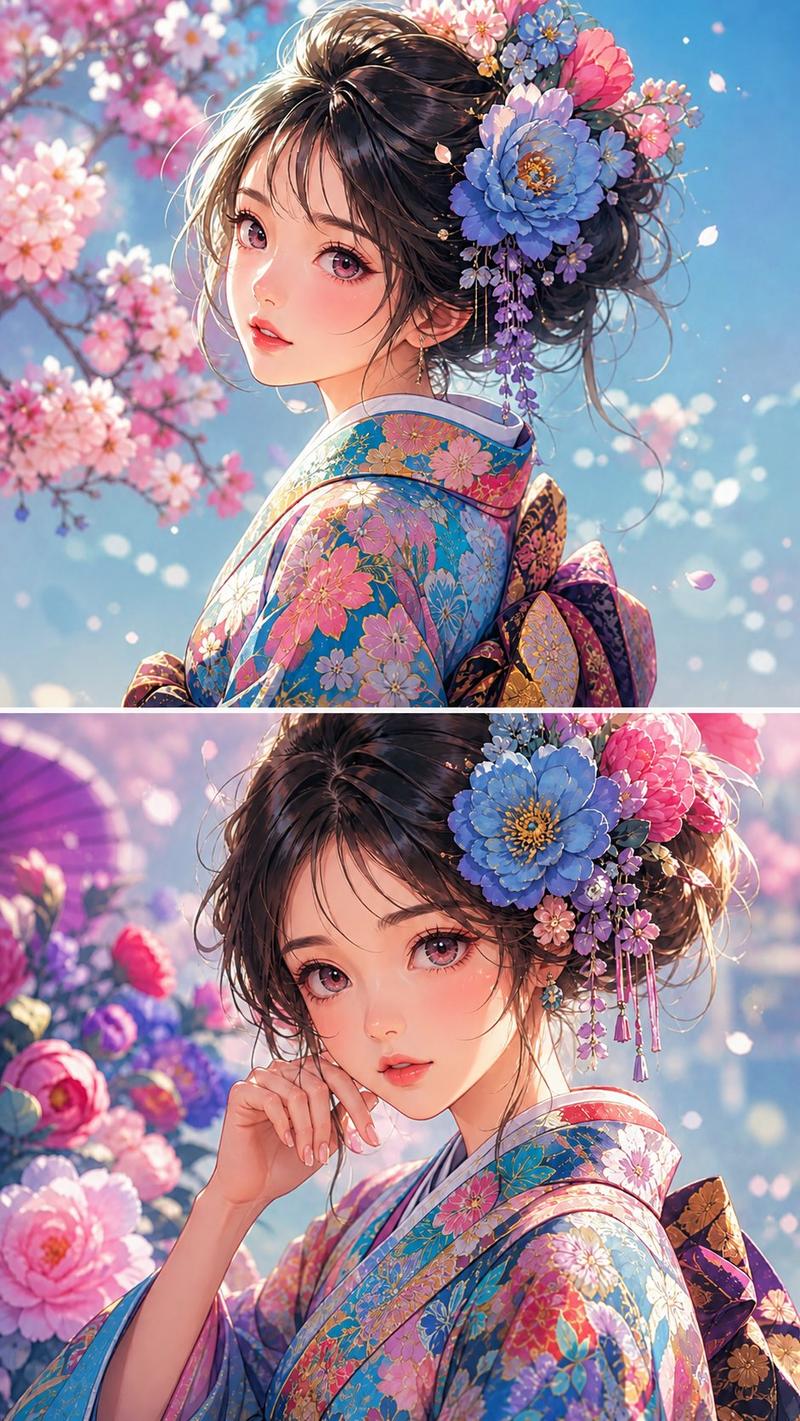
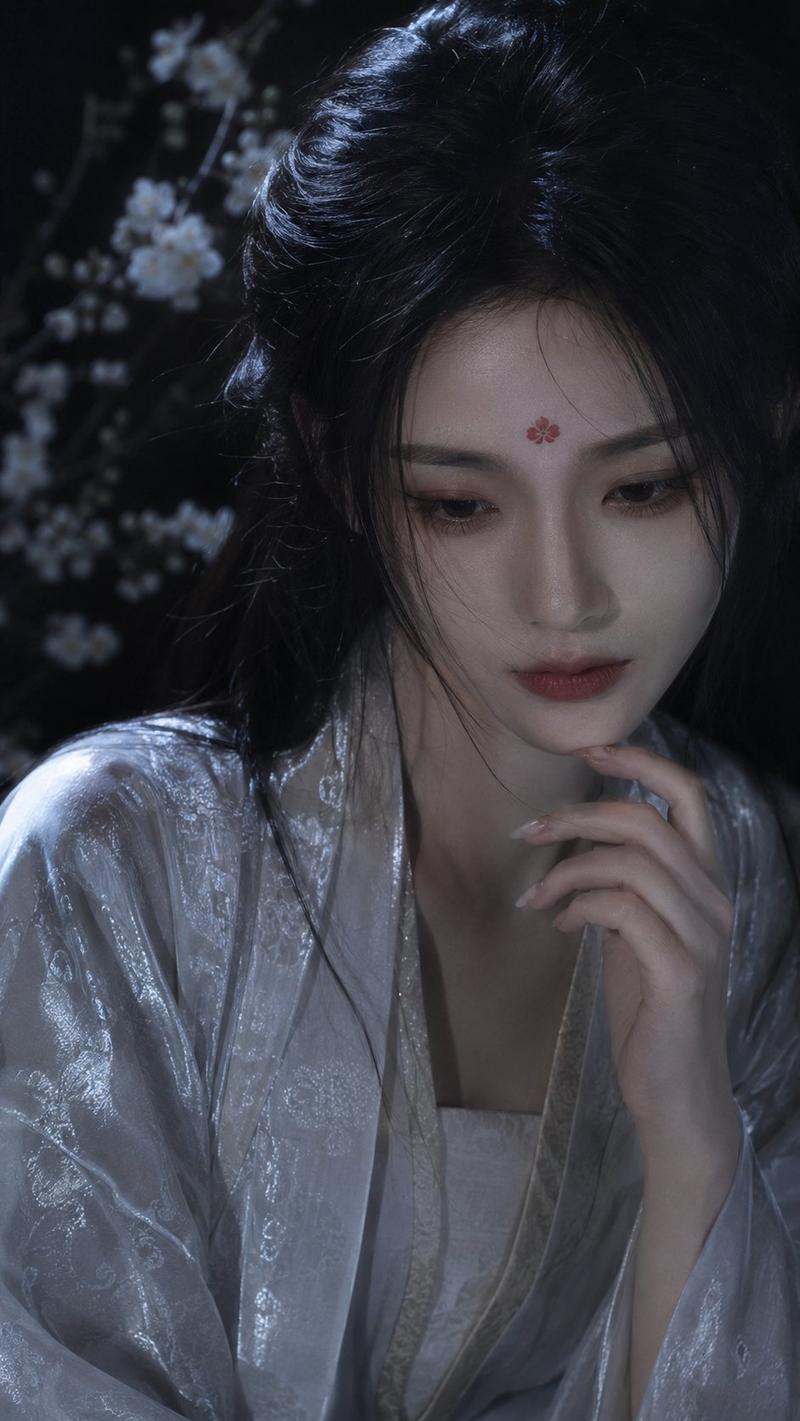
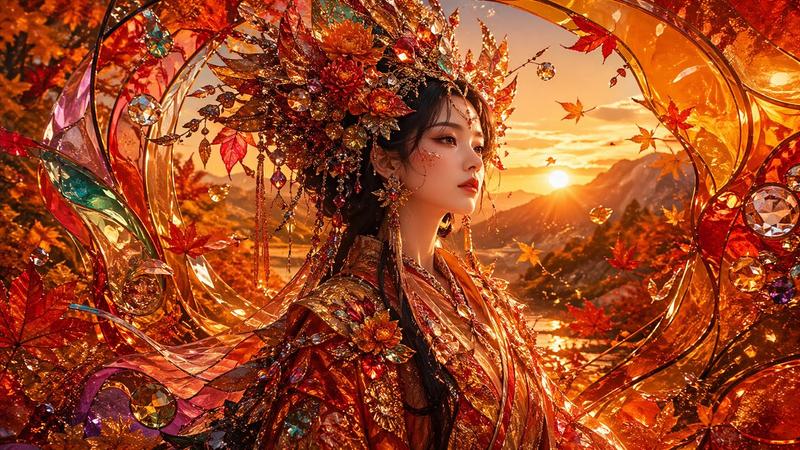
奇幻汉服人像转换
Enlarge

奇幻汉服人像转换

Prompt
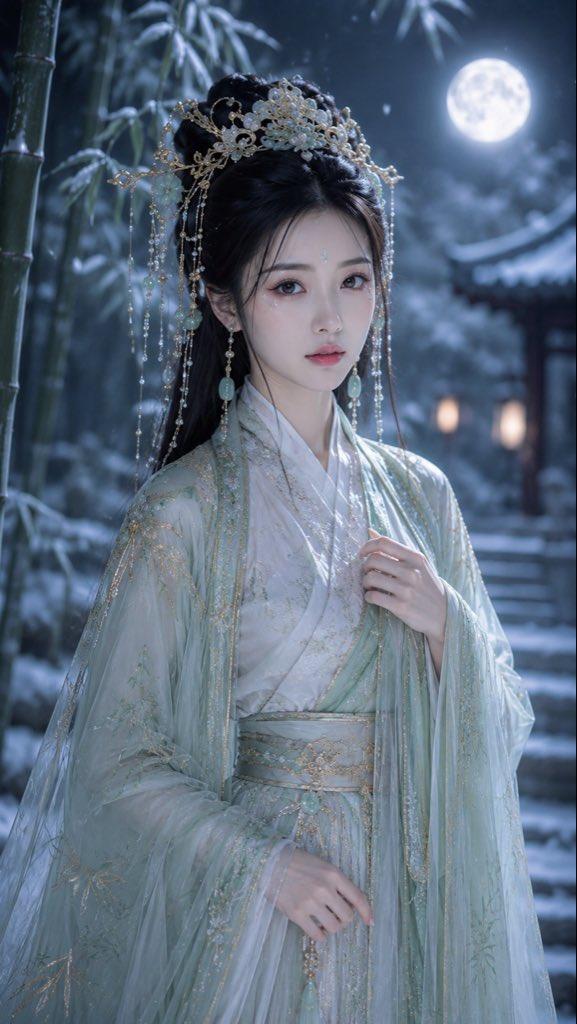
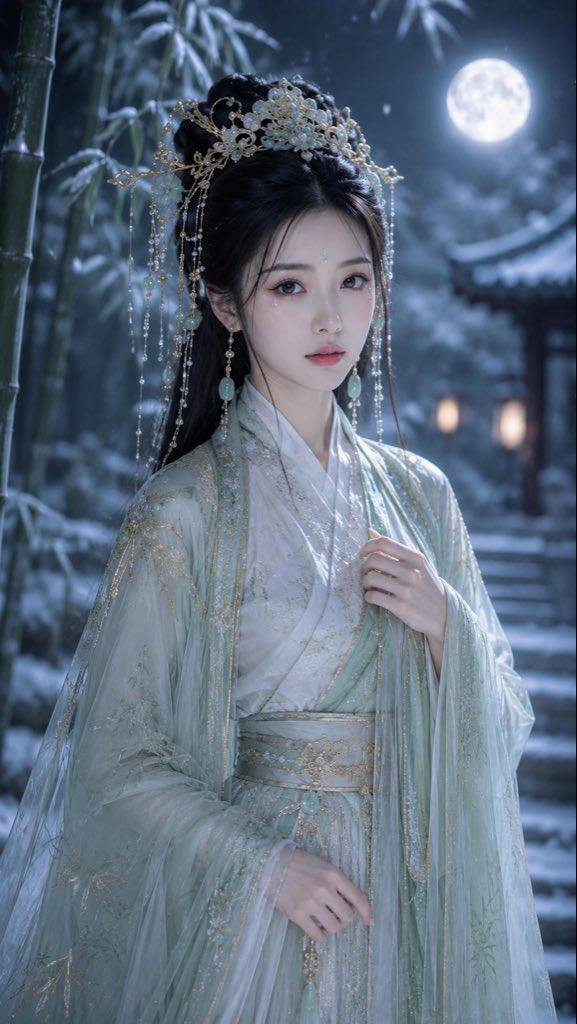
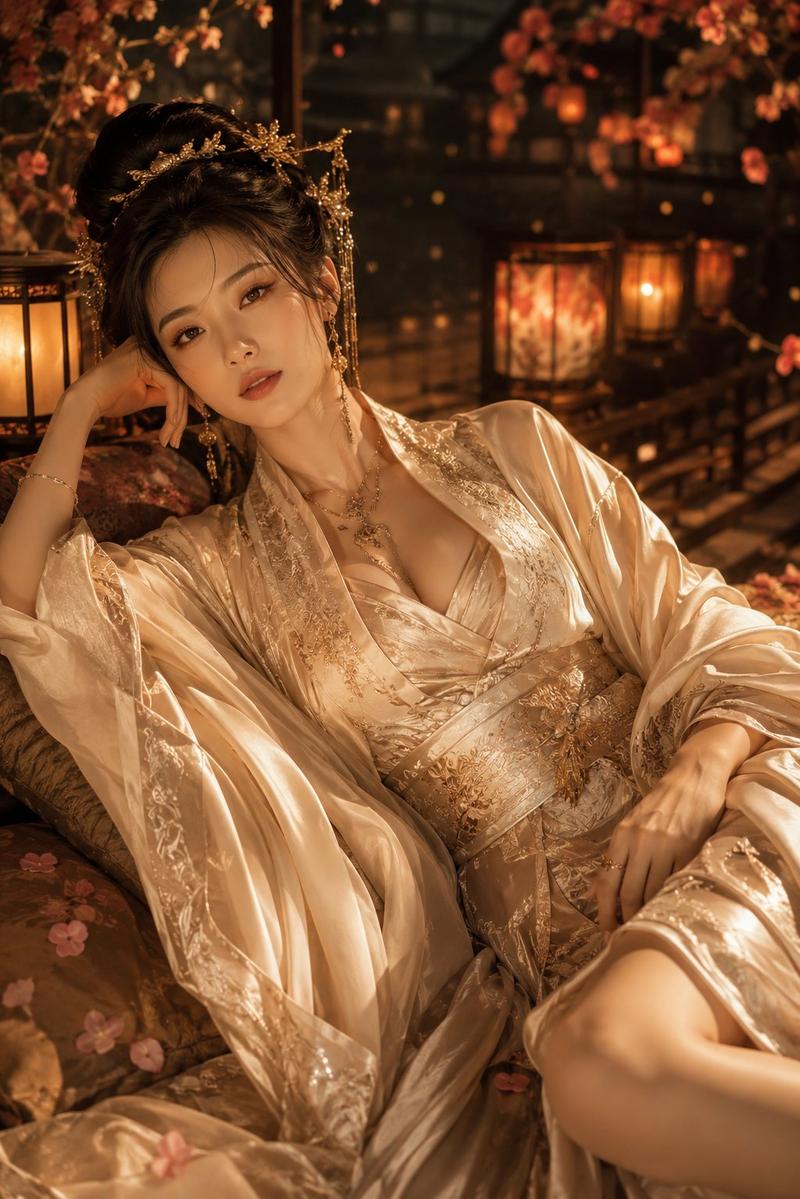
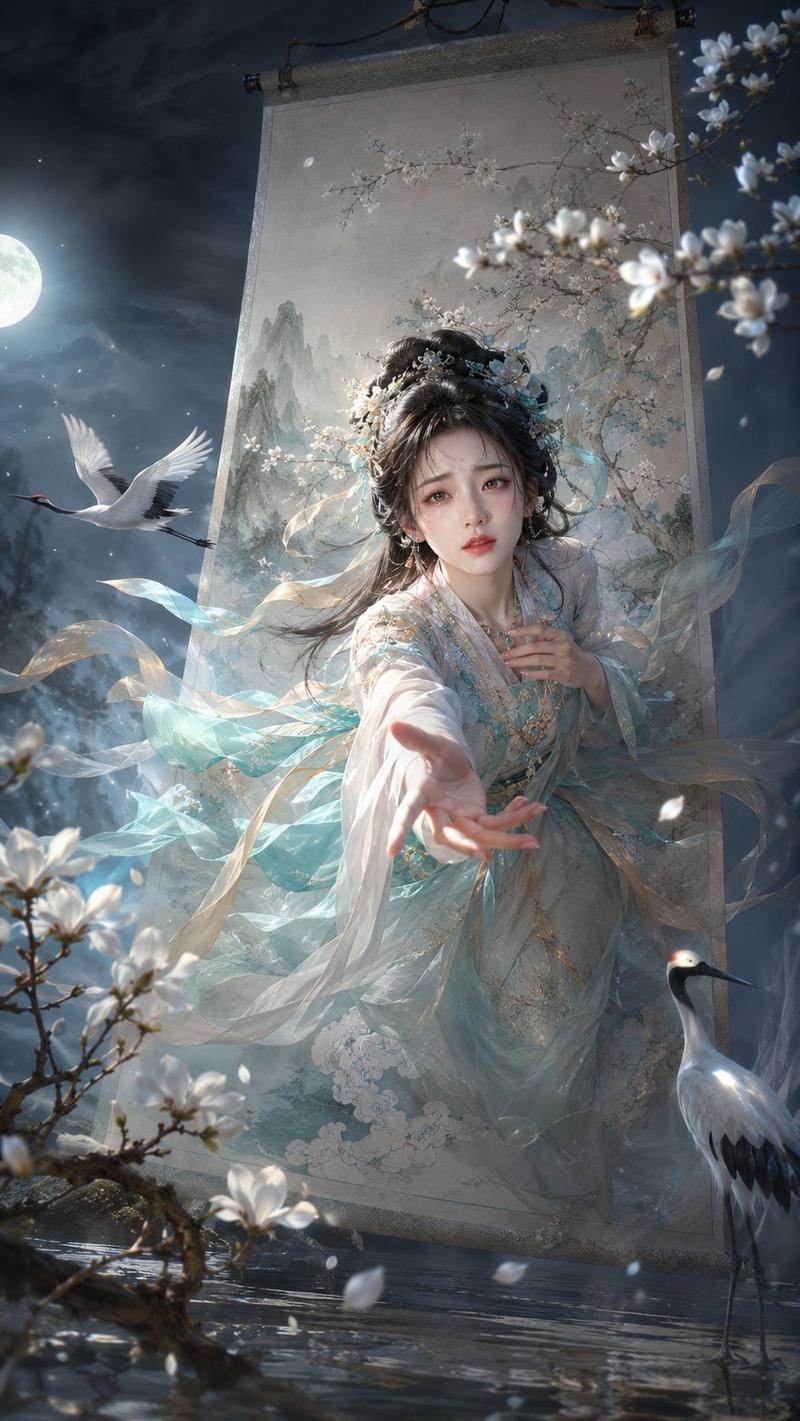
Using REFERENCE_0 as the character base, transform the subject into a {argument name="theme" default="fantasy Xianxia"} setting. Dress her in {argument name="clothing" default="elaborate purple and gold traditional Chinese robes with a sheer purple veil"}. Add ornate gold and pearl hair accessories and long pointed nail guards. Change her pose so she is looking slightly away, with one hand raised delicately near her face and the other holding a {argument name="prop" default="large, glowing white lotus flower"}. Set the scene at night with a {argument name="background" default="large full moon, a dark silhouette of a traditional temple roof, and cherry blossom branches"}. Apply an {argument name="lighting and atmosphere" default="ethereal, magical purple-tinted moonlight"} effect.
Category
Charts & Infographics
Model
GPT Image 2
Creator
古一
Views6
Source ID
13787
Published
Apr 17, 2026

Guide

About "奇幻汉服人像转换"

What is this prompt for?

"奇幻汉服人像转换" AI image prompt for GPT Image 2 (Charts & Infographics). 将普通人像照片转换为极具细节的魔幻场景,展现传统服饰与夜色氛围。 Copy it on Picva and recreate the look in one click.

The full copyable prompt and example visuals above are ready for AI image generation or one-click recreate in Picva.

How to use this prompt

  1. Step 1

    Open the prompt detail

    Review the example visuals, category, and full prompt text for "奇幻汉服人像转换".

  2. Step 2

    Copy the prompt

    Copy the prompt body from this page, or load it directly in Studio.

  3. Step 3

    Pick a model (GPT Image 2)

    Prefer GPT Image 2. If you switch models, keep subject and composition and tweak style terms.

  4. Step 4

    Generate and export

    Recreate the look in Picva, or export into your workflow for editing and publishing.

FAQ

What is the "奇幻汉服人像转换" prompt?
It is an AI image-generation prompt for GPT Image 2 in the Charts & Infographics category. This page includes the full prompt text, example visuals, and a one-click recreate path in Picva.
How do I use this prompt to generate an image?
Copy the prompt from this page, or use Generate / Studio. Paste it into a compatible image model, or recreate the look in Picva with optional reference images.
Which model is this prompt for?
This page lists GPT Image 2. Most descriptive prompts also transfer to nearby image models such as GPT Image, Flux, or Midjourney with light style tweaks.
Can I use the result commercially?
You can usually copy the prompt for creation, but commercial use of the final image depends on the model terms, reference-image rights, and the generated content. Follow the source author and platform rules.