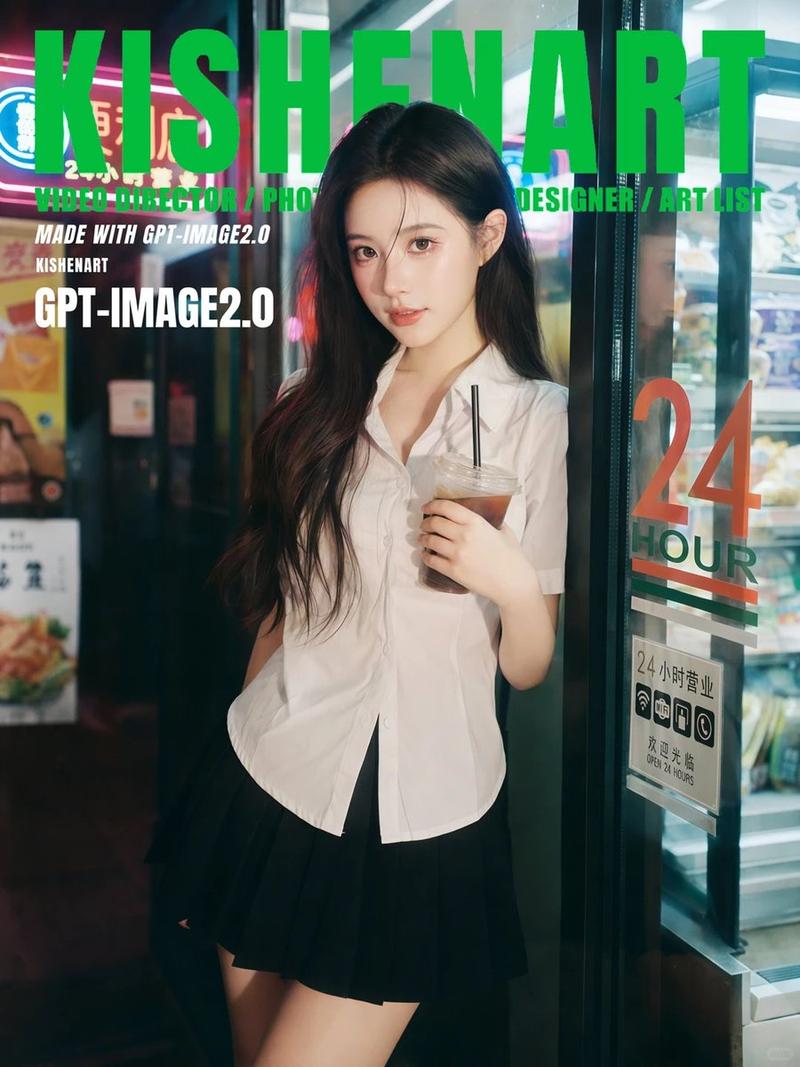
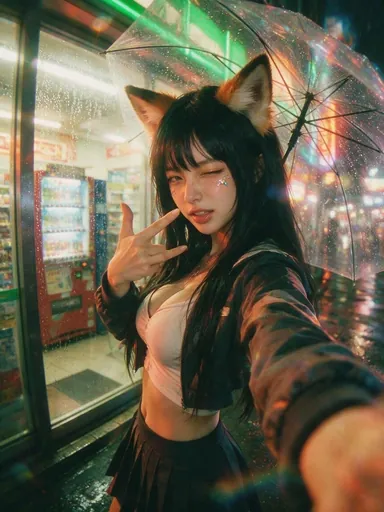
韩式便利店杂志插画
Prompt
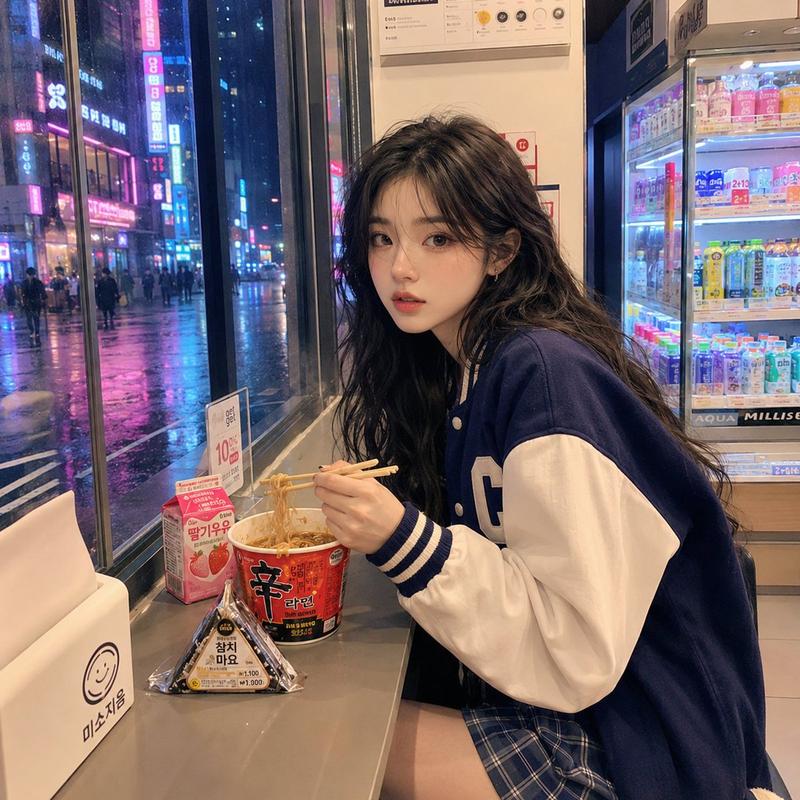
Using REFERENCE_0 as the base, transform the real convenience-store night photo into a Korean lifestyle magazine illustration with a watercolor-and-ink sketch aesthetic. Preserve the same subject, pose, outfit, convenience-store setting, rainy night window view, ramen cup, chopsticks, triangular kimbap, and drink case, but make the scene wider and more editorial, with cinematic Seoul night lighting, hand-drawn texture, soft paper grain, and scrapbook collage annotations.

Goal: Create a cozy Korean convenience-store diary spread titled {argument name="main title" default="서울의 밤"}, like a magazine page about late-night convenience-store food.

Style: Watercolor wash + fine ink outlines, warm indoor convenience-store light contrasted with wet neon city lights outside. Keep the face softly anonymized/blurred as in the reference. Add torn-paper edges, masking-tape style labels, doodled hearts, moons, stars, arrows, and handwritten Korean notes.

Composition additions: Expand the canvas into a square illustrated poster. Show a more detailed Seoul street outside the window with glowing signs including “SEOUL” and “GS25,” wet pavement reflections, and a fuller convenience-store refrigerator wall on the right. Add a small wooden table surface in front of the subject.

Add exactly 5 illustrated food/lifestyle feature items around the scene: 1 large Shin Ramyun cup close-up, 1 triangular kimbap/onigiri close-up, 1 strawberry milk carton, 1 small compact camera doodle, and 1 small taped Polaroid photo labeled “Seoul Night.”

Add exactly 12 scrapbook annotation blocks, arranged around the subject without covering the main face or hands: 1 top-left title block with {argument name="main title" default="서울의 밤"}; 1 pink label reading {argument name="mood label" default="편의점 감성 ♡"}; 1 checklist block titled “오늘의 메뉴” listing three checked items, “신라면 작은컵,” “참치마요 삼각김밥,” and “딸기우유”; 1 small sign callout “GS25”; 1 speech bubble near the window reading “역시 갓진라면! 국물까지 완벽해..♡”; 1 top-right pink tape quote reading “비 오는 밤, 편의점은 나만의 작은 아지트..♡”; 1 white ramen note saying the warm ramen tastes like a small comfort after a tiring day; 1 note pointing to the kimbap saying tuna mayo inside convenience-store samgak kimbap is the best combination; 1 note pointing to strawberry milk saying sweet strawberry milk completes the meal; 1 pink playlist memo titled {argument name="playlist title" default="오늘의 플레이리스트"} with four short bullet songs; 1 bottom diary caption reading “서울의 밤은 언제나 특별해요. 혼자여도 괜찮아, 이런 시간이 소중하니까. 내일도 힘내보자! 화이팅 ♡”; and 1 bottom-right note beside the Polaroid reading “오늘의 한줄 작은 행복들이 모여서 내 하루를 빛나게 해준다.”

Text treatment: Use casual handwritten Korean for the notes, with readable but organic lettering. Keep annotations decorative and magazine-like, not like a clean infographic.

Constraints: Do not change the subject’s clothing or pose significantly. Do not replace the convenience-store meal. Do not make it photorealistic; the result should clearly look like an illustrated Korean lifestyle magazine spread.- Category
- Charts & Infographics
- Model
- GPT Image 2
- Creator
- GPTProto Official
- Source ID
- 23072
- Published
- May 28, 2026
Views2