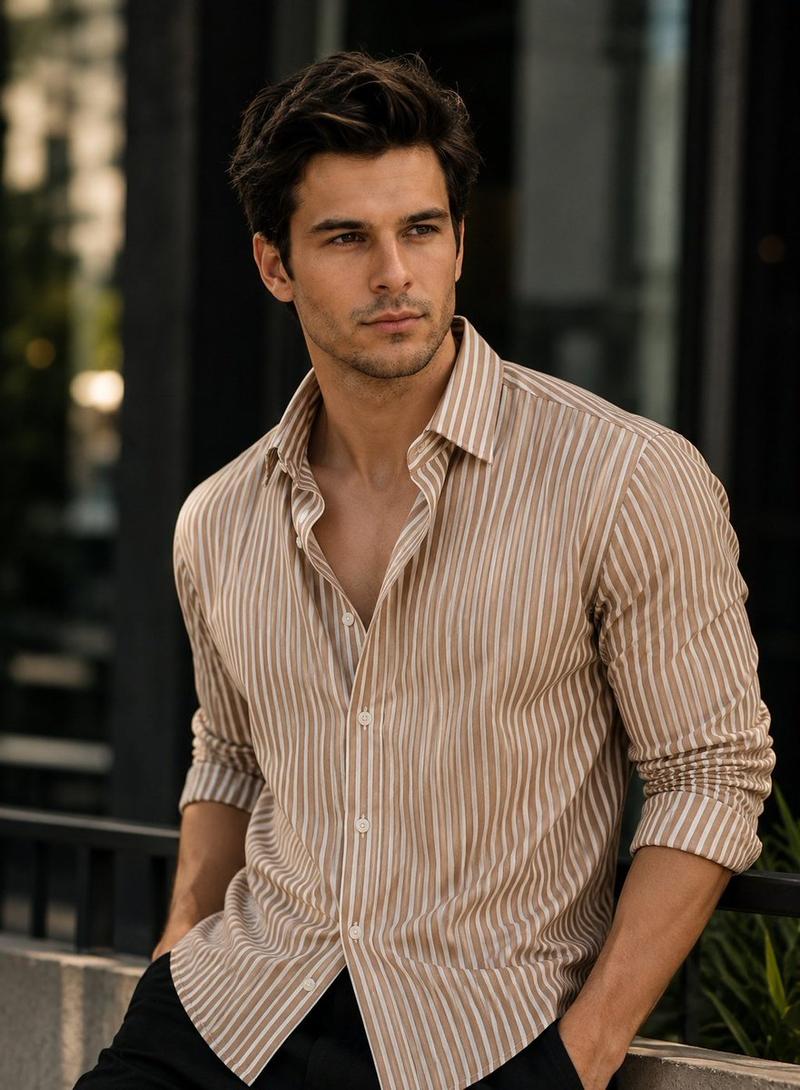
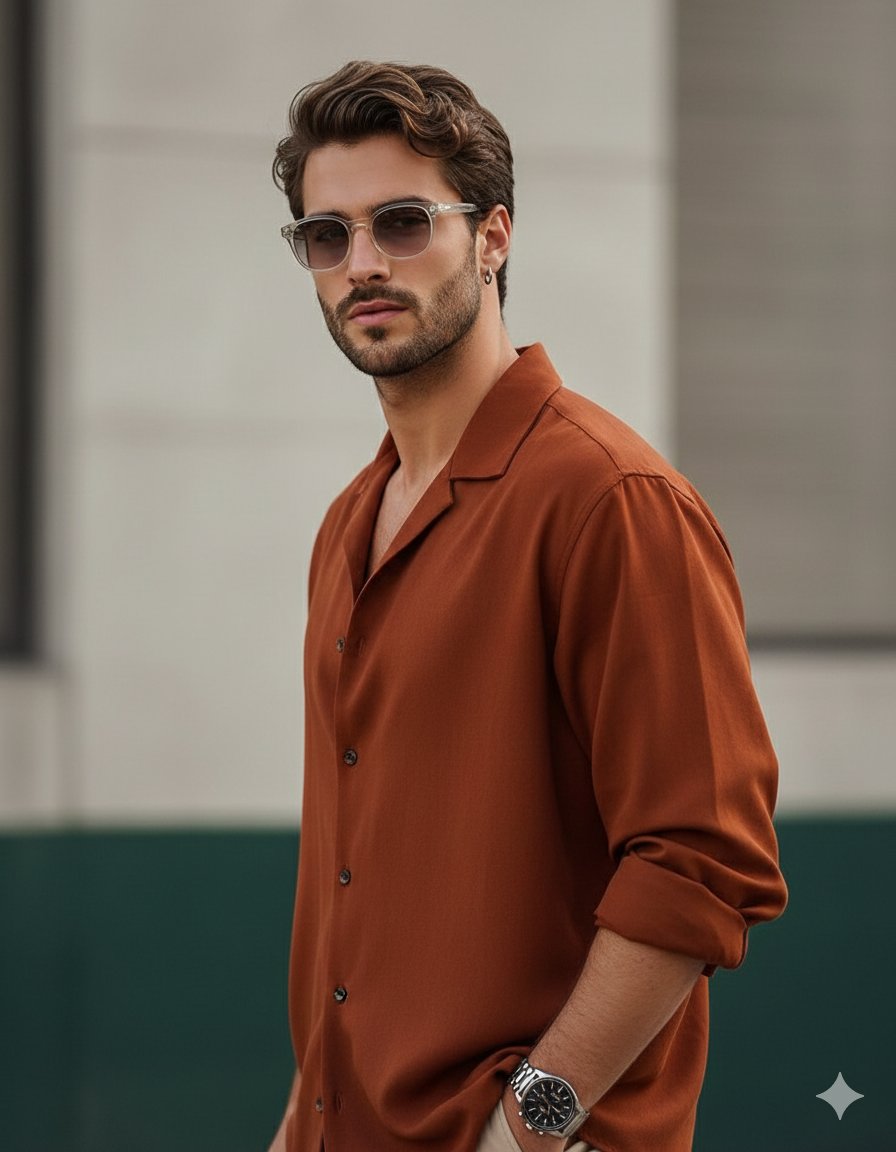
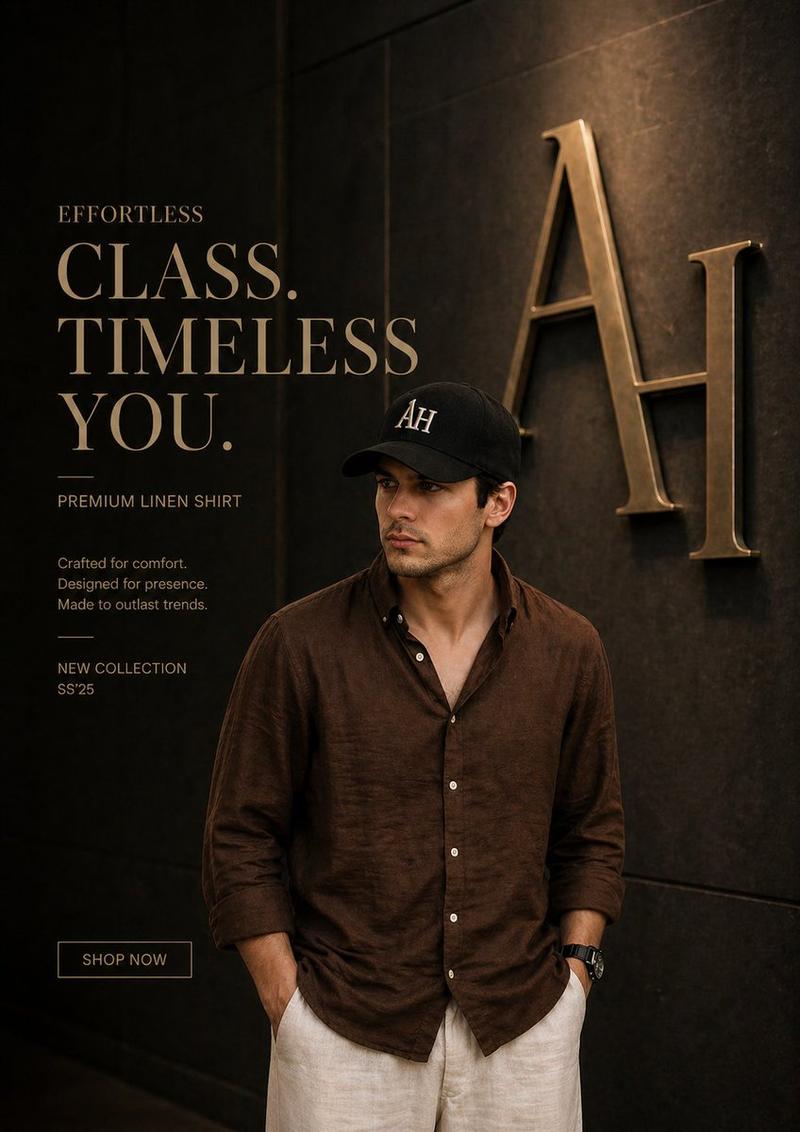
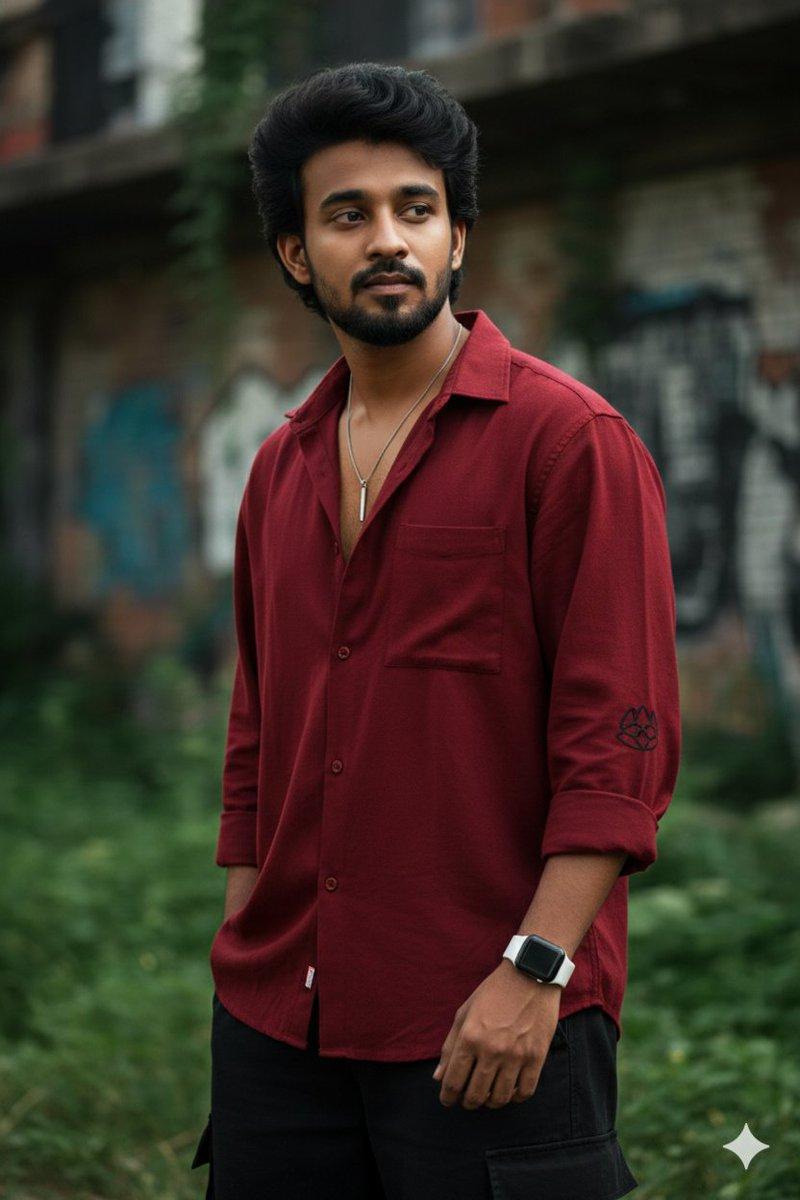
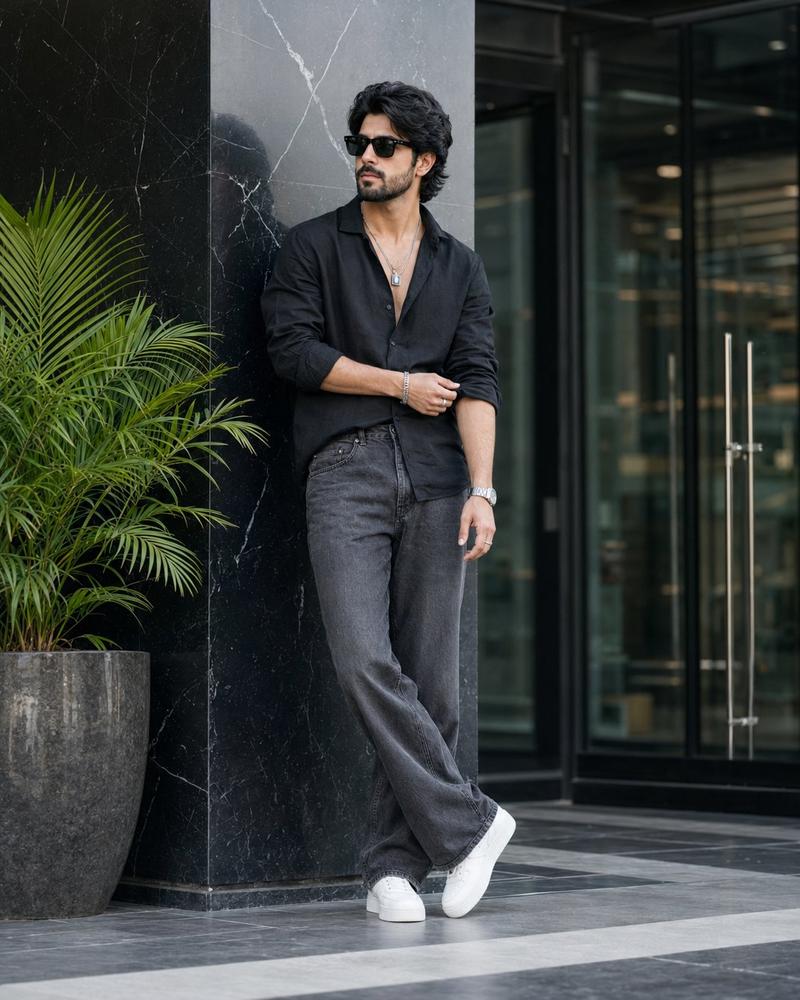
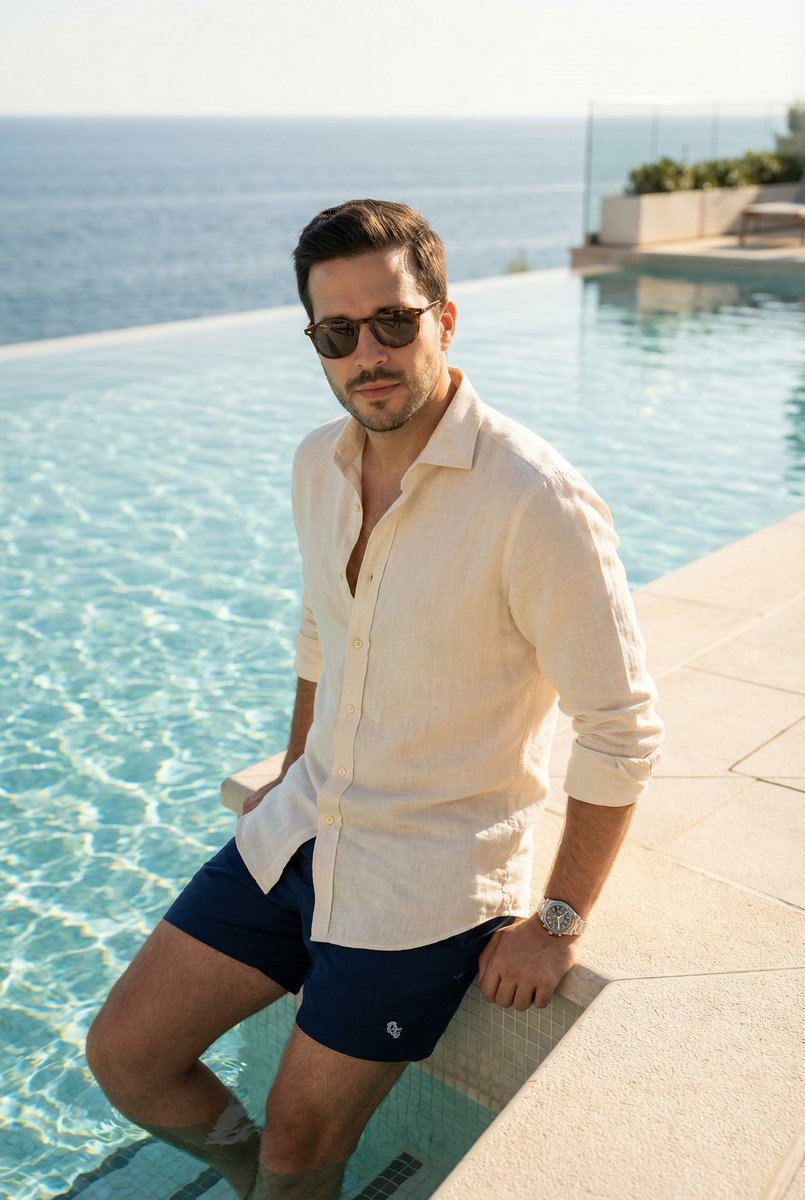
专业男性时尚杂志人像
Prompt
Ultra-realistic fashion portrait of a {argument name="subject description" default="handsome young man"} standing casually between modern concrete architectural columns, medium-full body framing, hands in pockets, wearing a {argument name="shirt style" default="relaxed-fit deep navy blue linen button-down shirt"} with sleeves rolled up to the forearms, top buttons open, paired with light beige linen trousers. Dark textured hair styled naturally with volume, light stubble beard, sharp jawline, confident and calm expression, luxury black wristwatch.

Minimalist contemporary architecture background, soft neutral gray concrete walls, shallow depth of field, subtle background blur, natural daylight, soft diffused lighting, warm skin tones, premium menswear campaign aesthetic, editorial fashion photography, luxury lifestyle magazine look, ultra detailed fabric texture, realistic skin details, crisp focus on face, cinematic color grading, sophisticated masculine style.

Shot on {argument name="camera setup" default="Sony A7R V, 85mm lens, f/2.0"}, ISO 100, high-end commercial photography, centered composition, clean background, muted color palette, professional fashion campaign, photorealistic, 8K, sharp details, premium quality.

Negative Prompt:

low quality, blurry face, oversaturated colors, extra fingers, distorted hands, cartoon, CGI, unrealistic skin, heavy makeup, cluttered background, text, watermark, logo, noise, overexposed highlights, harsh shadows, duplicate features, bad anatomy, cropped head, wide-angle distortion, messy clothing, exaggerated muscles.- Category
- Charts & Infographics
- Model
- GPT Image 2
- Creator
- auqib
- Source ID
- 23158
- Published
- May 29, 2026
Views5