19

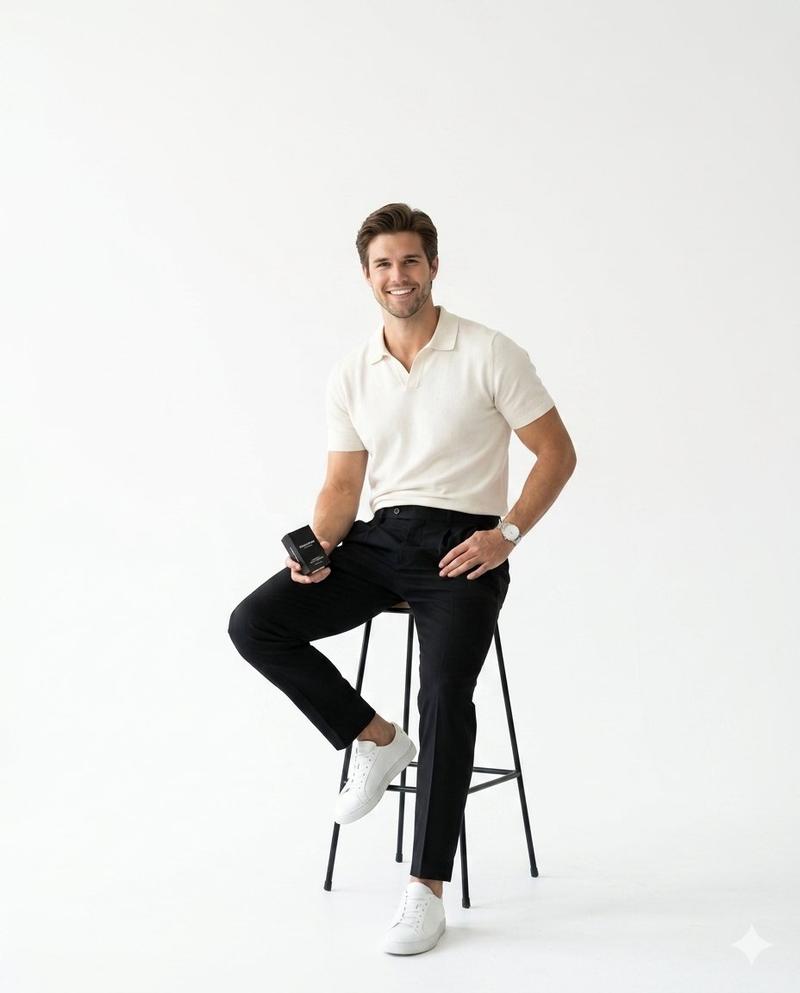
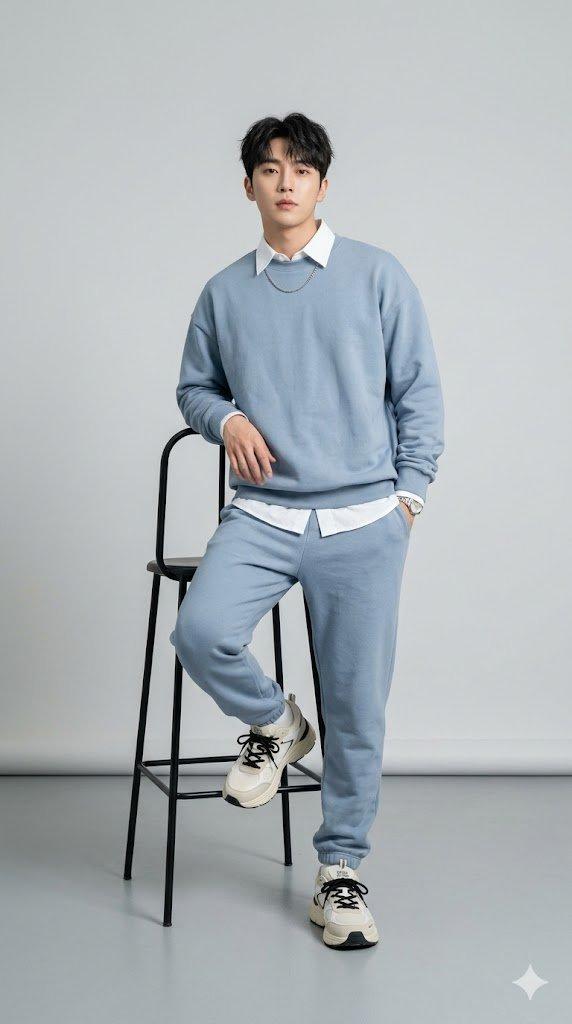
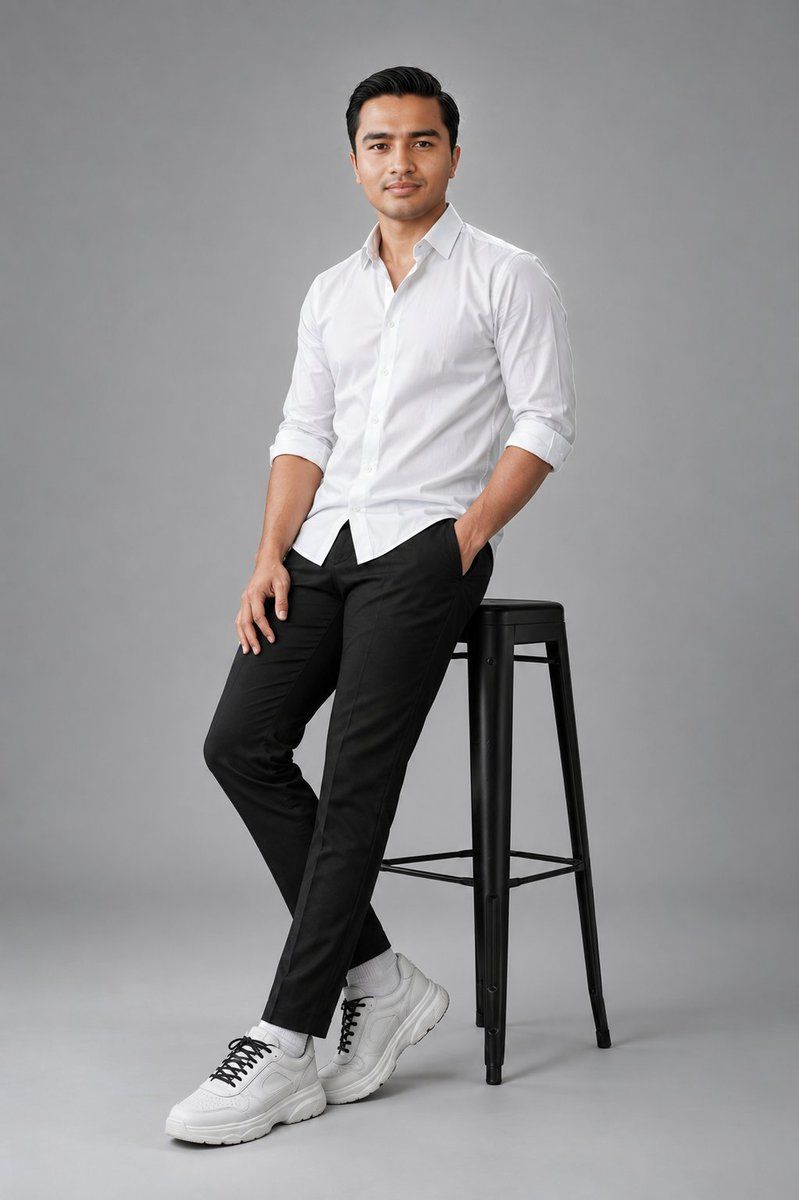
干净的摄影棚时尚肖像
Enlarge

干净的摄影棚时尚肖像

Prompt
Studio full-body portrait of an {argument name="subject" default="adult man"} standing and leaning casually against a tall black metal stool in a relaxed three-quarter pose, right hand in pocket and left hand resting on his thigh, wearing a {argument name="clothing" default="white button-down shirt"} with sleeves rolled and slightly untucked, slim black tailored trousers, white chunky sneakers with black laces and white socks. {argument name="background" default="light gray seamless backdrop"}, soft even studio lighting with a subtle rim light to separate him from the background, minimal shadows, modern clean commercial fashion aesthetic. High-resolution image with natural color grading and slight desaturation, sharp focus on face and clothing, shallow depth of field, vertical composition, slightly low angle. Emphasize fabric texture, stitch details, shoe materials and hair details. Camera guidance: 35mm lens equivalent, f/4, 1/125s, ISO 100. Retouching notes: preserve realistic skin texture and pores, remove stray fibers and dust, enhance contrast and clarity for a polished contemporary look.
Category
Photography & Realism
Model
GPT Image 2
Views6
Source ID
21661
Published
May 20, 2026

Guide

About "干净的摄影棚时尚肖像"

What is this prompt for?

"干净的摄影棚时尚肖像" AI image prompt for GPT Image 2 (Photography & Realism). 生成专业的高分辨率摄影棚肖像,重点呈现面料质感和干净的商业时尚美学。 Copy it on Picva and recreate the look in one click.

The full copyable prompt and example visuals above are ready for AI image generation or one-click recreate in Picva.

How to use this prompt

  1. Step 1

    Open the prompt detail

    Review the example visuals, category, and full prompt text for "干净的摄影棚时尚肖像".

  2. Step 2

    Copy the prompt

    Copy the prompt body from this page, or load it directly in Studio.

  3. Step 3

    Pick a model (GPT Image 2)

    Prefer GPT Image 2. If you switch models, keep subject and composition and tweak style terms.

  4. Step 4

    Generate and export

    Recreate the look in Picva, or export into your workflow for editing and publishing.

FAQ

What is the "干净的摄影棚时尚肖像" prompt?
It is an AI image-generation prompt for GPT Image 2 in the Photography & Realism category. This page includes the full prompt text, example visuals, and a one-click recreate path in Picva.
How do I use this prompt to generate an image?
Copy the prompt from this page, or use Generate / Studio. Paste it into a compatible image model, or recreate the look in Picva with optional reference images.
Which model is this prompt for?
This page lists GPT Image 2. Most descriptive prompts also transfer to nearby image models such as GPT Image, Flux, or Midjourney with light style tweaks.
Can I use the result commercially?
You can usually copy the prompt for creation, but commercial use of the final image depends on the model terms, reference-image rights, and the generated content. Follow the source author and platform rules.