14

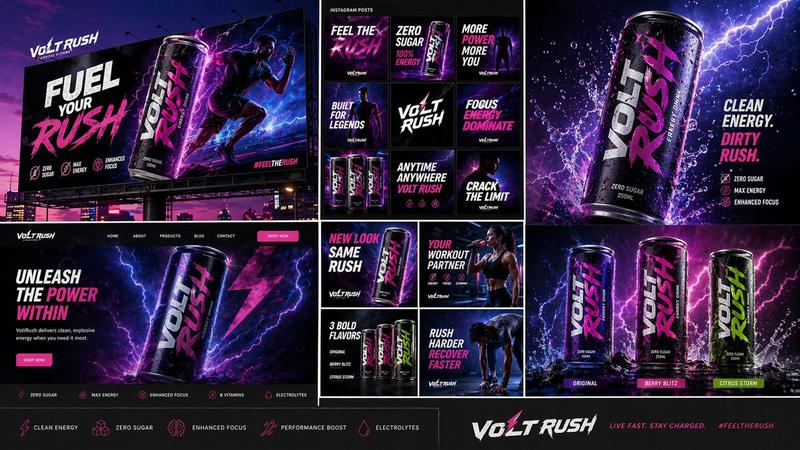
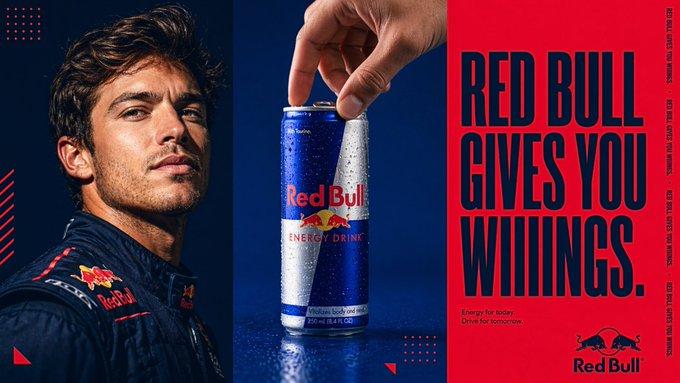
饮料品牌户外广告活动
Enlarge

饮料品牌户外广告活动

Prompt
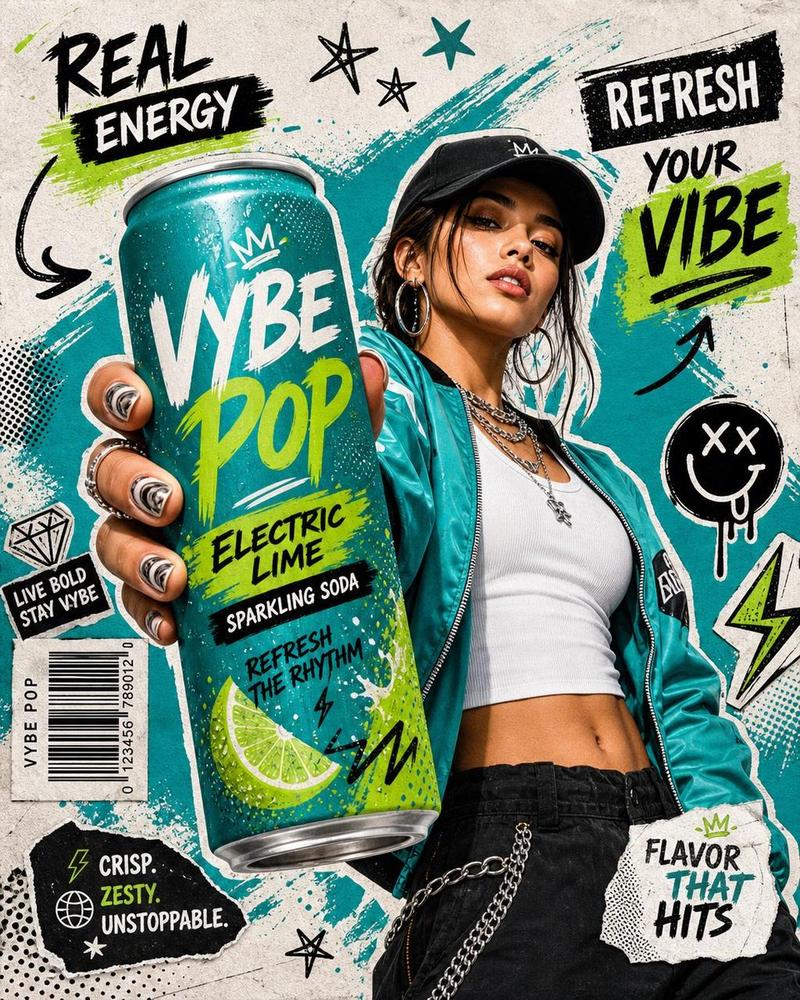
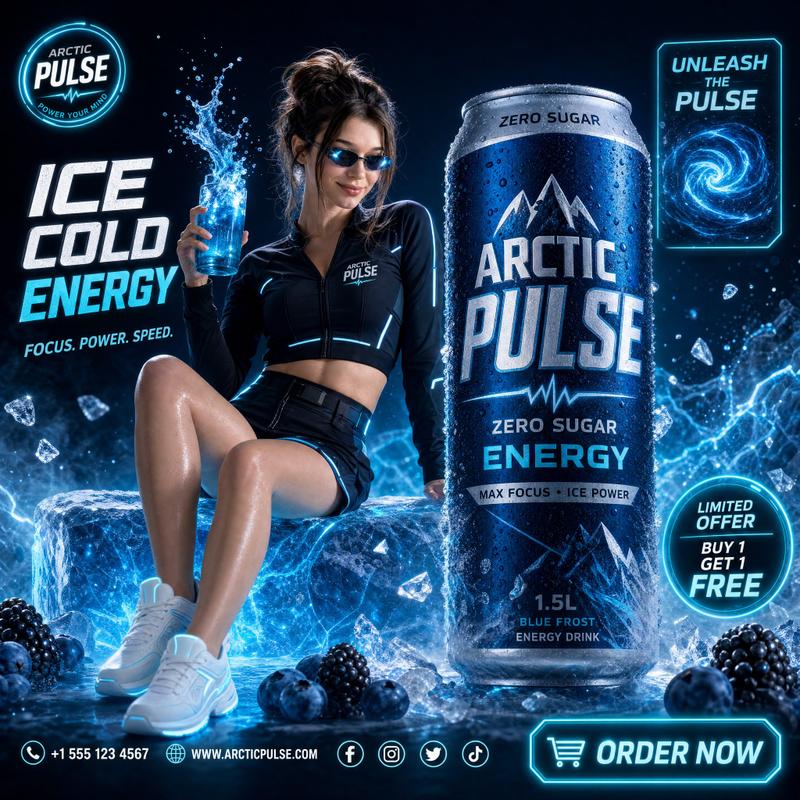
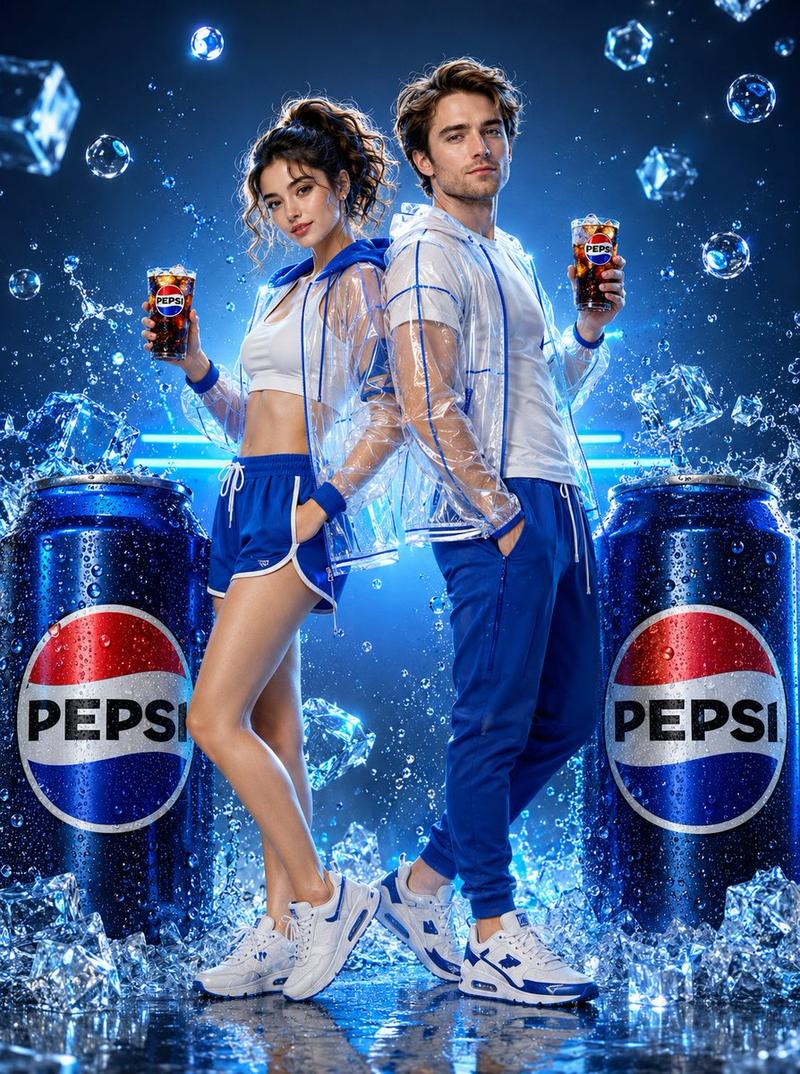
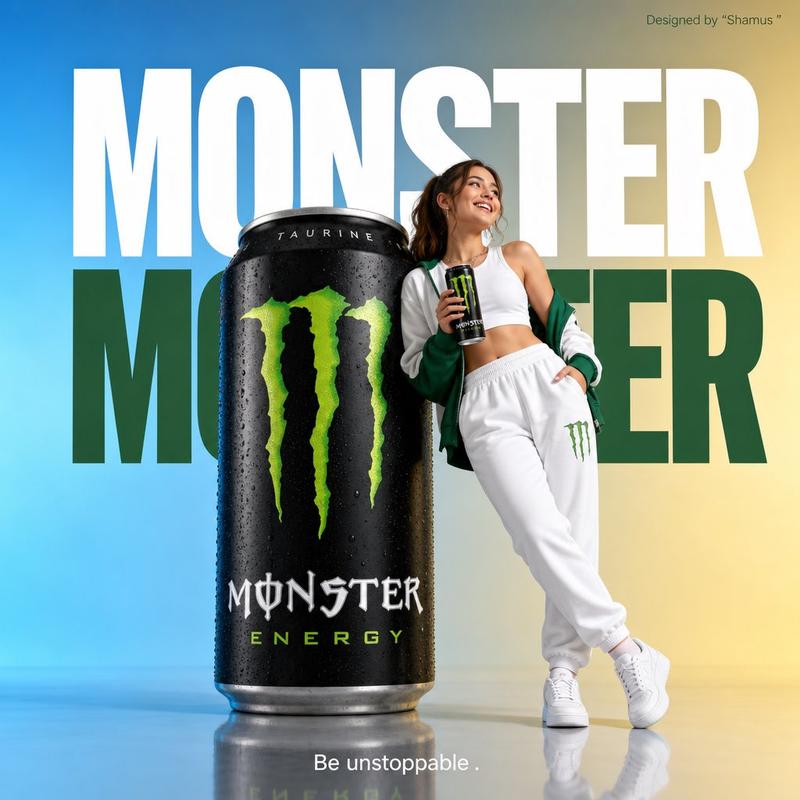
Use the provided reference image of me for facial resemblance only and the provided {argument name="product" default="Cola Next"} can as the product reference. Create a premium low-angle commercial fashion campaign photograph of a {argument name="subject" default="confident young South Asian male model"} holding a large {argument name="product" default="Cola Next"} can very close to the camera, with forced perspective so the hand and can dominate the foreground. Keep the full body visible in the background in a wide, dynamic stance. Change the hairstyle, pose, outfit, and expression creatively for a polished ad-campaign look. Style the model in bold fashion-forward streetwear with red, black, white, and yellow tones inspired by major Pepsi/Coca-Cola advertising aesthetics. Use a dynamic red studio background with glowing light trails, energetic motion graphics, glossy floor reflections, high-key commercial lighting, sharp product focus, slight depth of field on the model, natural skin texture, glossy packaging detail, visible condensation droplets on the can, crisp shadows, and a modern premium commercial photography style. Add bold classic advertising typography such as “TASTE THE NEXT,” “BOLD FLAVOR. ICE-COLD ENERGY,” and “DRINK IT COLD.” The final image should feel like a global beverage billboard campaign — stylish, energetic, high-end, and visually powerful.
Category
Charts & Infographics
Model
GPT Image 2
Creator
Zeeshan
Views5
Source ID
23293
Published
May 30, 2026

Guide

About "饮料品牌户外广告活动"

What is this prompt for?

"饮料品牌户外广告活动" AI image prompt for GPT Image 2 (Charts & Infographics). 一个高端商业提示词,利用强制透视法创作出一张以男性模特为主角的震撼饮料广告。 Copy it on Picva and recreate the look in one clic…

The full copyable prompt and example visuals above are ready for AI image generation or one-click recreate in Picva.

How to use this prompt

  1. Step 1

    Open the prompt detail

    Review the example visuals, category, and full prompt text for "饮料品牌户外广告活动".

  2. Step 2

    Copy the prompt

    Copy the prompt body from this page, or load it directly in Studio.

  3. Step 3

    Pick a model (GPT Image 2)

    Prefer GPT Image 2. If you switch models, keep subject and composition and tweak style terms.

  4. Step 4

    Generate and export

    Recreate the look in Picva, or export into your workflow for editing and publishing.

FAQ

What is the "饮料品牌户外广告活动" prompt?
It is an AI image-generation prompt for GPT Image 2 in the Charts & Infographics category. This page includes the full prompt text, example visuals, and a one-click recreate path in Picva.
How do I use this prompt to generate an image?
Copy the prompt from this page, or use Generate / Studio. Paste it into a compatible image model, or recreate the look in Picva with optional reference images.
Which model is this prompt for?
This page lists GPT Image 2. Most descriptive prompts also transfer to nearby image models such as GPT Image, Flux, or Midjourney with light style tweaks.
Can I use the result commercially?
You can usually copy the prompt for creation, but commercial use of the final image depends on the model terms, reference-image rights, and the generated content. Follow the source author and platform rules.