20

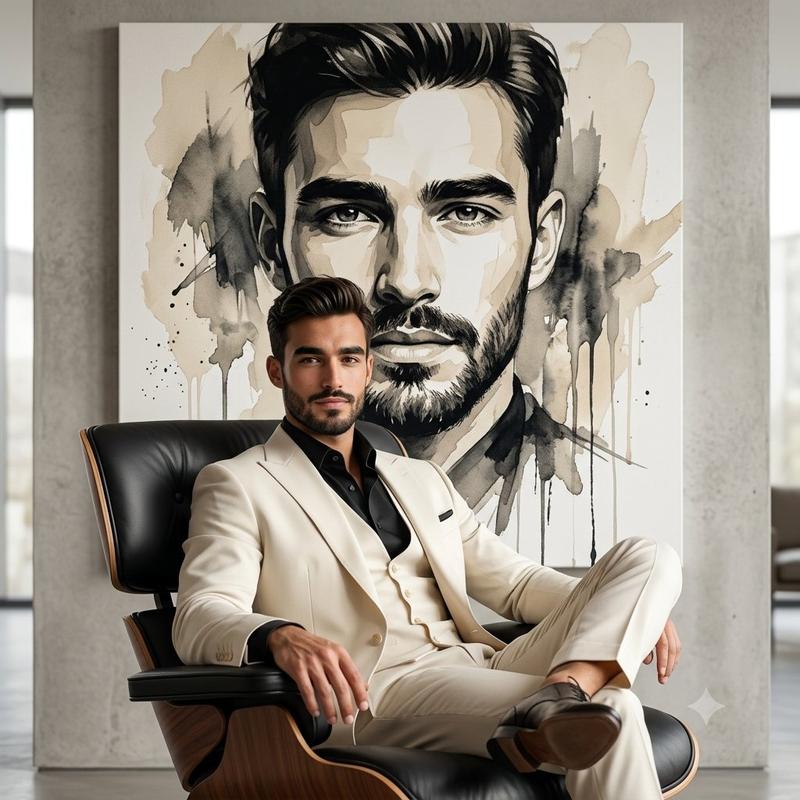
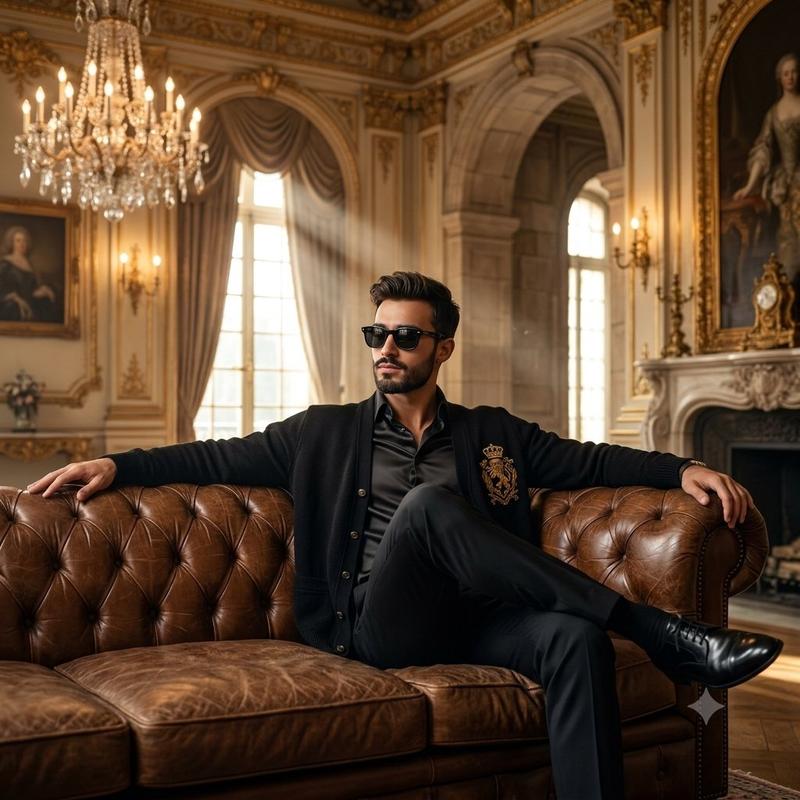
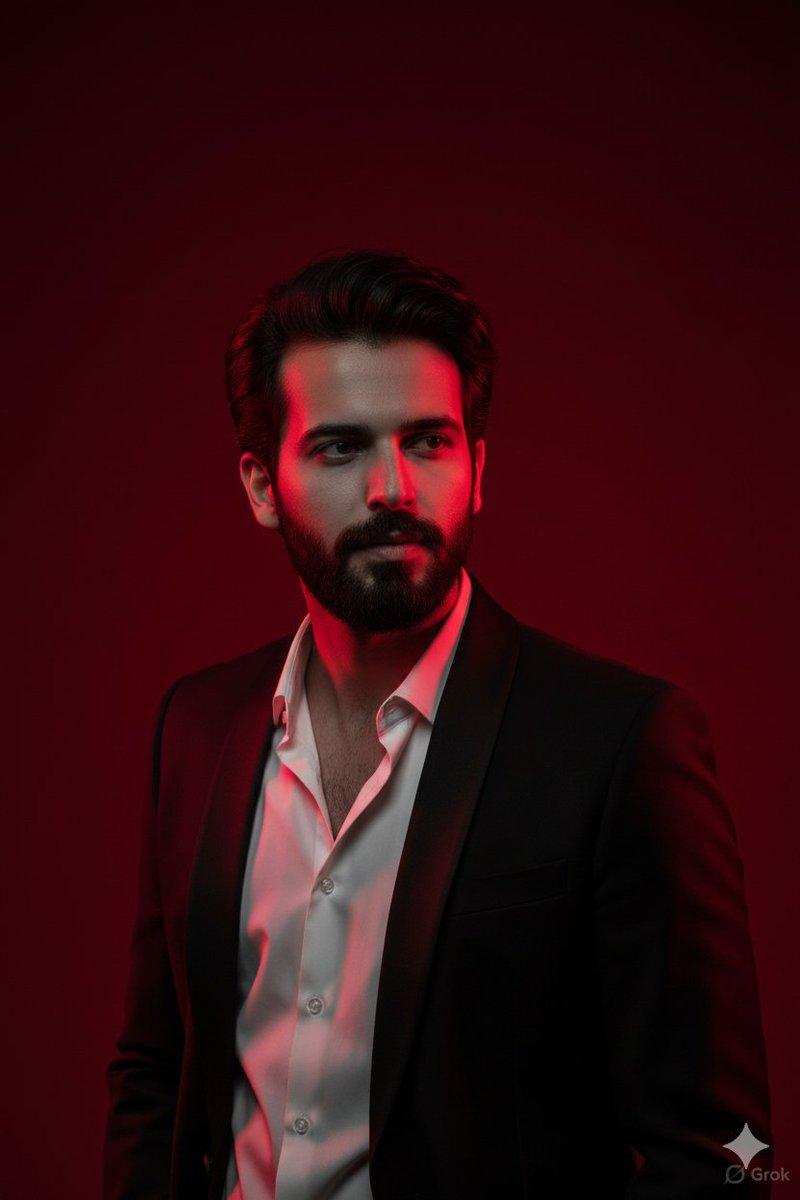
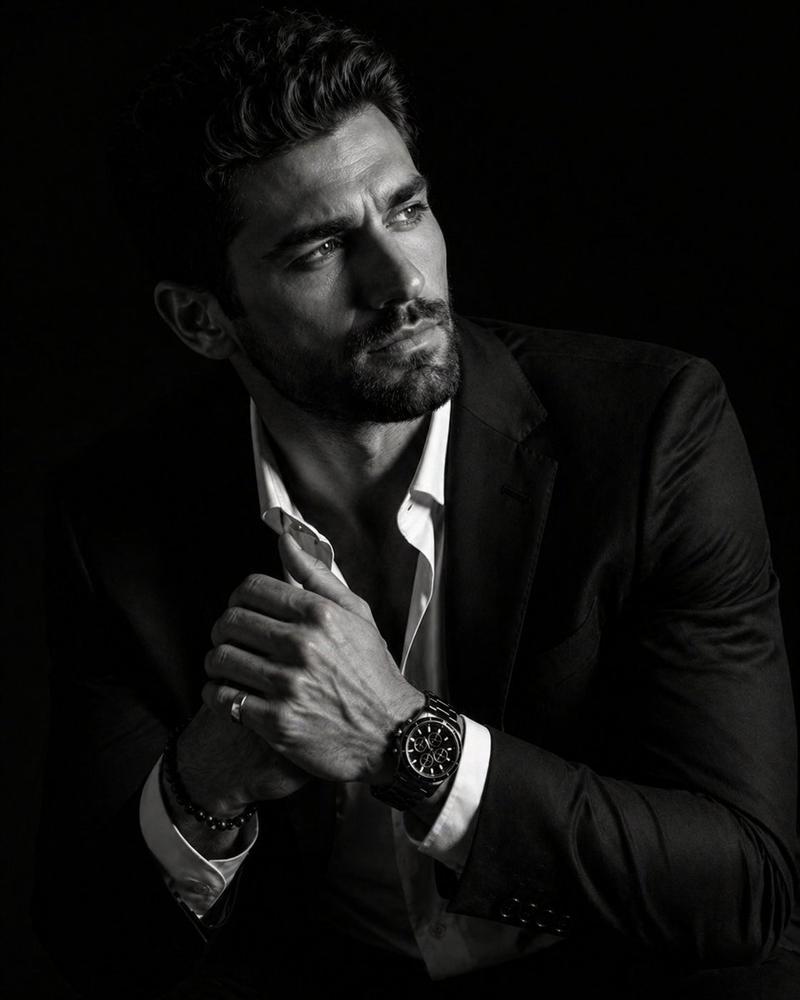
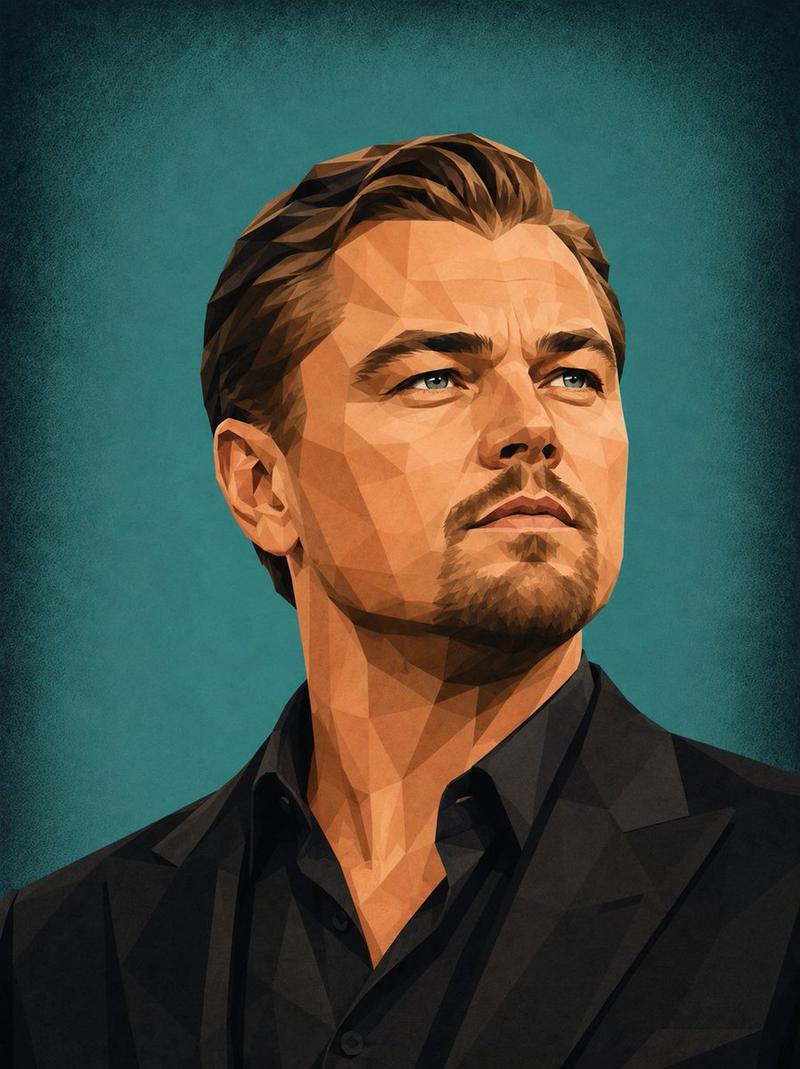
奢华时尚壁画肖像
Enlarge

奢华时尚壁画肖像

Prompt
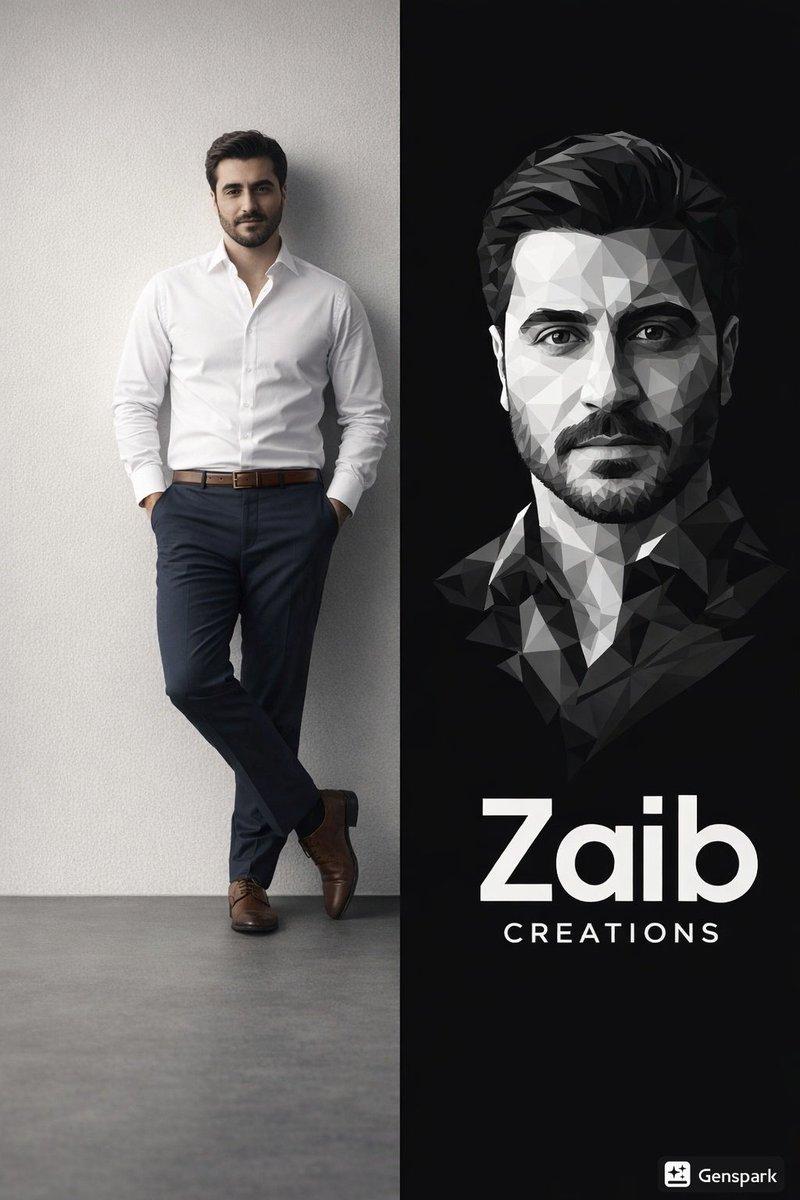
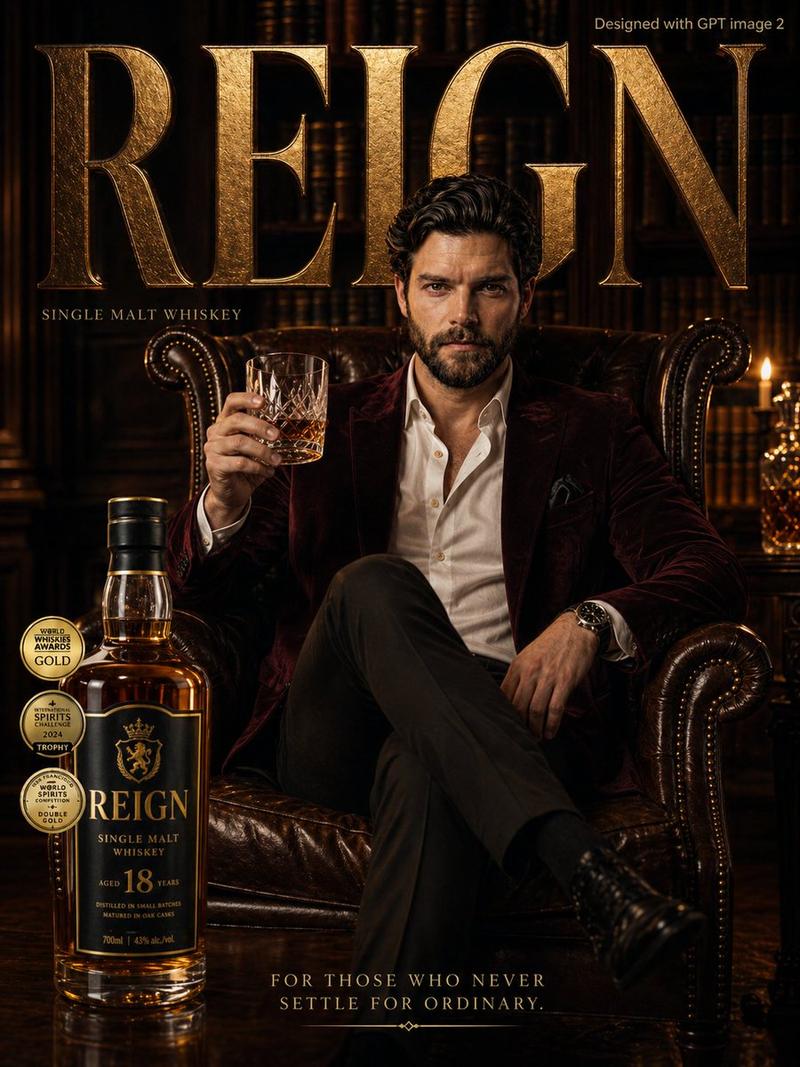
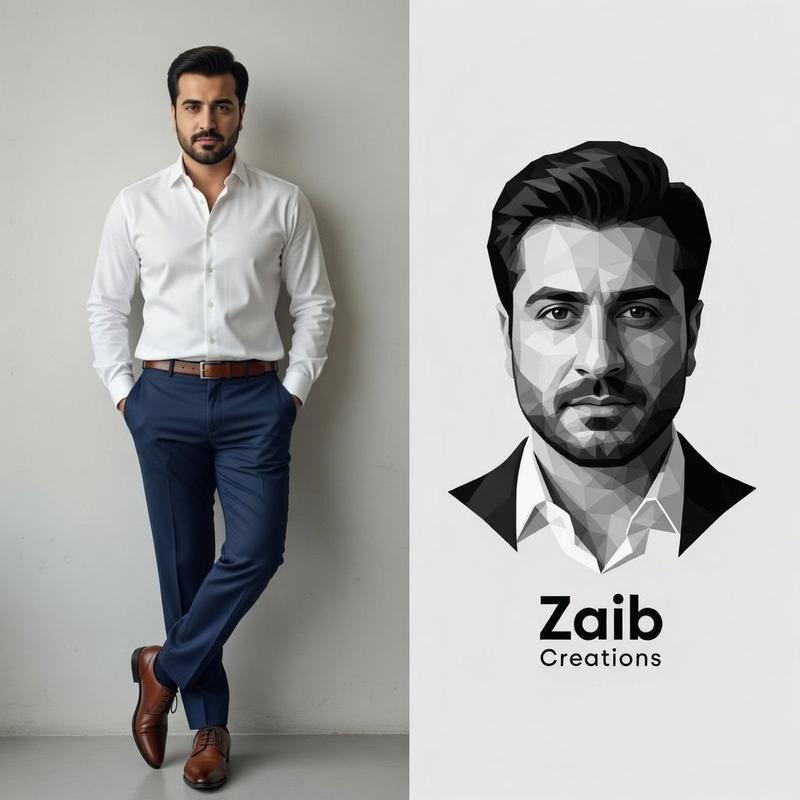
Elegant luxury fashion editorial portrait of a {argument name="subject" default="handsome man"} seated gracefully on a vintage black velvet chaise lounge, wearing a {argument name="outfit" default="deep burgundy satin suit with subtle sheen and flowing tailored fabric"}, soft styled hair, confident gaze toward camera, minimalist light gray studio backdrop. Behind him, a massive black-and-white geometric low-poly mural portrait of the same man dominates the wall, creating a striking contrast between realism and abstract art. High-fashion magazine aesthetic, luxury interior styling, dramatic composition, soft cinematic lighting, premium textures, photorealistic skin, shallow depth of field, sophisticated color grading, Vogue-style campaign, ultra-detailed, clean shadows, modern gallery atmosphere, centered composition, elegant and timeless mood.
Category
Charts & Infographics
Model
GPT Image 2
Creator
Mr. Tariq
Views3
Source ID
23322
Published
May 30, 2026

Guide

About "奢华时尚壁画肖像"

What is this prompt for?

"奢华时尚壁画肖像" AI image prompt for GPT Image 2 (Charts & Infographics). 一款优雅的时尚编辑风格肖像提示词,展现了写实主体与背景中巨大的抽象低多边形壁画之间的强烈对比。 Copy it on Picva and recreate the look in o…

The full copyable prompt and example visuals above are ready for AI image generation or one-click recreate in Picva.

How to use this prompt

  1. Step 1

    Open the prompt detail

    Review the example visuals, category, and full prompt text for "奢华时尚壁画肖像".

  2. Step 2

    Copy the prompt

    Copy the prompt body from this page, or load it directly in Studio.

  3. Step 3

    Pick a model (GPT Image 2)

    Prefer GPT Image 2. If you switch models, keep subject and composition and tweak style terms.

  4. Step 4

    Generate and export

    Recreate the look in Picva, or export into your workflow for editing and publishing.

FAQ

What is the "奢华时尚壁画肖像" prompt?
It is an AI image-generation prompt for GPT Image 2 in the Charts & Infographics category. This page includes the full prompt text, example visuals, and a one-click recreate path in Picva.
How do I use this prompt to generate an image?
Copy the prompt from this page, or use Generate / Studio. Paste it into a compatible image model, or recreate the look in Picva with optional reference images.
Which model is this prompt for?
This page lists GPT Image 2. Most descriptive prompts also transfer to nearby image models such as GPT Image, Flux, or Midjourney with light style tweaks.
Can I use the result commercially?
You can usually copy the prompt for creation, but commercial use of the final image depends on the model terms, reference-image rights, and the generated content. Follow the source author and platform rules.