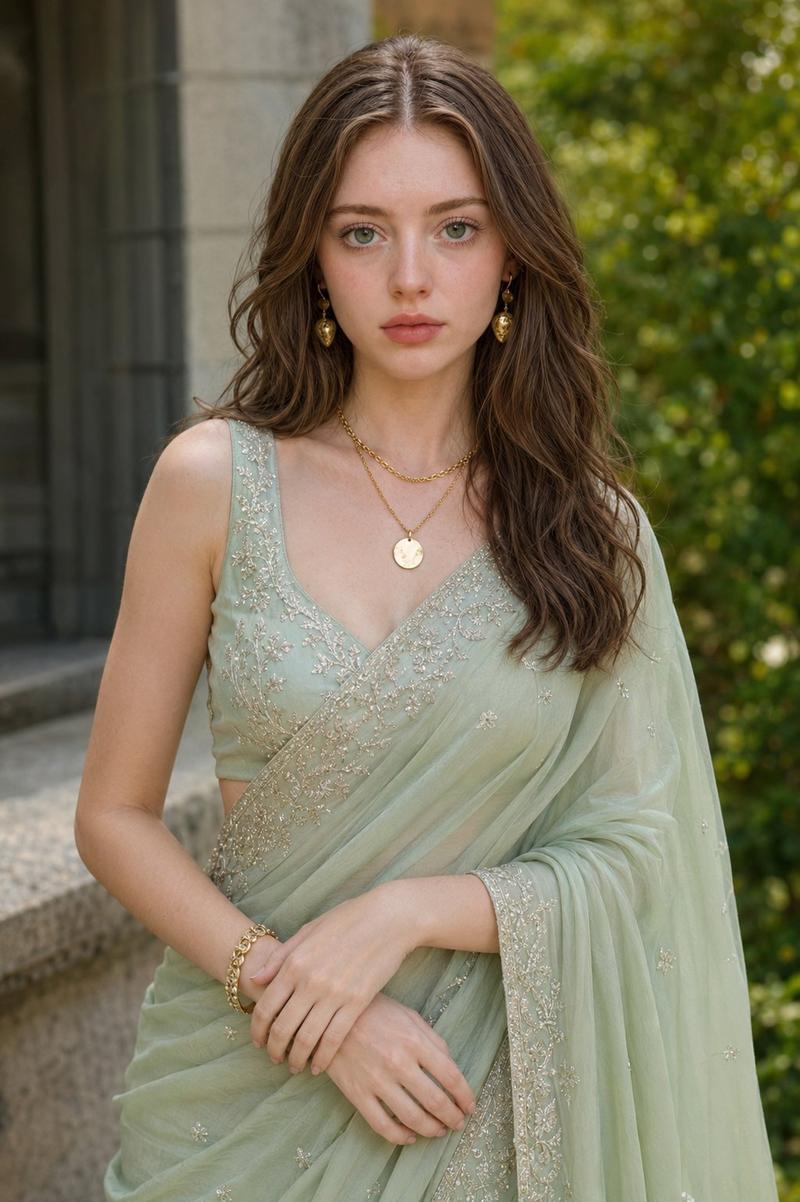
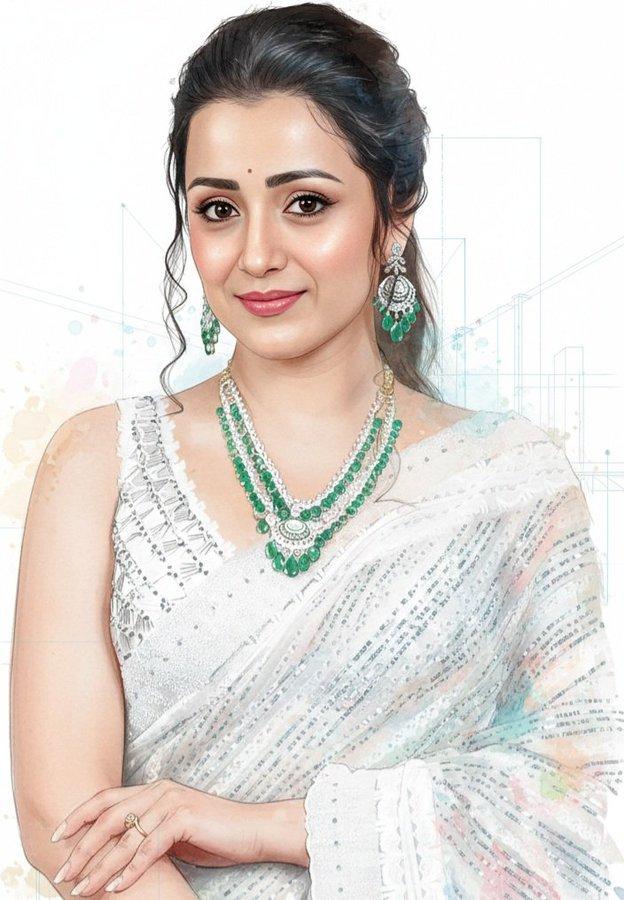
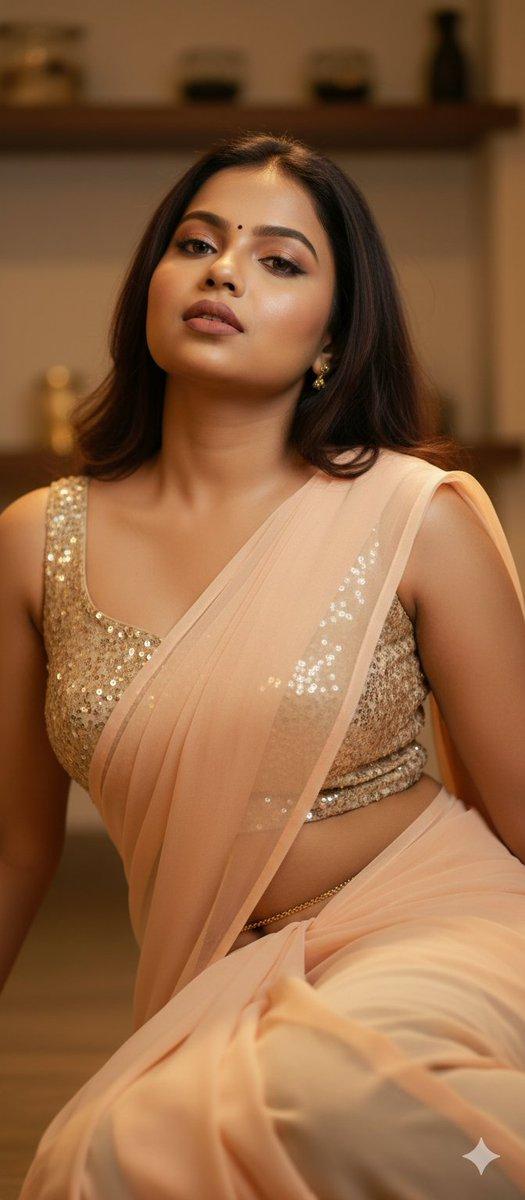
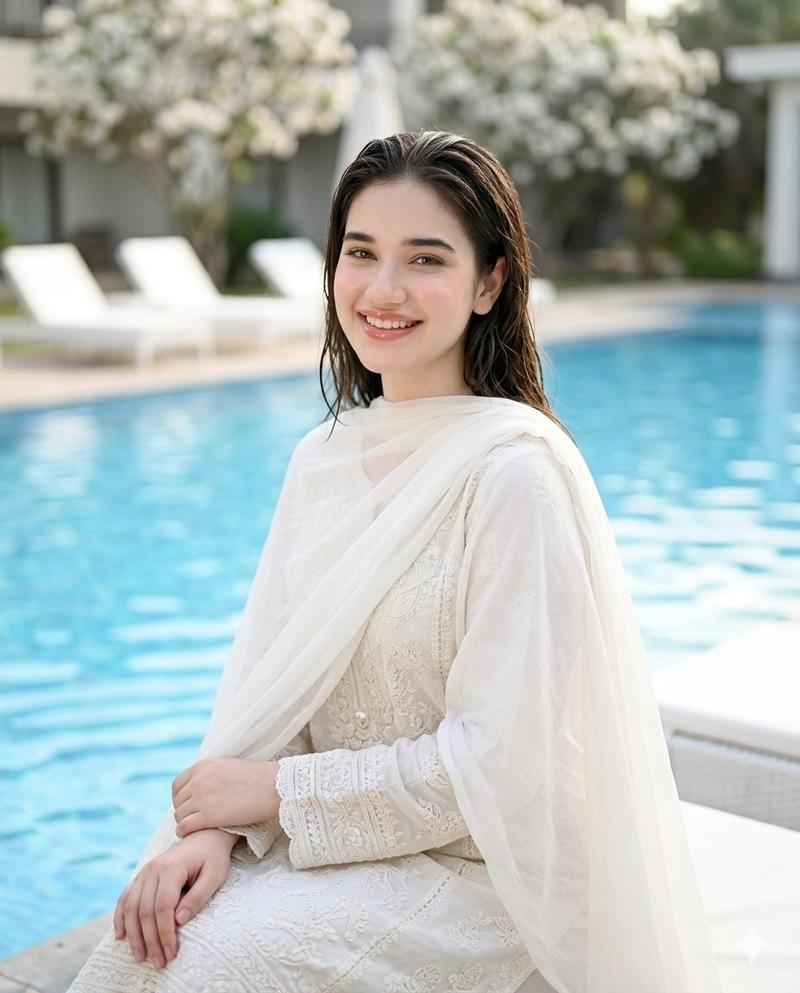
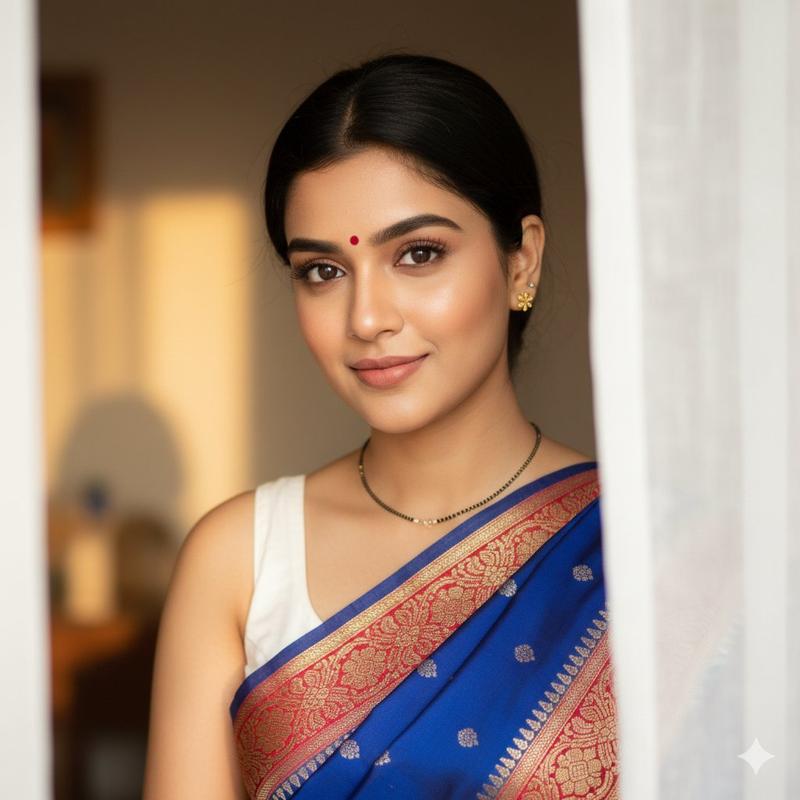
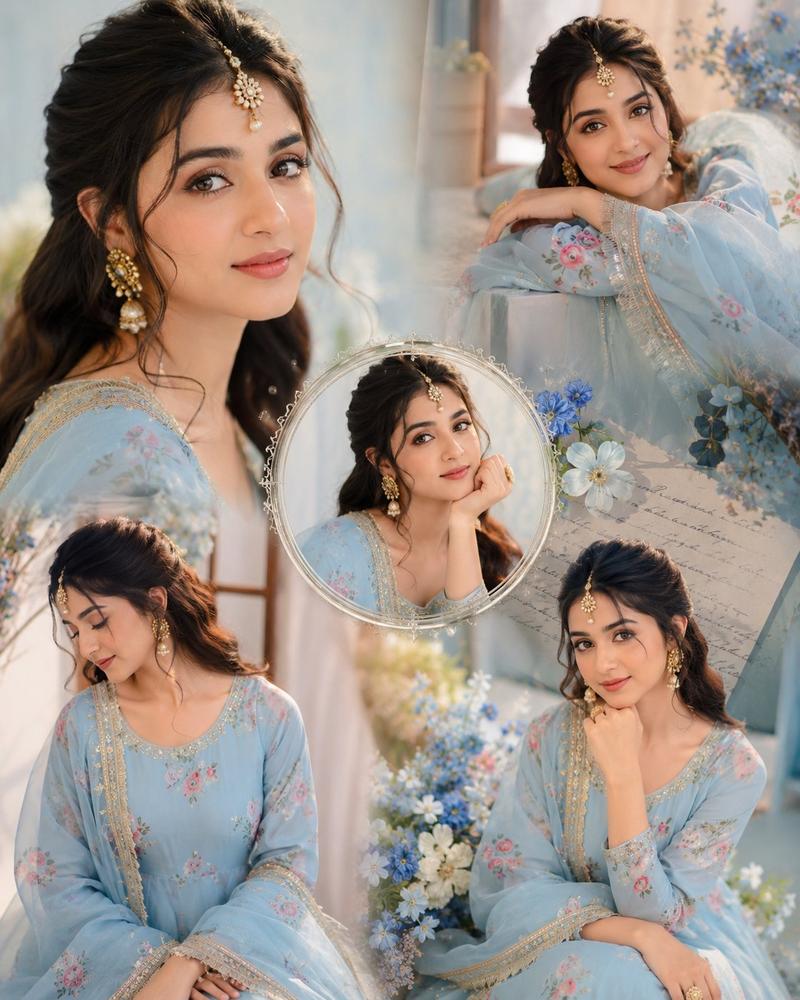
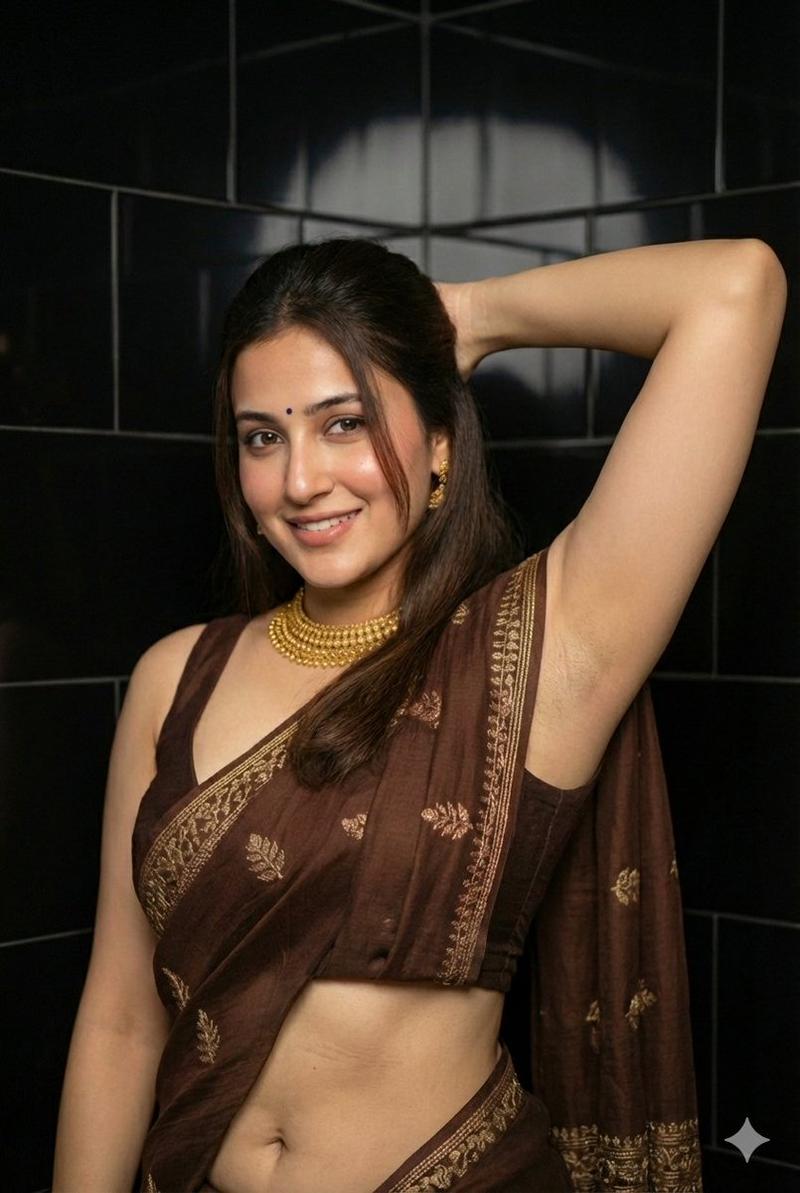
南亚纱丽肖像提示词卡片
Prompt
Create a vertical 4:5 social-media prompt card featuring a realistic indoor portrait photograph of a {argument name="subject" default="young South Asian woman"}. The woman is shown from upper torso to head, seated or standing in front of a soft cream-beige paneled wall with shallow depth of field and warm indoor lighting. Her face must be intentionally hidden by one centered opaque square censor block in a medium brown skin-tone color, covering the full face from forehead to chin. She has long, lustrous {argument name="hair color" default="dark brown to black"} hair, parted deeply on her left side and flowing in loose waves over her right shoulder down toward her waist. Her head is turned three-quarter toward the right while her body faces forward; her left shoulder is draped in fabric and her right hand is raised near her collarbone with relaxed fingers. She wears exactly 2 large traditional oxidized-silver jhumka earrings, one on each ear, with pearl-like dangling tiers. Outfit: exactly 2 visible garment layers, an ivory or cream sleeveless blouse with intricate white floral embroidery and a scalloped sweetheart neckline edged with tiny pearl beads, plus a sheer translucent powder-blue organza saree draped across the torso and over the left shoulder, decorated with large stylized white lotus flowers and slender green stems. The mood is elegant, bridal, soft, and realistic, with natural skin texture, gentle highlights, and a teal upholstered chair barely visible at the lower left edge. Add a text overlay in the bottom third: exactly 2 text elements. Text element 1 is a large white handwritten script title reading {argument name="title text" default="Prompt"}, positioned at lower left. Text element 2 is a small white sans-serif paragraph beneath and to the right of the title, spanning nearly the full width, reading: {argument name="paragraph text" default="Use my 100% face as reference to create a realistic indoor portrait photograph of a young South Asian woman (don't alter the face) with long, lustrous dark brown to black hair parted deeply on her left side and flowing over her right shoulder down to her waist, her warm medium-brown complexion finished with soft natural makeup featuring neatly arched brows, deep brown eyes, and muted rose-pink lipstick, her face turned in a gentle three-quarter angle toward the right as she looks slightly off-camera to the left with a warm, closed-lip smile. She wears an ivory or cream sleeveless blouse densely textured with intricate white floral embroidery and a scalloped sweetheart neckline edged in a delicate line of tiny pearl beads, over which a sheer, translucent powder-blue organza saree is draped across her torso and over her left shoulder, the lightweight fabric decorated with large stylized white lotus flowers and slender green stems painted or embroidered onto the surface. Her right hand is raised near her collarb"}. Use soft vignette-like contrast so the white text remains readable, no logo or watermark, photorealistic editorial portrait style.- Category
- Charts & Infographics
- Model
- GPT Image 2
- Creator
- Prompt Hub
- Source ID
- 23360
- Published
- May 31, 2026
Views4