16

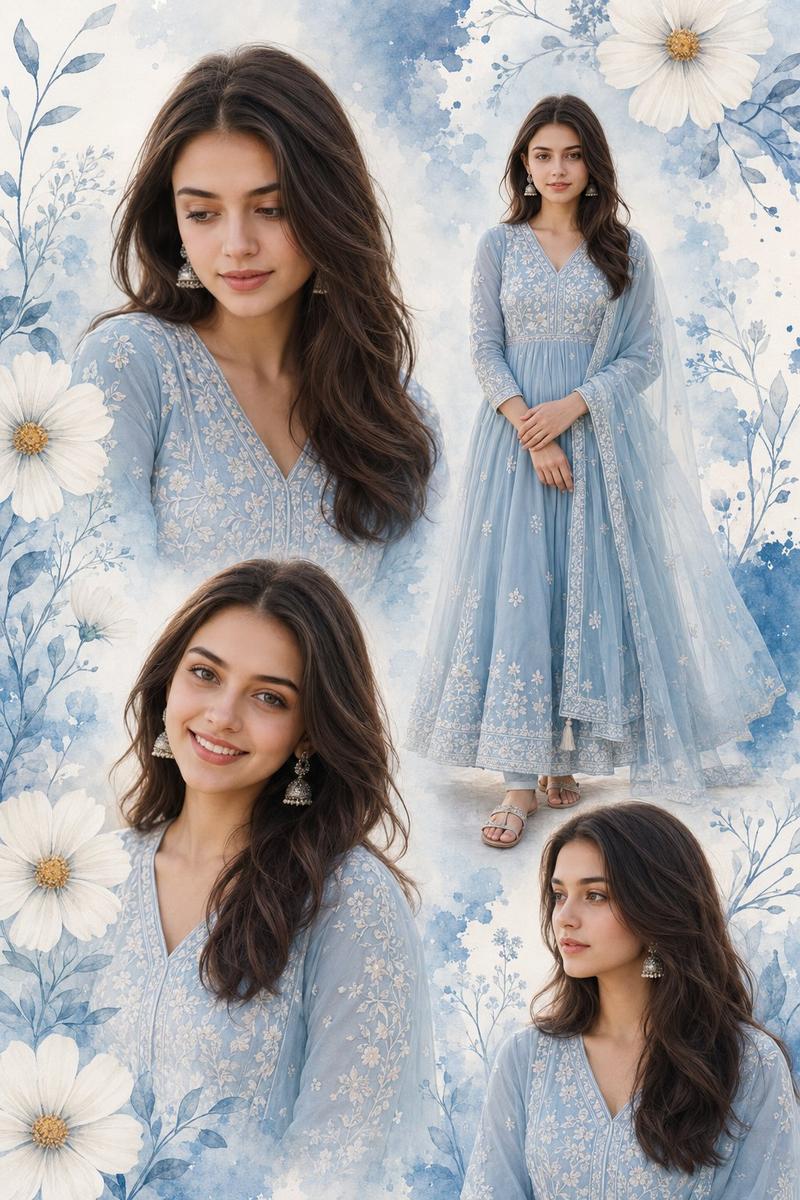
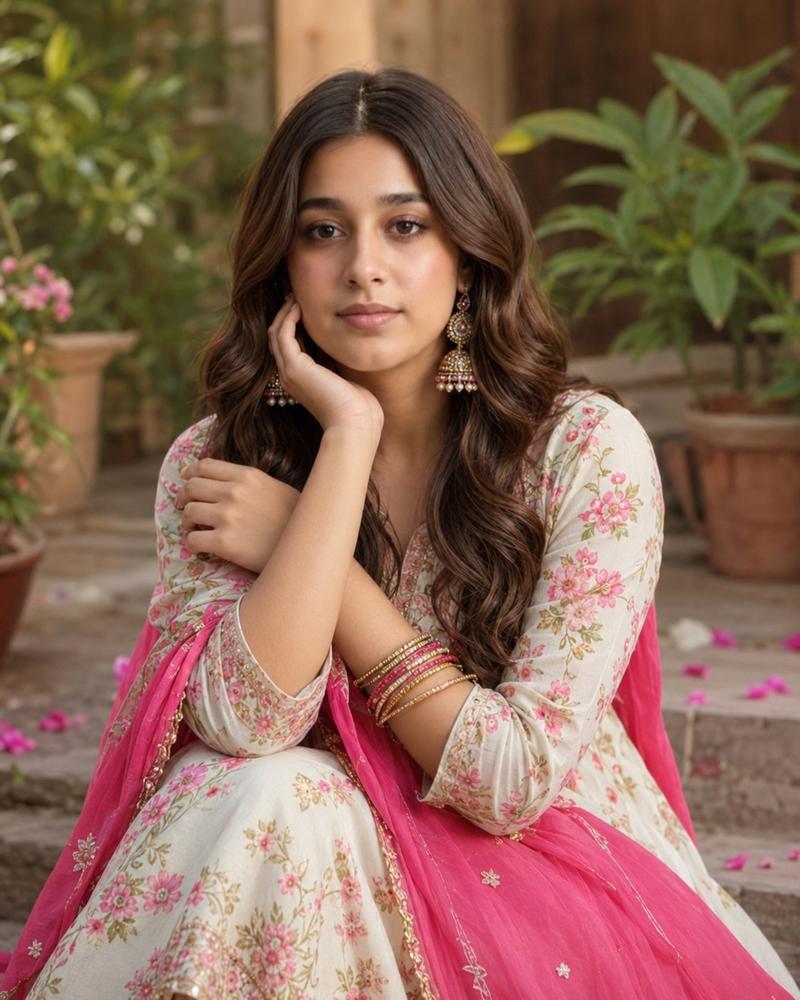
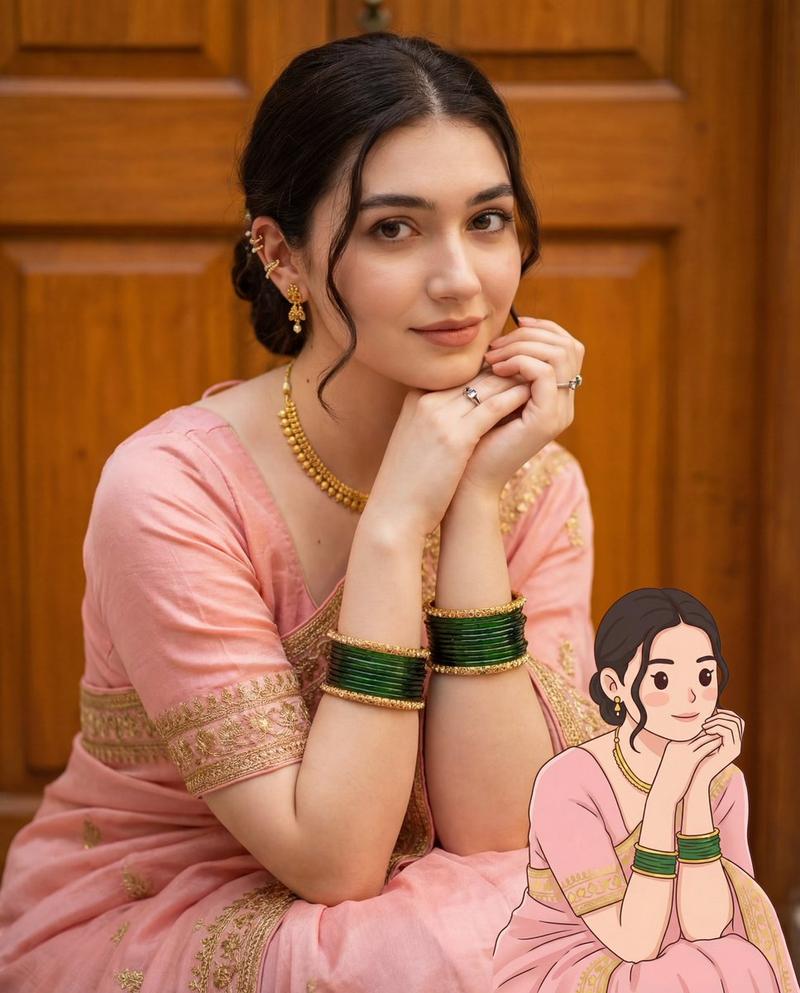
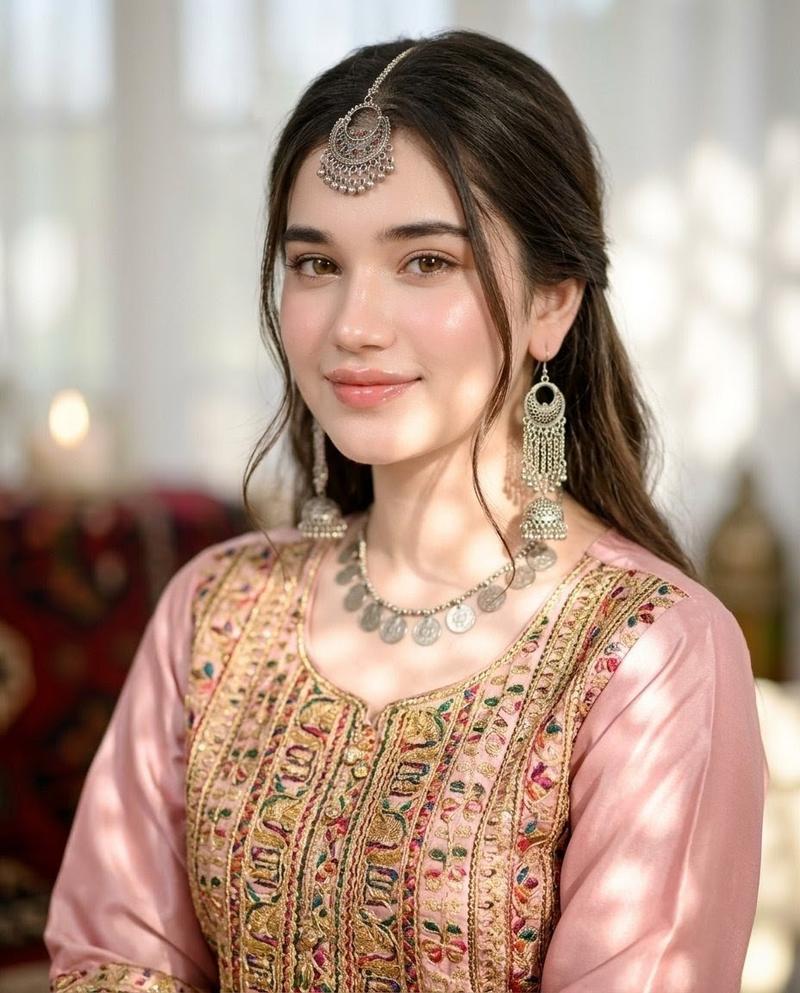
印度 Anarkali 时尚拼贴画
Enlarge

印度 Anarkali 时尚拼贴画

Prompt
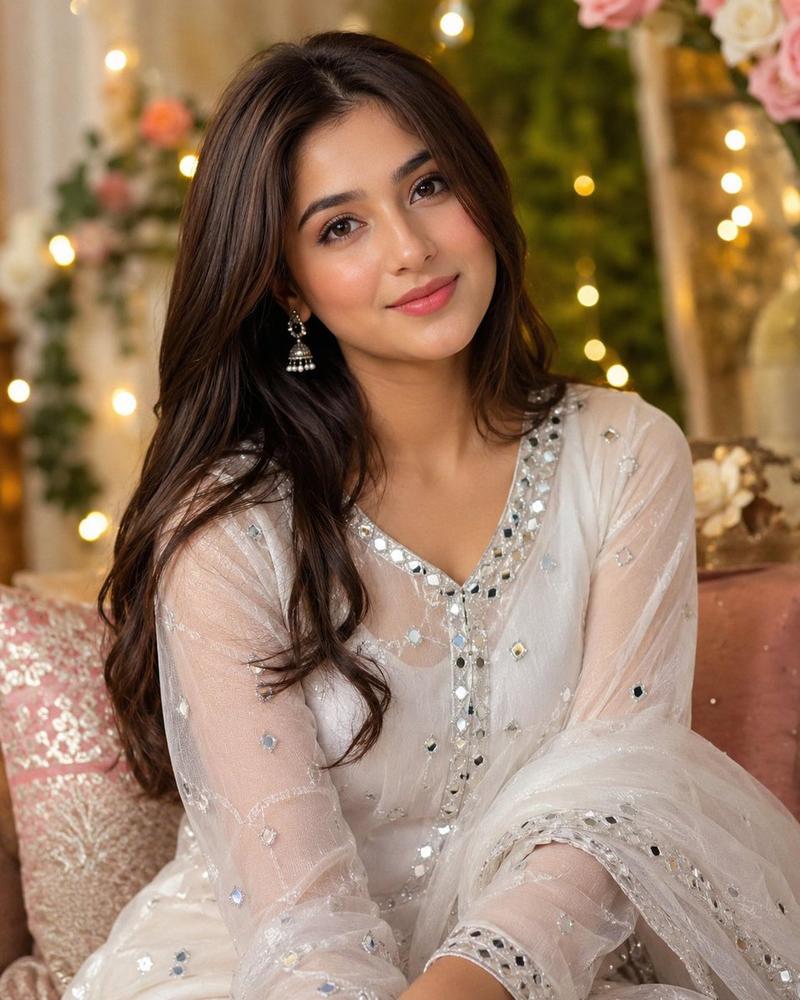
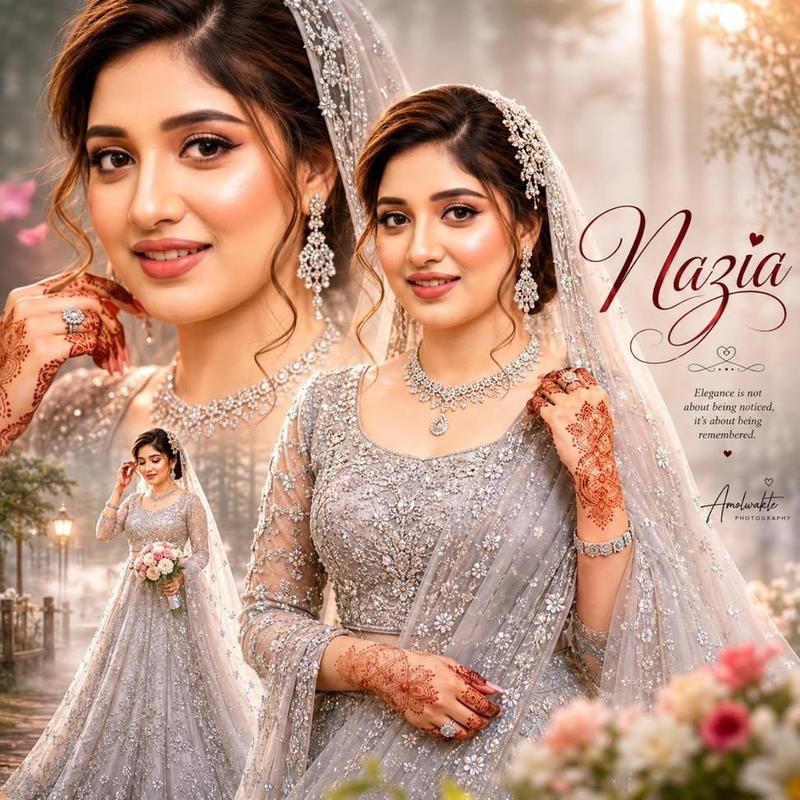
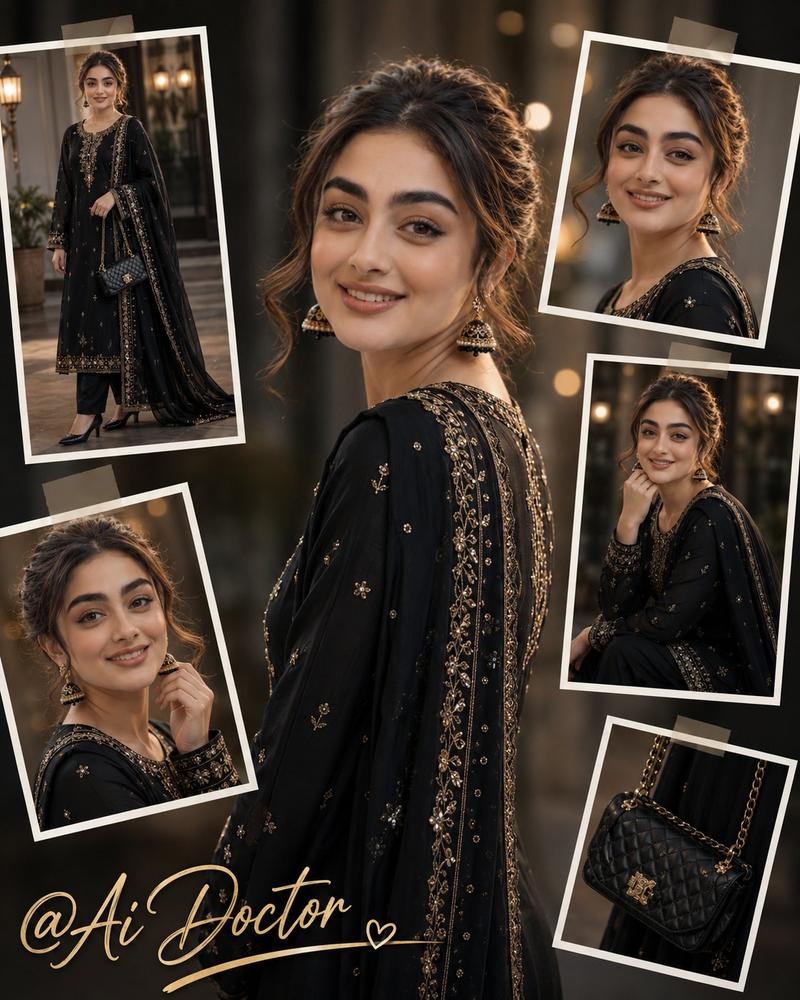
Create a dreamy aesthetic portrait collage of a beautiful young Indian girl wearing a soft pastel {argument name="dress color" default="baby-blue"} floral Anarkali dress with a matching flowing dupatta. She is adorned with elegant gold jewelry, including a delicate maang tikka, earrings, and bangles. Her makeup is soft glam with flawless skin, rosy cheeks, glossy lips, and expressive eyes. The collage features multiple artistic portrait shots with a romantic, ethereal atmosphere, soft natural lighting, pastel tones, floating flowers, subtle bokeh effects, and a luxurious editorial fashion style. Ultra-detailed, high-quality, cinematic photography, graceful pose, elegant beauty, dreamy background, 4K resolution.
Category
Posters & Typography
Model
GPT Image 2
Creator
Noor
Views0
Source ID
25629
Published
Jun 14, 2026

Guide

About "印度 Anarkali 时尚拼贴画"

What is this prompt for?

"印度 Anarkali 时尚拼贴画" AI image prompt for GPT Image 2 (Posters & Typography). 一个梦幻美学拼贴画提示词,展现了一位身着花卉 Anarkali 裙装、佩戴奢华金饰并化着柔和精致妆容的印度女孩。 Copy it on Picva and recre…

The full copyable prompt and example visuals above are ready for AI image generation or one-click recreate in Picva.

How to use this prompt

  1. Step 1

    Open the prompt detail

    Review the example visuals, category, and full prompt text for "印度 Anarkali 时尚拼贴画".

  2. Step 2

    Copy the prompt

    Copy the prompt body from this page, or load it directly in Studio.

  3. Step 3

    Pick a model (GPT Image 2)

    Prefer GPT Image 2. If you switch models, keep subject and composition and tweak style terms.

  4. Step 4

    Generate and export

    Recreate the look in Picva, or export into your workflow for editing and publishing.

FAQ

What is the "印度 Anarkali 时尚拼贴画" prompt?
It is an AI image-generation prompt for GPT Image 2 in the Posters & Typography category. This page includes the full prompt text, example visuals, and a one-click recreate path in Picva.
How do I use this prompt to generate an image?
Copy the prompt from this page, or use Generate / Studio. Paste it into a compatible image model, or recreate the look in Picva with optional reference images.
Which model is this prompt for?
This page lists GPT Image 2. Most descriptive prompts also transfer to nearby image models such as GPT Image, Flux, or Midjourney with light style tweaks.
Can I use the result commercially?
You can usually copy the prompt for creation, but commercial use of the final image depends on the model terms, reference-image rights, and the generated content. Follow the source author and platform rules.