17

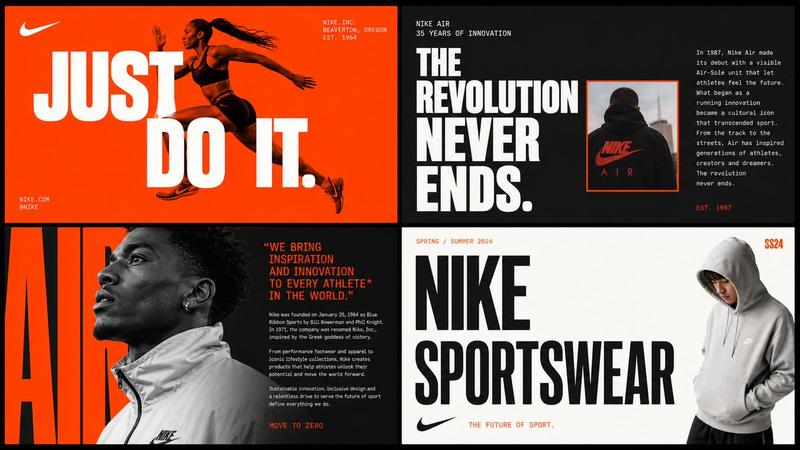
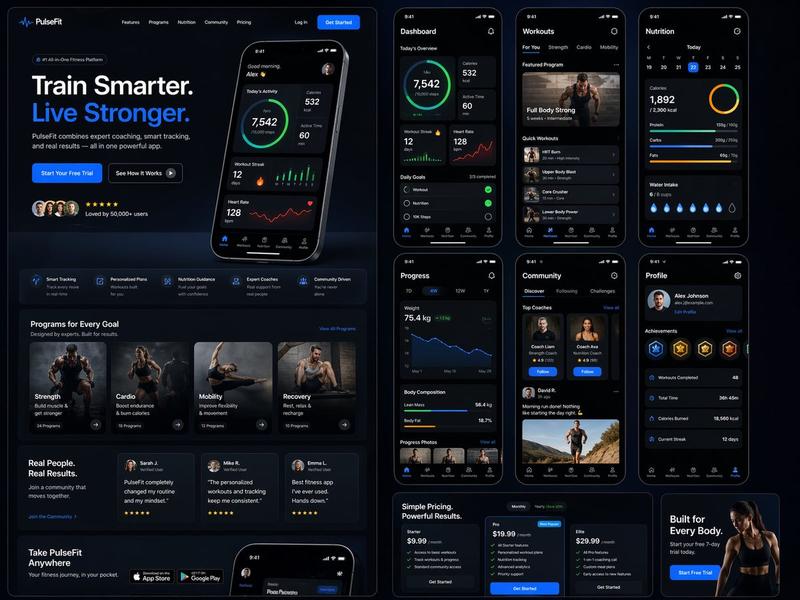
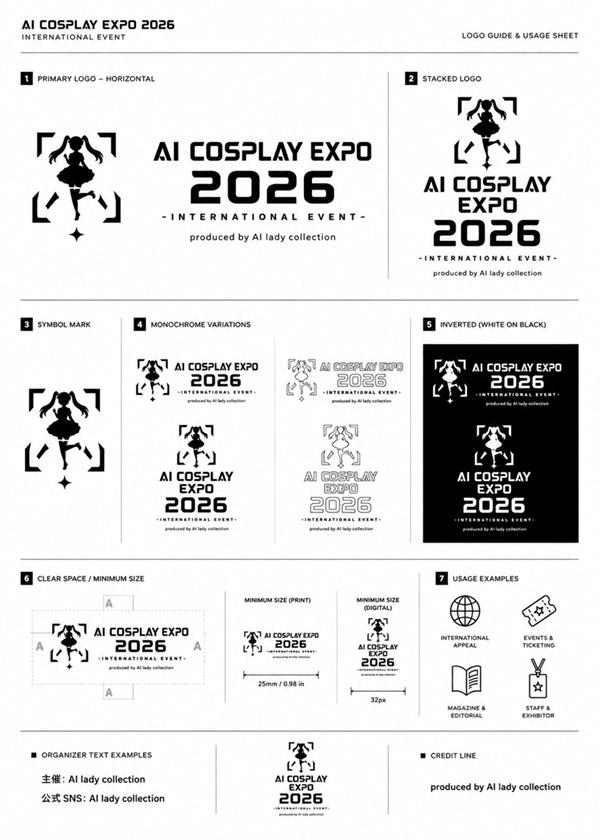
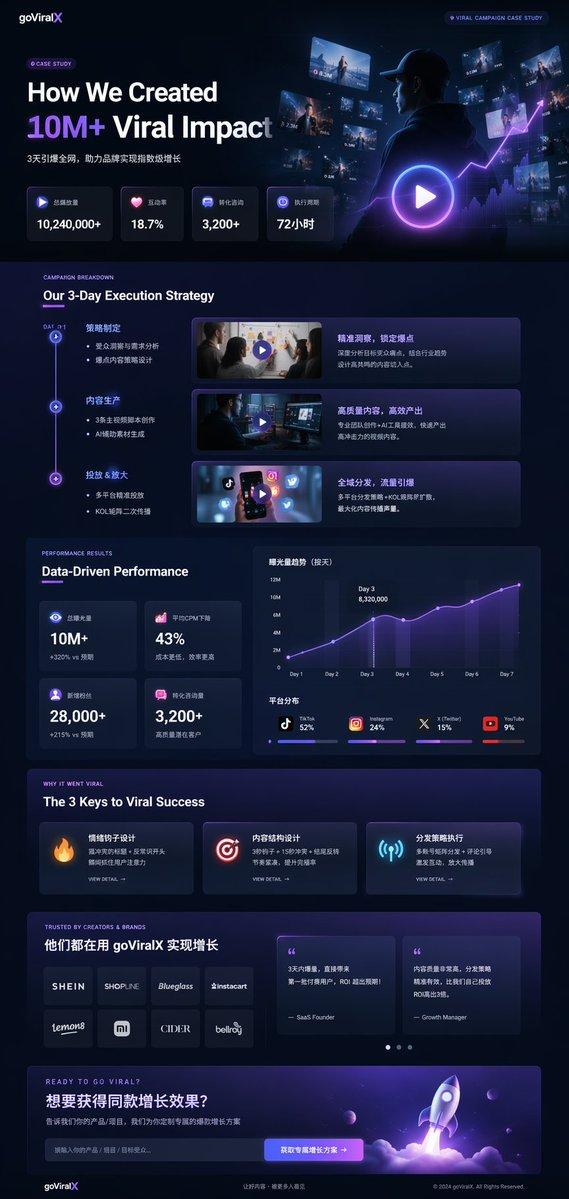
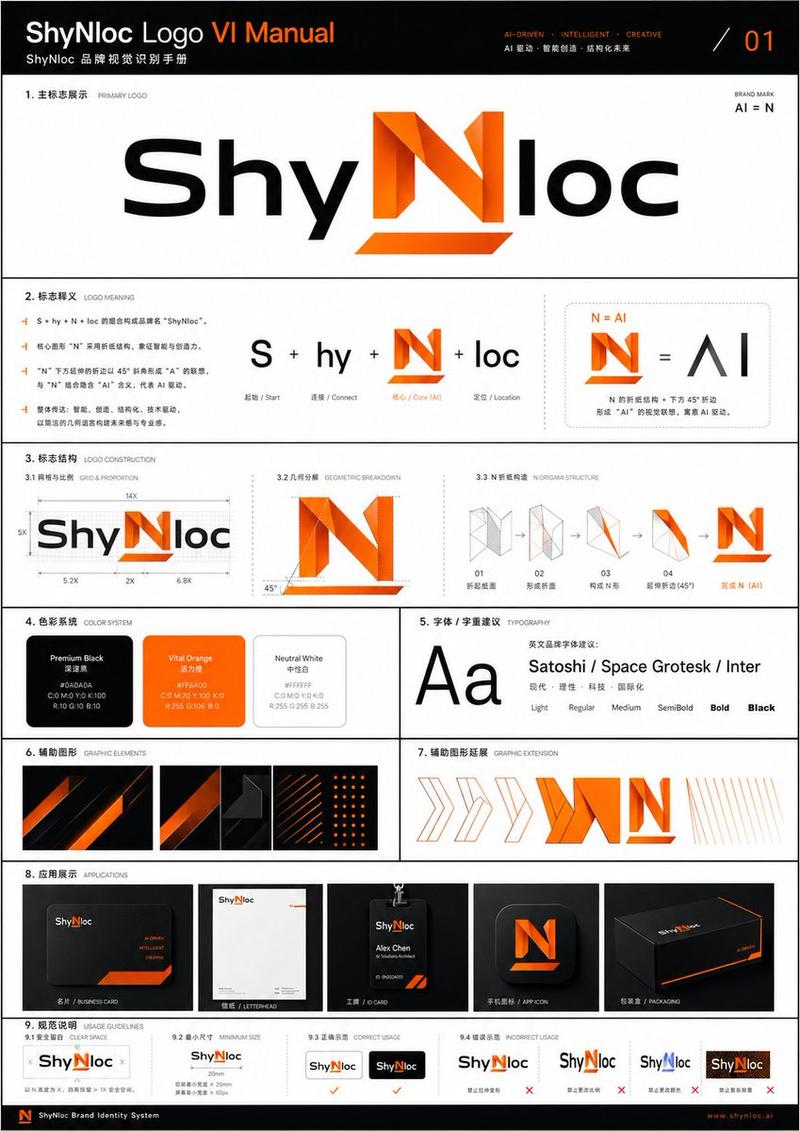
代理商级品牌识别海报
Enlarge

Example images

代理商级品牌识别海报

Prompt
Using the uploaded logo for {argument name="brand name" default="Brand name"} generate a high-end, agency-grade brand identity system poster. --- OBJECTIVE Create a complete, presentation-ready brand guideline board that looks like it was designed by a top branding studio. The result must feel commercial, realistic, and client-deliverable, not conceptual. --- INTELLIGENCE RULE (THIS IS WHAT YOU WERE MISSING) Before designing, analyze the logo and infer:3 identity traits (based on analysis) --- COLOR SYSTEM (SMART GENERATION) Extract palette from logo automatically Include: Primary colors (3–5) Secondary colors (3–5) Accent colors Each must show: HEX codes labeled usage (primary / UI / highlight / background) Also generate: gradients color combinations tonal variations --- TYPOGRAPHY SYSTEM (MATCH PERSONALITY) Select typography style based on brand: luxury → elegant serif tech → geometric sans street → bold condensed
Category
Charts & Infographics
Model
GPT Image 2
Creator
Ciri
Views4
Source ID
23438
Published
May 31, 2026

Guide

About "代理商级品牌识别海报"

What is this prompt for?

"代理商级品牌识别海报" AI image prompt for GPT Image 2 (Charts & Infographics). 一个复杂的指令提示词,用于根据上传的 Logo 生成完整的品牌指南项目,包含色彩系统和字体选择。 Copy it on Picva and recreate the look i…

The full copyable prompt and example visuals above are ready for AI image generation or one-click recreate in Picva.

How to use this prompt

  1. Step 1

    Open the prompt detail

    Review the example visuals, category, and full prompt text for "代理商级品牌识别海报".

  2. Step 2

    Copy the prompt

    Copy the prompt body from this page, or load it directly in Studio.

  3. Step 3

    Pick a model (GPT Image 2)

    Prefer GPT Image 2. If you switch models, keep subject and composition and tweak style terms.

  4. Step 4

    Generate and export

    Recreate the look in Picva, or export into your workflow for editing and publishing.

FAQ

What is the "代理商级品牌识别海报" prompt?
It is an AI image-generation prompt for GPT Image 2 in the Charts & Infographics category. This page includes the full prompt text, example visuals, and a one-click recreate path in Picva.
How do I use this prompt to generate an image?
Copy the prompt from this page, or use Generate / Studio. Paste it into a compatible image model, or recreate the look in Picva with optional reference images.
Which model is this prompt for?
This page lists GPT Image 2. Most descriptive prompts also transfer to nearby image models such as GPT Image, Flux, or Midjourney with light style tweaks.
Can I use the result commercially?
You can usually copy the prompt for creation, but commercial use of the final image depends on the model terms, reference-image rights, and the generated content. Follow the source author and platform rules.