16

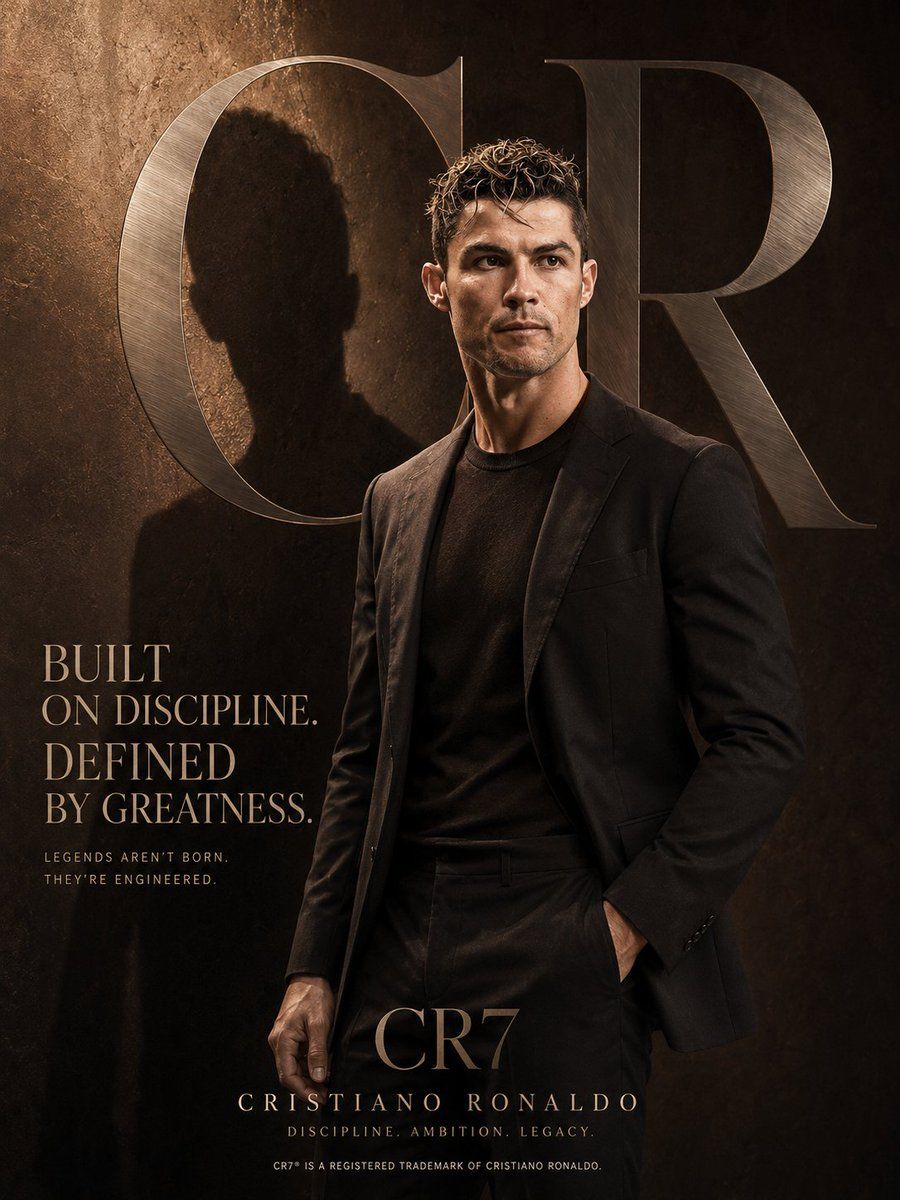
奢华时尚杂志风格海报模板
Enlarge

Example images

奢华时尚杂志风格海报模板

Prompt
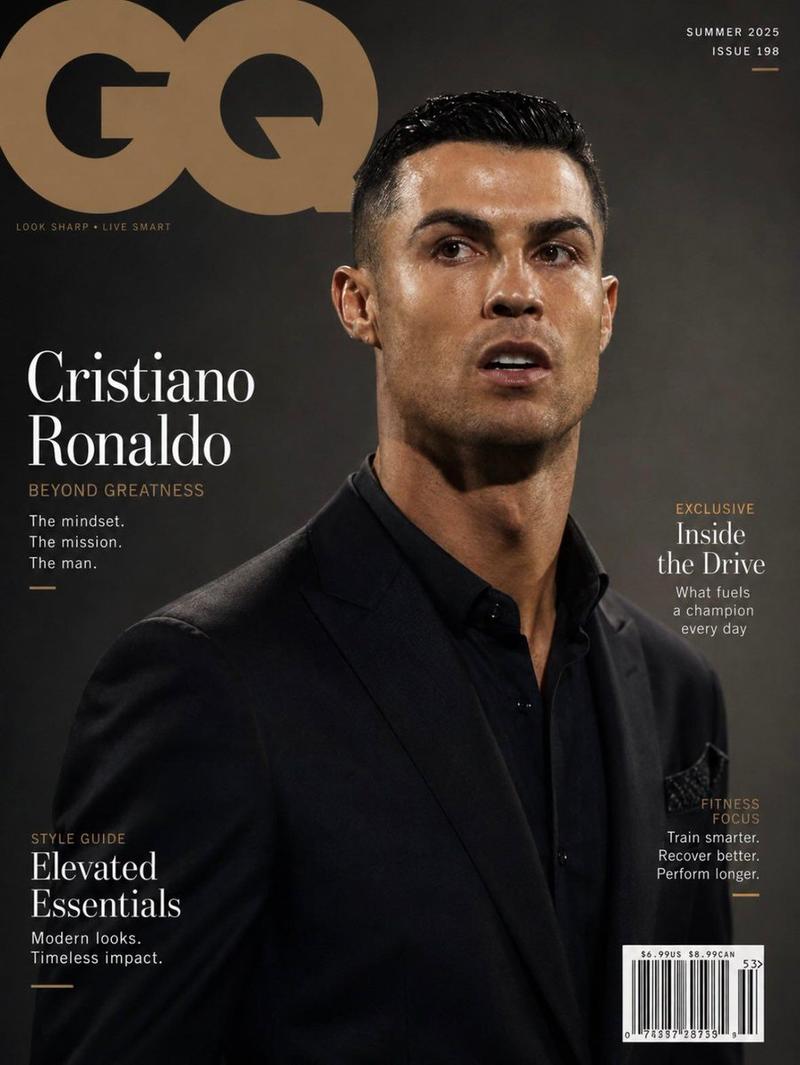
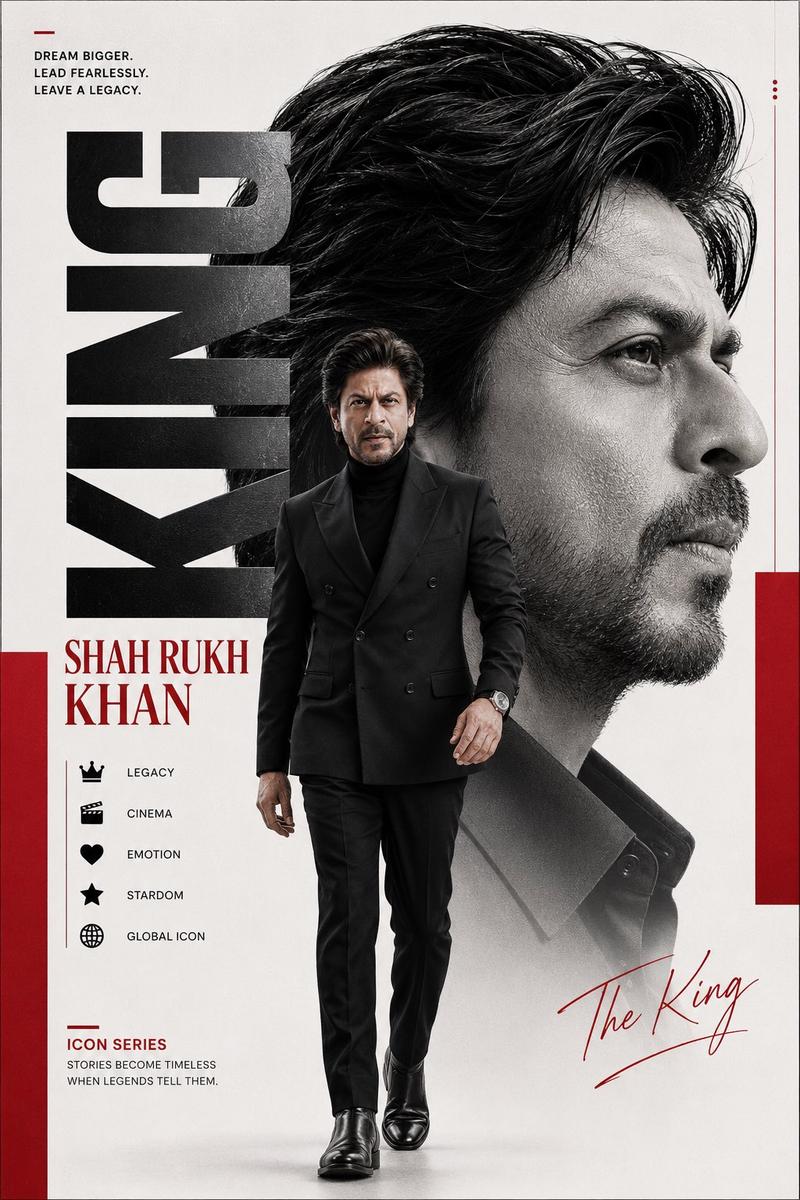
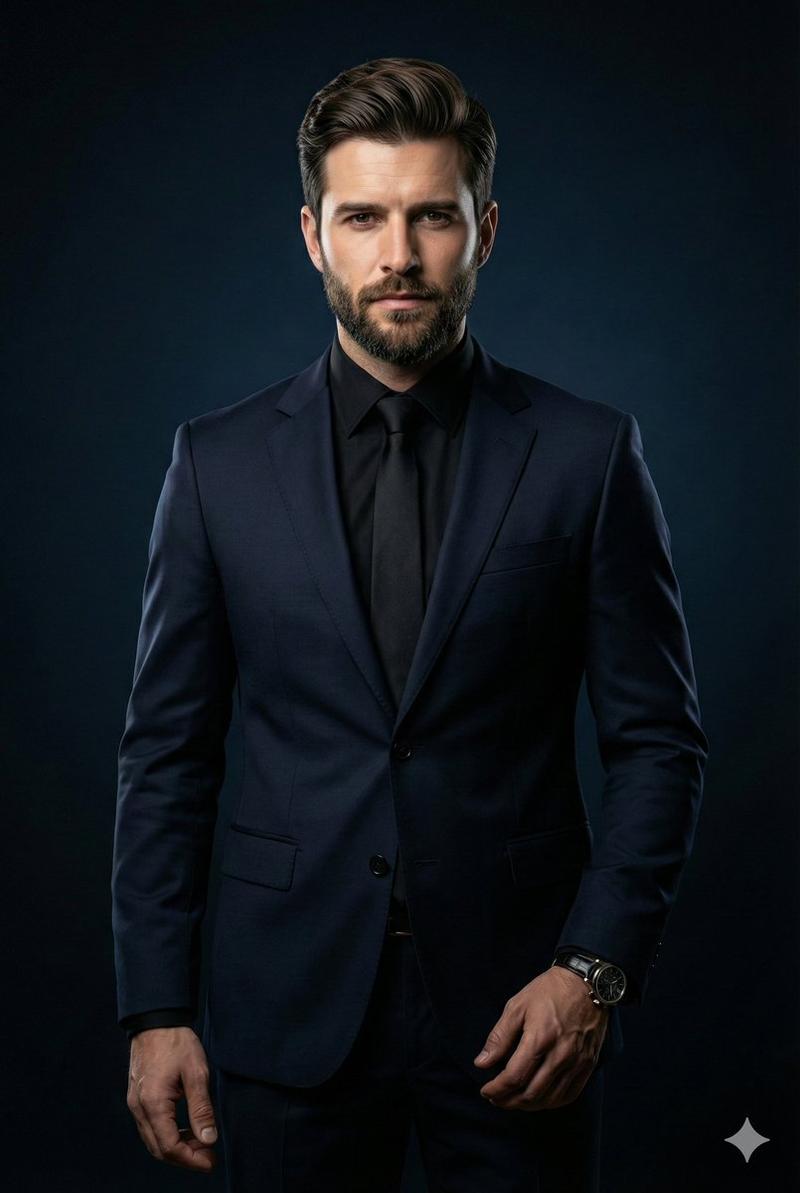
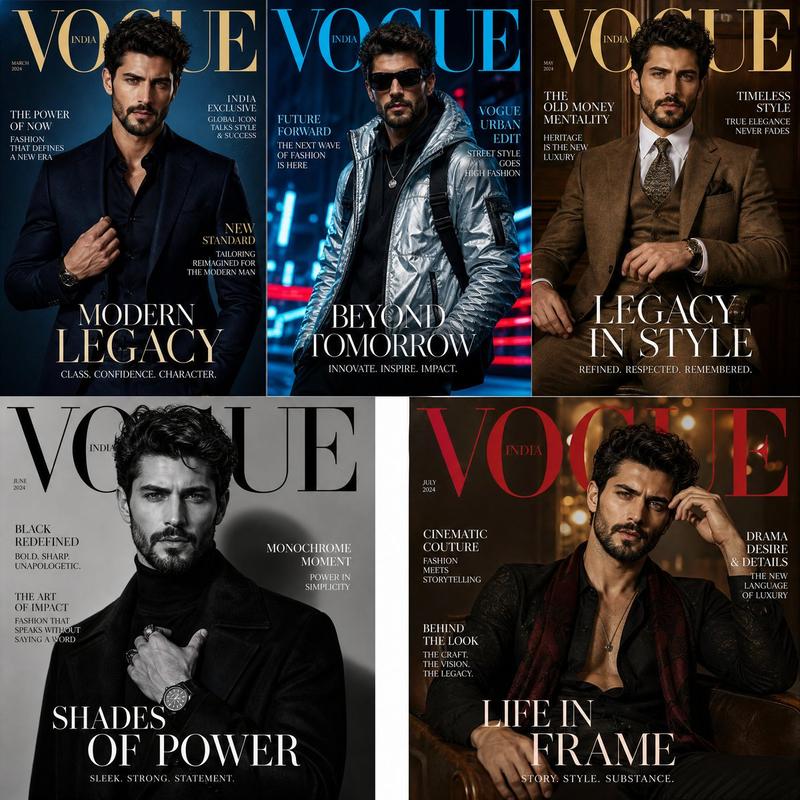
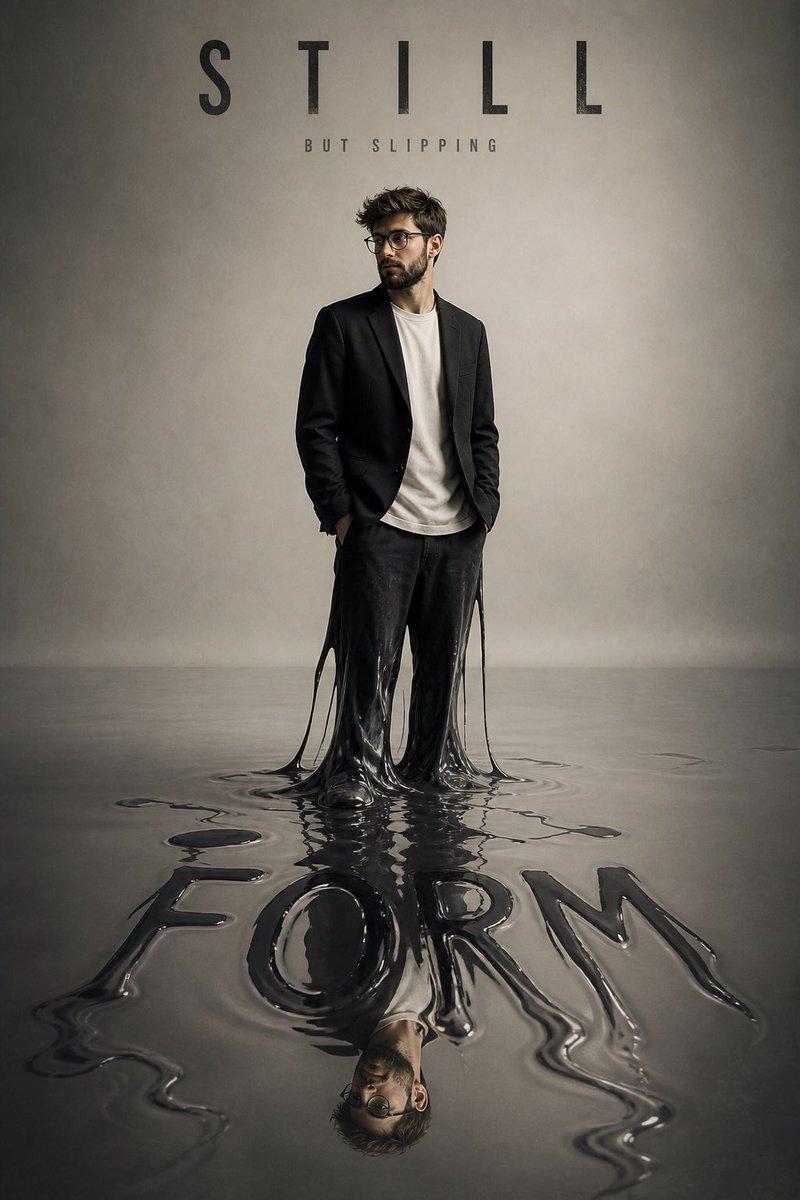
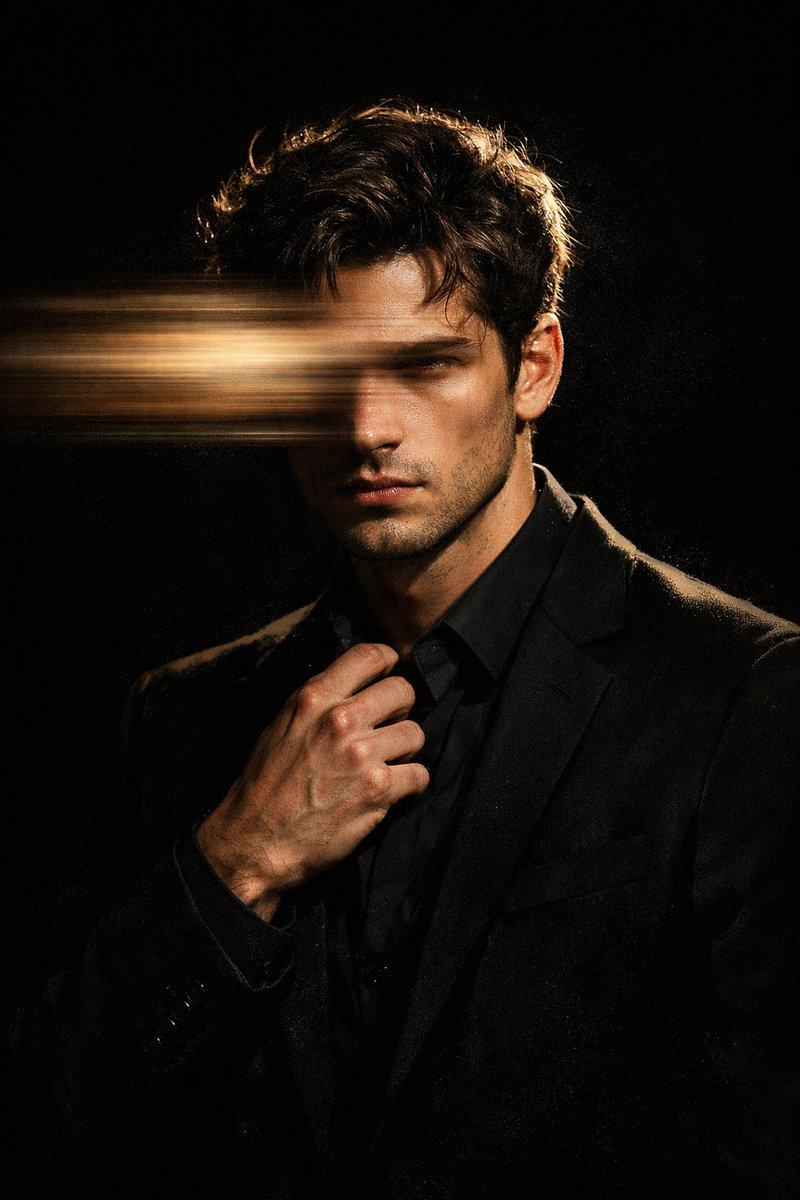
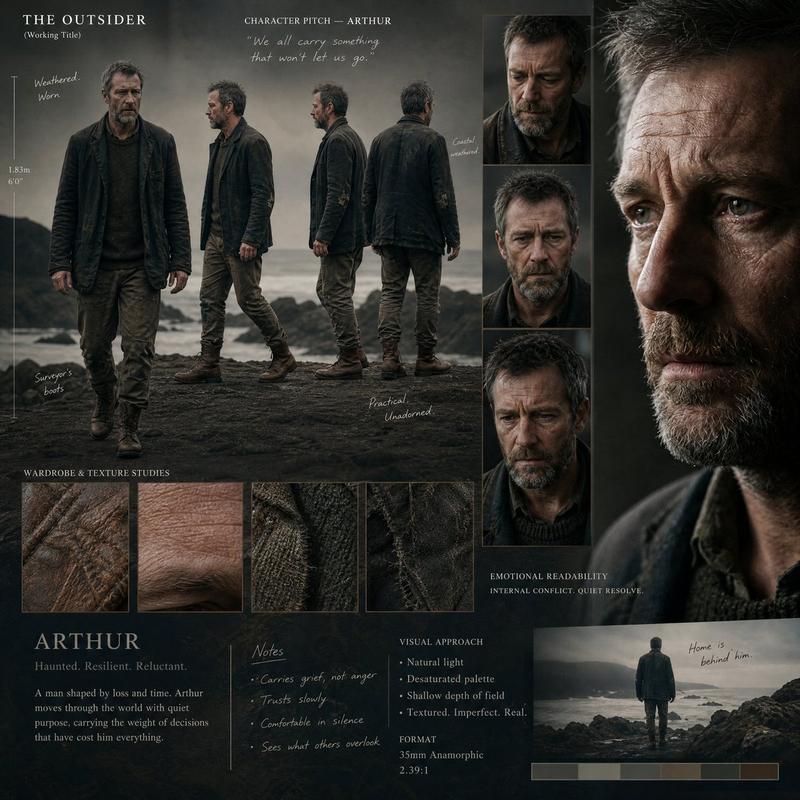
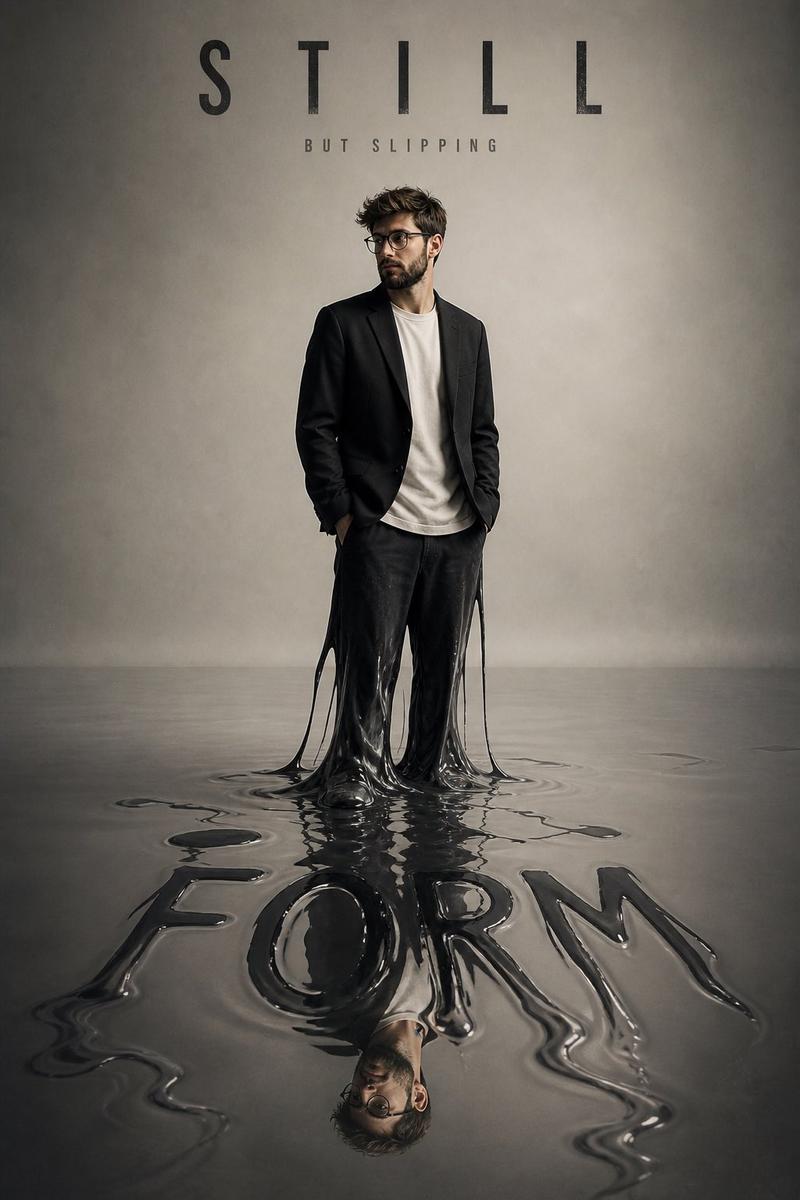
Luxury fashion advertisement poster, vertical composition, a confident {argument name="subject" default="model"} standing with one hand in pocket and the other relaxed by their side, facing slightly sideways and looking away from the camera, wearing {argument name="top garment" default="silk shirt"} and {argument name="bottom garment" default="tailored trousers"}.
Face: based on the reference image(s), preserve the subject’s facial structure, defining features, expression style, and natural identity.
Background: deep rich {argument name="background color" default="navy blue"} textured wall with dramatic sunlight casting a soft shadow of the subject on the side. Large oversized metallic silver serif letters in the background, subtle brushed-metal texture, slightly blurred and blended into the environment for a premium editorial feel.
Lighting: warm cinematic lighting with soft reflections, soft highlights on the face and clothing, high-end editorial shadows, dramatic yet clean atmosphere.
Typography (premium editorial style, elegant serif font such as Didot):
Headline: “[HEADLINE]”
Subtext: “[SUBTEXT]”
Brand name at bottom: “[BRAND NAME]”
Tagline: “[TAGLINE]”
Small footer line: “[FOOTER TEXT]”
Color grading: cinematic and warm neutral tones, high contrast, luxury magazine aesthetic with glossy editorial finish.
Style: ultra-realistic, high-detail, fashion campaign aesthetic, premium branding, minimal clutter, perfect composition, editorial photography quality.
Aspect ratio: 3:4
Category
Charts & Infographics
Model
GPT Image 2
Views6
Source ID
23457
Published
May 31, 2026

Guide

About "奢华时尚杂志风格海报模板"

What is this prompt for?

"奢华时尚杂志风格海报模板" AI image prompt for GPT Image 2 (Charts & Infographics). 一套用于创作专业奢华时尚广告海报的综合模板,支持自定义主体、配色及杂志排版。 Copy it on Picva and recreate the look in one cl…

The full copyable prompt and example visuals above are ready for AI image generation or one-click recreate in Picva.

How to use this prompt

  1. Step 1

    Open the prompt detail

    Review the example visuals, category, and full prompt text for "奢华时尚杂志风格海报模板".

  2. Step 2

    Copy the prompt

    Copy the prompt body from this page, or load it directly in Studio.

  3. Step 3

    Pick a model (GPT Image 2)

    Prefer GPT Image 2. If you switch models, keep subject and composition and tweak style terms.

  4. Step 4

    Generate and export

    Recreate the look in Picva, or export into your workflow for editing and publishing.

FAQ

What is the "奢华时尚杂志风格海报模板" prompt?
It is an AI image-generation prompt for GPT Image 2 in the Charts & Infographics category. This page includes the full prompt text, example visuals, and a one-click recreate path in Picva.
How do I use this prompt to generate an image?
Copy the prompt from this page, or use Generate / Studio. Paste it into a compatible image model, or recreate the look in Picva with optional reference images.
Which model is this prompt for?
This page lists GPT Image 2. Most descriptive prompts also transfer to nearby image models such as GPT Image, Flux, or Midjourney with light style tweaks.
Can I use the result commercially?
You can usually copy the prompt for creation, but commercial use of the final image depends on the model terms, reference-image rights, and the generated content. Follow the source author and platform rules.