15

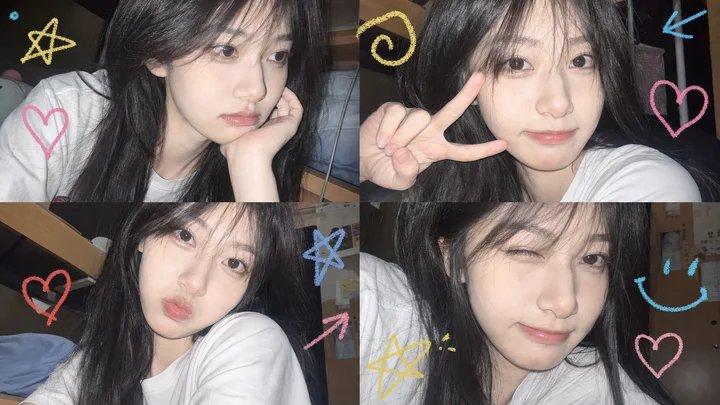
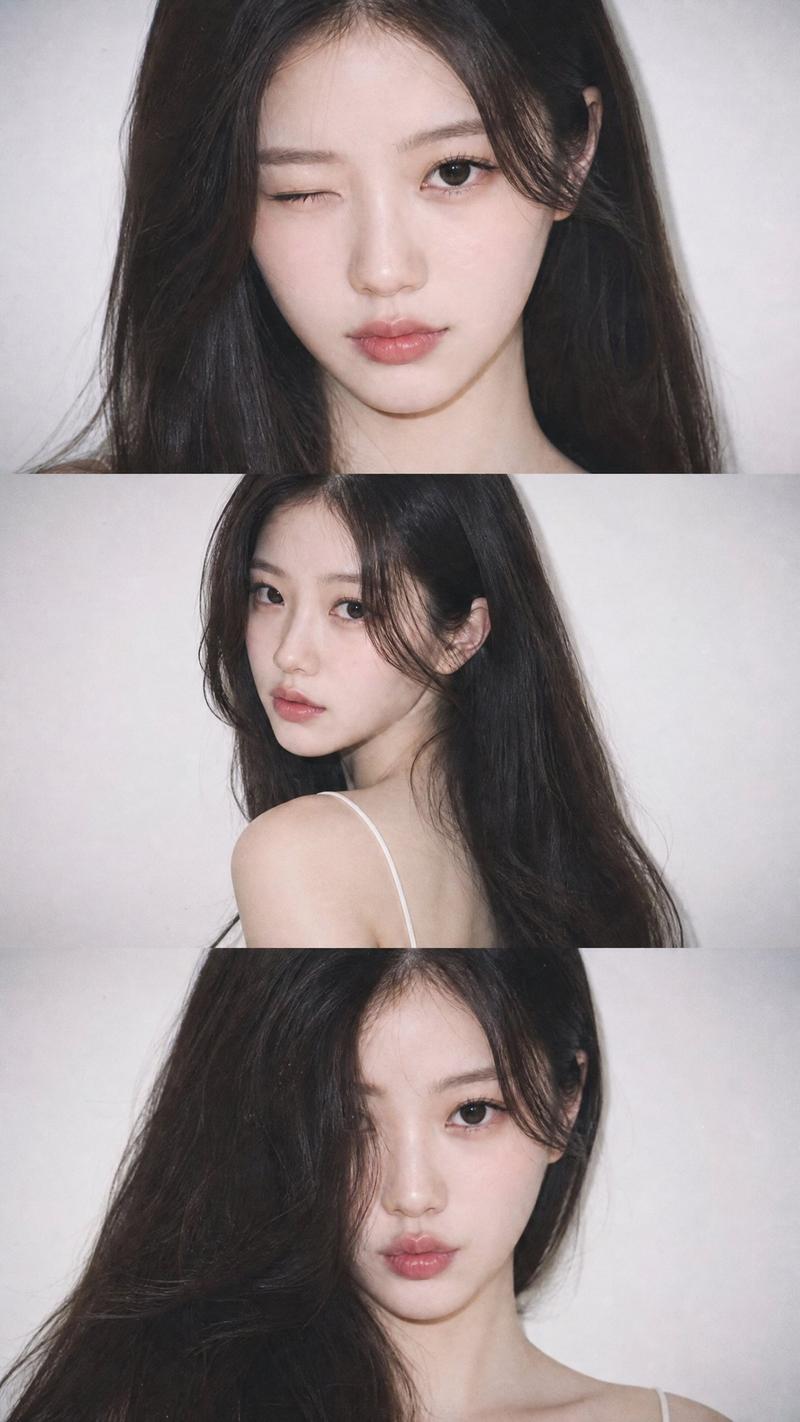
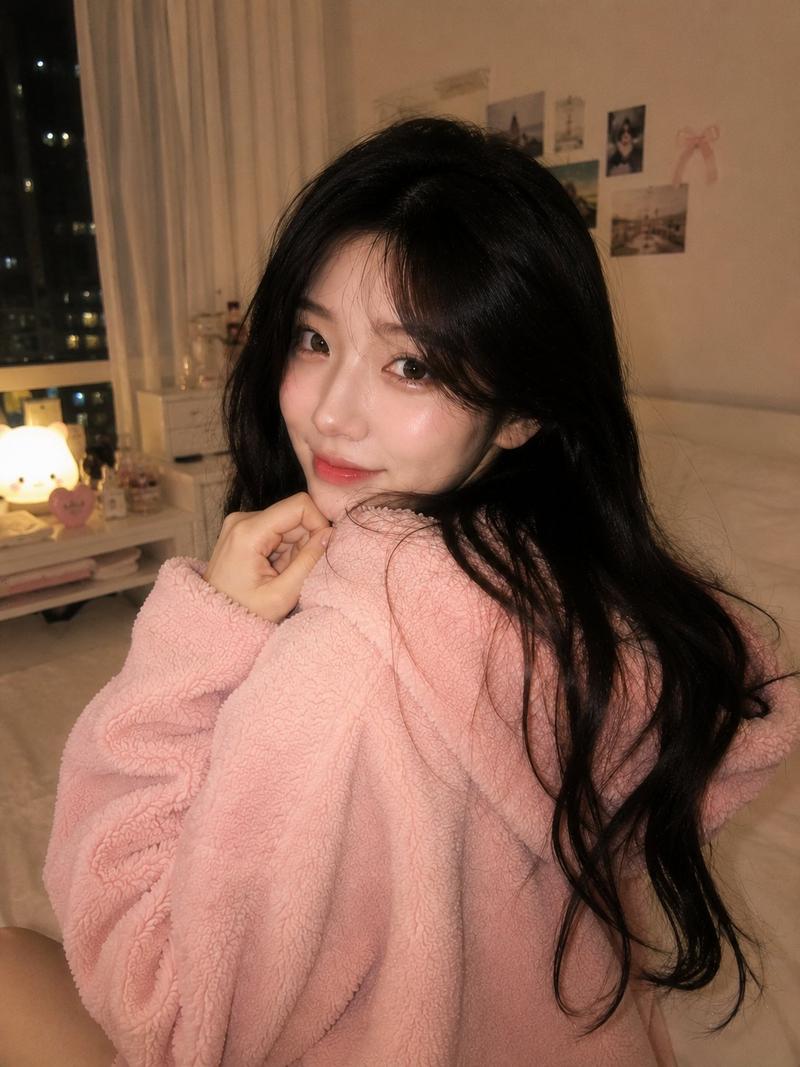
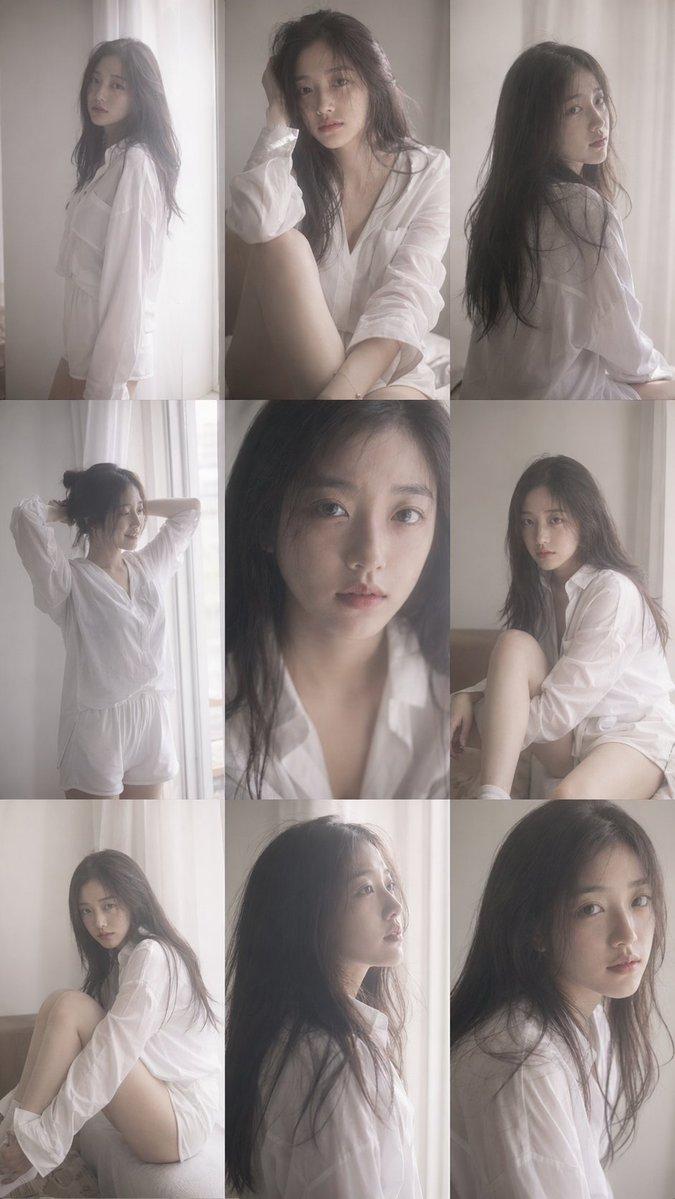
随性自拍照片拼贴
Enlarge

随性自拍照片拼贴

Prompt
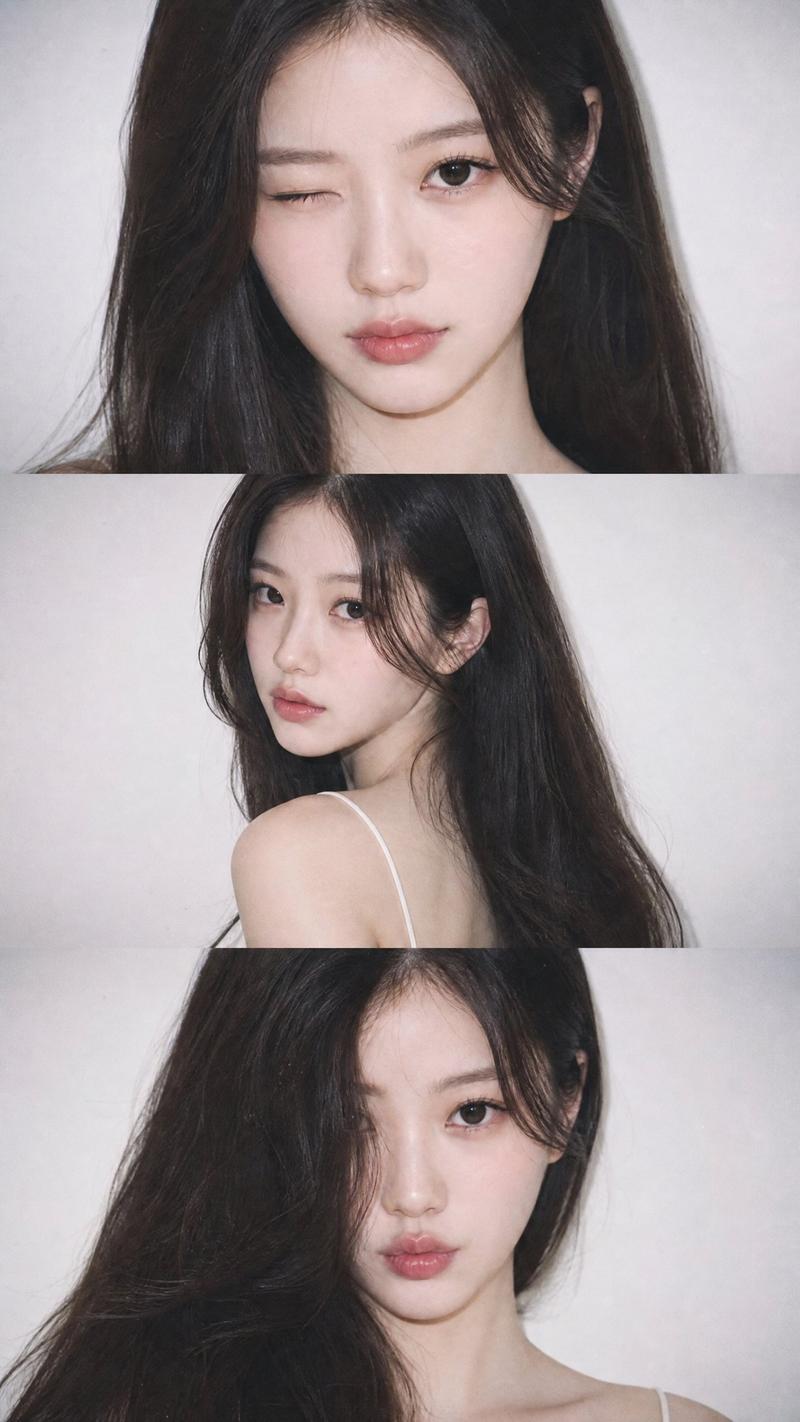
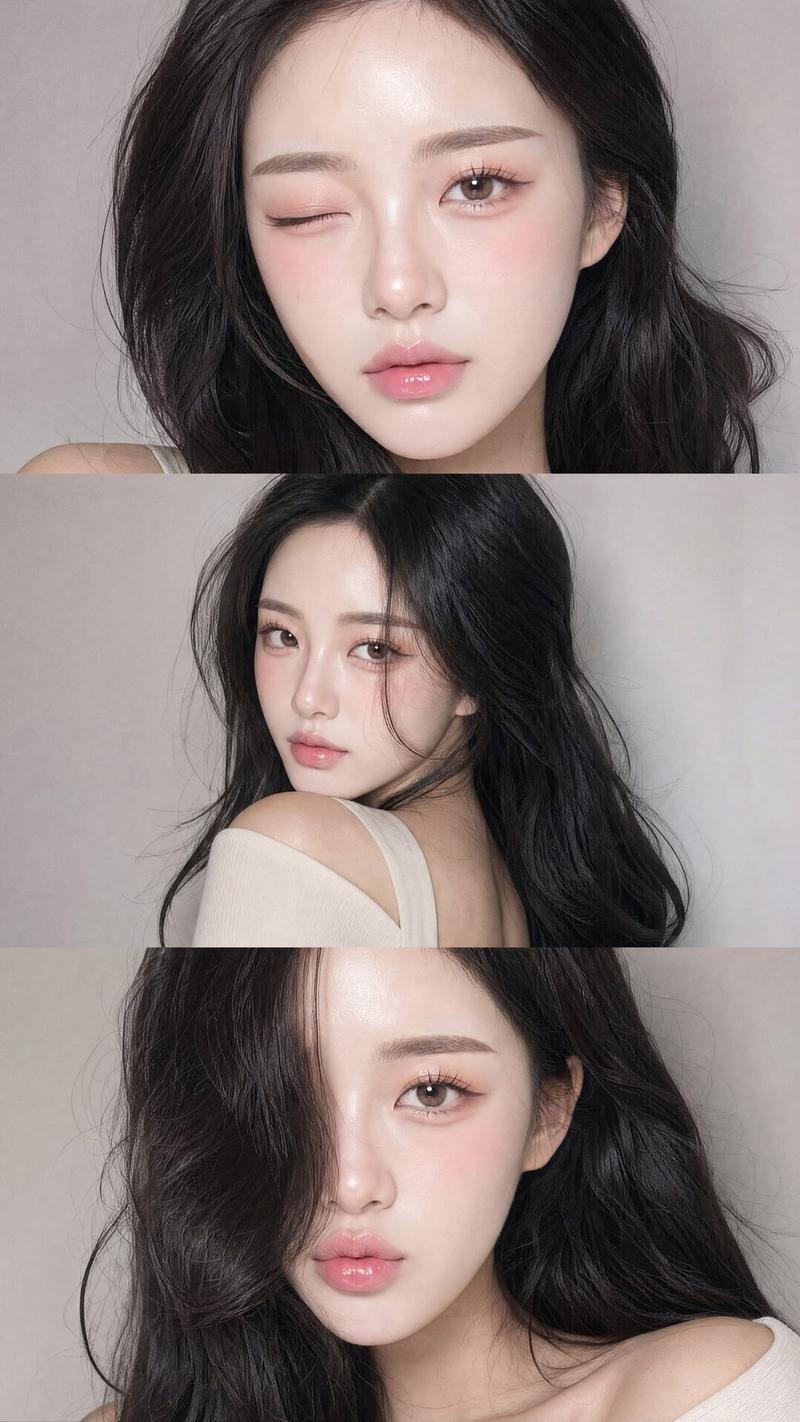
Using my picture create a vertical collage consisting of {argument name="frame count" default="three"} separate, stacked photos of the pretty woman, captured in a {argument name="setting" default="casual indoor setting at night"}. The shots have a spontaneous, "candid selfie" vibes. Top Frame: A medium close-up, front-facing shot. The subject looks directly into the lens, holding her index finger near her slightly parted lips in a soft, contemplative expression. She has {argument name="eye color" default="large striking grey blue eyes"}.
Category
Photography & Realism
Model
GPT Image 2
Creator
Oogie
Views3
Source ID
23471
Published
May 31, 2026

Guide

About "随性自拍照片拼贴"

What is this prompt for?

"随性自拍照片拼贴" AI image prompt for GPT Image 2 (Photography & Realism). 一个用于创建三张垂直堆叠照片的提示词,营造出一种自然、随性的自拍氛围。 Copy it on Picva and recreate the look in one click.

The full copyable prompt and example visuals above are ready for AI image generation or one-click recreate in Picva.

How to use this prompt

  1. Step 1

    Open the prompt detail

    Review the example visuals, category, and full prompt text for "随性自拍照片拼贴".

  2. Step 2

    Copy the prompt

    Copy the prompt body from this page, or load it directly in Studio.

  3. Step 3

    Pick a model (GPT Image 2)

    Prefer GPT Image 2. If you switch models, keep subject and composition and tweak style terms.

  4. Step 4

    Generate and export

    Recreate the look in Picva, or export into your workflow for editing and publishing.

FAQ

What is the "随性自拍照片拼贴" prompt?
It is an AI image-generation prompt for GPT Image 2 in the Photography & Realism category. This page includes the full prompt text, example visuals, and a one-click recreate path in Picva.
How do I use this prompt to generate an image?
Copy the prompt from this page, or use Generate / Studio. Paste it into a compatible image model, or recreate the look in Picva with optional reference images.
Which model is this prompt for?
This page lists GPT Image 2. Most descriptive prompts also transfer to nearby image models such as GPT Image, Flux, or Midjourney with light style tweaks.
Can I use the result commercially?
You can usually copy the prompt for creation, but commercial use of the final image depends on the model terms, reference-image rights, and the generated content. Follow the source author and platform rules.