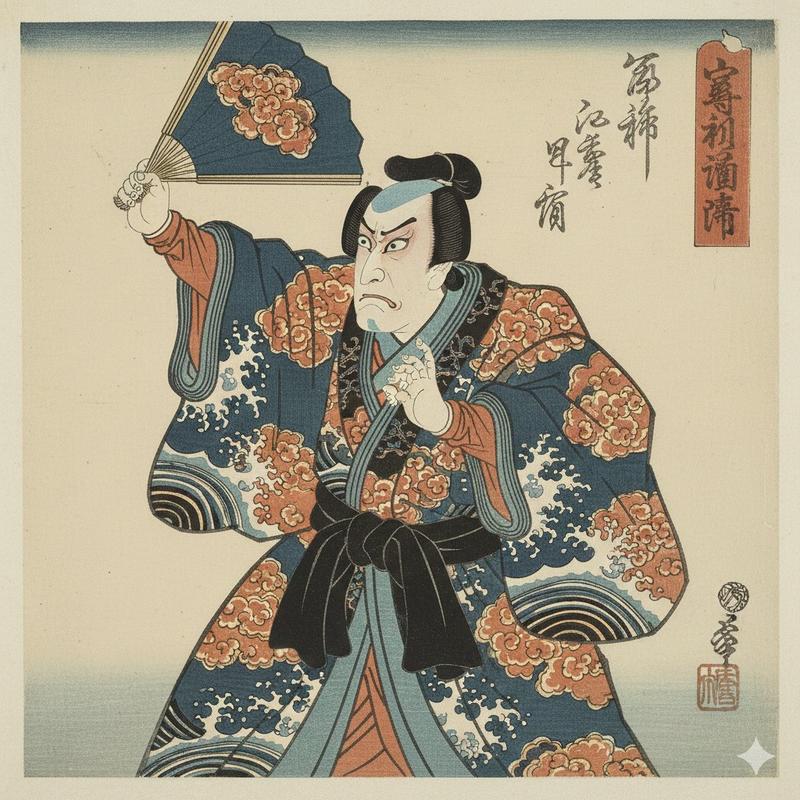
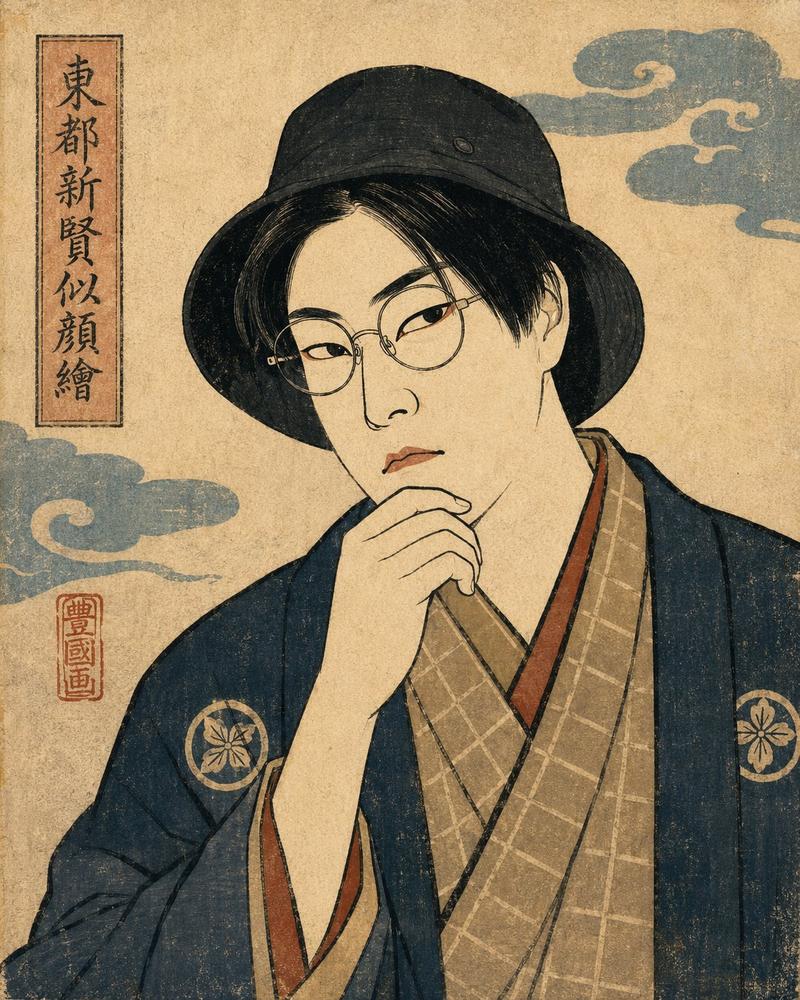
新选组武士海报
Prompt
Create a dramatic vertical portrait of a single Japanese samurai, inspired by the late Edo period Shinsengumi aesthetic, standing front-facing in a dark painterly mixed-media composition. The subject is a stern adult male warrior with {argument name="hair style" default="messy black hair tied in a high topknot with loose strands"}, wearing a weathered {argument name="haori color" default="deep indigo blue"} haori over layered black kimono robes and a gray hakama. Add the Shinsengumi-style white mountain-triangle pattern around both sleeve cuffs and a small circular crest on the chest. He carries exactly two swords at his waist: one longer katana angled down to the left with a wrapped handle, and one shorter sword tucked vertically near the center of the obi; his right hand grips near the sword at his side while his left hand hangs tense. Use gritty realistic digital painting with ink splatters, distressed paper texture, dramatic chiaroscuro lighting, and gold-leaf accents. Behind him, place a large pale circular moon or brush-painted disk, with exactly two background scenic elements: a misty Japanese castle on the left and a dark pine tree silhouette on the right. Surround the portrait with bold black brush strokes, scattered ink stains, rough beige parchment, and vertical patches of aged metallic gold. Keep the palette black, charcoal, parchment beige, antique gold, indigo blue, and muted gray. The face may be partly shadowed but should remain a realistic samurai portrait. Add a small elegant signature area in the bottom right containing exactly two text elements: {argument name="date text" default="May 31, 2026"} above {argument name="signature text" default="Oyagi"} in cursive script. Vertical 2:3 poster composition, cinematic, high detail, no modern objects, no extra people, no watermark beyond the requested signature.- Category
- Posters & Typography
- Model
- GPT Image 2
- Creator
- おやぎ
- Source ID
- 23509
- Published
- May 31, 2026
Views4