19

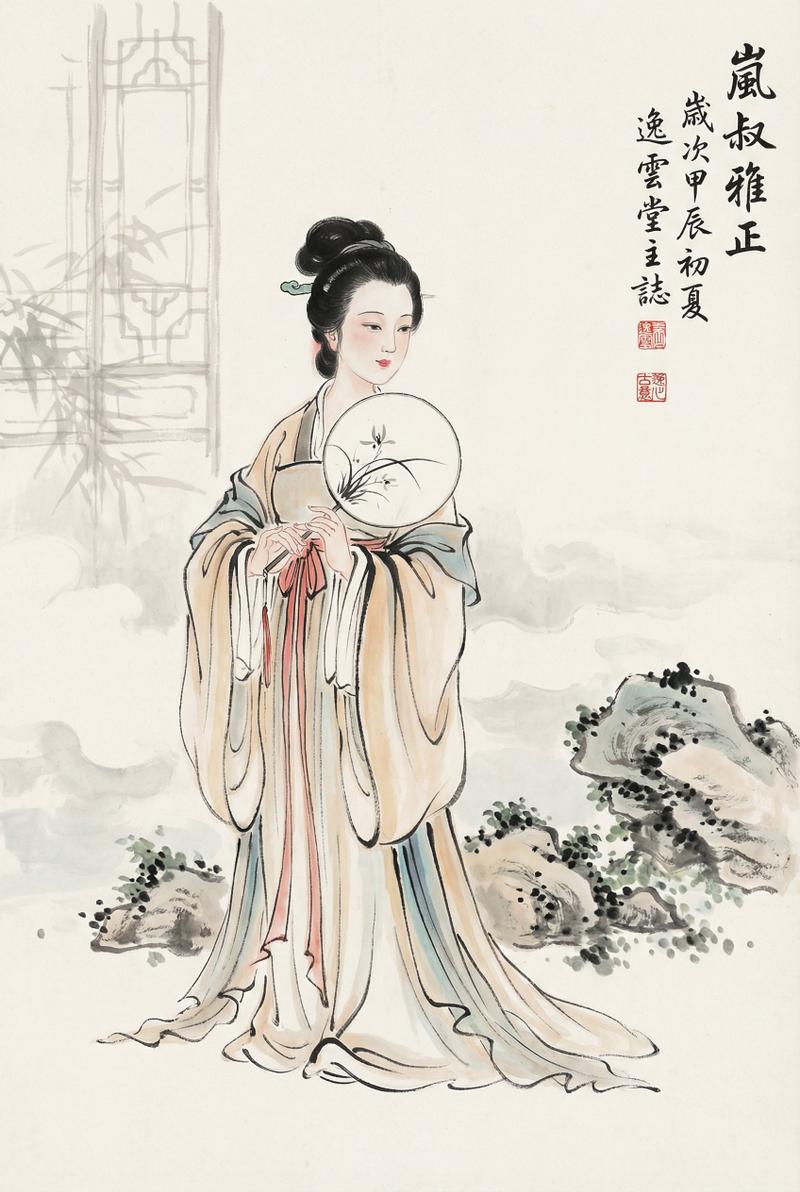
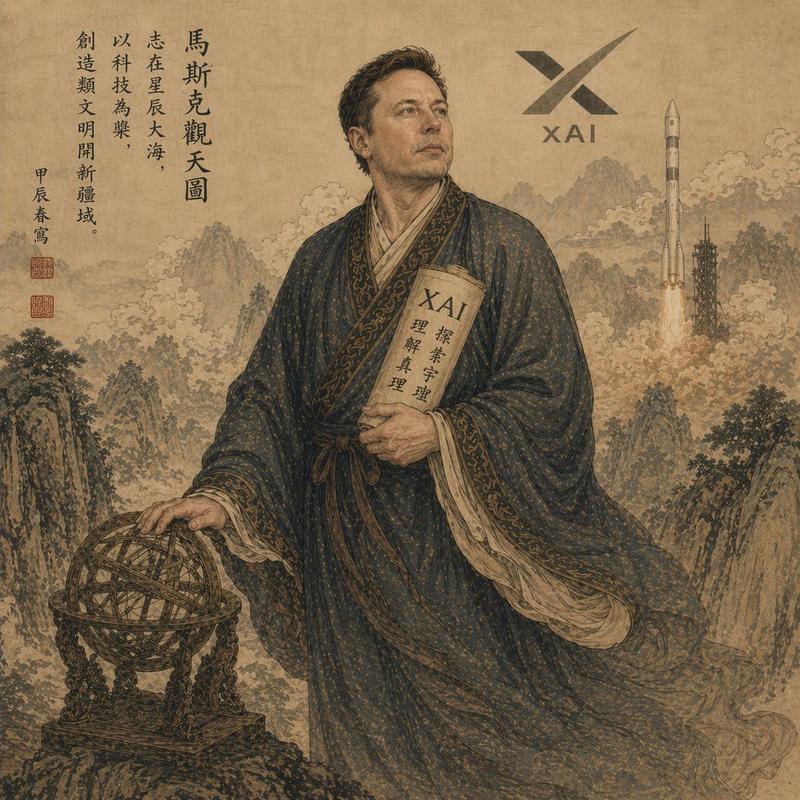
梦回江户浮世绘古典人物像
Enlarge

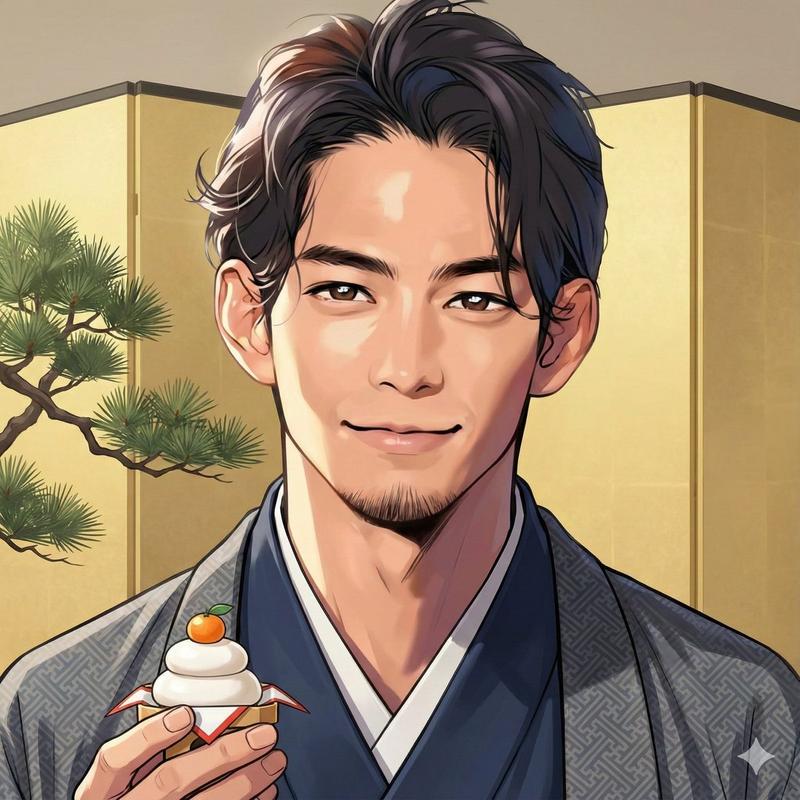
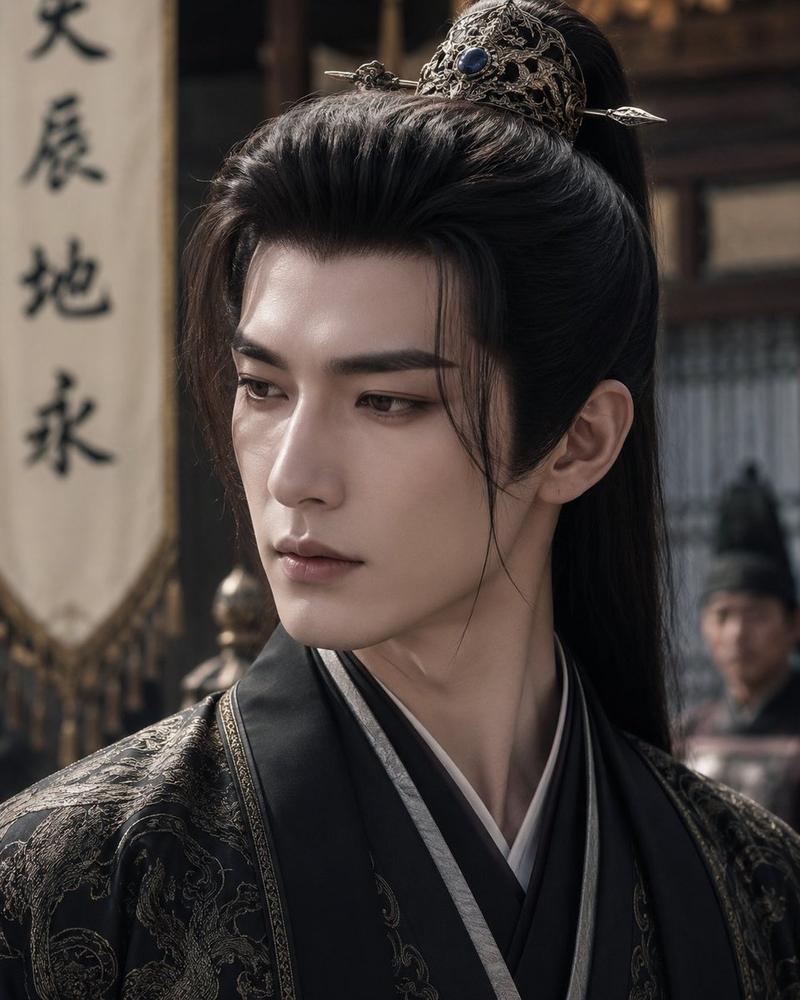
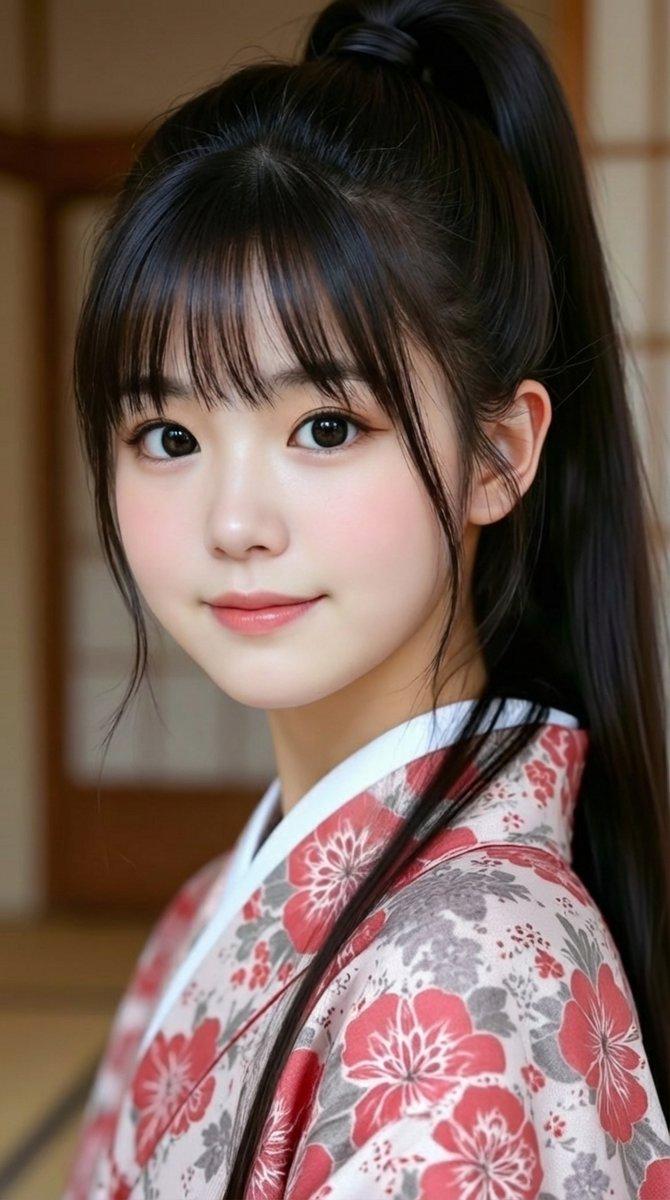
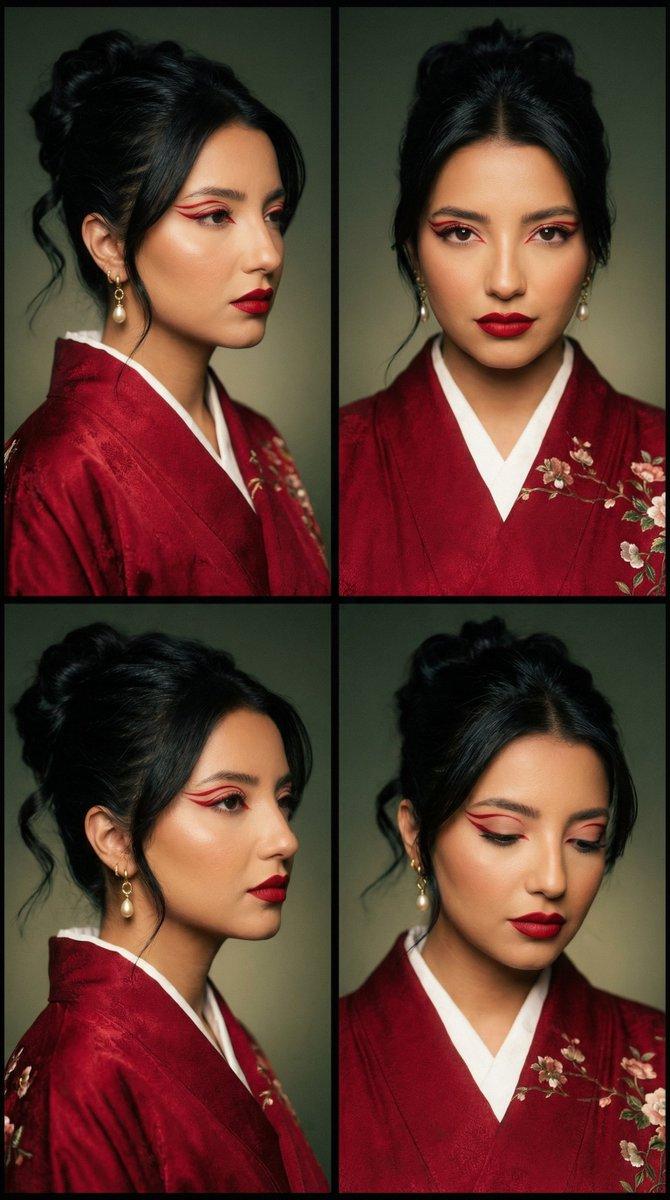
Example images

梦回江户浮世绘古典人物像

Prompt
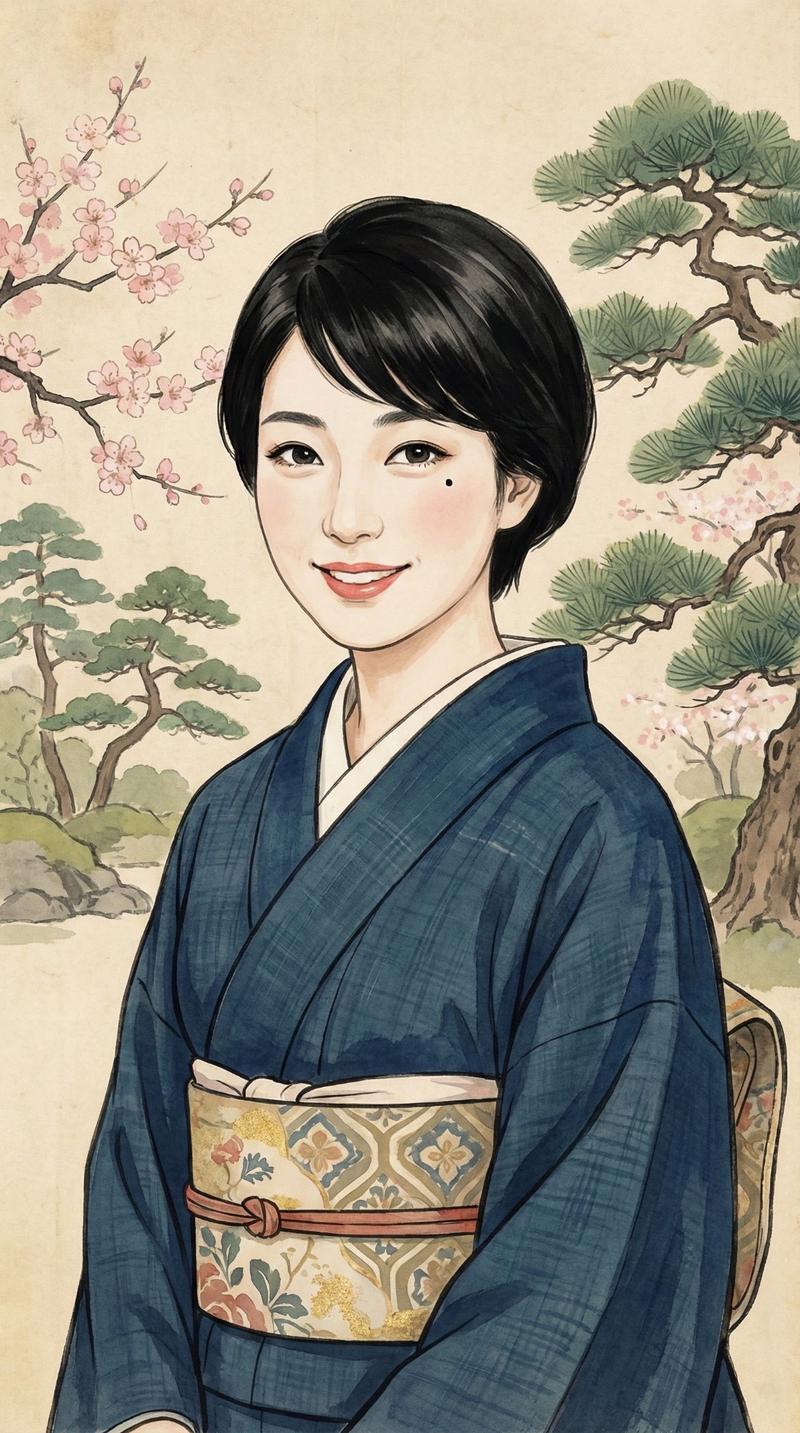
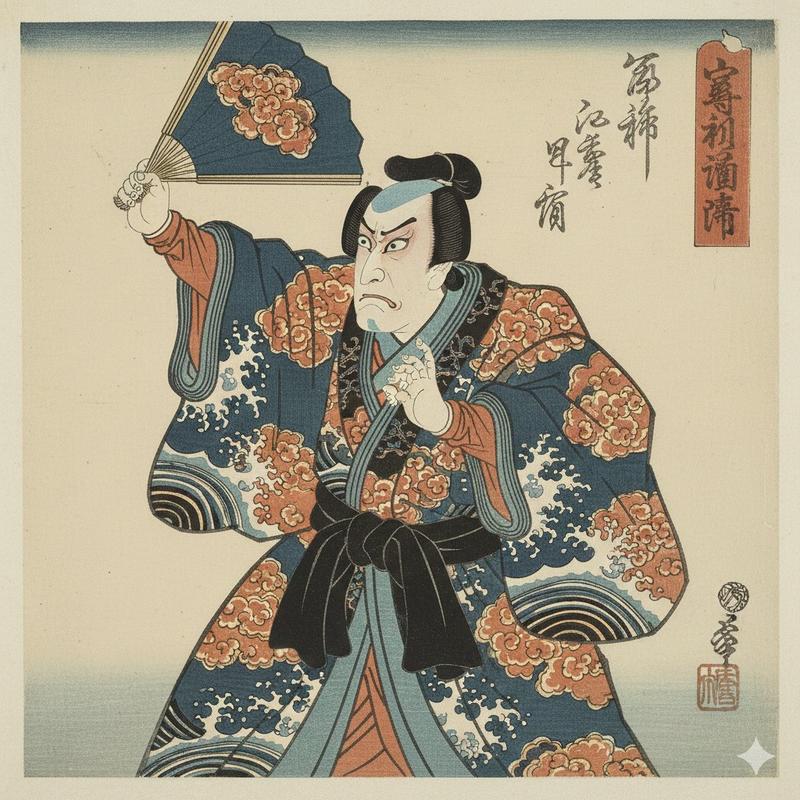
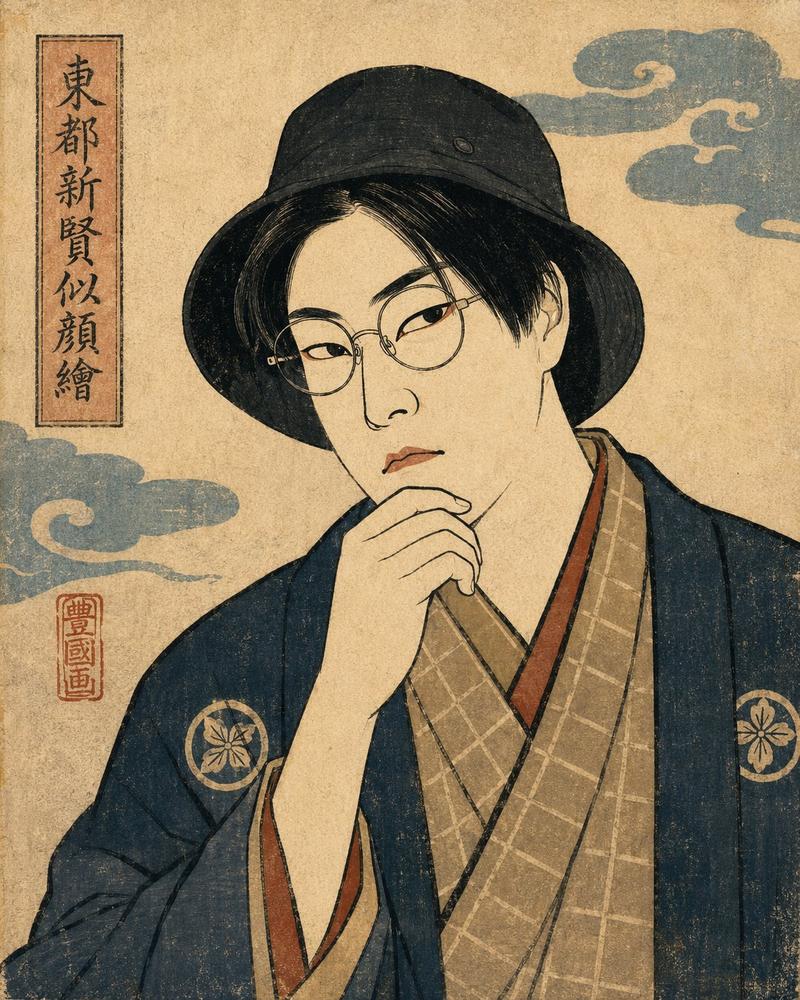
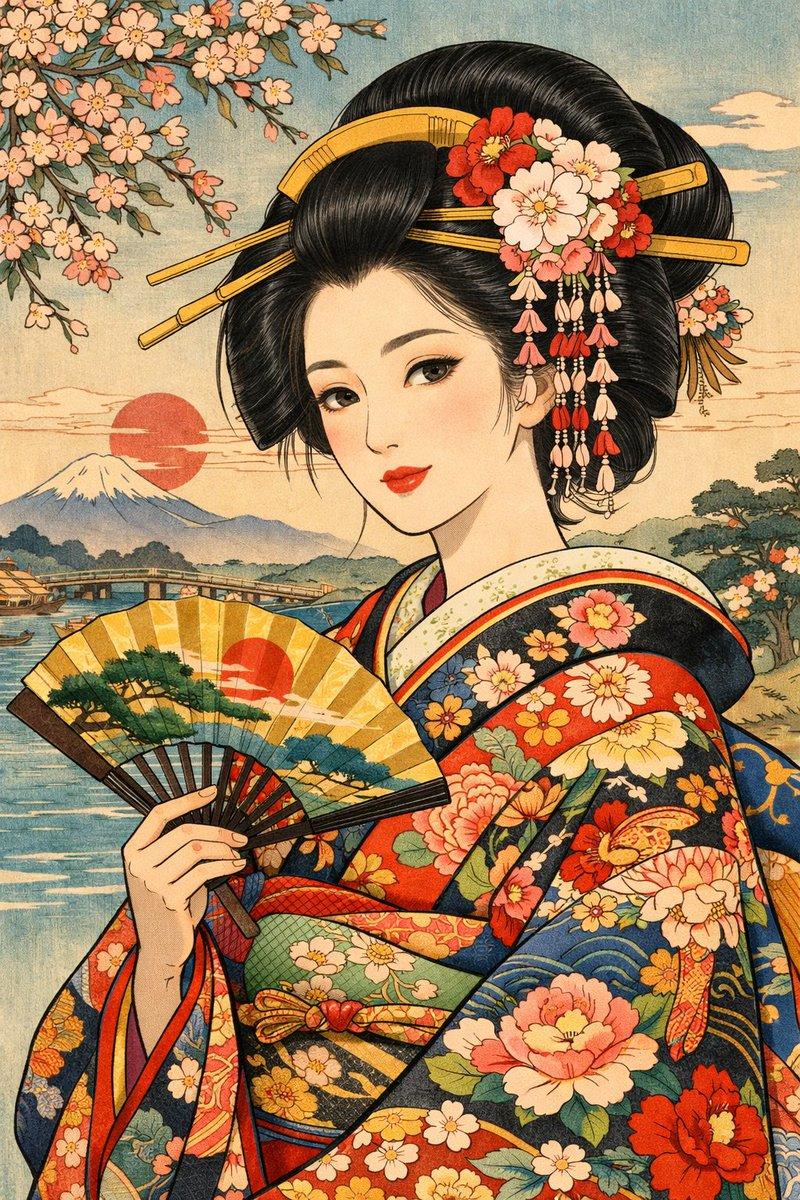
Japanese Ukiyo-e portrait of the person in the reference image attached here. Preserve their facial features and likeness while transforming them into a traditional Edo-period aesthetic. Use flat color blocks, bold ink outlines, minimal shading, and a textured paper background. Style the hair, clothing, and accessories in authentic Japanese traditional fashion such as kimono patterns. Include classic Ukiyo-e elements like soft gradients, muted natural tones, and subtle background motifs (waves, clouds, or floral patterns). Maintain a calm, composed expression and balanced composition, with a slightly angled face and elegant posture
Category
Photography & Realism
Model
ChatGPT
Views174
Source ID
13663
Published
Apr 24, 2026

Guide

About "梦回江户浮世绘古典人物像"

What is this prompt for?

"梦回江户浮世绘古典人物像" AI image prompt for ChatGPT (Photography & Realism). 附加在此处的参考图像中人物的日式浮世绘肖像。保留他们的面部特征和相似度,同时将他们转化为传统的江户时代美学。使用平涂色块、粗犷的墨线轮廓、极少的阴影以及有纹理的纸张背景。将发型、服装…

The full copyable prompt and example visuals above are ready for AI image generation or one-click recreate in Picva.

How to use this prompt

  1. Step 1

    Open the prompt detail

    Review the example visuals, category, and full prompt text for "梦回江户浮世绘古典人物像".

  2. Step 2

    Copy the prompt

    Copy the prompt body from this page, or load it directly in Studio.

  3. Step 3

    Pick a model (ChatGPT)

    Prefer ChatGPT. If you switch models, keep subject and composition and tweak style terms.

  4. Step 4

    Generate and export

    Recreate the look in Picva, or export into your workflow for editing and publishing.

FAQ

What is the "梦回江户浮世绘古典人物像" prompt?
It is an AI image-generation prompt for ChatGPT in the Photography & Realism category. This page includes the full prompt text, example visuals, and a one-click recreate path in Picva.
How do I use this prompt to generate an image?
Copy the prompt from this page, or use Generate / Studio. Paste it into a compatible image model, or recreate the look in Picva with optional reference images.
Which model is this prompt for?
This page lists ChatGPT. Most descriptive prompts also transfer to nearby image models such as GPT Image, Flux, or Midjourney with light style tweaks.
Can I use the result commercially?
You can usually copy the prompt for creation, but commercial use of the final image depends on the model terms, reference-image rights, and the generated content. Follow the source author and platform rules.