17

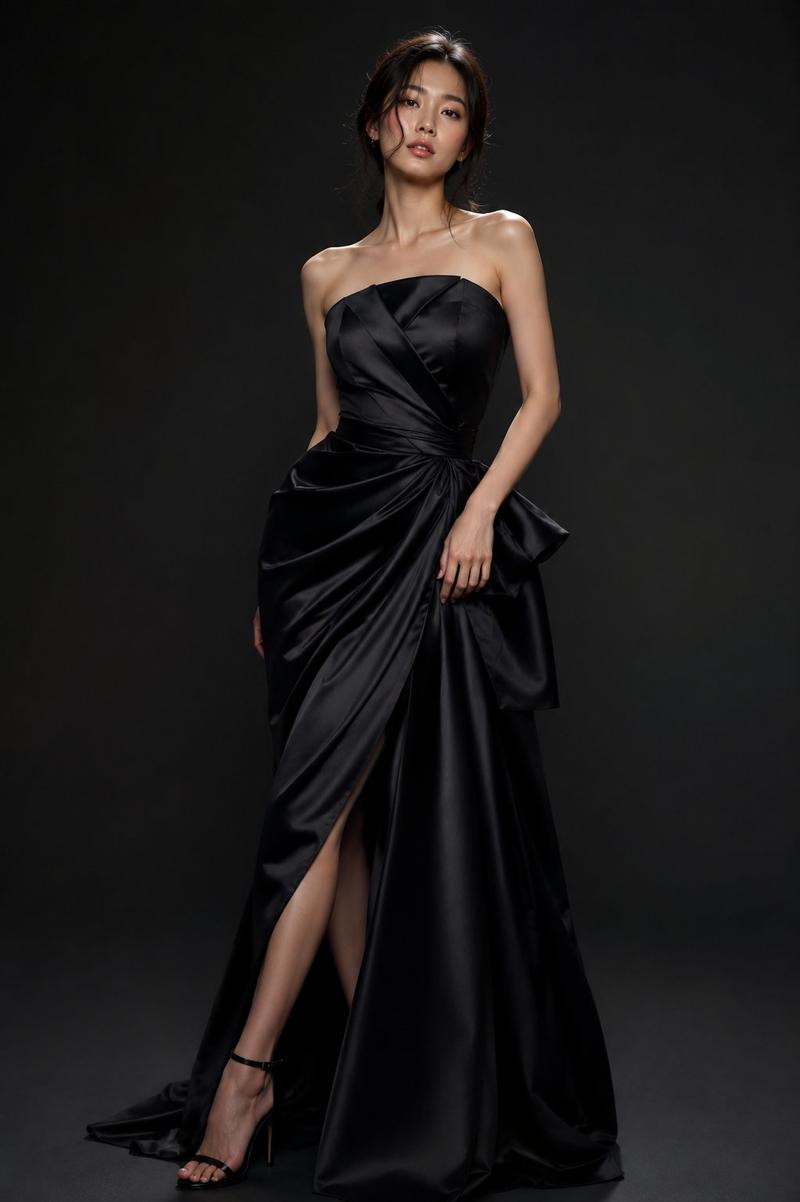
哥特奢华杂志封面
Enlarge

哥特奢华杂志封面

Prompt
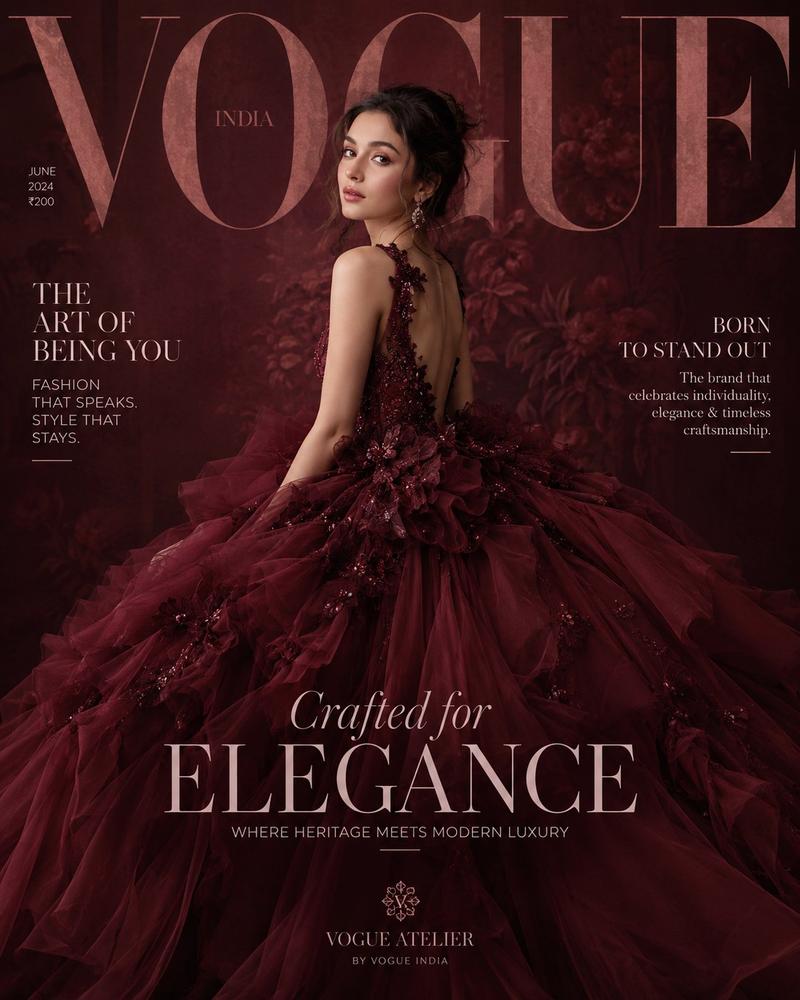
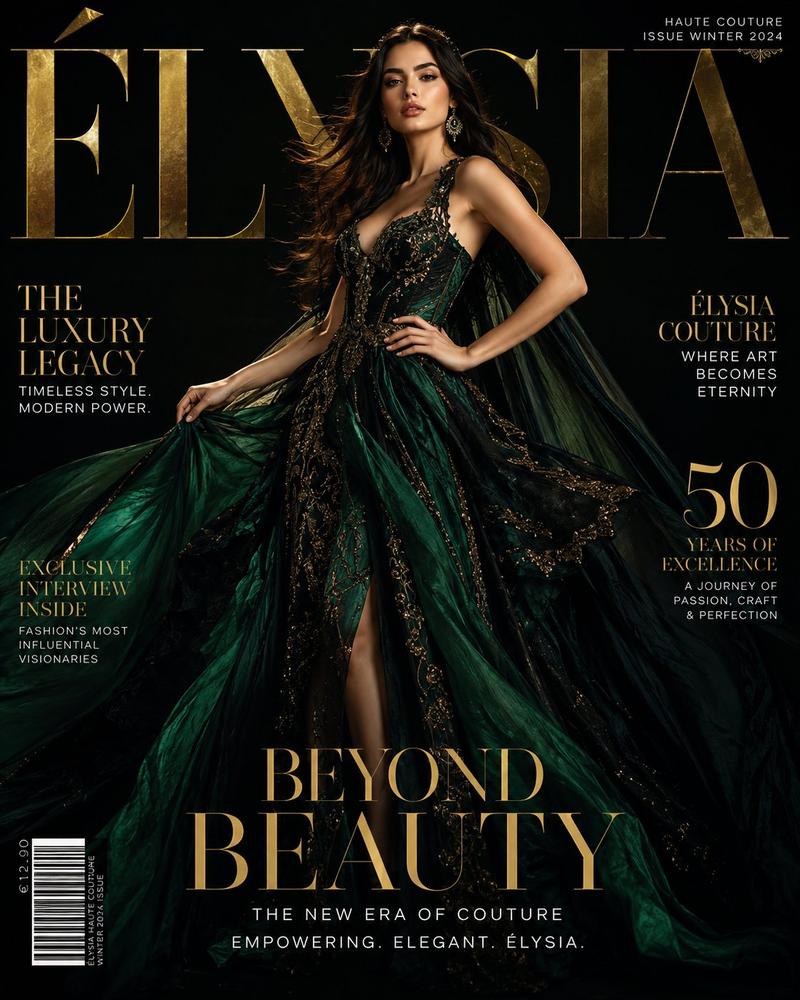
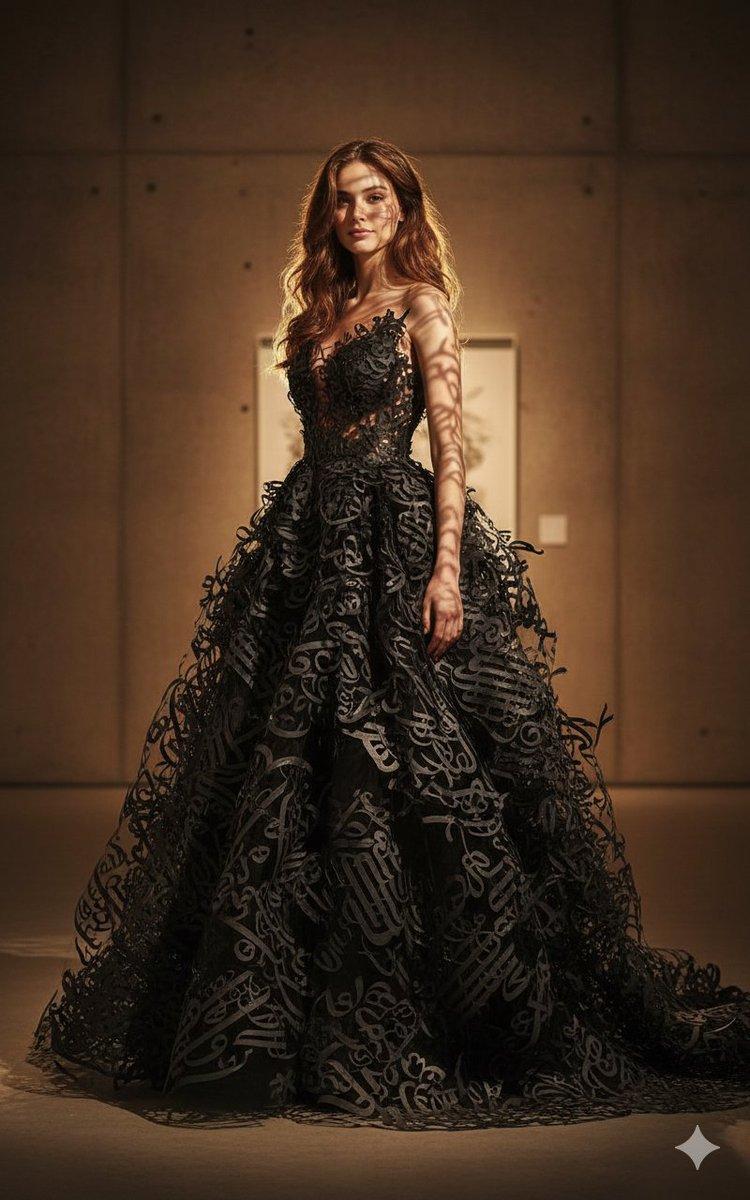
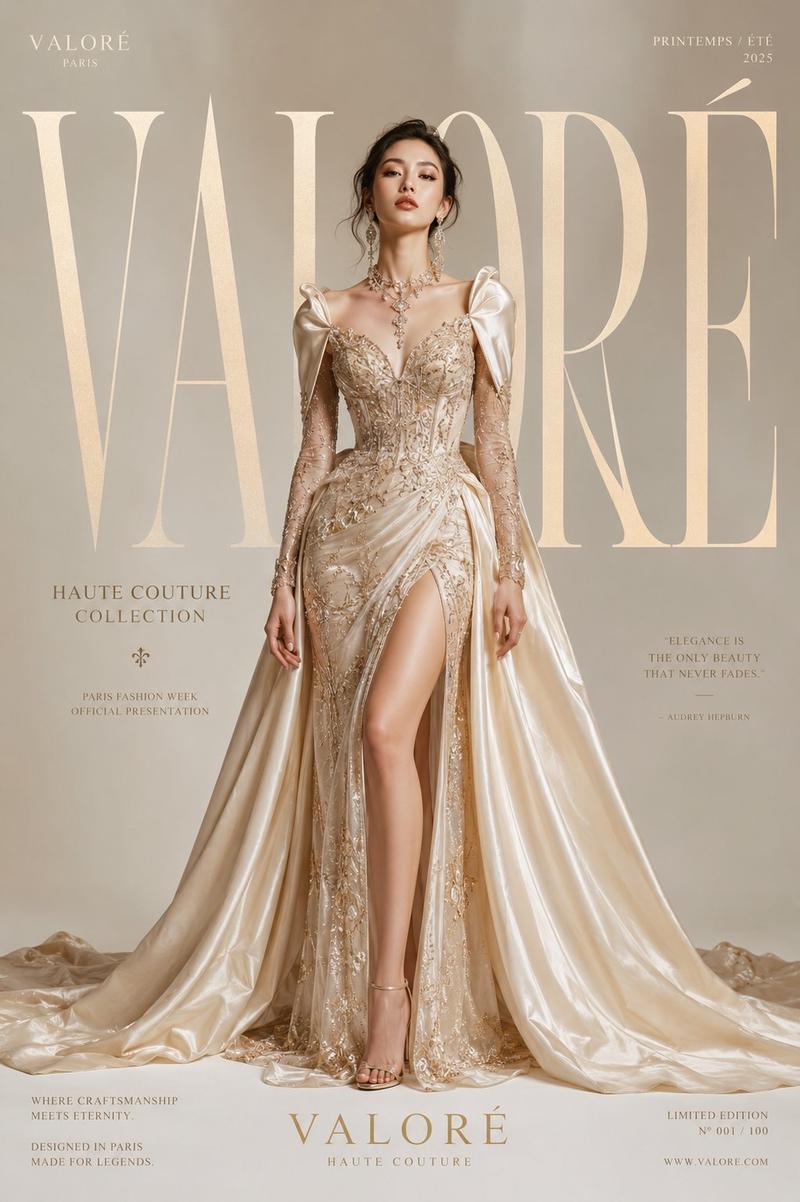
Ultra-realistic dark luxury magazine cover featuring a {argument name="subject" default="mysterious Korean woman"} in a dramatic black duchess satin gown with a sweeping train, the skirt embroidered with oversized 3D black-on-black roses, thorned vines, and trailing wisteria in deep midnight purple. Structured off-shoulder corseted bodice. Dark voluminous hair in a towering gothic updo with black rose pins. Porcelain cool-white skin, deep purple-black smoky eye, blackened plum matte lip. Jet and obsidian drop earrings, layered dark pearl choker, poison-ring stack. Background: seamless black velvet studio with theatrical footlight spotlighting from below, dense smoke machine haze. "VOGUE ITALIA" masthead in deep crimson serif. 85mm lens, ultra-detailed 3D embroidered roses, dramatic chiaroscuro, 8K cinematic gothic. Negative: bright colors, cartoon, blurry, daylight, warm tones, watermark. 1744x2336
Category
Posters & Typography
Model
GPT Image 2
Views3
Source ID
23574
Published
Jun 1, 2026

Guide

About "哥特奢华杂志封面"

What is this prompt for?

"哥特奢华杂志封面" AI image prompt for GPT Image 2 (Posters & Typography). 创作一张暗黑风格、超写实的 Vogue Italia 风格杂志封面,主角为身着带有 3D 玫瑰刺绣哥特缎面礼服的韩国女性。 Copy it on Picva and recreate…

The full copyable prompt and example visuals above are ready for AI image generation or one-click recreate in Picva.

How to use this prompt

  1. Step 1

    Open the prompt detail

    Review the example visuals, category, and full prompt text for "哥特奢华杂志封面".

  2. Step 2

    Copy the prompt

    Copy the prompt body from this page, or load it directly in Studio.

  3. Step 3

    Pick a model (GPT Image 2)

    Prefer GPT Image 2. If you switch models, keep subject and composition and tweak style terms.

  4. Step 4

    Generate and export

    Recreate the look in Picva, or export into your workflow for editing and publishing.

FAQ

What is the "哥特奢华杂志封面" prompt?
It is an AI image-generation prompt for GPT Image 2 in the Posters & Typography category. This page includes the full prompt text, example visuals, and a one-click recreate path in Picva.
How do I use this prompt to generate an image?
Copy the prompt from this page, or use Generate / Studio. Paste it into a compatible image model, or recreate the look in Picva with optional reference images.
Which model is this prompt for?
This page lists GPT Image 2. Most descriptive prompts also transfer to nearby image models such as GPT Image, Flux, or Midjourney with light style tweaks.
Can I use the result commercially?
You can usually copy the prompt for creation, but commercial use of the final image depends on the model terms, reference-image rights, and the generated content. Follow the source author and platform rules.