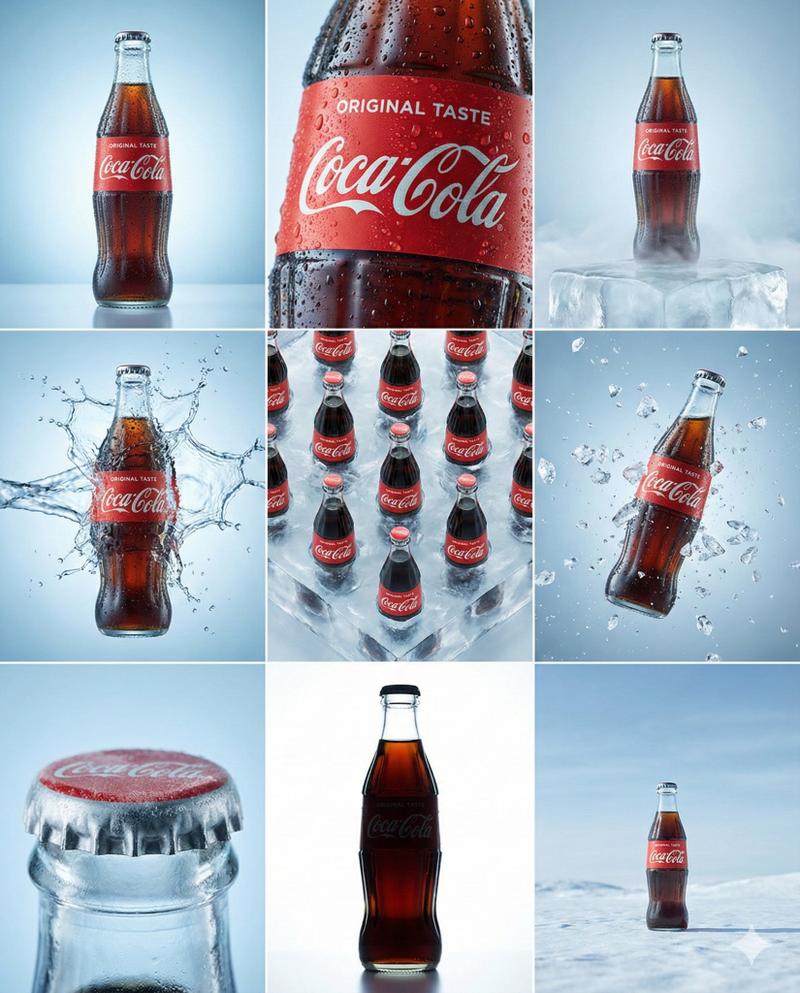
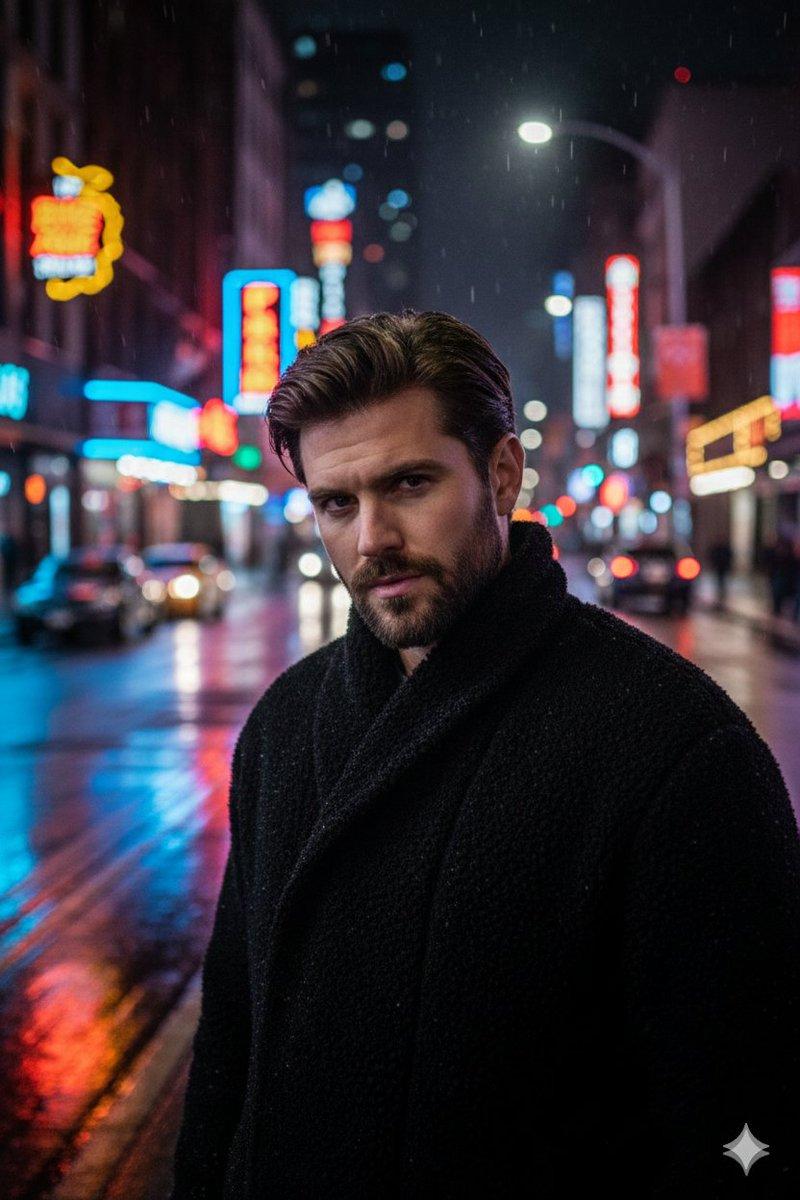
霓虹城市汽水广告
Prompt
Create a cinematic ultra-realistic nighttime advertisement scene featuring a giant glass {argument name="product" default="Coca-Cola bottle"} standing on a wet neon-lit city street. Beside the oversized {argument name="product" default="Coca-Cola bottle"} is a {argument name="subject" default="beautiful smiling young woman"} casually leaning against it with a relaxed and confident pose. She wears a cozy oversized yellow sweatshirt, fitted gray jeans, and clean white sneakers. The background features colorful urban bokeh lights, glowing red reflections on the wet pavement, and a vibrant futuristic city atmosphere. The {argument name="product" default="Coca-Cola logo"} is clearly visible on the bottle. Use dramatic cinematic lighting, shallow depth of field, realistic reflections, glossy textures, high detail, photorealistic style, fashion-commercial aesthetic, 8k resolution, soft glow, warm tones, and realistic proportions. Vertical composition, magazine-style photography, premium beverage advertisement vibe.- Category
- Charts & Infographics
- Model
- GPT Image 2
- Creator
- Alina Ai
- Source ID
- 23583
- Published
- Jun 1, 2026
Views1


![Create a premium advertising poster for [BRAND] featuring [PRODUCT]](https://i.pixshop.app/storage/v1/render/image/public/prompt-source-media/promptsref/work-36804/image-1-0c6d3610d10b0191.png?width=800&quality=75&resize=contain)
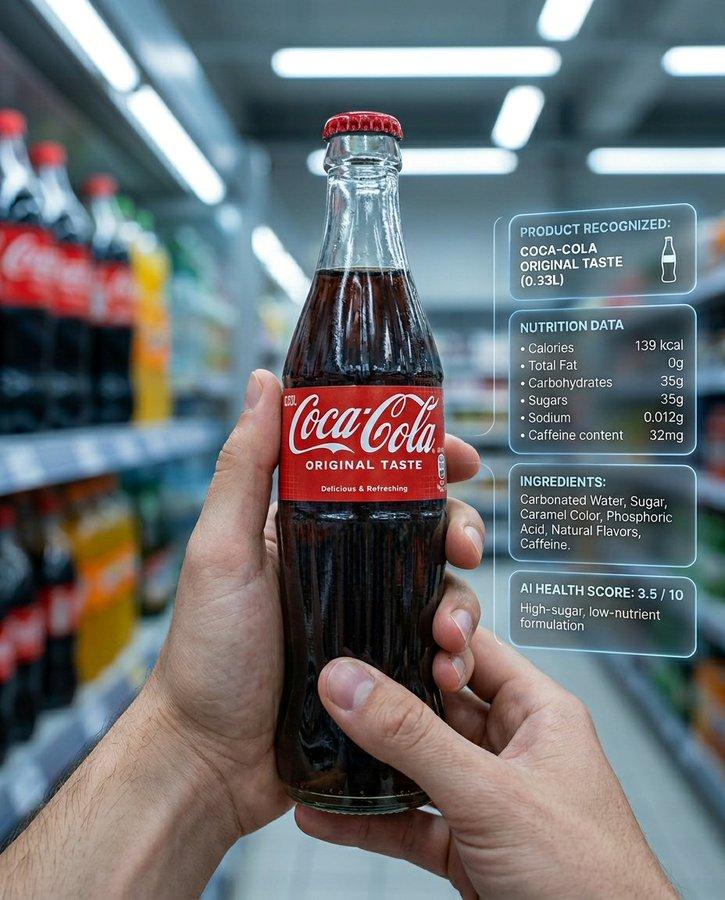
![[BRAND NAME] Act as a Zine Art Director recreating the aesthetic of a 1990s stre](https://i.pixshop.app/storage/v1/render/image/public/prompt-source-media/promptsref/work-21205/image-1-26f0980a5a8feef6.png?width=800&quality=75&resize=contain)