可口可乐暗黑奢华电影感信息图海报
Prompt
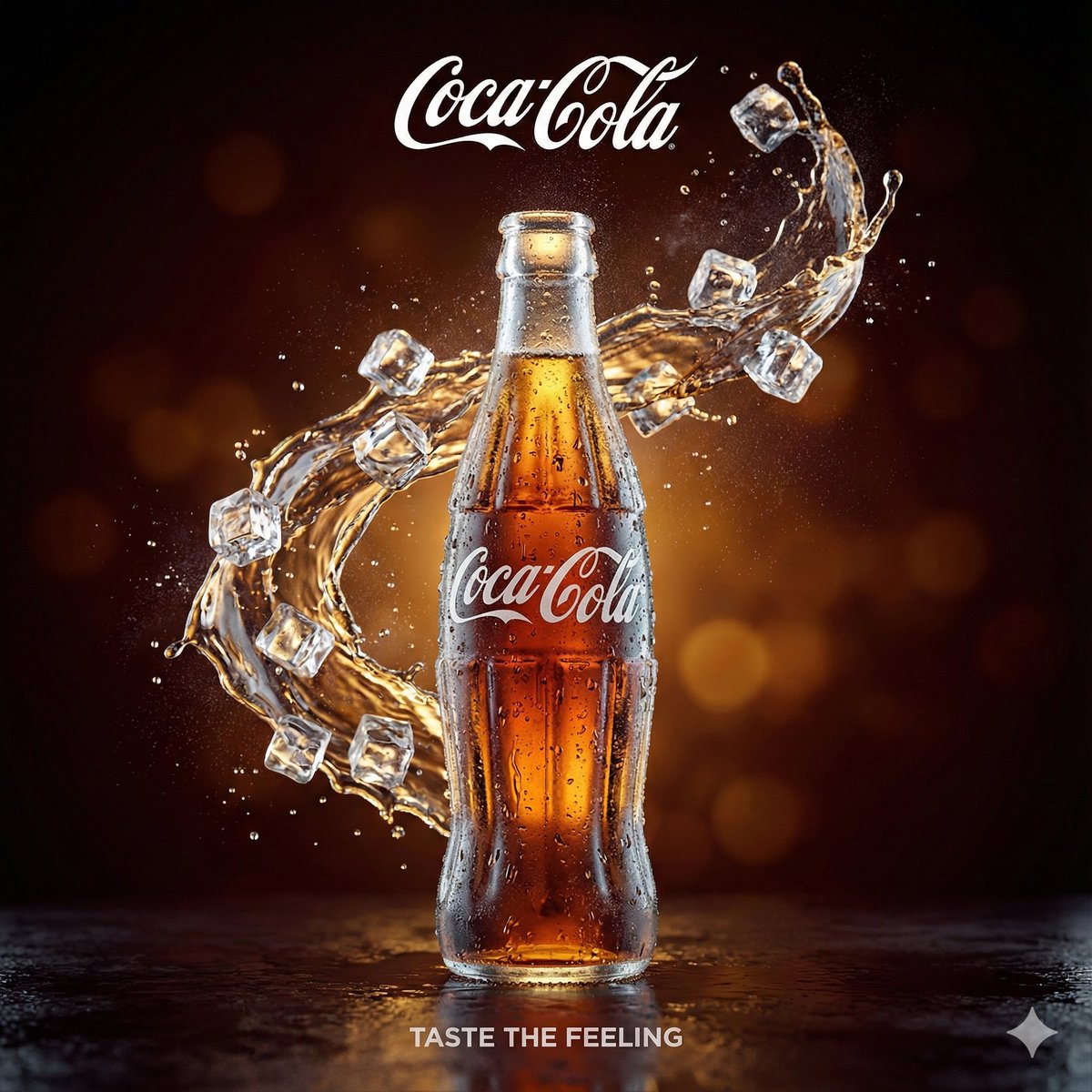
Create a cinematic infographic poster about Coca-Cola with a dark luxury aesthetic using deep black and signature Coca-Cola red tones. In the center, place a realistic icy glass Coca-Cola contour bottle covered in condensation, with soda splashes exploding outward under dramatic neon lighting. Add the tagline “Refreshing the World. One Moment at a Time.” beneath the bottle. At the top left, feature the classic Coca-Cola logo with the phrases “The Story. The Secret. The Legacy.” and “More Than a Drink. A Global Icon.” On the top right, include a vintage portrait illustration of Dr. John S. Pemberton with text explaining the drink was created in 1886 in Atlanta, Georgia, alongside a note about the secret formula locked in a vault. On the left side, show Jacob’s Pharmacy in vintage black-and-white style, retro advertisements, and global statistics including 200+ countries, 1.9 billion daily servings, and a $46+ billion brand value. On the right side, include cultural impact icons, a glowing red Coca-Cola delivery truck at night, and trivia facts about Santa Claus branding and the original “Koka-Kola” name. Add a glowing historical timeline at the bottom from 1886 to modern campaigns. Hyper-detailed, photorealistic, cinematic lighting, premium infographic design, ultra sharp, 8K.
- Category
- Charts & Infographics
- Model
- ChatGPT
- Creator
- @luciaverseai
- Source ID
- 15220
- Published
- Jun 1, 2026
Views59
![[BRAND NAME] Act as a Zine Art Director recreating the aesthetic of a 1990s stre](https://i.pixshop.app/storage/v1/render/image/public/prompt-source-media/promptsref/work-21205/image-1-26f0980a5a8feef6.png?width=800&quality=75&resize=contain)

![Create a premium advertising poster for [BRAND] featuring [PRODUCT]](https://i.pixshop.app/storage/v1/render/image/public/prompt-source-media/promptsref/work-36804/image-1-0c6d3610d10b0191.png?width=800&quality=75&resize=contain)