19

末日景观中的中世纪奇幻之剑
Enlarge

末日景观中的中世纪奇幻之剑

Prompt
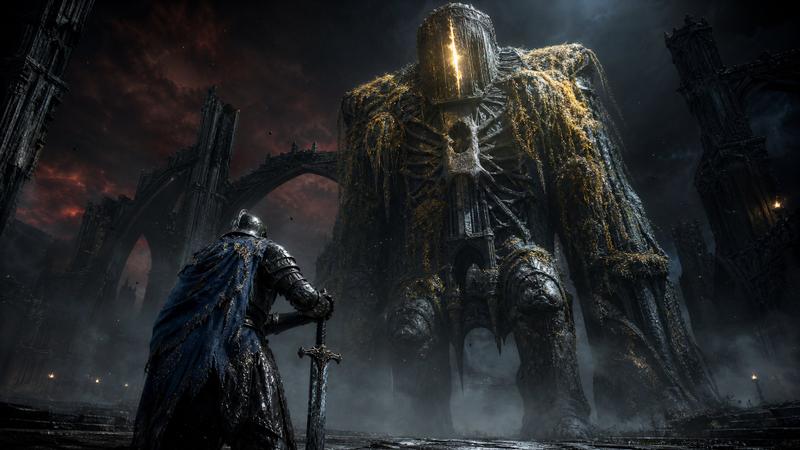
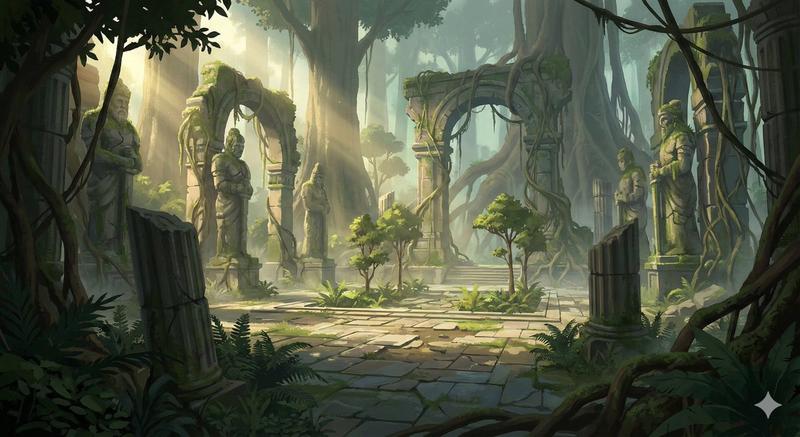
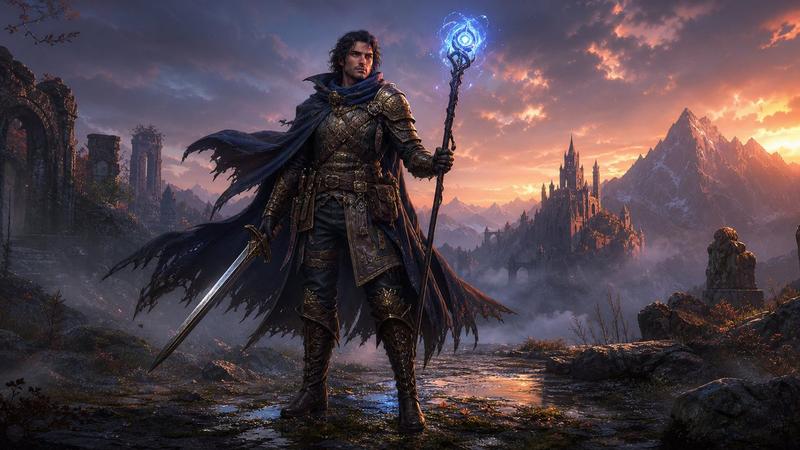
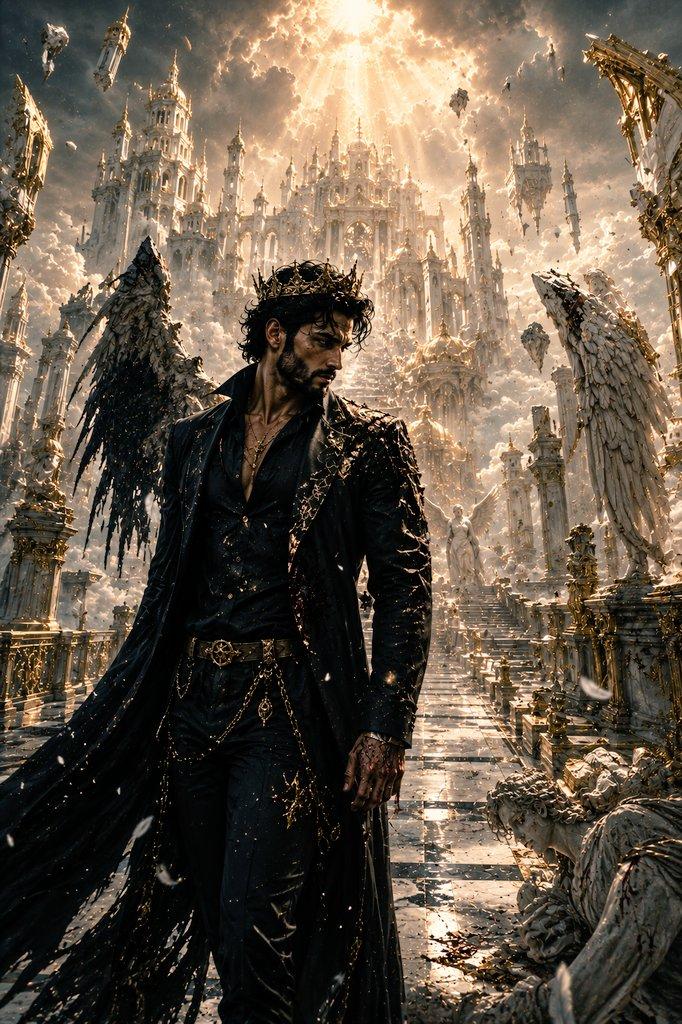
A finely ornate {argument name="subject" default="medieval fantasy sword"} planted deeply in rocky, desolate ground in sharp focus, foreground center. The sword features an intricately decorated crossguard with flowing patterns and a leather-wrapped handle. In the soft-focused background, a lone warrior in tattered medieval clothing stands gazing at massive {argument name="landmark" default="gothic ruins"}—crumbling stone archways and towering architecture of a once-grand castle or fortress. The setting is a barren, apocalyptic landscape with scattered rocks and dust. Clear golden-hour sky overhead. Cinematic depth of field with dramatic lighting. Mood: {argument name="mood" default="epic, melancholic, triumphant loss"}. High fantasy aesthetic, photorealistic rendering.
Category
Charts & Infographics
Model
GPT Image 2
Views3
Source ID
23595
Published
Jun 1, 2026

Guide

About "末日景观中的中世纪奇幻之剑"

What is this prompt for?

"末日景观中的中世纪奇幻之剑" AI image prompt for GPT Image 2 (Charts & Infographics). 一个史诗般且忧郁的高级奇幻场景提示词,描绘了一把插在荒凉土地上的华丽宝剑,背景为哥特式废墟。 Copy it on Picva and recreate the look…

The full copyable prompt and example visuals above are ready for AI image generation or one-click recreate in Picva.

How to use this prompt

  1. Step 1

    Open the prompt detail

    Review the example visuals, category, and full prompt text for "末日景观中的中世纪奇幻之剑".

  2. Step 2

    Copy the prompt

    Copy the prompt body from this page, or load it directly in Studio.

  3. Step 3

    Pick a model (GPT Image 2)

    Prefer GPT Image 2. If you switch models, keep subject and composition and tweak style terms.

  4. Step 4

    Generate and export

    Recreate the look in Picva, or export into your workflow for editing and publishing.

FAQ

What is the "末日景观中的中世纪奇幻之剑" prompt?
It is an AI image-generation prompt for GPT Image 2 in the Charts & Infographics category. This page includes the full prompt text, example visuals, and a one-click recreate path in Picva.
How do I use this prompt to generate an image?
Copy the prompt from this page, or use Generate / Studio. Paste it into a compatible image model, or recreate the look in Picva with optional reference images.
Which model is this prompt for?
This page lists GPT Image 2. Most descriptive prompts also transfer to nearby image models such as GPT Image, Flux, or Midjourney with light style tweaks.
Can I use the result commercially?
You can usually copy the prompt for creation, but commercial use of the final image depends on the model terms, reference-image rights, and the generated content. Follow the source author and platform rules.