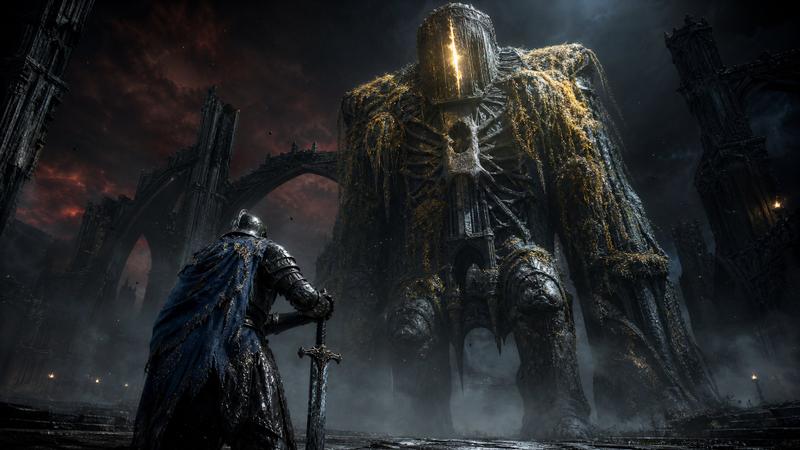
女学生对阵大教堂魔像
Prompt
Create an epic cinematic anime-fantasy illustration in a wide 16:9 aspect ratio: a lone {argument name="heroine description" default="long dark-haired schoolgirl warrior in a white blouse, short black pleated skirt, black thigh-high socks, and boots"} stands centered in the foreground with her back to the viewer, legs braced on a cracked stone battlefield, confronting a colossal gothic cathedral golem. The heroine holds one enormous jagged black-and-gold greatsword angled downward at her right side, with glowing red crystal cores embedded in the blade. The giant enemy is a single towering humanoid fortress made of ornate stone, bronze, gears, arches, spires, buttresses, carved panels, and cathedral windows; it has two massive curved arms ending in claw-like hands, two bulky shoulder towers, a central chest like a cathedral facade, a tall crown-like central spire, and two long red banners hanging from the upper torso. Place the heroine very small compared with the monster to emphasize scale, using a low camera angle and symmetrical composition. The setting is a ruined mountain valley filled with broken masonry, shattered pillars, distant towers, rubble, and jagged rocks. Use {argument name="time of day" default="dramatic sunset"} lighting with a brilliant golden sun directly behind the heroine and under the golem’s torso, strong orange rim light, lens flare across the center, deep blue shadows, and glowing orange clouds scattered across a rich blue sky. Render in highly detailed modern anime concept-art style, intricate architecture, painterly clouds, sharp linework, cinematic contrast, ultra-wide fantasy boss-battle atmosphere, no text, no UI, no watermark.- Category
- UI & Interfaces
- Model
- GPT Image 2
- Creator
- 白ぺぞへどろん
- Source ID
- 19134
- Published
- May 8, 2026
Views3