19

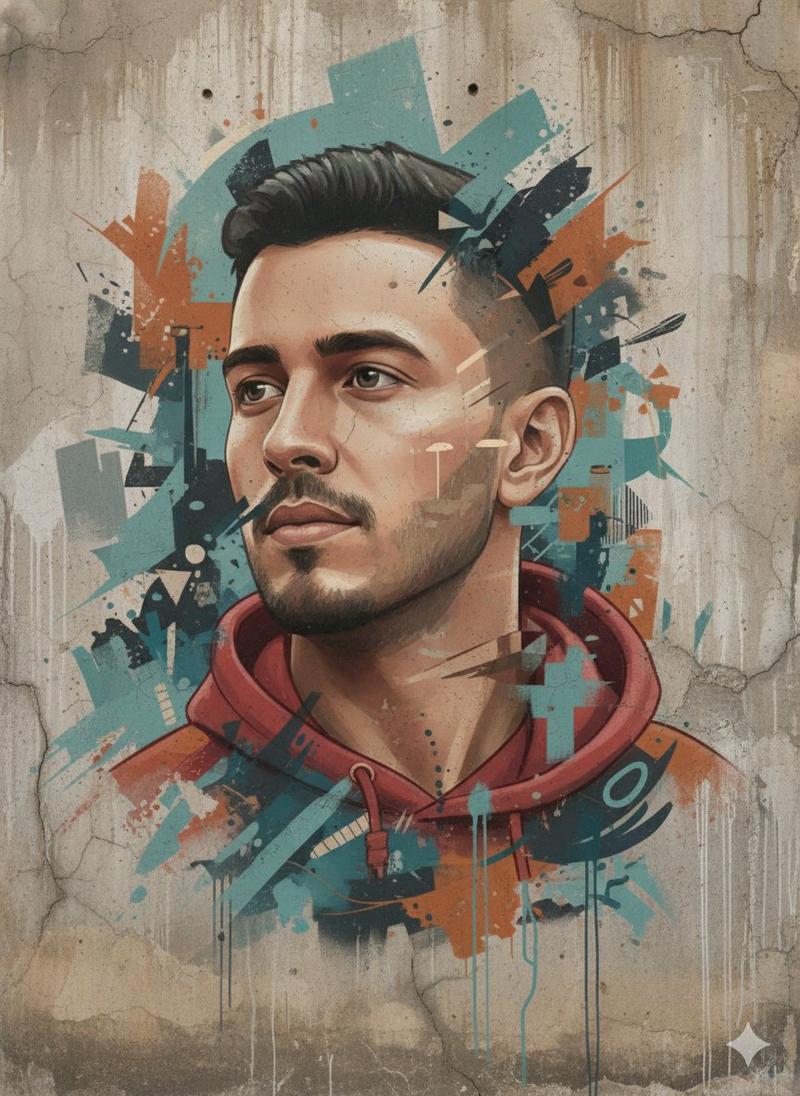
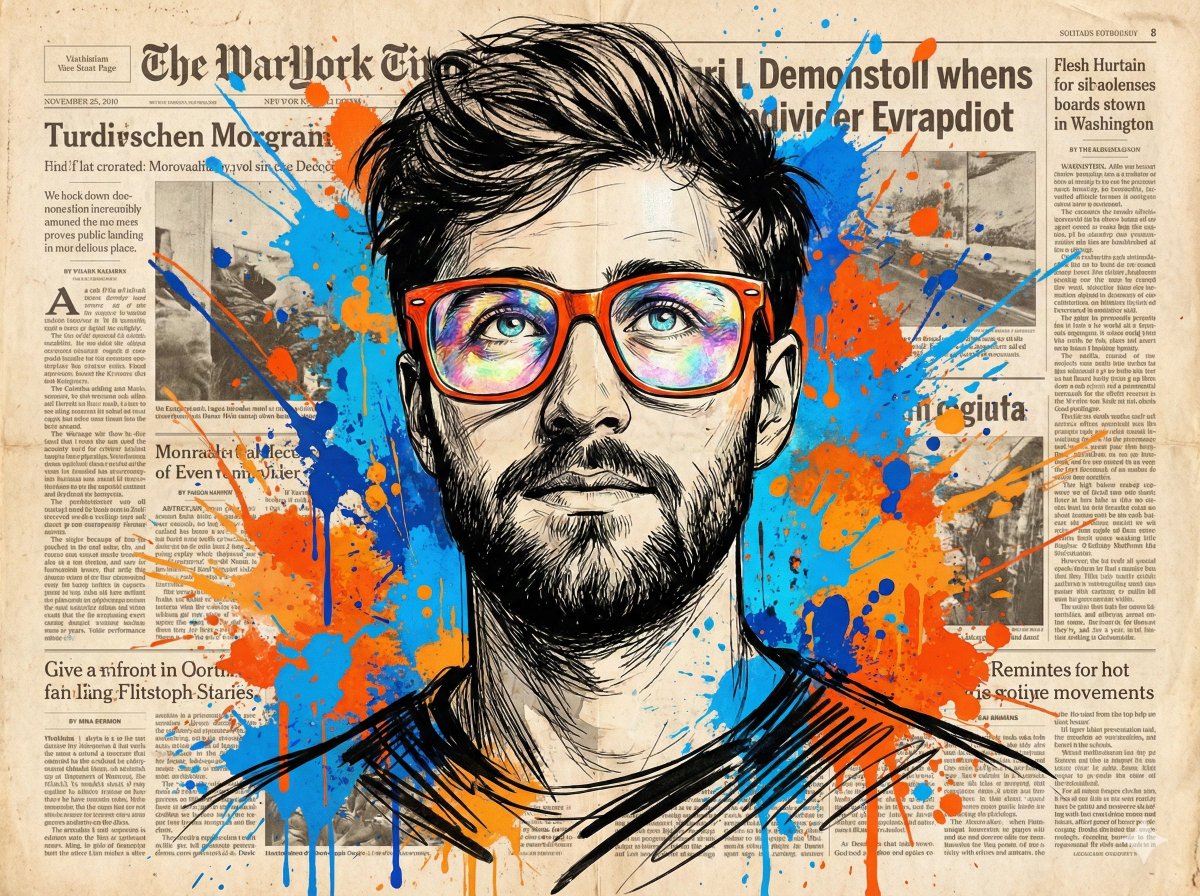
水彩风格男士肖像与城市天际线
Enlarge

Example images

水彩风格男士肖像与城市天际线

Prompt
A stylish portrait of a {argument name="subject" default="young man"}, professional watercolor illustration mixed with clean ink line art, wearing a {argument name="outfit" default="dark navy cable-knit sweater and a simple gold chain necklace"}. He is wearing modern {argument name="accessory" default="blue-tinted aviator sunglasses"}. The background features artistic, abstract architectural sketches of a city skyline blended with vibrant, expressive {argument name="color theme" default="blue"} watercolor splashes and ink splatters. High contrast, clean edges, artistic paper texture background, sharp focus, highly detailed.
Category
Architecture & Spaces
Model
GPT Image 2
Creator
zayan
Views7
Source ID
23607
Published
Jun 1, 2026

Guide

About "水彩风格男士肖像与城市天际线"

What is this prompt for?

"水彩风格男士肖像与城市天际线" AI image prompt for GPT Image 2 (Architecture & Spaces). 一幅时尚的艺术肖像,描绘了一位身穿海军蓝毛衣的男士,并融合了抽象的水彩城市建筑与墨迹飞溅效果。 Copy it on Picva and recreate the loo…

The full copyable prompt and example visuals above are ready for AI image generation or one-click recreate in Picva.

How to use this prompt

  1. Step 1

    Open the prompt detail

    Review the example visuals, category, and full prompt text for "水彩风格男士肖像与城市天际线".

  2. Step 2

    Copy the prompt

    Copy the prompt body from this page, or load it directly in Studio.

  3. Step 3

    Pick a model (GPT Image 2)

    Prefer GPT Image 2. If you switch models, keep subject and composition and tweak style terms.

  4. Step 4

    Generate and export

    Recreate the look in Picva, or export into your workflow for editing and publishing.

FAQ

What is the "水彩风格男士肖像与城市天际线" prompt?
It is an AI image-generation prompt for GPT Image 2 in the Architecture & Spaces category. This page includes the full prompt text, example visuals, and a one-click recreate path in Picva.
How do I use this prompt to generate an image?
Copy the prompt from this page, or use Generate / Studio. Paste it into a compatible image model, or recreate the look in Picva with optional reference images.
Which model is this prompt for?
This page lists GPT Image 2. Most descriptive prompts also transfer to nearby image models such as GPT Image, Flux, or Midjourney with light style tweaks.
Can I use the result commercially?
You can usually copy the prompt for creation, but commercial use of the final image depends on the model terms, reference-image rights, and the generated content. Follow the source author and platform rules.