18

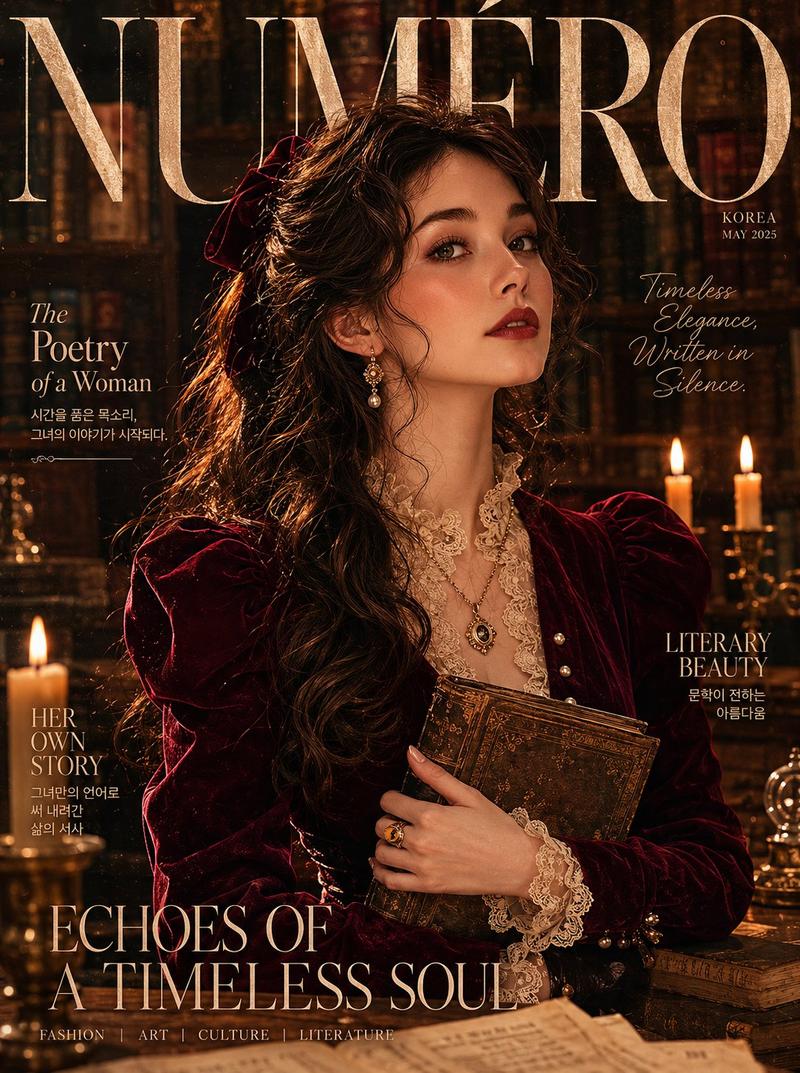
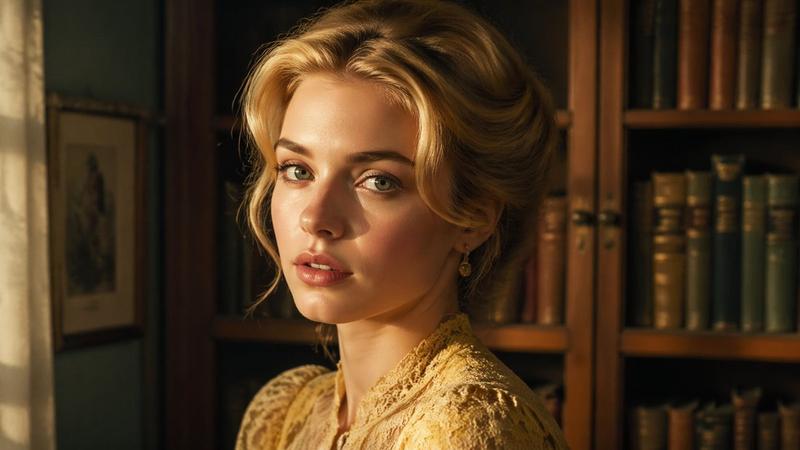
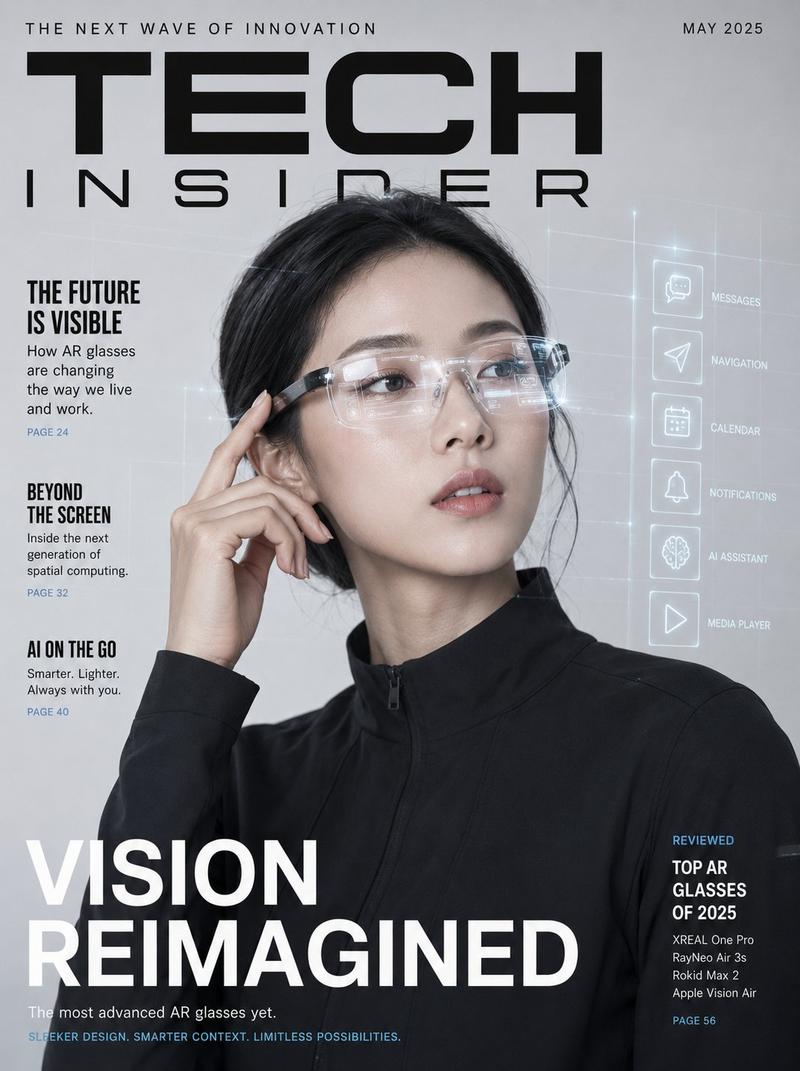
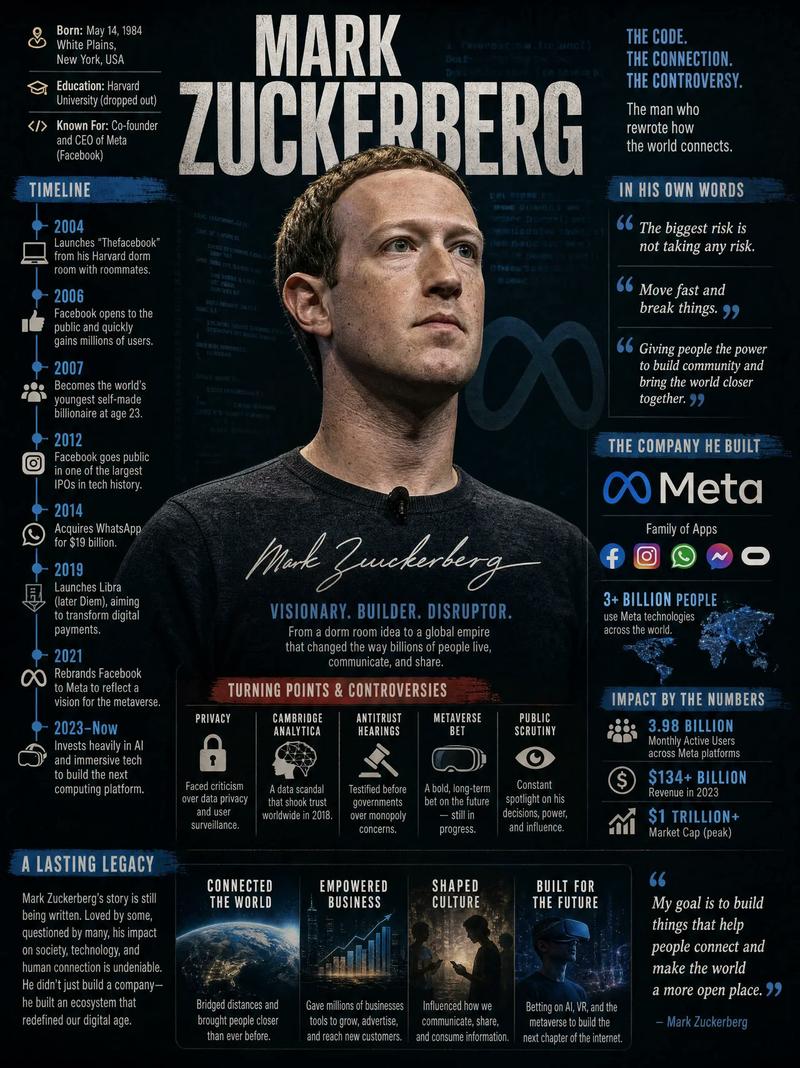
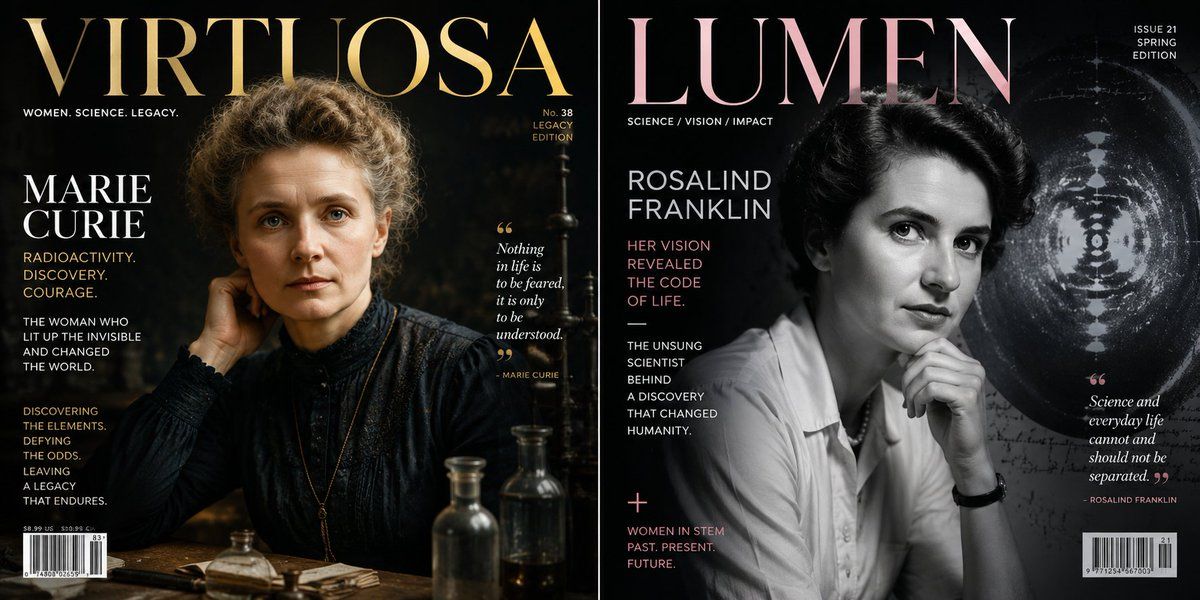
历史人物杂志封面生成器
Enlarge

历史人物杂志封面生成器

Prompt
class magazine_cover_shoot:
    def __init__(self, subject="{argument name="historical figure" default="[historical_figure]"}"):
        self.medium = "high-end editorial studio photography, 8k resolution"
        self.layout = "classic prestige magazine cover (e.g., time or forbes)"
        
    def generate_editorial_content(self):
        # ai inference: deduce the wardrobe, props, and text
        wardrobe = f"ai_infer(highly detailed, era-accurate tailored clothing for {self.subject})"
        pose = "resting chin on hand, thoughtful, piercing eye contact with the camera"
        
        # graphic design elements
        masthead = "large, bold serif font title at the top, slightly occluded by the subject's head"
        subtitles = f"ai_infer(3-4 short, punchy words summarizing {self.subject}'s greatest achievements, aligned left)"
        barcode = "standard magazine barcode and issue number in the bottom corner"
        
        return [wardrobe, pose, masthead, subtitles, barcode]

# execute: lighting must be {argument name="lighting style" default="rembrandt style"}—deep shadows on one side of the face, perfect softbox illumination on the other.
Category
Charts & Infographics
Model
GPT Image 2
Creator
Gadgetify
Views2
Source ID
23614
Published
Jun 1, 2026

Guide

About "历史人物杂志封面生成器"

What is this prompt for?

"历史人物杂志封面生成器" AI image prompt for GPT Image 2 (Charts & Infographics). 一个富有创意的结构化提示词,通过模拟 Python 类来为历史人物生成高端杂志封面,并详细指定了服装和灯光效果。 Copy it on Picva and recreate t…

The full copyable prompt and example visuals above are ready for AI image generation or one-click recreate in Picva.

How to use this prompt

  1. Step 1

    Open the prompt detail

    Review the example visuals, category, and full prompt text for "历史人物杂志封面生成器".

  2. Step 2

    Copy the prompt

    Copy the prompt body from this page, or load it directly in Studio.

  3. Step 3

    Pick a model (GPT Image 2)

    Prefer GPT Image 2. If you switch models, keep subject and composition and tweak style terms.

  4. Step 4

    Generate and export

    Recreate the look in Picva, or export into your workflow for editing and publishing.

FAQ

What is the "历史人物杂志封面生成器" prompt?
It is an AI image-generation prompt for GPT Image 2 in the Charts & Infographics category. This page includes the full prompt text, example visuals, and a one-click recreate path in Picva.
How do I use this prompt to generate an image?
Copy the prompt from this page, or use Generate / Studio. Paste it into a compatible image model, or recreate the look in Picva with optional reference images.
Which model is this prompt for?
This page lists GPT Image 2. Most descriptive prompts also transfer to nearby image models such as GPT Image, Flux, or Midjourney with light style tweaks.
Can I use the result commercially?
You can usually copy the prompt for creation, but commercial use of the final image depends on the model terms, reference-image rights, and the generated content. Follow the source author and platform rules.