14

动态海报设计指令集
Enlarge

动态海报设计指令集

Prompt
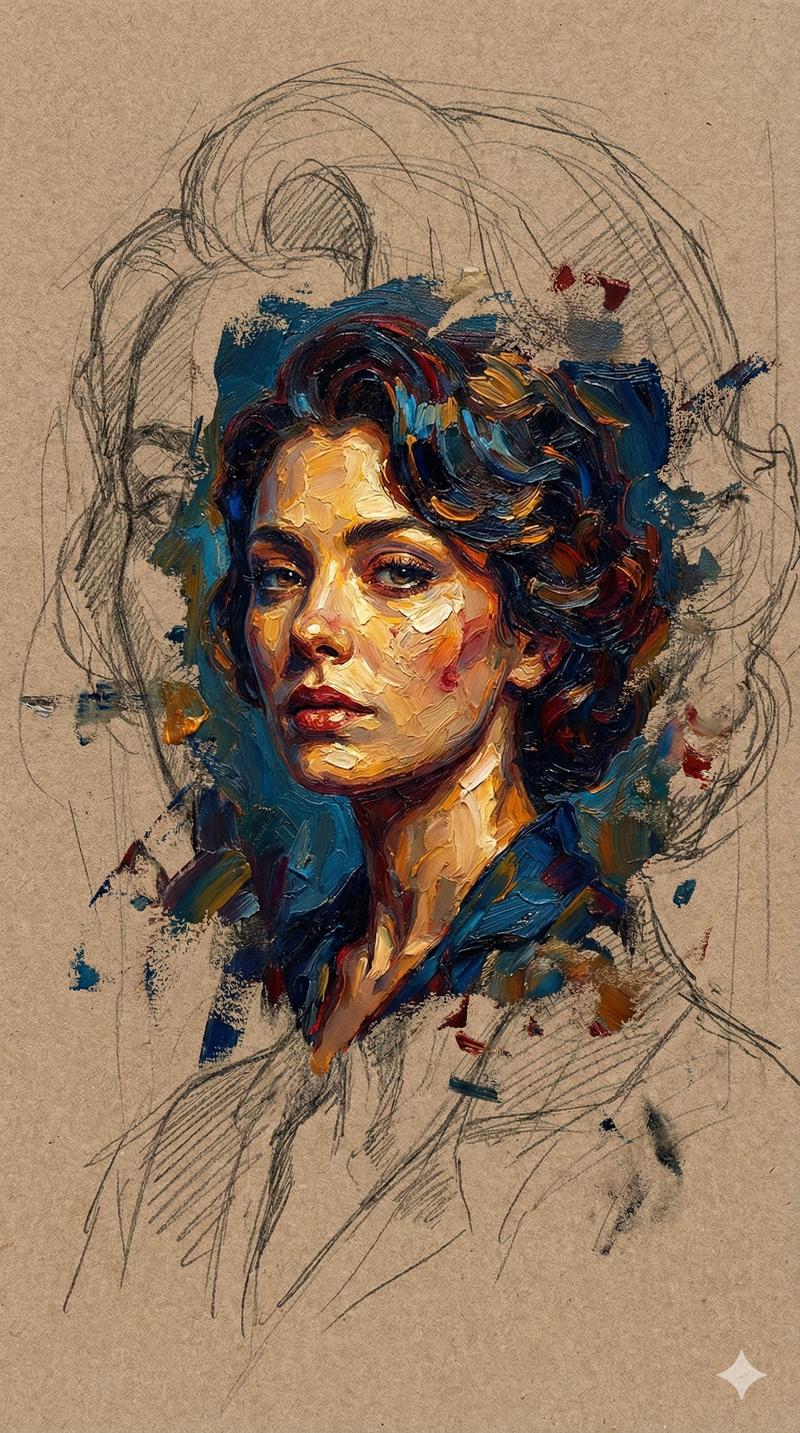
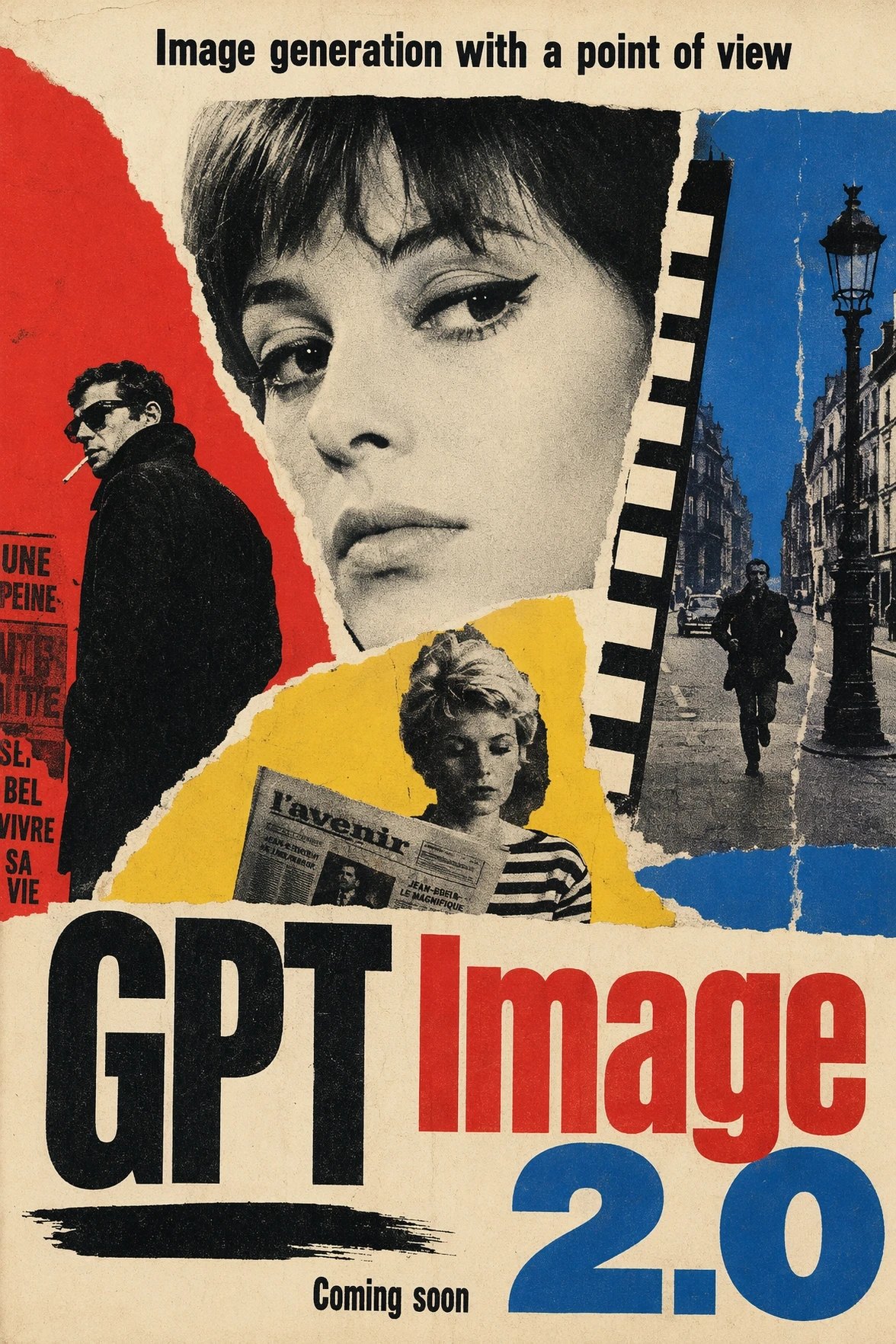
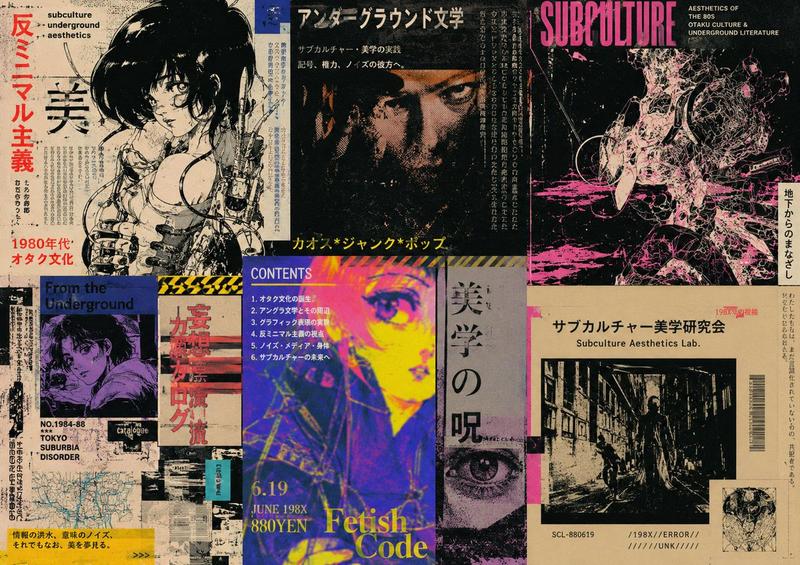
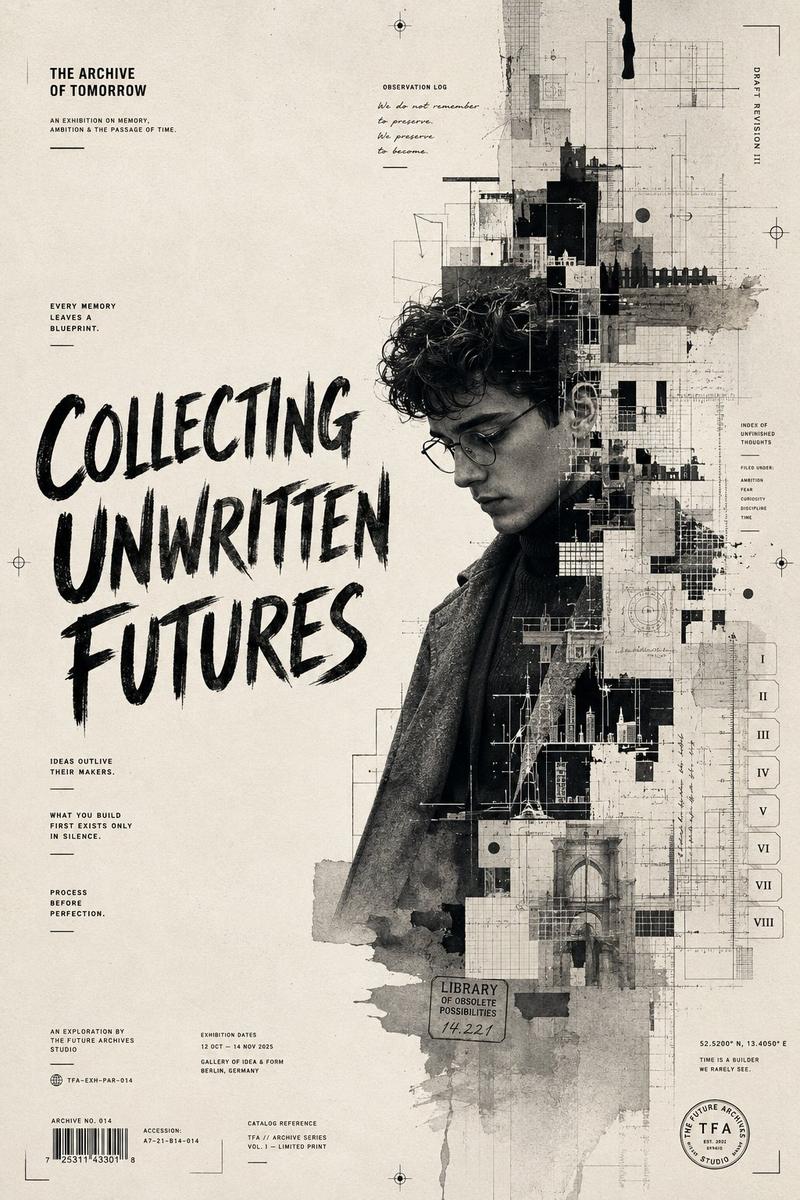
Input A is {argument name="subject" default="subject"}. You are a god-tier poster designer, art director, and print-production specialist.  Phase 1: Dual Poster Synthesis Randomly select TWO Poster Movements and TWO Graphic Systems from the pools below. Blend them into a cohesive poster identity.  Poster Movements: [Swiss International Style, Soviet Constructivism, Psychedelic 1960s Rock Poster, Japanese City Pop Advertising, Bauhaus Exhibition Poster, Art Nouveau Lithograph, Brutalist Typography Poster, 1980s Cyberpunk Flyer, Italian Futurist Manifesto, Minimalist Museum Poster, French New Wave Cinema Poster, Punk Xerox Flyer, Memphis Design, Vintage Travel Poster, Contemporary Fashion Campaign]  Graphic Systems: [Oversized Grid Typography, Torn Paper Collage, Airbrushed Gradient Field, Risograph Halftone, Screenprint Misregistration, Photocopy Distortion, Editorial Magazine Layout, Modular Type Blocks, Diagonal Constructivist Geometry, Neon Signage Layering, Hand-Lettered Ornament, Archival Stamp System, Folded Brochure Logic, Ticket Stub Composition, Billboard Cropping]  Phase 2: Visual Rendering 16:9 one image   Transform Input A into a finished poster design
Category
Charts & Infographics
Model
GPT Image 2
Creator
Gadgetify
Views1
Source ID
23013
Published
May 28, 2026

Guide

About "动态海报设计指令集"

What is this prompt for?

"动态海报设计指令集" AI image prompt for GPT Image 2 (Charts & Infographics). 一套用于 GPT Image 2 的高级多阶段系统提示词,旨在通过模拟顶级海报设计师的思维,融合多种艺术运动与图形风格。 Copy it on Picva and recreate…

The full copyable prompt and example visuals above are ready for AI image generation or one-click recreate in Picva.

How to use this prompt

  1. Step 1

    Open the prompt detail

    Review the example visuals, category, and full prompt text for "动态海报设计指令集".

  2. Step 2

    Copy the prompt

    Copy the prompt body from this page, or load it directly in Studio.

  3. Step 3

    Pick a model (GPT Image 2)

    Prefer GPT Image 2. If you switch models, keep subject and composition and tweak style terms.

  4. Step 4

    Generate and export

    Recreate the look in Picva, or export into your workflow for editing and publishing.

FAQ

What is the "动态海报设计指令集" prompt?
It is an AI image-generation prompt for GPT Image 2 in the Charts & Infographics category. This page includes the full prompt text, example visuals, and a one-click recreate path in Picva.
How do I use this prompt to generate an image?
Copy the prompt from this page, or use Generate / Studio. Paste it into a compatible image model, or recreate the look in Picva with optional reference images.
Which model is this prompt for?
This page lists GPT Image 2. Most descriptive prompts also transfer to nearby image models such as GPT Image, Flux, or Midjourney with light style tweaks.
Can I use the result commercially?
You can usually copy the prompt for creation, but commercial use of the final image depends on the model terms, reference-image rights, and the generated content. Follow the source author and platform rules.