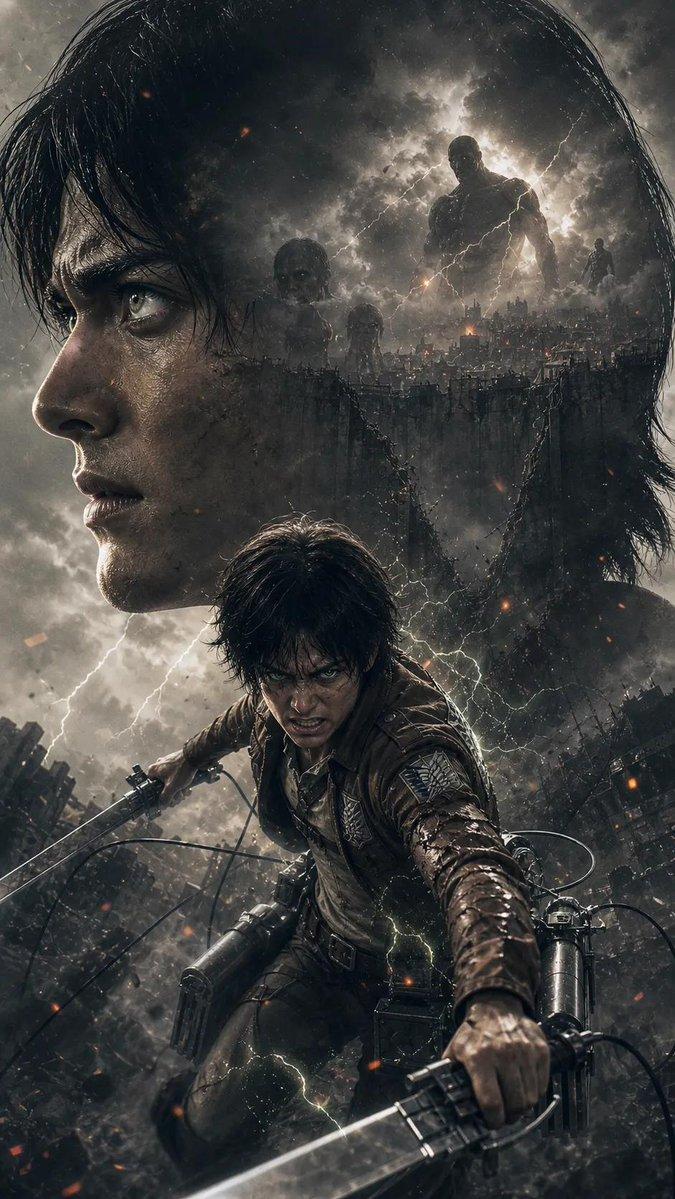
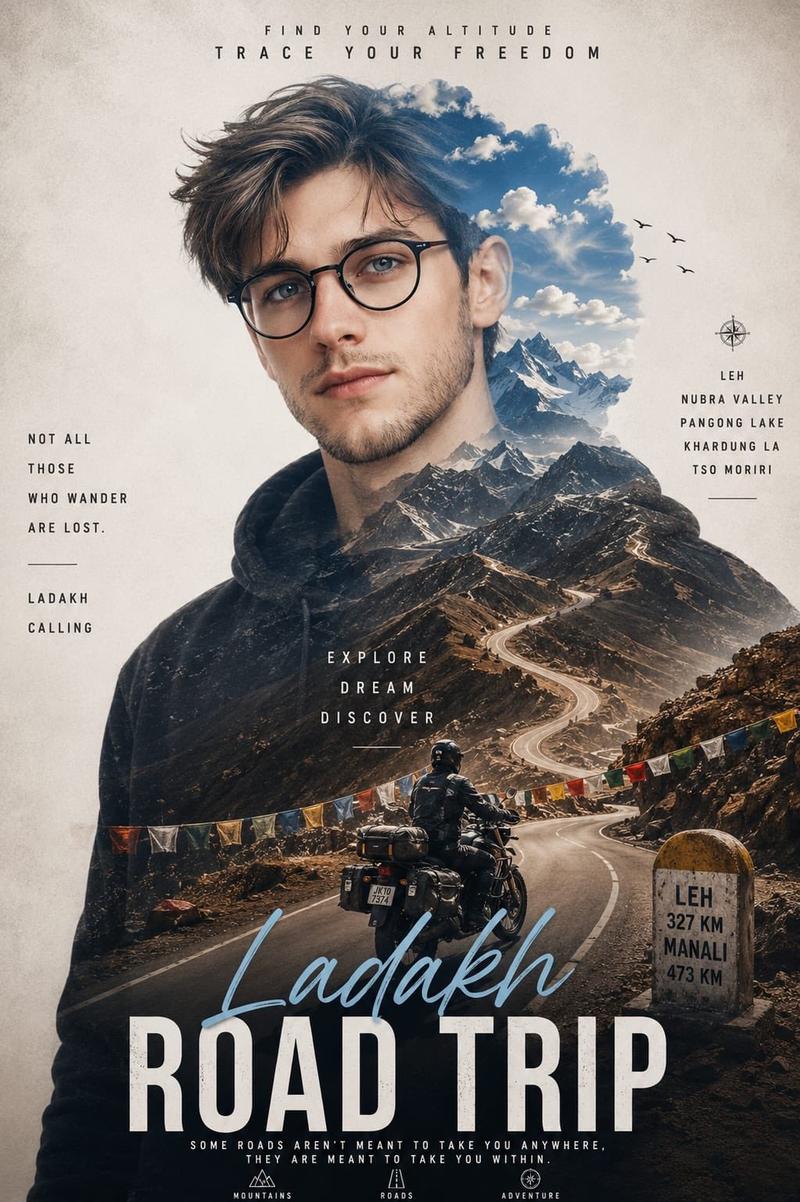
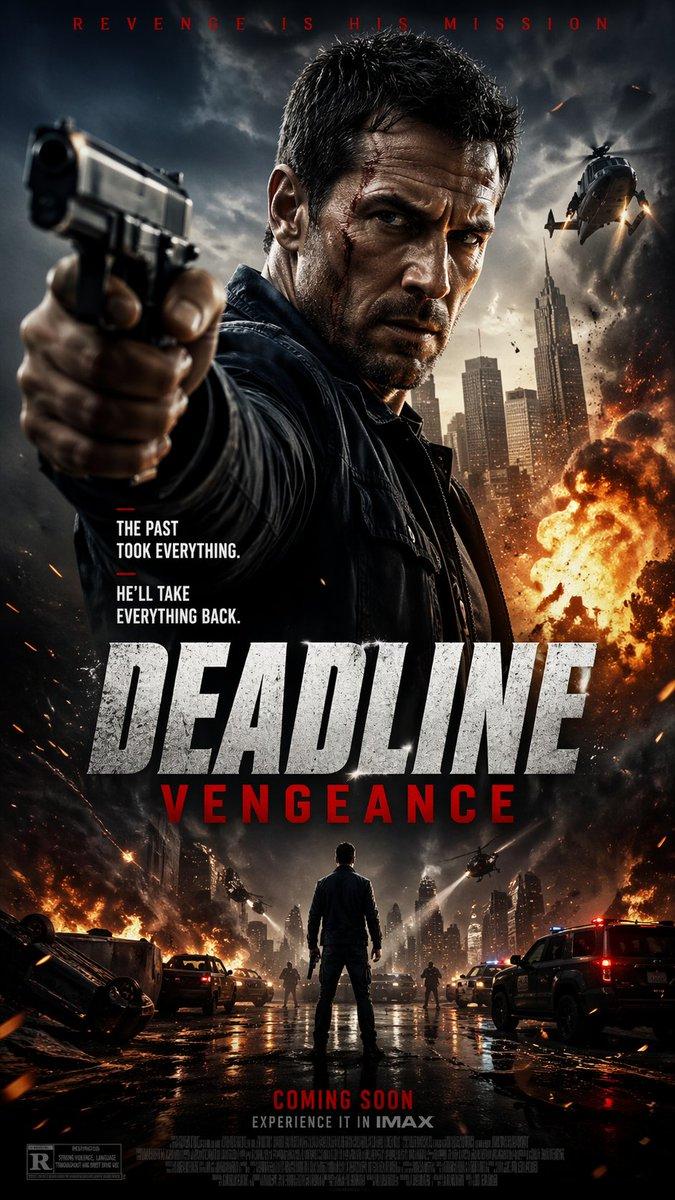
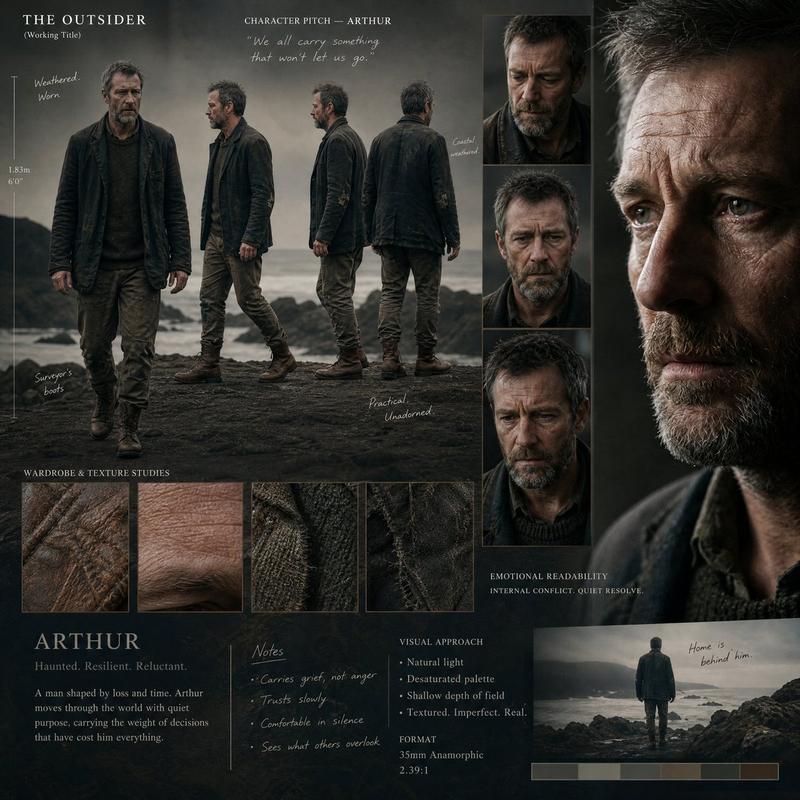
喜马拉雅徒步探险海报
Prompt
Ultra realistic cinematic outdoor adventure poster featuring a ({argument name="gender" default="male"}) ({argument name="mountain range" default="Himalayas"}) mountain hiker standing confidently on a rocky ({argument name="mountain range" default="Himalayas"}) mountain peak, wearing a ({argument name="shirt style" default="green plaid flannel shirt"}) , (black hiking pants) , (hiking boots) , and (a large expedition backpack with camping gear attached) , serious determined expression looking into the distance.
Massive double exposure portrait of the same hiker in the background, blended seamlessly with dramatic ({argument name="mountain range" default="Himalayas"}) mountain landscapes and misty valleys. Epic ({argument name="mountain range" default="Himalayas"}) mountain range scenery, clouds flowing between peaks, sunrise atmospheric lighting, cinematic travel documentary style.
Hero composition, low angle perspective, rugged outdoor explorer aesthetic, premium expedition campaign advertisement, realistic hiking equipment details, volumetric fog, dramatic sky, natural earth textures, adventure storytelling mood.
Large bold condensed typography saying:
("Maverick AI")
Smaller tagline:
("Where the road ends, the trail begins..")
Additional small text:
("HIKING • CAMPING • EXPLORING")
Luxury outdoor brand layout, modern editorial design, National Geographic inspired photography, adventure magazine cover style, layered depth composition, cinematic color grading, deep blue and gray tones with gold typography accents, ultra detailed, hyper realistic, sharp focus, atmospheric perspective, HDR, 8k, professional poster design, 3:4 aspect ratio. Also change the clothes- Category
- Charts & Infographics
- Model
- GPT Image 2
- Creator
- Maverick | AI
- Source ID
- 23615
- Published
- Jun 1, 2026
Views9