都市街头时尚肖像
Prompt
Use uploaded image as exact face reference. STRICT FACE LOCK — preserve exact facial features, hairstyle, beard shape, skin tone, jawline, eyes, nose, and overall identity with zero modification.

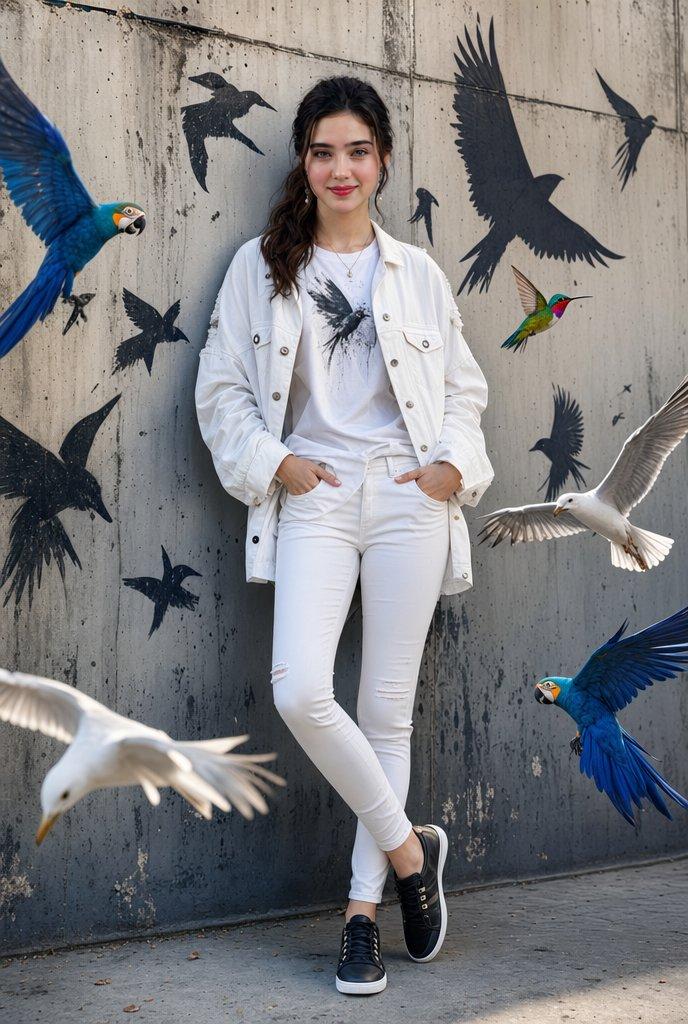
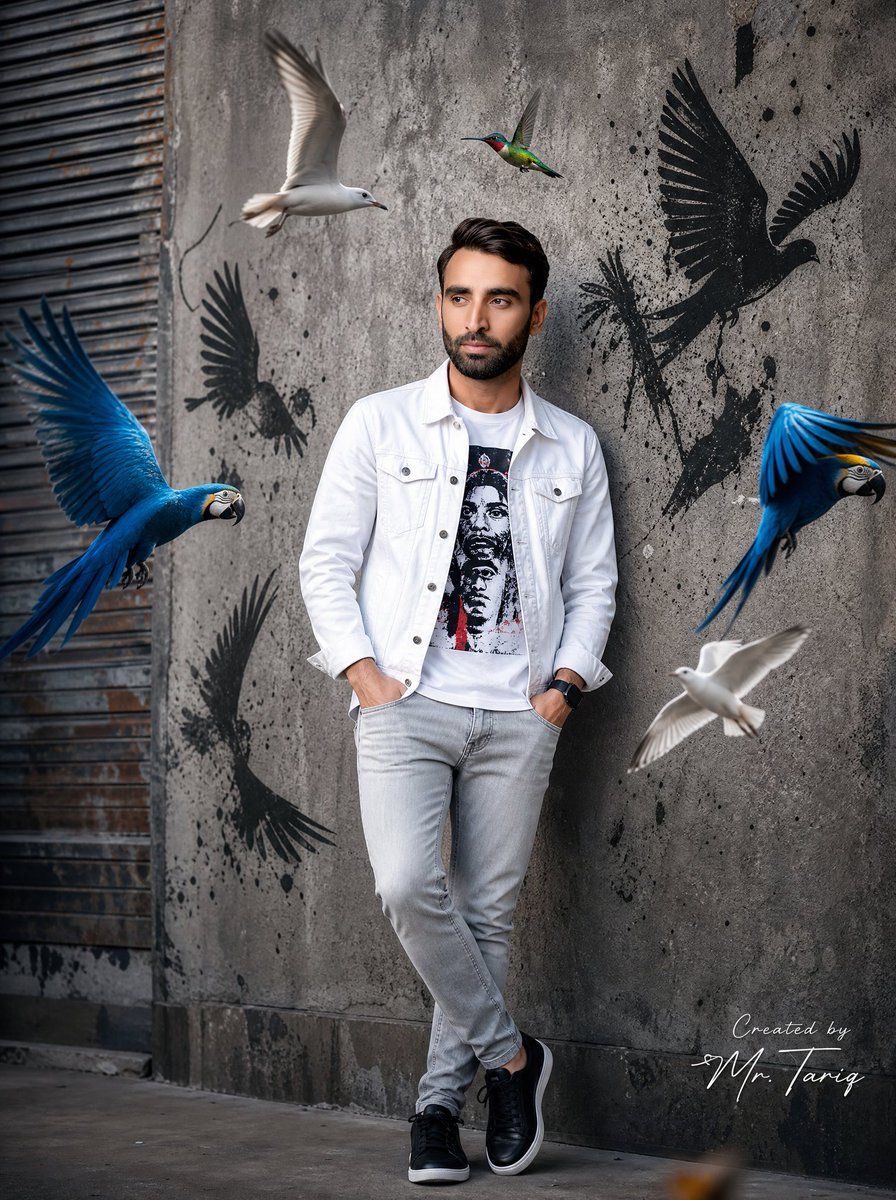
Create an ultra-realistic cinematic street fashion portrait of the same man standing confidently against a rough textured concrete wall in an urban environment.

Outfit:
{argument name="jacket style" default="white denim jacket"}, graphic printed t-shirt, slim light-grey jeans, black premium sneakers, black smartwatch.

Pose:
hands inside pockets, relaxed crossed-leg stance, looking sideways naturally with confident expression.

Surround the subject with dynamic flying birds:
- {argument name="birds" default="two vibrant blue macaws"} with fully spread wings
- two realistic white seagulls flying near the subject
- one colorful hummingbird hovering near upper center

Add black graffiti bird silhouettes with paint splatter effects on the wall behind him to create a modern street-art atmosphere.

Scene style:
cinematic urban photography, hyper realistic, ultra detailed feathers, realistic shadows and reflections, soft daylight with studio contrast, shallow depth of field, DSLR photography look, fashion editorial aesthetic, highly detailed skin texture and beard, realistic motion blur on bird wings, balanced composition, premium Instagram influencer vibe, 8K ultra HD quality.

Camera:
full body shot, slightly low angle, 85mm lens, f/1.8 aperture, cinematic color grading.

Add a professional luxury handwritten signature on one side corner:
“Created by {argument name="signature name" default="Mr. Tariq"}”

Signature should look elegant, minimal, professional, and naturally blended into the image like a real creator watermark.- Category
- Charts & Infographics
- Model
- GPT Image 2
- Creator
- Mr. Tariq
- Source ID
- 23621
- Published
- Jun 1, 2026
Views6