20

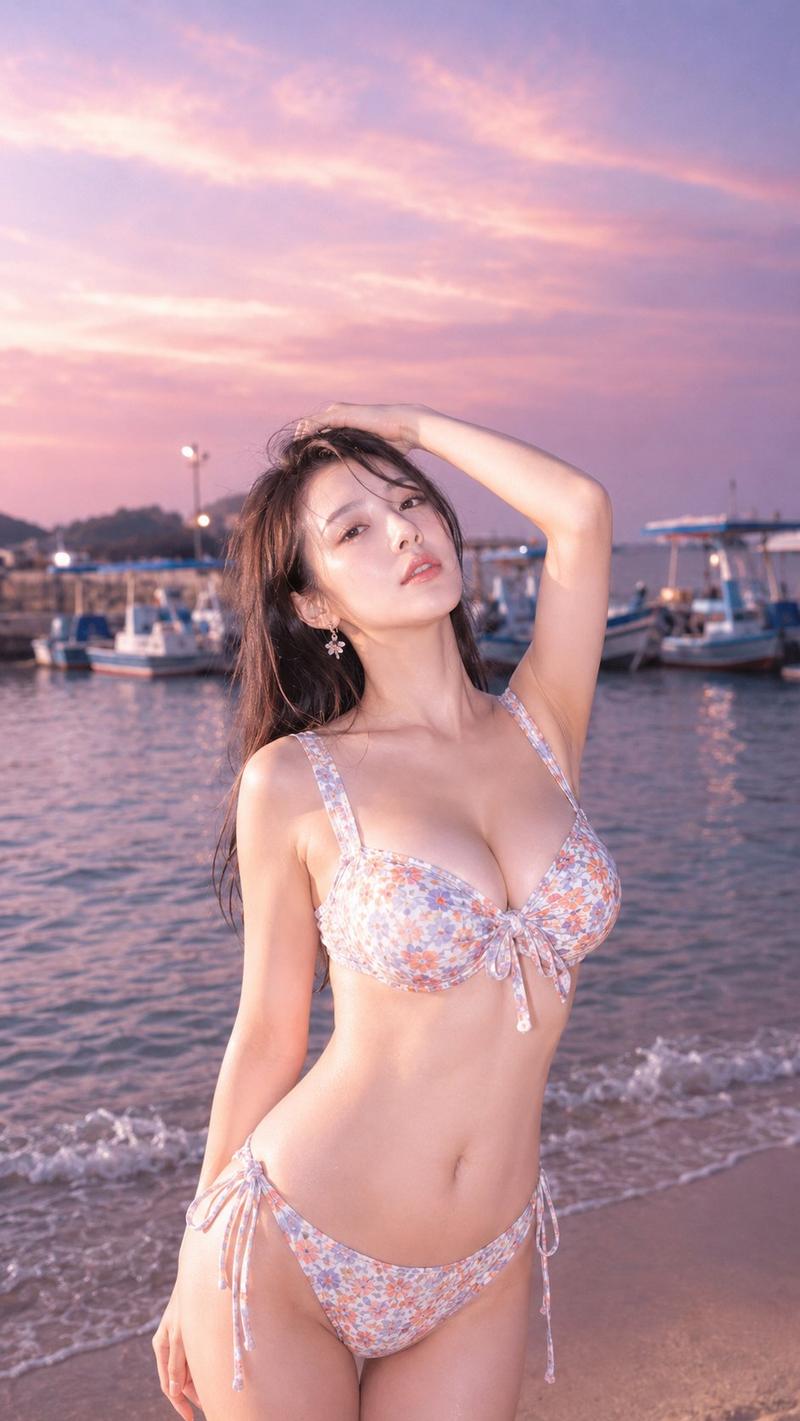
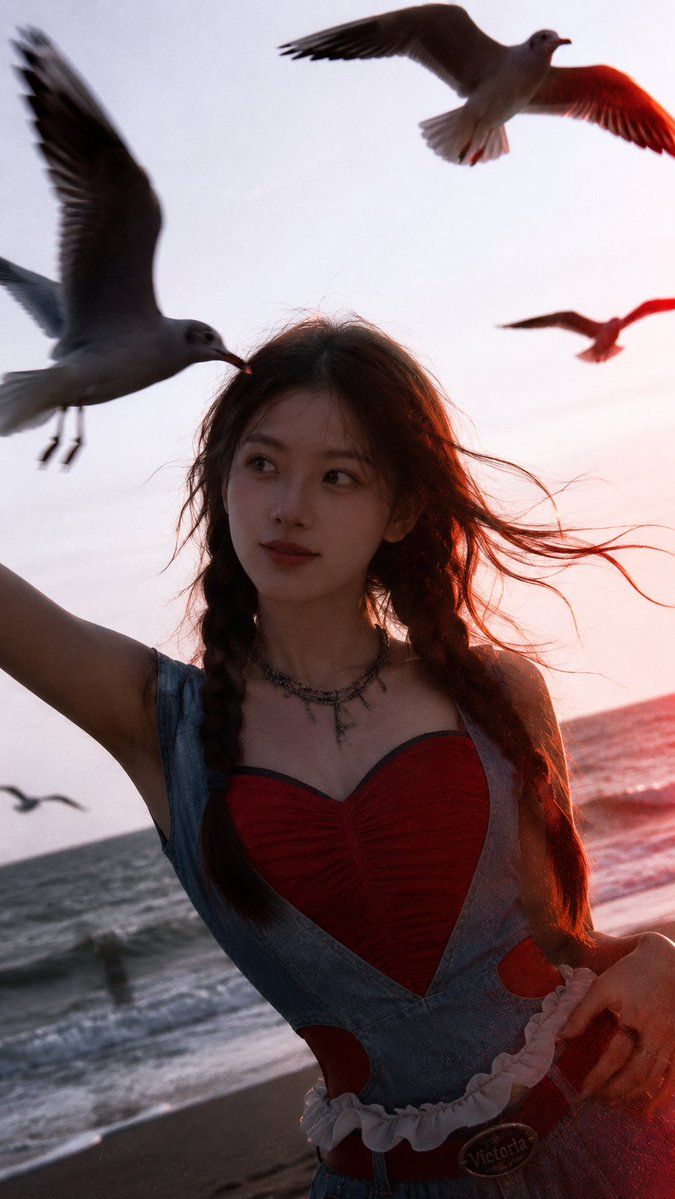
电影感海边日落肖像
Enlarge

电影感海边日落肖像

Prompt
Use my uploaded portrait only as the identity reference: preserve my facial features, hairstyle, hairline, skin tone, and natural presence. Create a realistic cinematic seaside portrait at {argument name="time of day" default="sunset"}, vertical 9:16. The person stands near the ocean with strong backlight, wind-blown hair, flying seagulls close to the camera with slight motion blur, soft ocean waves in the background, dreamy {argument name="lighting effect" default="red lens flare"} and film grain. Outfit and styling should follow the reference image: {argument name="outfit description" default="bold youthful fashion, red heart-shaped top with light denim elements"}, subtle accessories. Natural skin texture, realistic lighting, real camera feel, not over-polished.
Category
Brand & Logos
Model
GPT Image 2
Creator
Shinning
Views3
Source ID
22124
Published
May 23, 2026

Guide

About "电影感海边日落肖像"

What is this prompt for?

"电影感海边日落肖像" AI image prompt for GPT Image 2 (Brand & Logos). 将普通肖像转化为以日落海边为背景的专业电影感大片,呈现随风飘动的发丝和逼真的胶片颗粒感。 Copy it on Picva and recreate the look in one click.

The full copyable prompt and example visuals above are ready for AI image generation or one-click recreate in Picva.

How to use this prompt

  1. Step 1

    Open the prompt detail

    Review the example visuals, category, and full prompt text for "电影感海边日落肖像".

  2. Step 2

    Copy the prompt

    Copy the prompt body from this page, or load it directly in Studio.

  3. Step 3

    Pick a model (GPT Image 2)

    Prefer GPT Image 2. If you switch models, keep subject and composition and tweak style terms.

  4. Step 4

    Generate and export

    Recreate the look in Picva, or export into your workflow for editing and publishing.

FAQ

What is the "电影感海边日落肖像" prompt?
It is an AI image-generation prompt for GPT Image 2 in the Brand & Logos category. This page includes the full prompt text, example visuals, and a one-click recreate path in Picva.
How do I use this prompt to generate an image?
Copy the prompt from this page, or use Generate / Studio. Paste it into a compatible image model, or recreate the look in Picva with optional reference images.
Which model is this prompt for?
This page lists GPT Image 2. Most descriptive prompts also transfer to nearby image models such as GPT Image, Flux, or Midjourney with light style tweaks.
Can I use the result commercially?
You can usually copy the prompt for creation, but commercial use of the final image depends on the model terms, reference-image rights, and the generated content. Follow the source author and platform rules.