15

女孩与巨型毛绒熊猫
Enlarge

女孩与巨型毛绒熊猫

Prompt
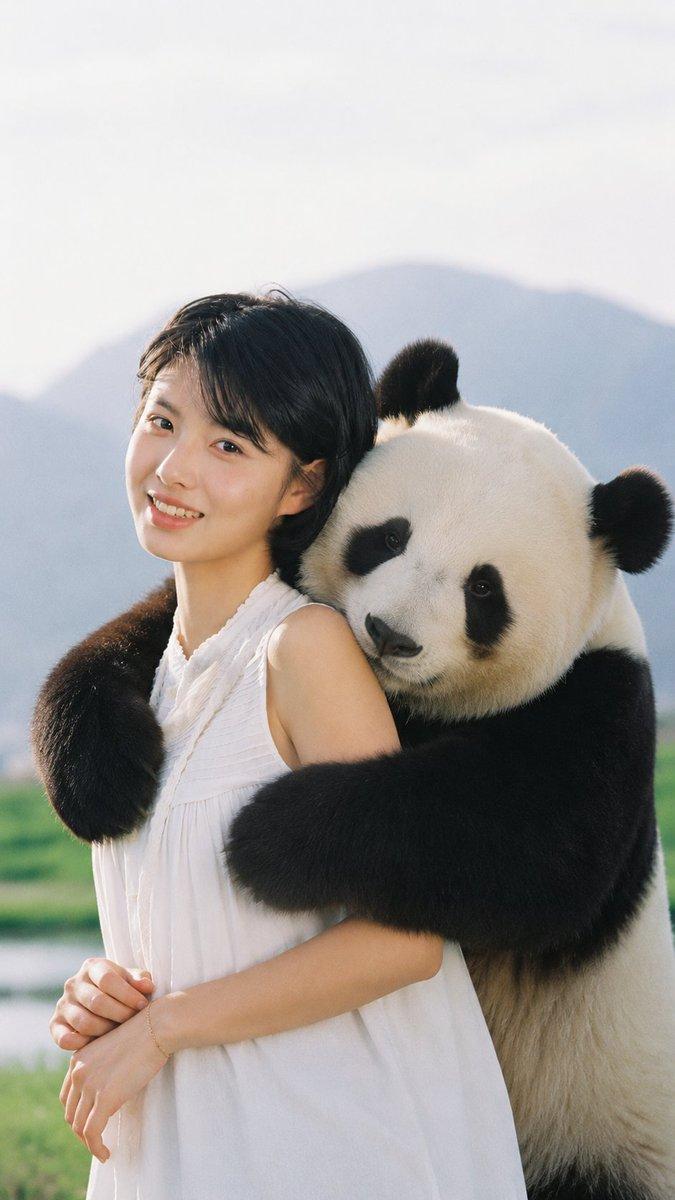
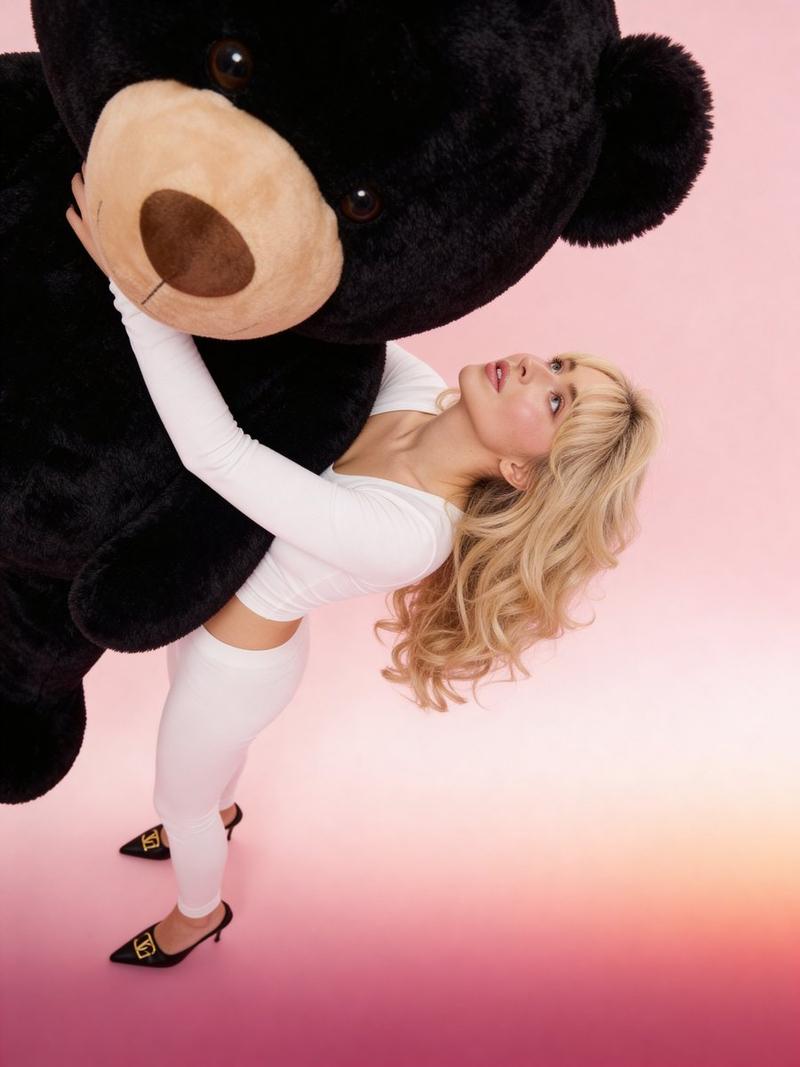
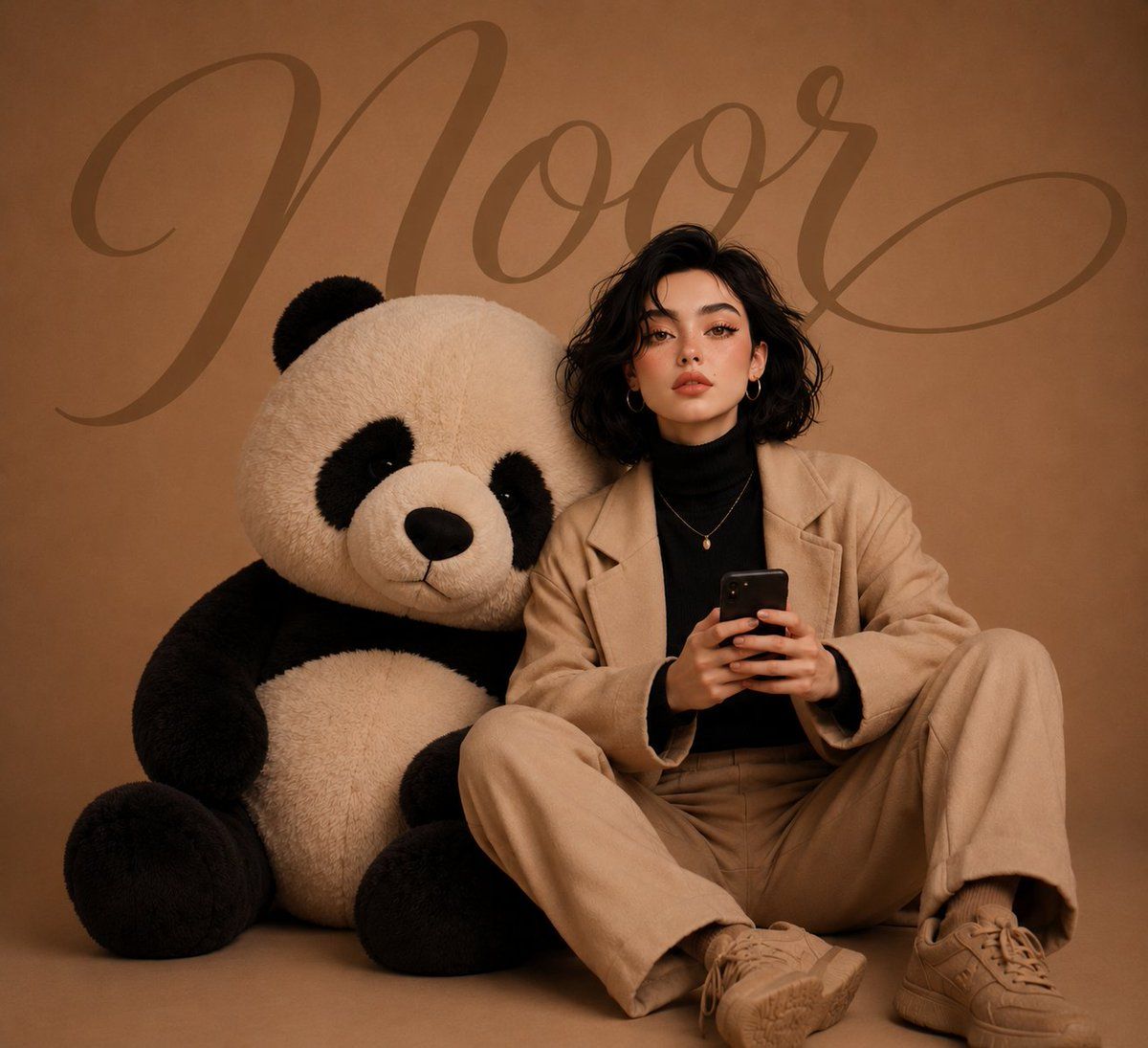
Use the {argument name="subject" default="uploaded girl image"} as the subject. Recreate the exact pose, framing, studio setup, and warm monochrome aesthetic of the reference image. Replace the giant teddy bear with an {argument name="object" default="oversized plush panda"}. The girl is seated on the floor holding a smartphone, wearing a black turtleneck and beige outfit. Soft cinematic studio lighting, luxury editorial photography, ultra-realistic details, warm beige background, premium fashion-magazine look. Add the word "{argument name="text" default="NOOR"}" in large elegant aesthetic cursive typography across the background, subtly blended into the backdrop. Hyper-realistic, 8K, soft shadows, clean minimalist composition, highly detailed panda fur, professional studio portrait.
Category
Charts & Infographics
Model
GPT Image 2
Creator
Noor 🌸
Views2
Source ID
23654
Published
Jun 1, 2026

Guide

About "女孩与巨型毛绒熊猫"

What is this prompt for?

"女孩与巨型毛绒熊猫" AI image prompt for GPT Image 2 (Charts & Infographics). 一个摄影棚肖像提示词,旨在复刻参考图的姿势,并将泰迪熊替换为超大号熊猫,呈现温暖的单色美学风格。 Copy it on Picva and recreate the look in…

The full copyable prompt and example visuals above are ready for AI image generation or one-click recreate in Picva.

How to use this prompt

  1. Step 1

    Open the prompt detail

    Review the example visuals, category, and full prompt text for "女孩与巨型毛绒熊猫".

  2. Step 2

    Copy the prompt

    Copy the prompt body from this page, or load it directly in Studio.

  3. Step 3

    Pick a model (GPT Image 2)

    Prefer GPT Image 2. If you switch models, keep subject and composition and tweak style terms.

  4. Step 4

    Generate and export

    Recreate the look in Picva, or export into your workflow for editing and publishing.

FAQ

What is the "女孩与巨型毛绒熊猫" prompt?
It is an AI image-generation prompt for GPT Image 2 in the Charts & Infographics category. This page includes the full prompt text, example visuals, and a one-click recreate path in Picva.
How do I use this prompt to generate an image?
Copy the prompt from this page, or use Generate / Studio. Paste it into a compatible image model, or recreate the look in Picva with optional reference images.
Which model is this prompt for?
This page lists GPT Image 2. Most descriptive prompts also transfer to nearby image models such as GPT Image, Flux, or Midjourney with light style tweaks.
Can I use the result commercially?
You can usually copy the prompt for creation, but commercial use of the final image depends on the model terms, reference-image rights, and the generated content. Follow the source author and platform rules.