写实动物园 Vlog 自拍
Prompt
Zoo Vlog
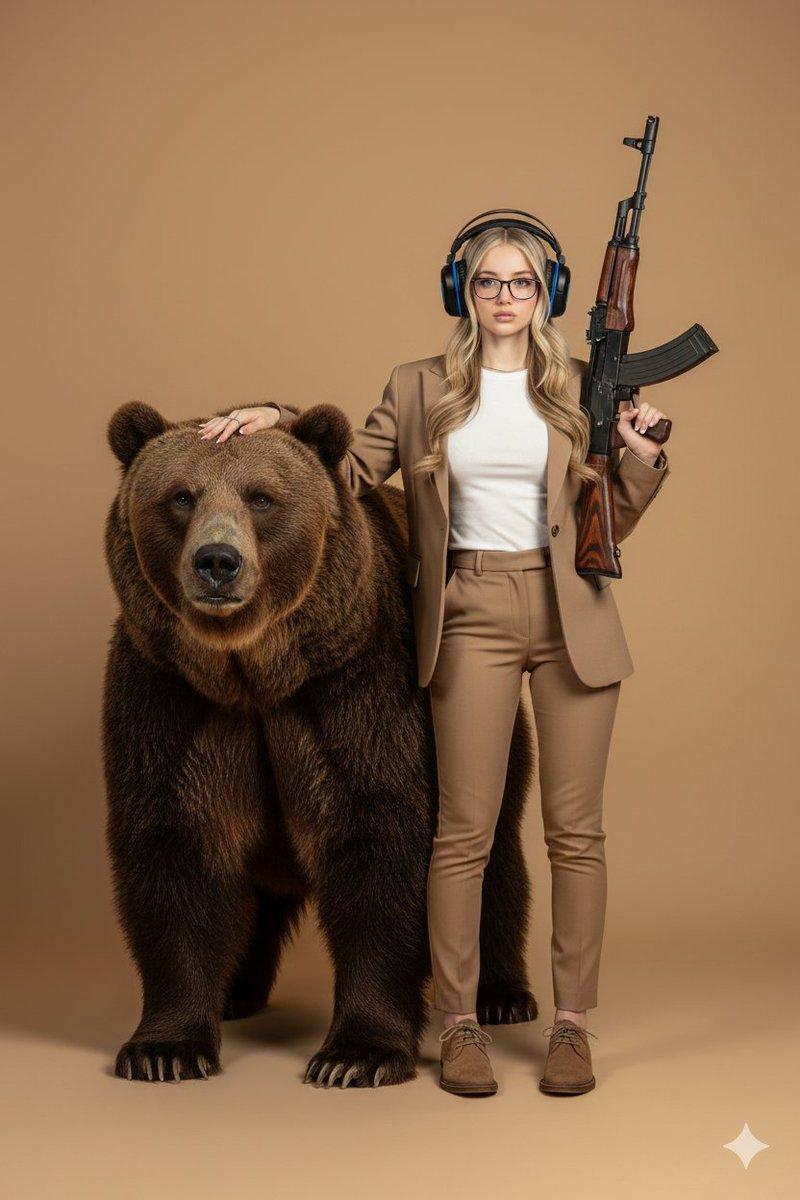
[RULES] Image1 = the woman's facial identity and hair only do not inherit her outfit, pose, background, or lighting from it.

One continuous handheld front-facing phone selfie vlog, always from her own point of view with the phone held in her own hand at arm's length no third-person or external camera, no tripod, no cinematic movement.

Real modern-smartphone look:

mild handheld shake

walking bounce

occasional autofocus hunting

small exposure shifts

minor framing flaws

natural front-lens distortion

Soft warm natural daylight, natural uncorrected phone colors, no color grading, no beauty filter, no skin smoothing.

The same woman with the same face and hair throughout, holding the phone herself in every shot.

One casual, trendy outfit kept identical across every shot for this single continuous zoo visit, with the exact styling chosen naturally.

She always has exactly two hands — one holding the phone, the other free — and never render extra, duplicated, or malformed hands.

Animals stay in their normal zoo environments and she only has safe, ordinary visitor interactions.

Each animal appears as one clear, single animal that stays sharp with no morphing, extra limbs, or duplication.

No subtitles, no on-screen text, no logo, no watermark; no brand or character names.

Never render a reference sheet or duplicate a subject.

Diegetic sound only, no background music:

zoo ambience

families chatting

animal calls

water splashes

footsteps on paths

Each English line delivered facing the camera with clearly visible lip movement.

A young Korean woman in her early twenties with natural everyday beauty walks through the zoo entrance on her day off, already holding her phone out at arm's length filming herself. She smiles excitedly into the front camera and says:

"Finally, the zoo..!"

At the giraffe feeding platform, she holds up a leaf and a giraffe stretches out its long tongue, grabbing it away in one smooth motion. She looks amazed and says:

"Whoa, look at its tongue! Its tongue!!"

Next, beside the seal pool, a seal flips and splashes water toward her. She flinches back while laughing and says:

"Hey, don't splash me!"

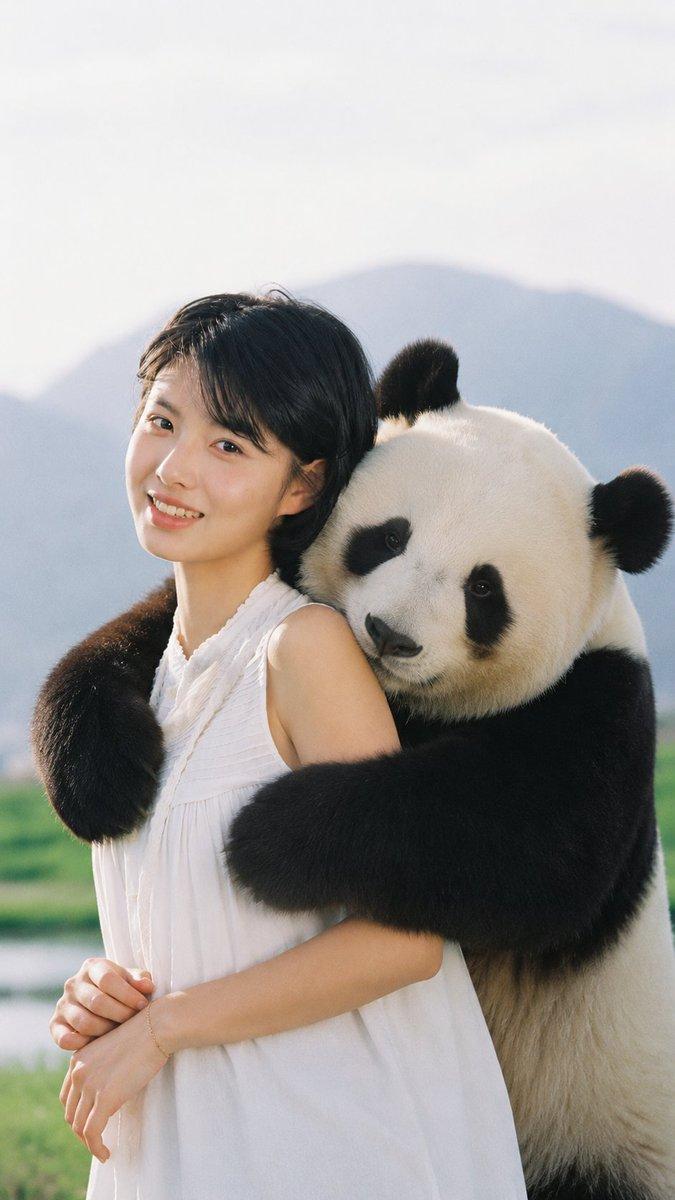
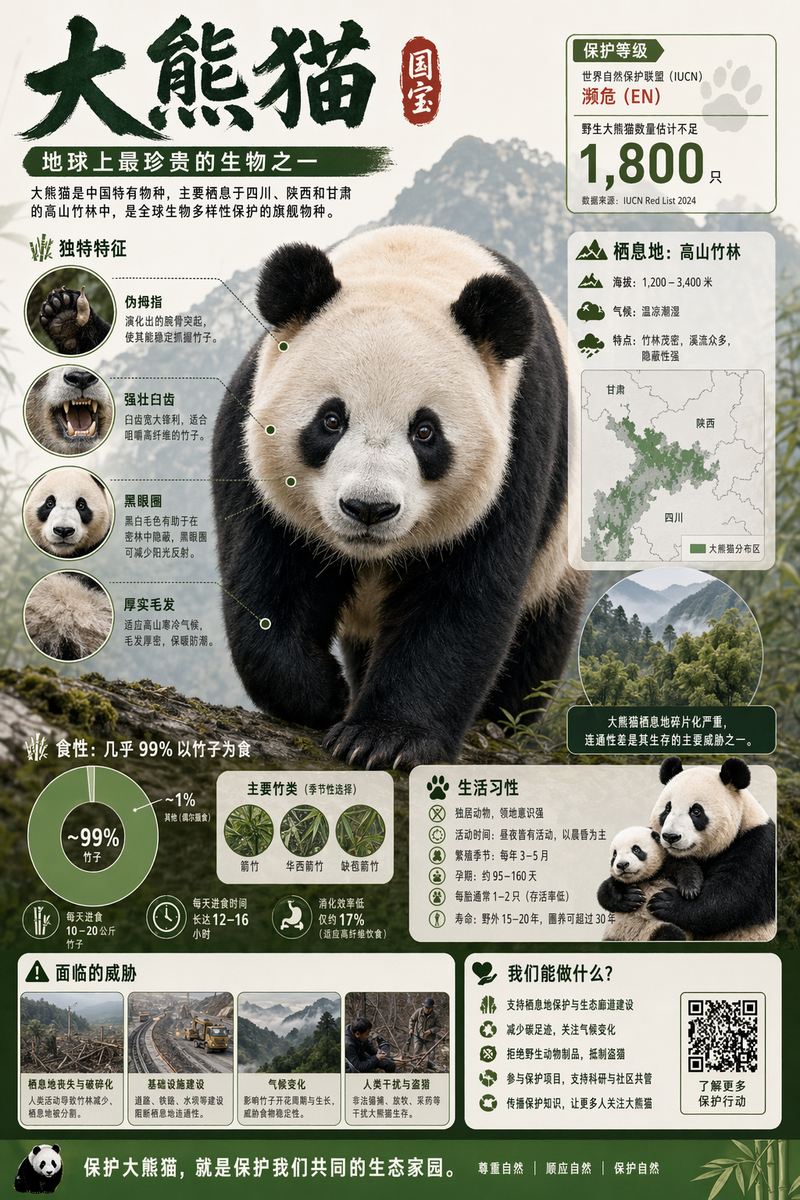
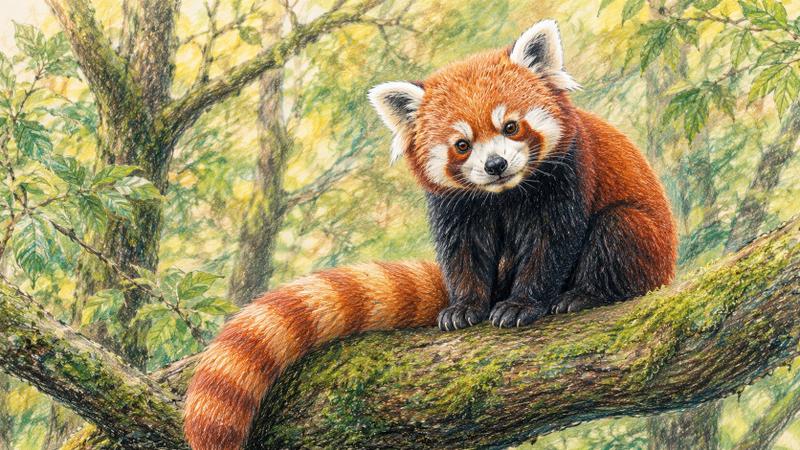
A moment later at the panda enclosure, a single panda sits behind the glass eating bamboo while she smiles at it and says:

"Oh wow, it's a panda!!"

Then she leans toward the meerkat enclosure where one meerkat suddenly stands upright and stares directly at her. She laughs and says:

"Is it watching me right now?"

Finally, she drops onto a shaded bench, exhausted, holding a soft-serve ice cream in her free hand. When a cheeky sparrow swoops toward it, she simply moves the ice cream away with the same hand without letting go, gives a tired little smile, and lets the phone lower into a calm ending. She says:

"I'm drained... I just wanna go home and lie down..."
- Category
- Brand & Logos
- Model
- seedance-2.0
- Creator
- Oogie
- Source ID
- 7206
- Published
- Jul 13, 2026
Views7