20

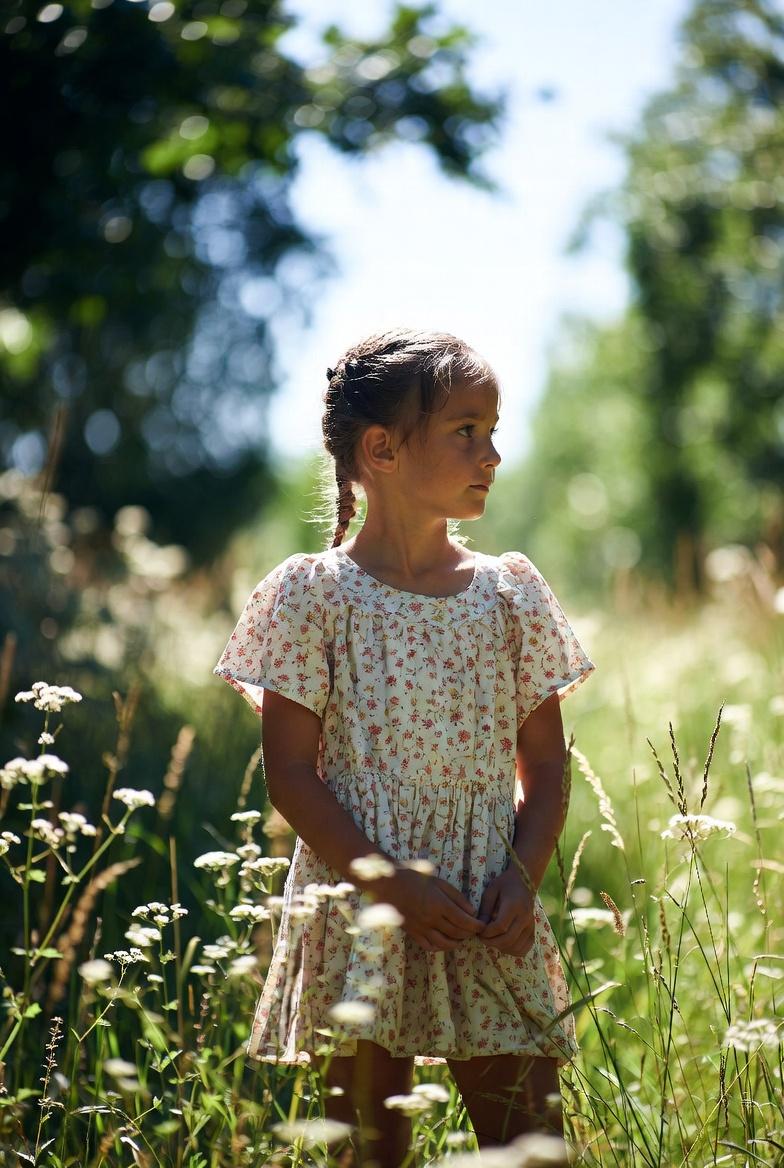
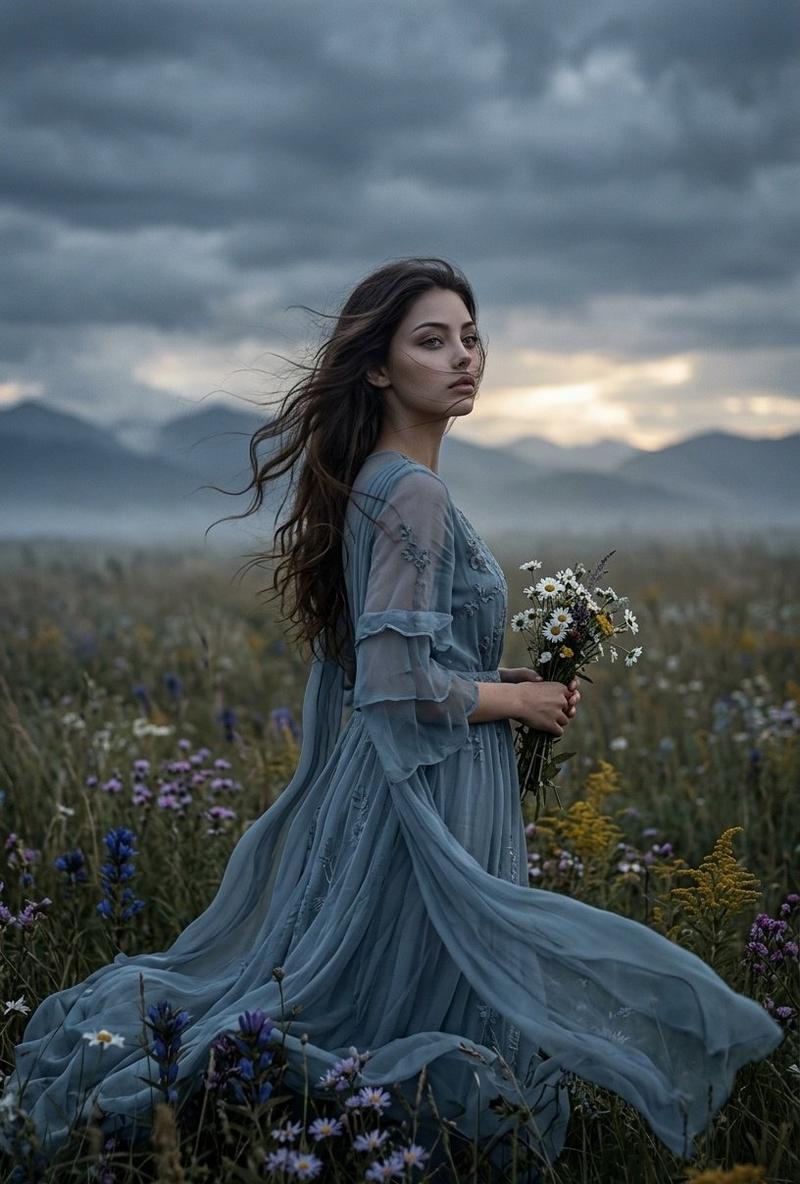
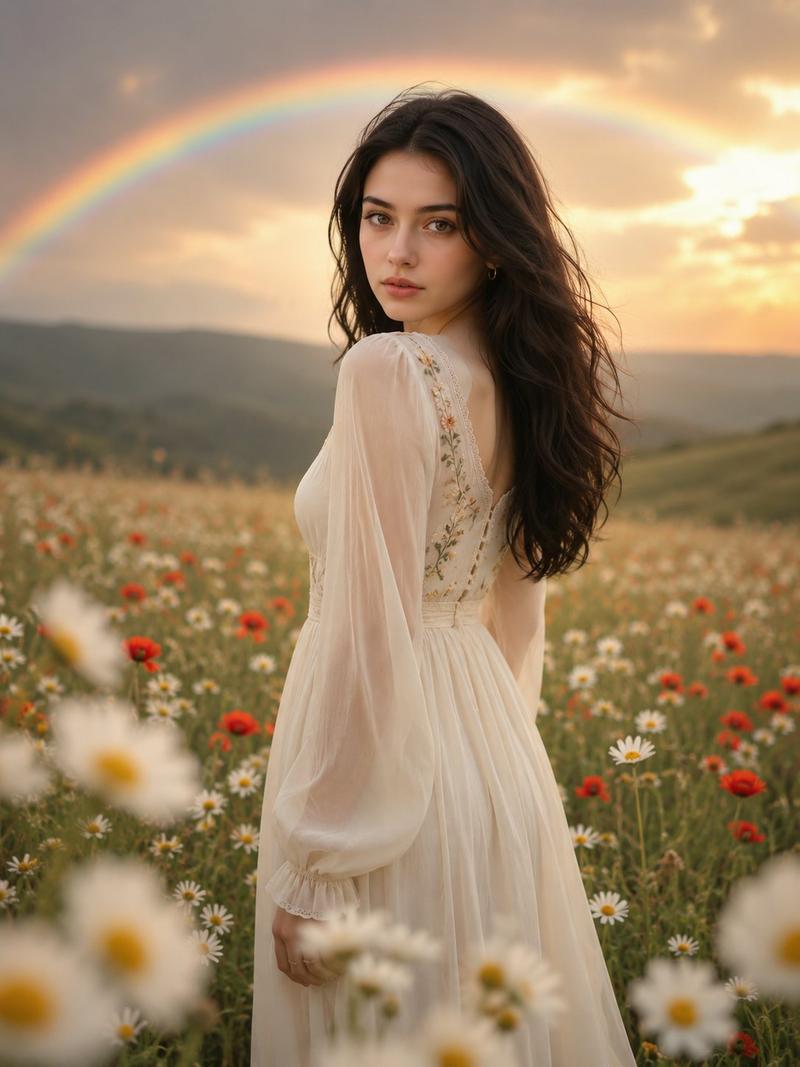
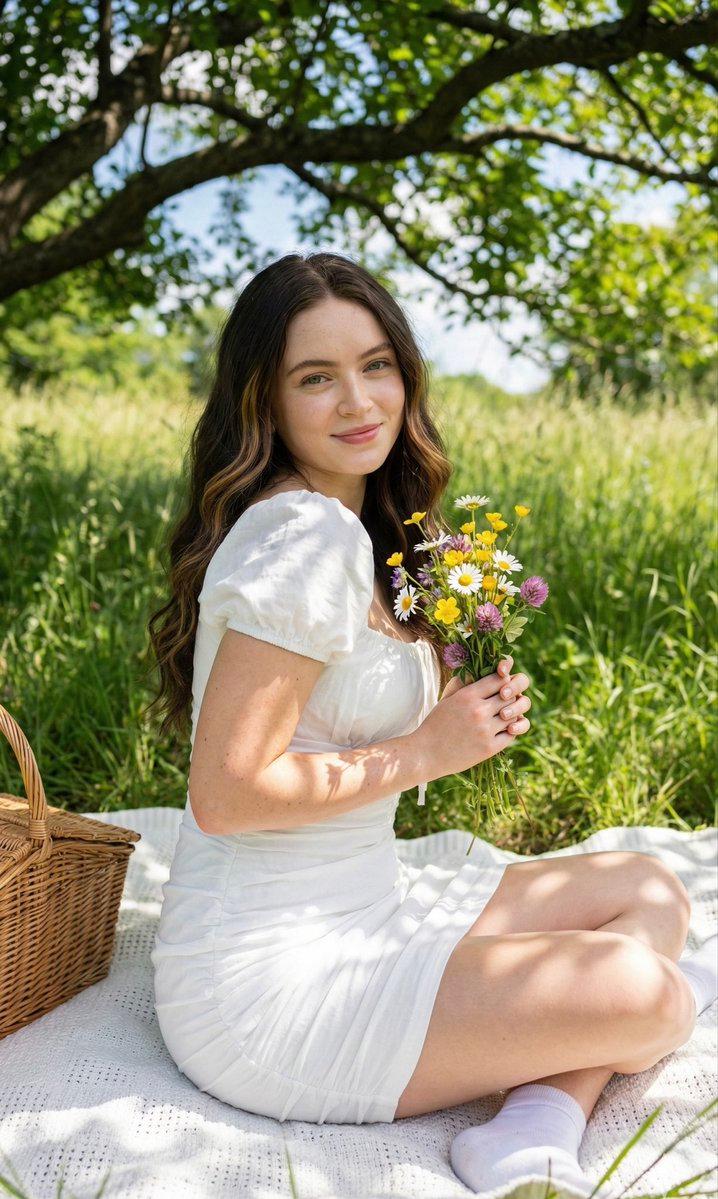
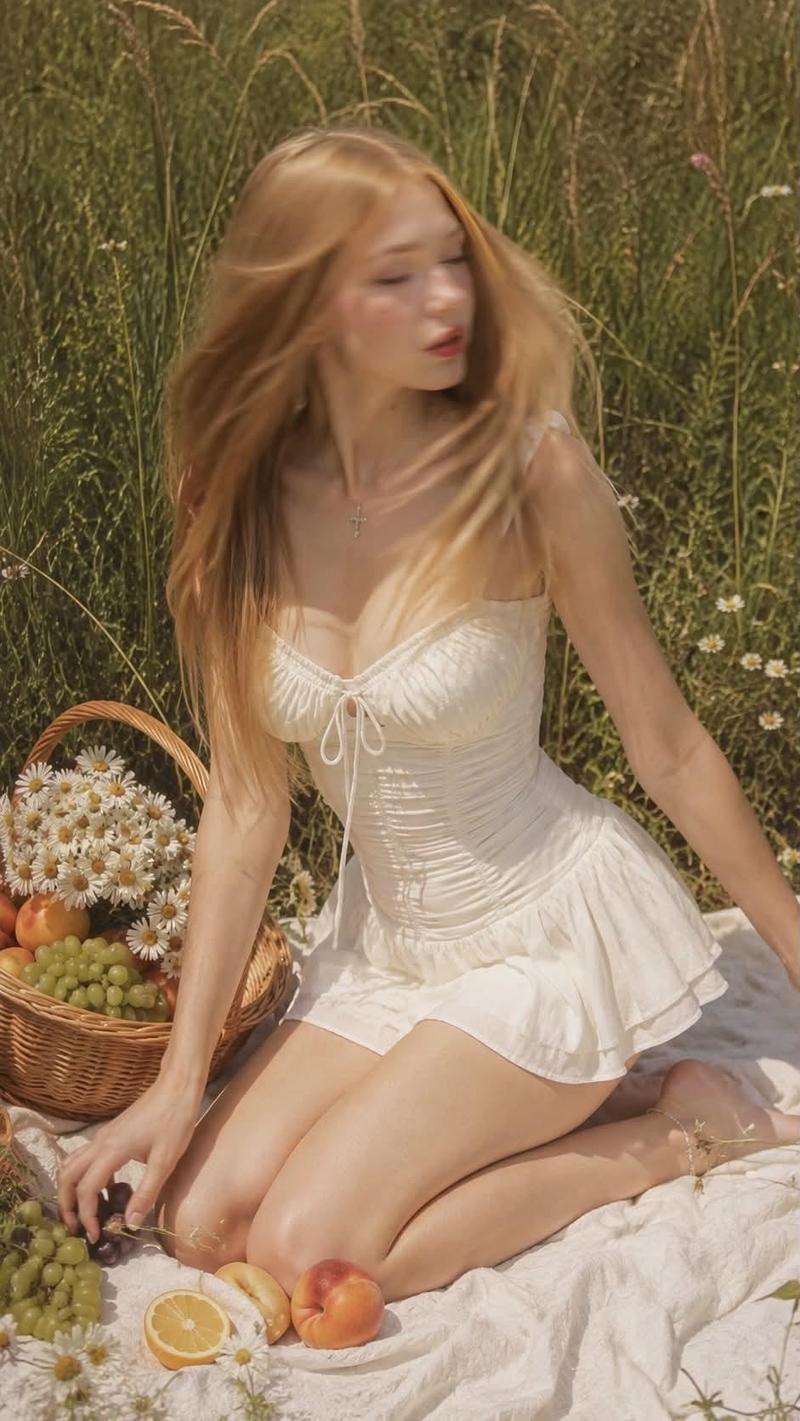
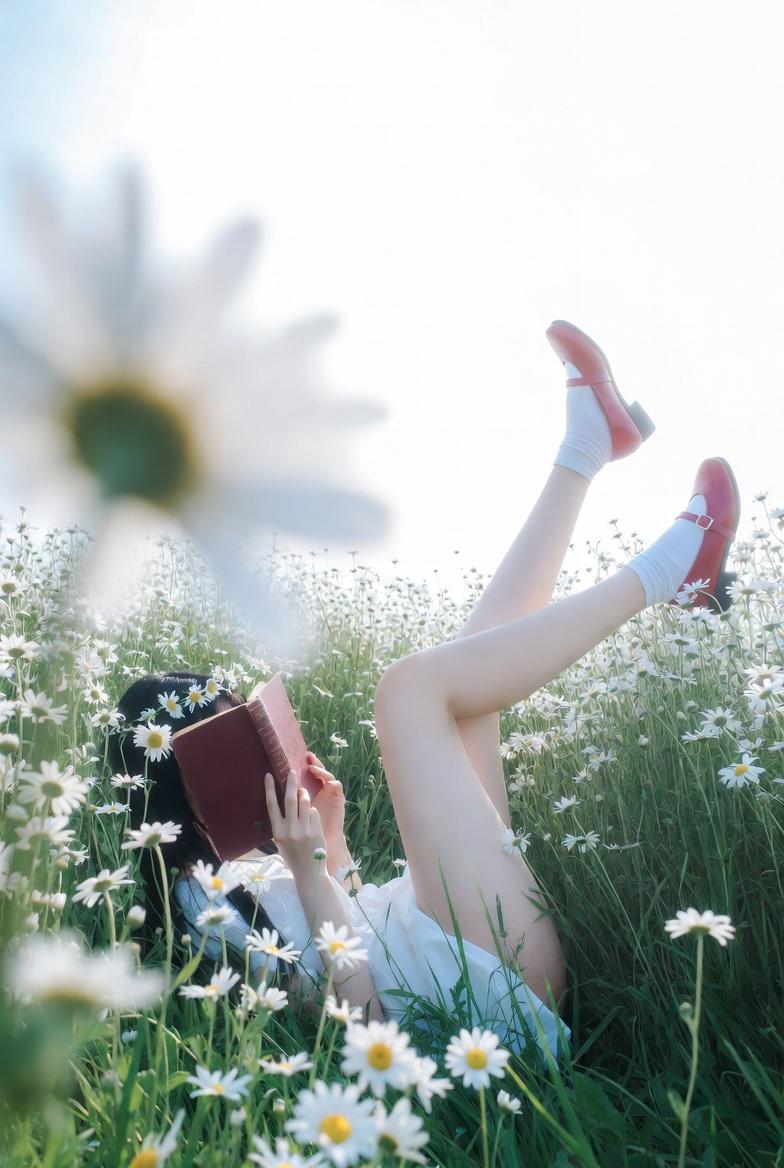
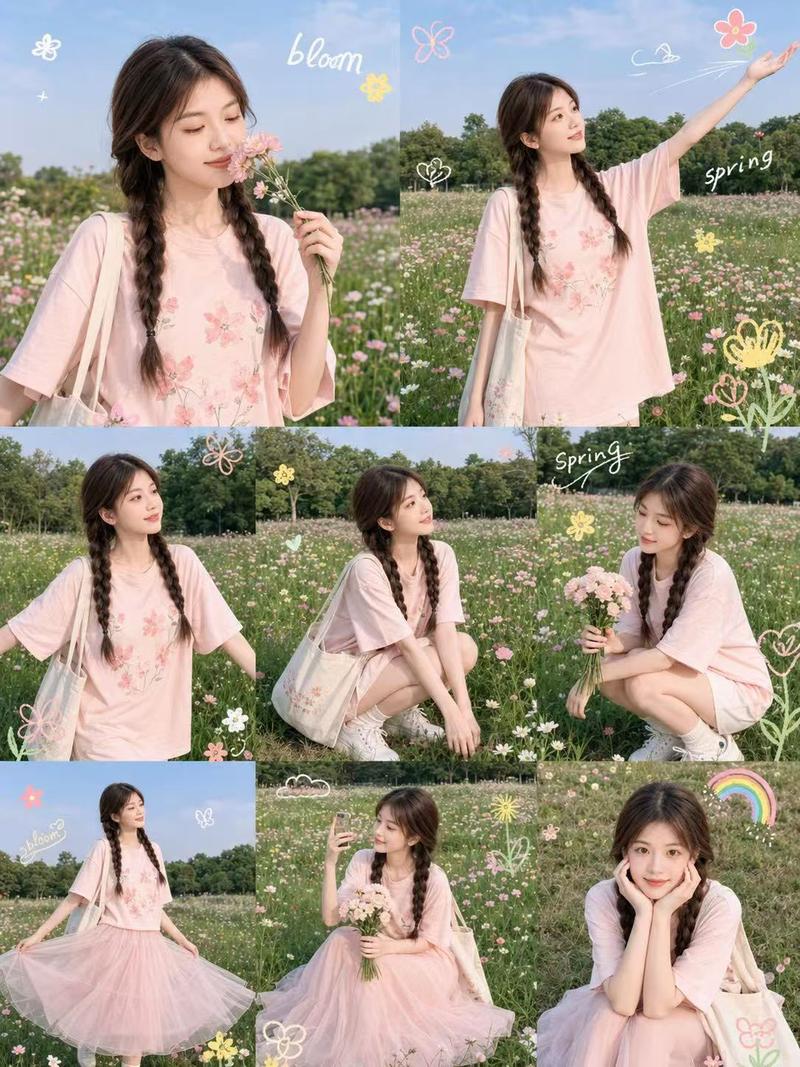
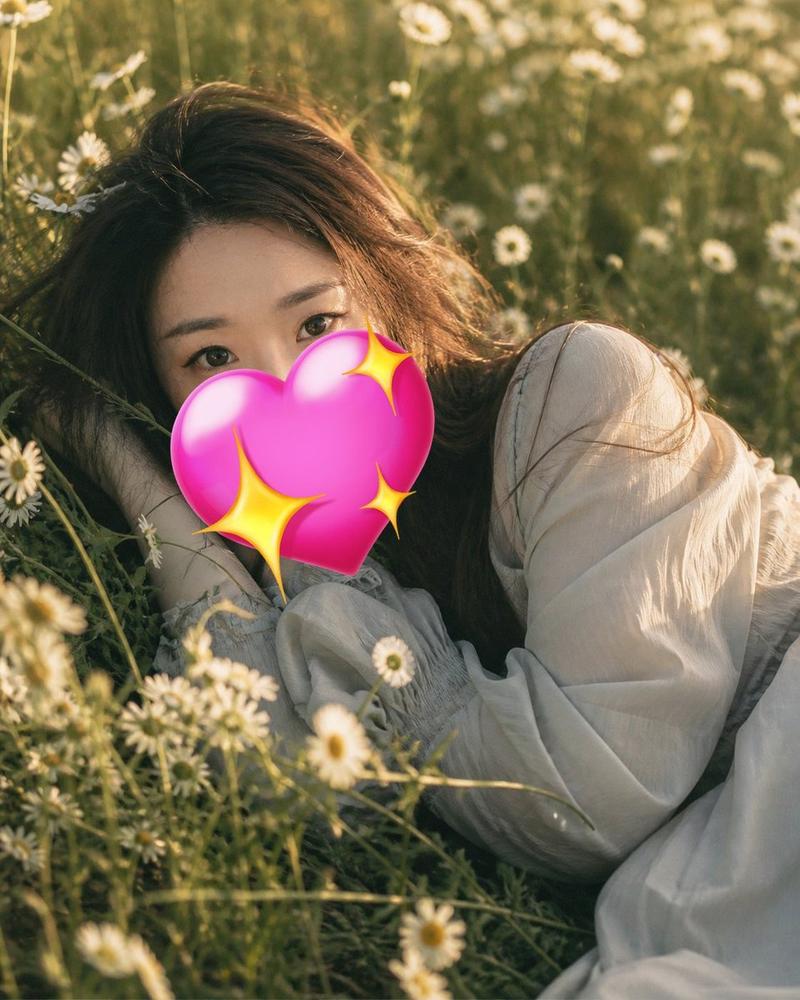
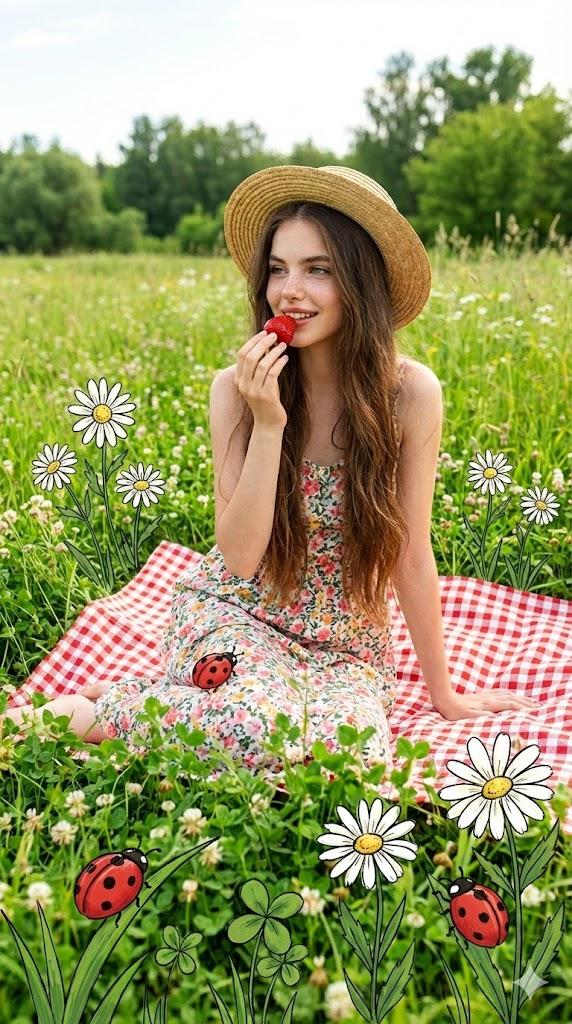
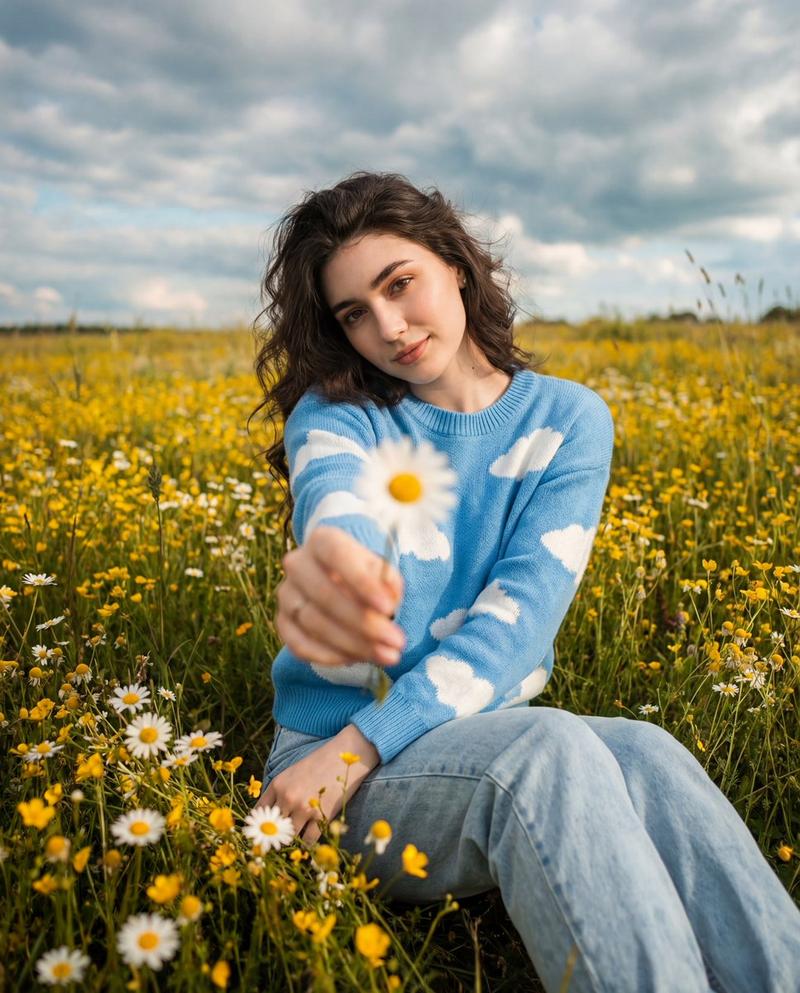
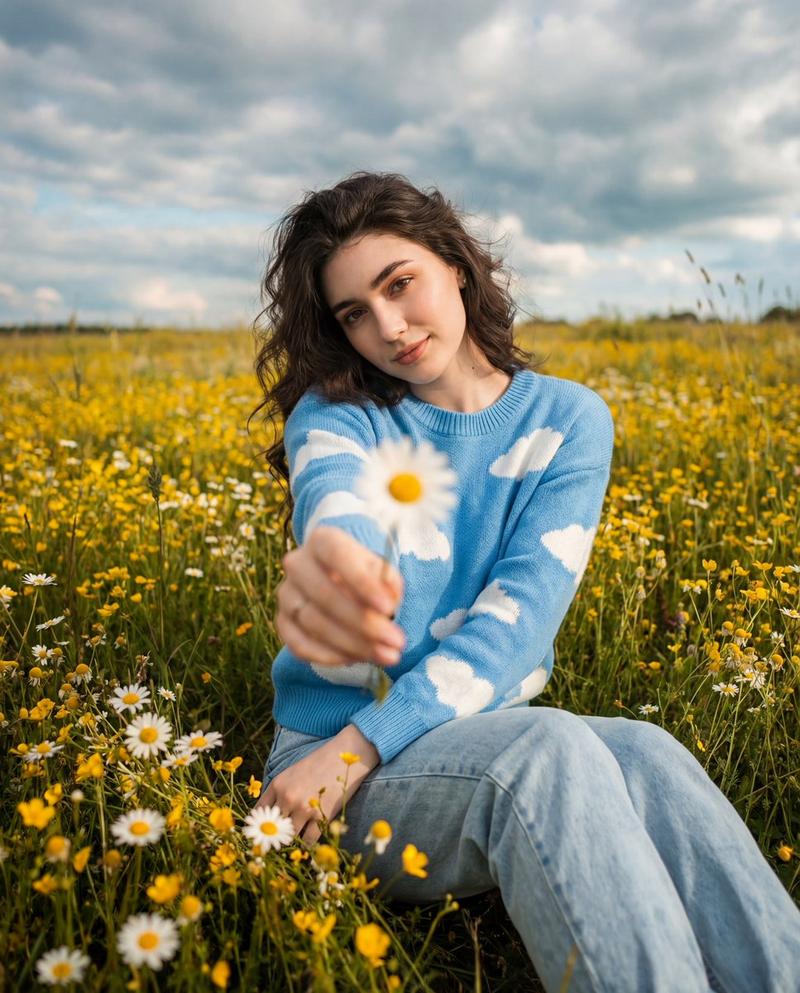
黄金时刻野花草地人像
Enlarge

Example images

黄金时刻野花草地人像

Prompt
Use the uploaded face reference. Ultra-realistic 8K portrait, dreamy {argument name="lighting" default="golden-hour"} wildflower meadow, soft sunset light, {argument name="hair color" default="blonde"} hair flowing naturally, delicate white floral summer dress, holding a bouquet of {argument name="flowers" default="small white daisies"}, matching daisy flower tucked in her hair, looking back over her shoulder toward the camera with a gentle aesthetic smile. Lush green field filled with wildflowers, warm cinematic backlighting, shallow depth of field, natural skin texture, glowing rim light, professional color grading, ultra-detailed eyes, realistic hair strands, high-end fashion photography, DSLR quality, soft bokeh, peaceful countryside atmosphere, feminine and elegant, Pinterest aesthetic, Instagram-worthy composition, masterpiece photography, ratio 4:5.
Category
Charts & Infographics
Model
GPT Image 2
Creator
Nexora
Views0
Source ID
23769
Published
Jun 2, 2026

Guide

About "黄金时刻野花草地人像"

What is this prompt for?

"黄金时刻野花草地人像" AI image prompt for GPT Image 2 (Charts & Infographics). 一份详细的提示词,用于在梦幻般的黄金时刻野花草地中创作超写实 8K 人像,非常适合具有柔和日落美感的高端时尚摄影。 Copy it on Picva and recreate t…

The full copyable prompt and example visuals above are ready for AI image generation or one-click recreate in Picva.

How to use this prompt

  1. Step 1

    Open the prompt detail

    Review the example visuals, category, and full prompt text for "黄金时刻野花草地人像".

  2. Step 2

    Copy the prompt

    Copy the prompt body from this page, or load it directly in Studio.

  3. Step 3

    Pick a model (GPT Image 2)

    Prefer GPT Image 2. If you switch models, keep subject and composition and tweak style terms.

  4. Step 4

    Generate and export

    Recreate the look in Picva, or export into your workflow for editing and publishing.

FAQ

What is the "黄金时刻野花草地人像" prompt?
It is an AI image-generation prompt for GPT Image 2 in the Charts & Infographics category. This page includes the full prompt text, example visuals, and a one-click recreate path in Picva.
How do I use this prompt to generate an image?
Copy the prompt from this page, or use Generate / Studio. Paste it into a compatible image model, or recreate the look in Picva with optional reference images.
Which model is this prompt for?
This page lists GPT Image 2. Most descriptive prompts also transfer to nearby image models such as GPT Image, Flux, or Midjourney with light style tweaks.
Can I use the result commercially?
You can usually copy the prompt for creation, but commercial use of the final image depends on the model terms, reference-image rights, and the generated content. Follow the source author and platform rules.