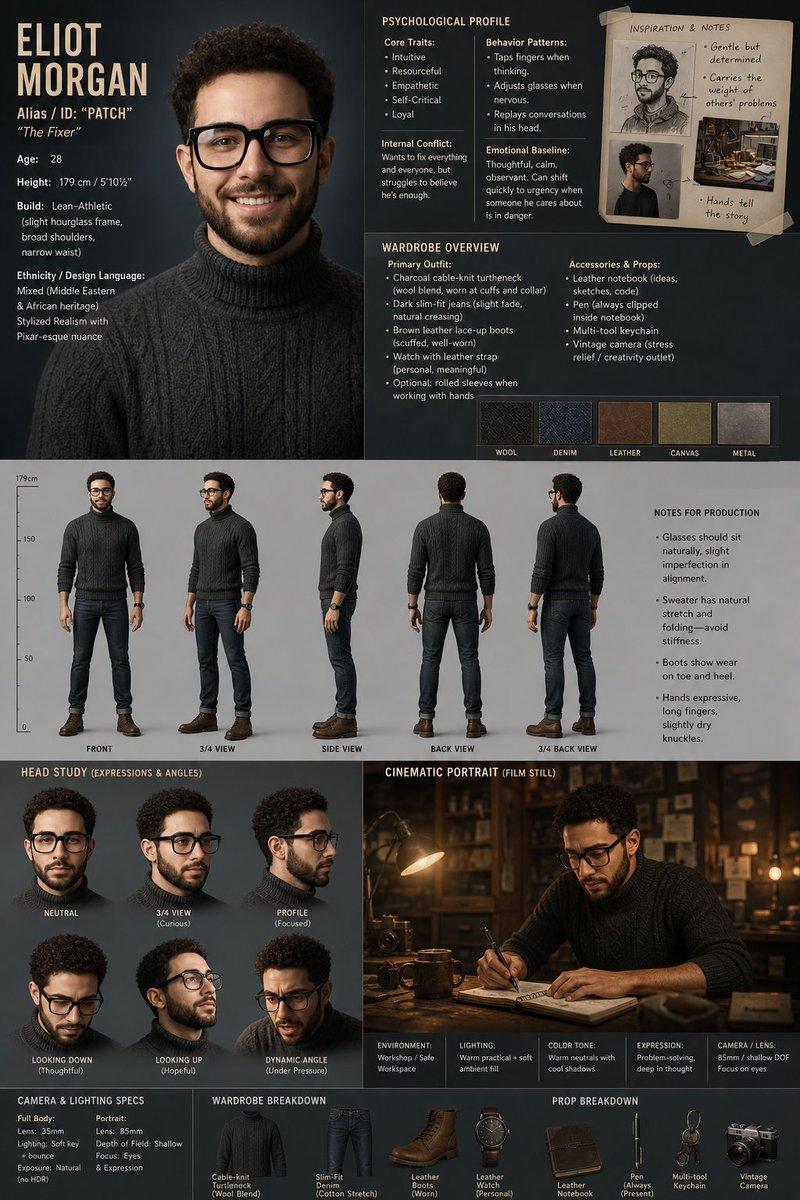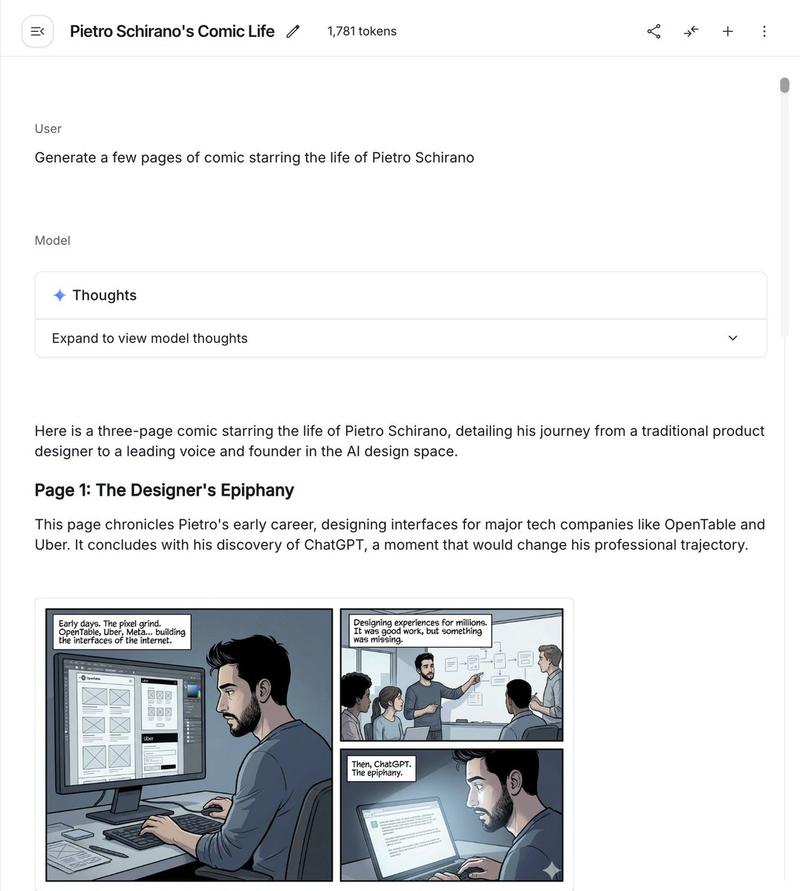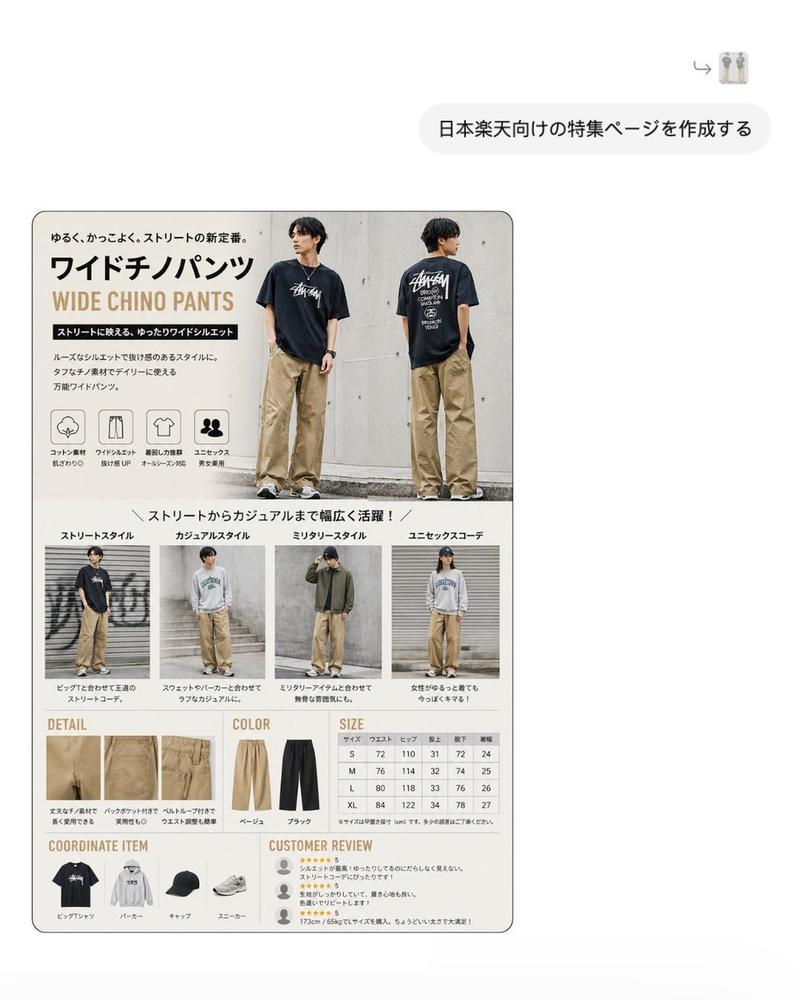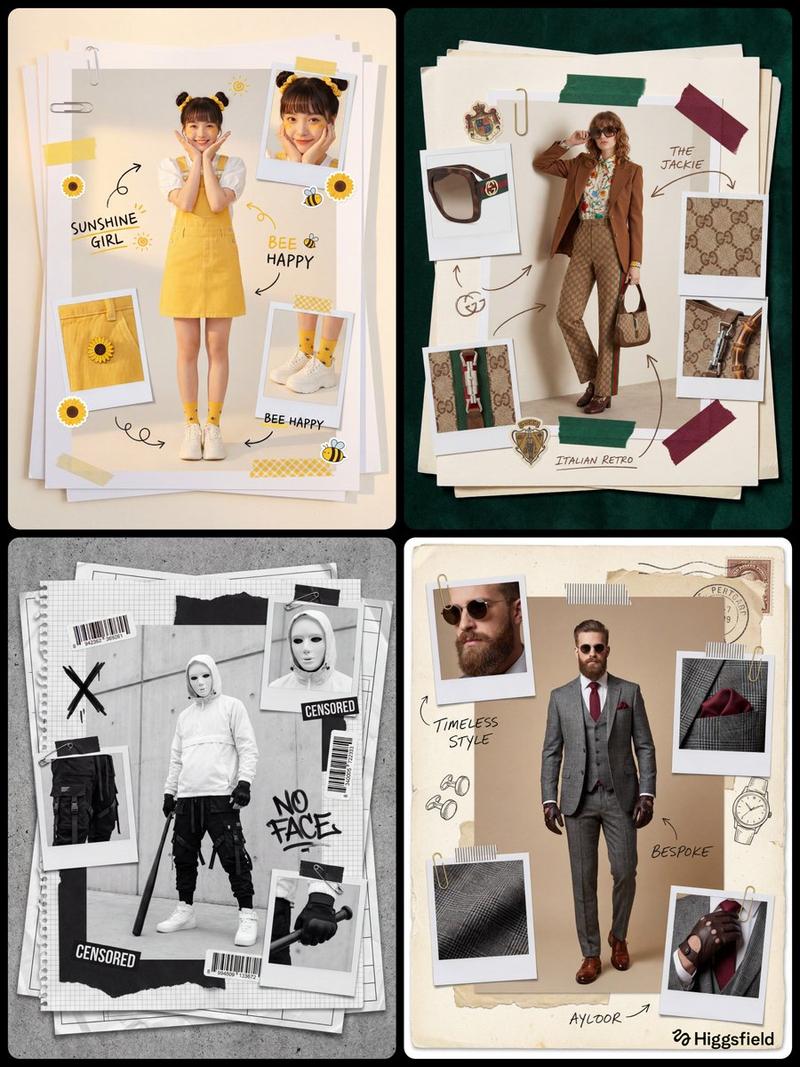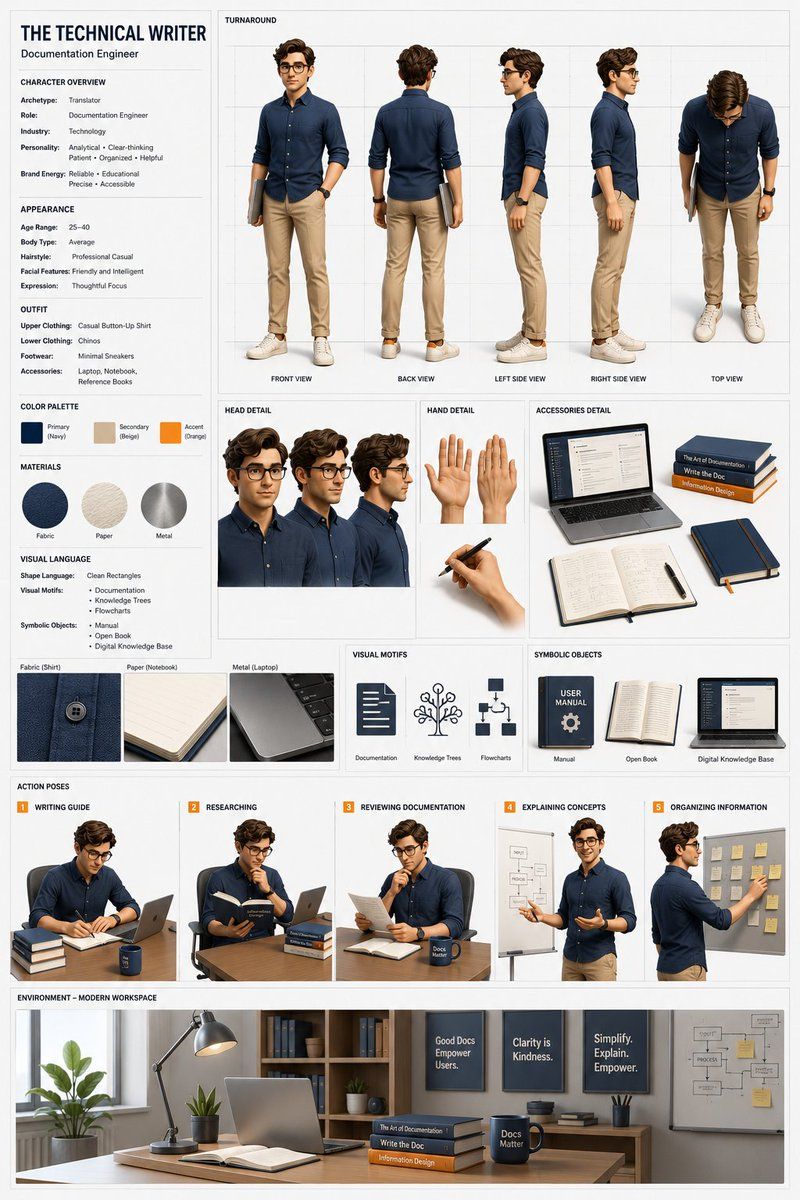
专业 3D 角色概念设计图
Prompt
[CHARACTER TITLE]: {argument name="title" default="THE TECHNICAL WRITER"}
[ARCHETYPE]: {argument name="archetype" default="Translator"}
[ROLE]: Documentation Engineer
[INDUSTRY]: Technology
[PERSONALITY TRAITS]:
Analytical • Clear-thinking • Patient • Organized • Helpful
[BRAND ENERGY]:
Reliable • Educational • Precise • Accessible
[AGE RANGE]: 25–40
[BODY TYPE]: Average
[HAIRSTYLE]: Professional Casual
[FACIAL FEATURES]: Friendly and Intelligent
[DEFAULT EXPRESSION]: Thoughtful Focus
[TOP]: Casual Button-Up Shirt
[BOTTOM]: Chinos
[SHOES]: Minimal Sneakers
[ACCESSORIES]:
Laptop
Notebook
Reference Books
[PRIMARY COLOR]: Navy
[SECONDARY COLOR]: Beige
[ACCENT COLOR]: Orange
[MATERIAL 1]: Fabric
[MATERIAL 2]: Paper
[MATERIAL 3]: Metal
[SHAPE LANGUAGE]:
Clean Rectangles
[VISUAL MOTIFS]:
Documentation
Knowledge Trees
Flowcharts
[SYMBOLIC OBJECTS]:
Manual
Open Book
Digital Knowledge Base
[POSE 1]: Writing Guide
[POSE 2]: Researching
[POSE 3]: Reviewing Documentation
[POSE 4]: Explaining Concepts
[POSE 5]: Organizing Information
[ENVIRONMENT]:
Modern Workspace
CHARACTER SHEET — [CHARACTER TITLE]

Create a professional AAA-quality 3D character concept sheet.

Character Overview
- Archetype: [ARCHETYPE]
- Role: [ROLE]
- Industry: [INDUSTRY]
- Personality: [PERSONALITY TRAITS]
- Brand Energy: [BRAND ENERGY]

Appearance
- Age Range: [AGE RANGE]
- Body Type: [BODY TYPE]
- Hairstyle: [HAIRSTYLE]
- Facial Features: [FACIAL FEATURES]
- Expression: [DEFAULT EXPRESSION]

Outfit
- Upper Clothing: [TOP]
- Lower Clothing: [BOTTOM]
- Footwear: [SHOES]
- Accessories: [ACCESSORIES]

Color Palette
- Primary Color: [PRIMARY COLOR]
- Secondary Color: [SECONDARY COLOR]
- Accent Color: [ACCENT COLOR]

Materials
- [MATERIAL 1]
- [MATERIAL 2]
- [MATERIAL 3]

Visual Language
- Shape Language: [SHAPE LANGUAGE]
- Visual Motifs: [VISUAL MOTIFS]
- Symbolic Objects: [SYMBOLIC OBJECTS]

Character Views
- Front View
- Back View
- Left Side View
- Right Side View
- Top View

Additional Panels
- Head Detail
- Hand Detail
- Accessories Detail
- Material Detail

Action Poses
- [POSE 1]
- [POSE 2]
- [POSE 3]
- [POSE 4]
- [POSE 5]

Environment
- [ENVIRONMENT]

Style
- Stylized realistic 3D character
- Professional game studio turnaround sheet
- Character design presentation board
- White background
- Clean grid layout
- Thin gray guidelines
- Minimal typography
- No logos
- No watermarks
- High detail
- Consistent proportions
- Soft studio lighting
- Product design aesthetic

Output
A clean professional character sheet suitable for games, animation, branding, marketing, education, and digital products.- Category
- Charts & Infographics
- Model
- GPT Image 2
- Creator
- DΞV
- Source ID
- 23780
- Published
- Jun 2, 2026
Views3