16

城市拼贴风格遮挡肖像
Enlarge

城市拼贴风格遮挡肖像

Prompt
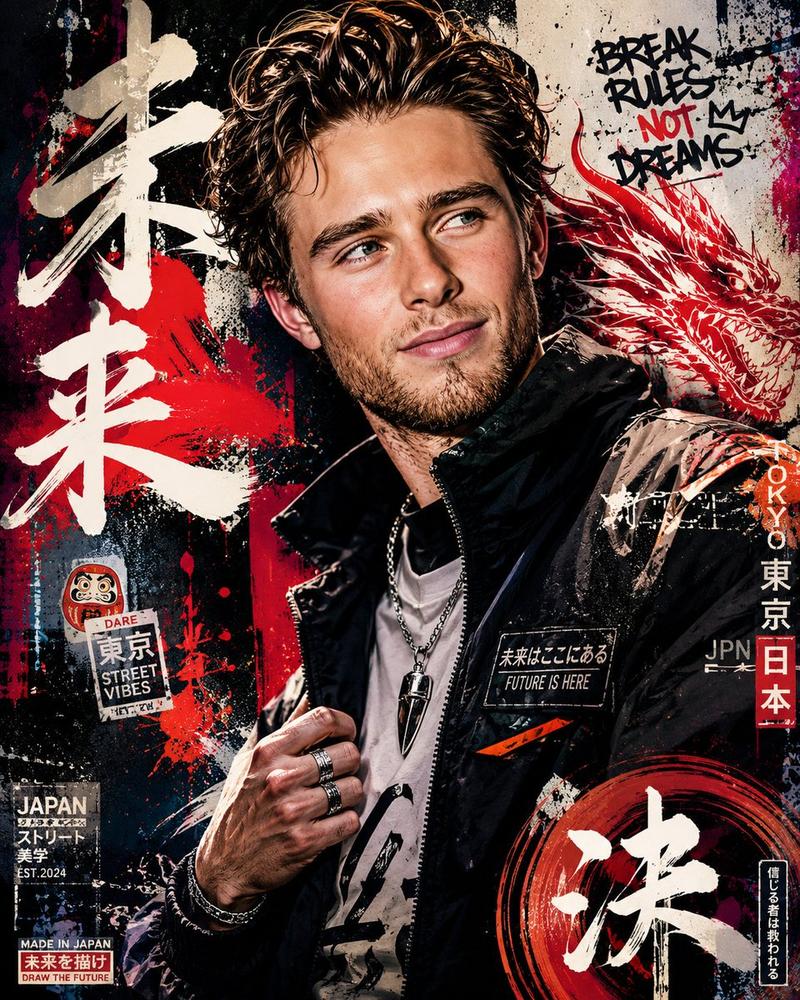
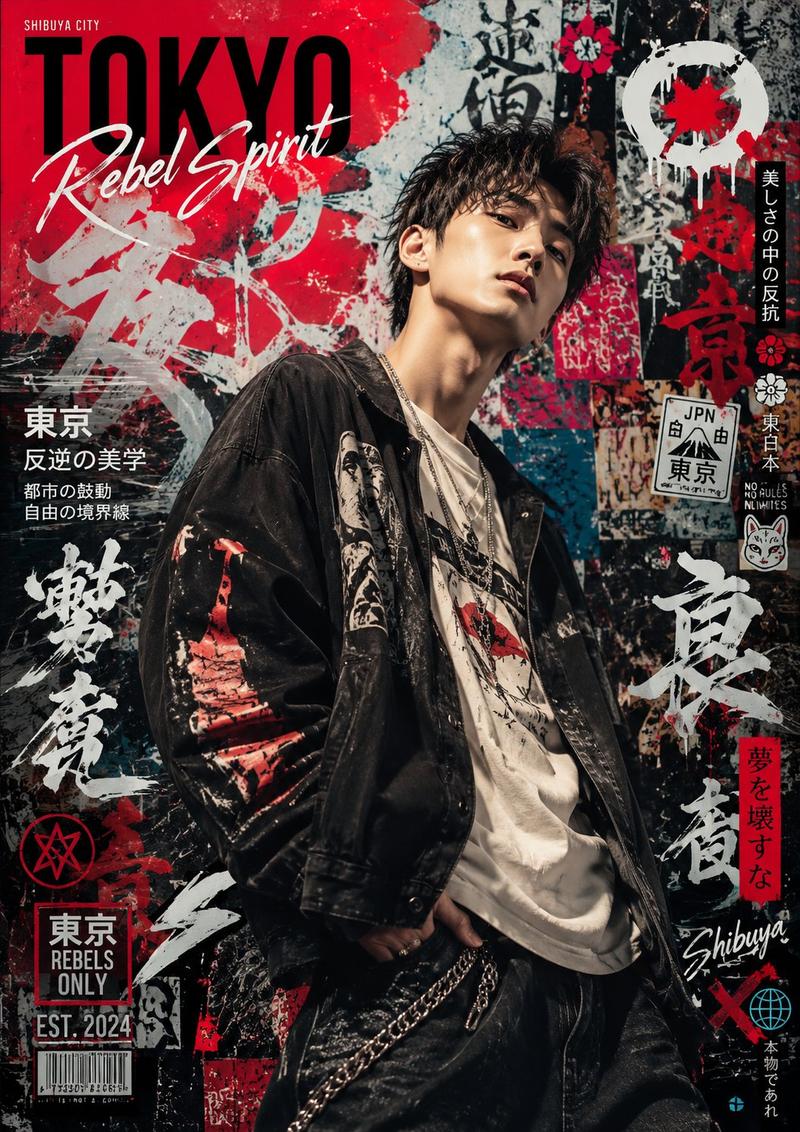
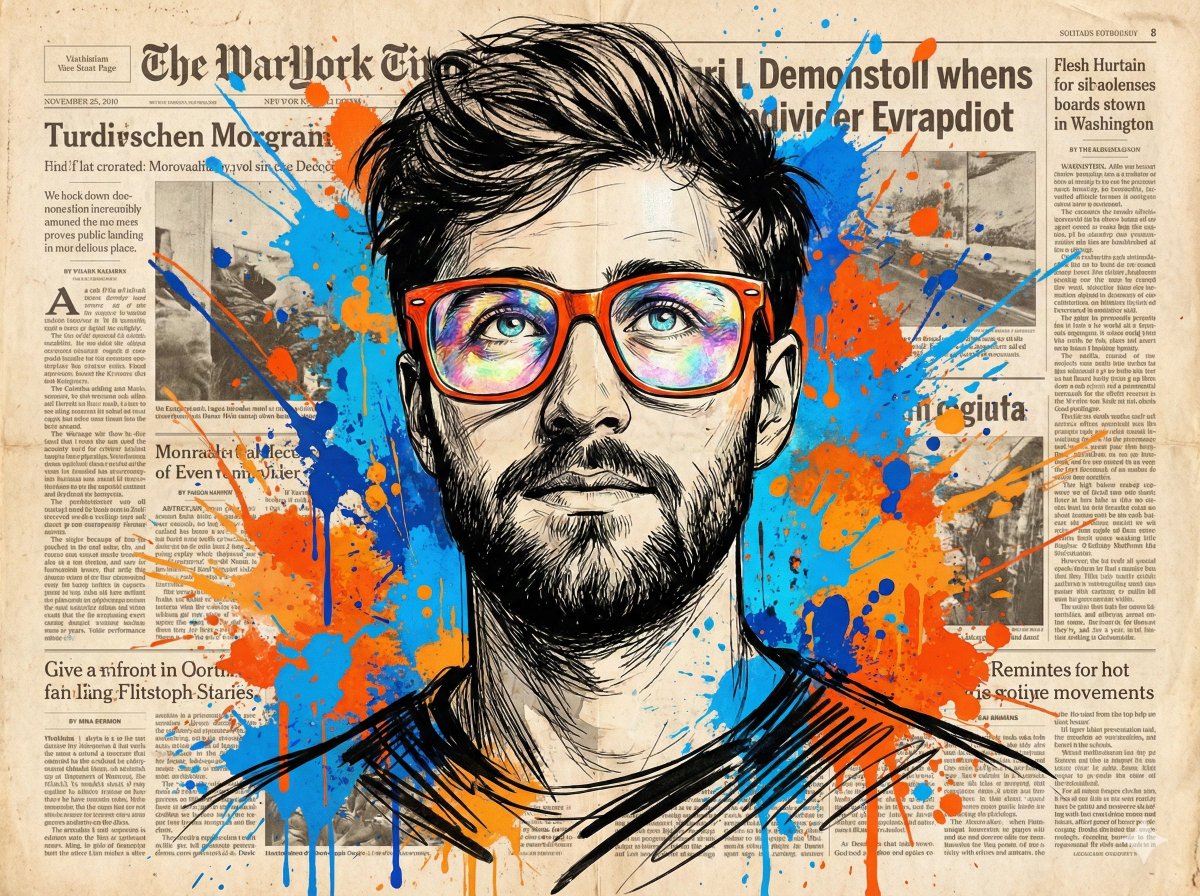
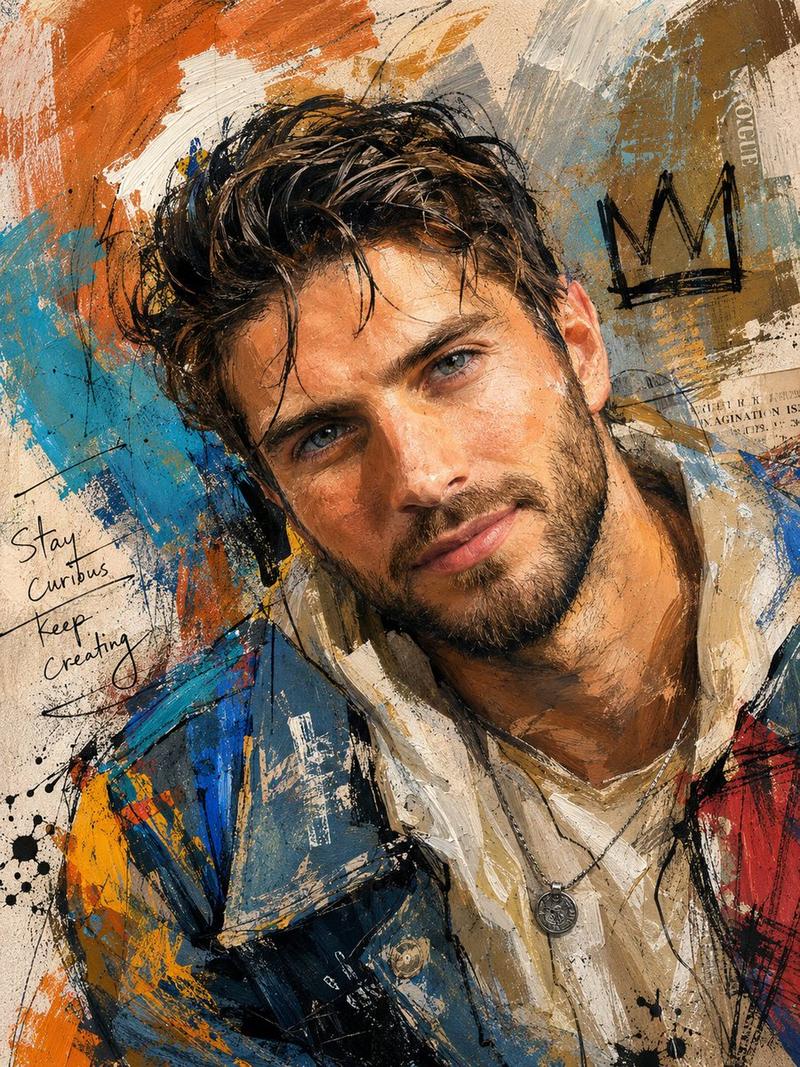
Create a square mixed-media urban poster portrait of {argument name="subject" default="an adult man"} shown from mid-torso up, centered and facing forward, with the face deliberately obscured by one solid opaque square censor block in warm brown covering the eyes, nose, and mouth. The subject has short dark hair visible above the block and a short beard visible below it, wearing a layered streetwear outfit: a white T-shirt, thin silver chain necklace with a small vertical pendant, a black hooded sweatshirt, and a glossy blue-black-white-orange puffer jacket with sharp collage-like panels. The background is a distressed paper wall collage with torn newspaper fragments, faded handwritten notes, black ink scribbles, and heavy abstract brush strokes in {argument name="main colors" default="cobalt blue, red-orange, off-white, black, and beige"}. Include legible poster-style fragments: “VOIR LES FLEURS SAU-VAGES” on the upper left, “breathe repeat” and partial red block lettering near the upper right, and “ne pas telement” in small type on the left. Use gritty high-contrast textures, screen-print halftone, paint splatter, scratches, tape-like edges, and torn-paper overlays across both the clothing and background, blending photography with punk zine collage and expressive street art. Keep the composition tightly cropped, square 4:5-feeling poster framing, dramatic detail in the jacket and textures, no clean studio background, no extra people, no watermark.
Category
Charts & Infographics
Model
GPT Image 2
Views4
Source ID
23862
Published
Jun 2, 2026

Guide

About "城市拼贴风格遮挡肖像"

What is this prompt for?

"城市拼贴风格遮挡肖像" AI image prompt for GPT Image 2 (Charts & Infographics). 一幅充满颗粒感的混合媒介街头风肖像,面部带有不透明遮挡块,辅以做旧字体及大胆的蓝橙色海报拼贴风格。 Copy it on Picva and recreate the look…

The full copyable prompt and example visuals above are ready for AI image generation or one-click recreate in Picva.

How to use this prompt

  1. Step 1

    Open the prompt detail

    Review the example visuals, category, and full prompt text for "城市拼贴风格遮挡肖像".

  2. Step 2

    Copy the prompt

    Copy the prompt body from this page, or load it directly in Studio.

  3. Step 3

    Pick a model (GPT Image 2)

    Prefer GPT Image 2. If you switch models, keep subject and composition and tweak style terms.

  4. Step 4

    Generate and export

    Recreate the look in Picva, or export into your workflow for editing and publishing.

FAQ

What is the "城市拼贴风格遮挡肖像" prompt?
It is an AI image-generation prompt for GPT Image 2 in the Charts & Infographics category. This page includes the full prompt text, example visuals, and a one-click recreate path in Picva.
How do I use this prompt to generate an image?
Copy the prompt from this page, or use Generate / Studio. Paste it into a compatible image model, or recreate the look in Picva with optional reference images.
Which model is this prompt for?
This page lists GPT Image 2. Most descriptive prompts also transfer to nearby image models such as GPT Image, Flux, or Midjourney with light style tweaks.
Can I use the result commercially?
You can usually copy the prompt for creation, but commercial use of the final image depends on the model terms, reference-image rights, and the generated content. Follow the source author and platform rules.