美式甜心穿搭展示页
Prompt
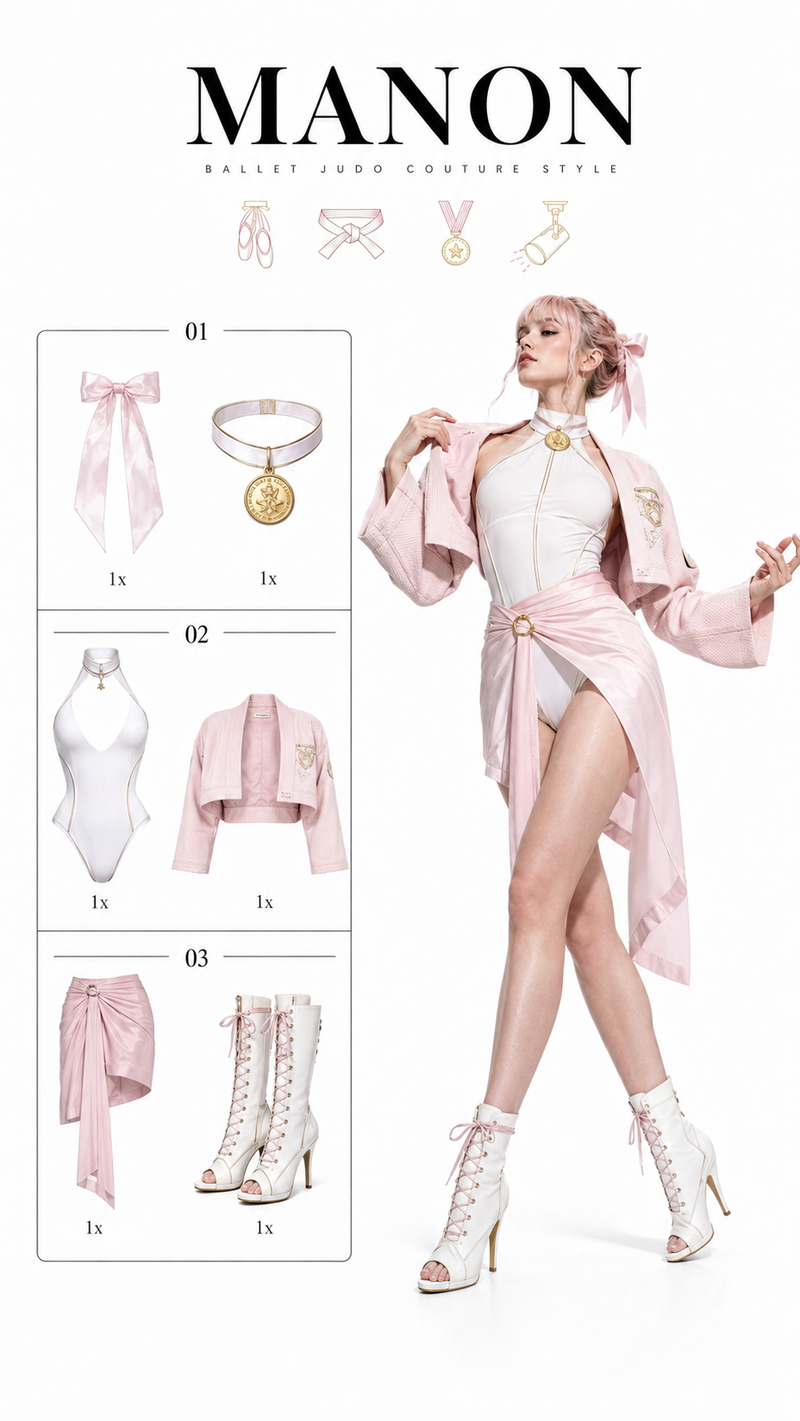
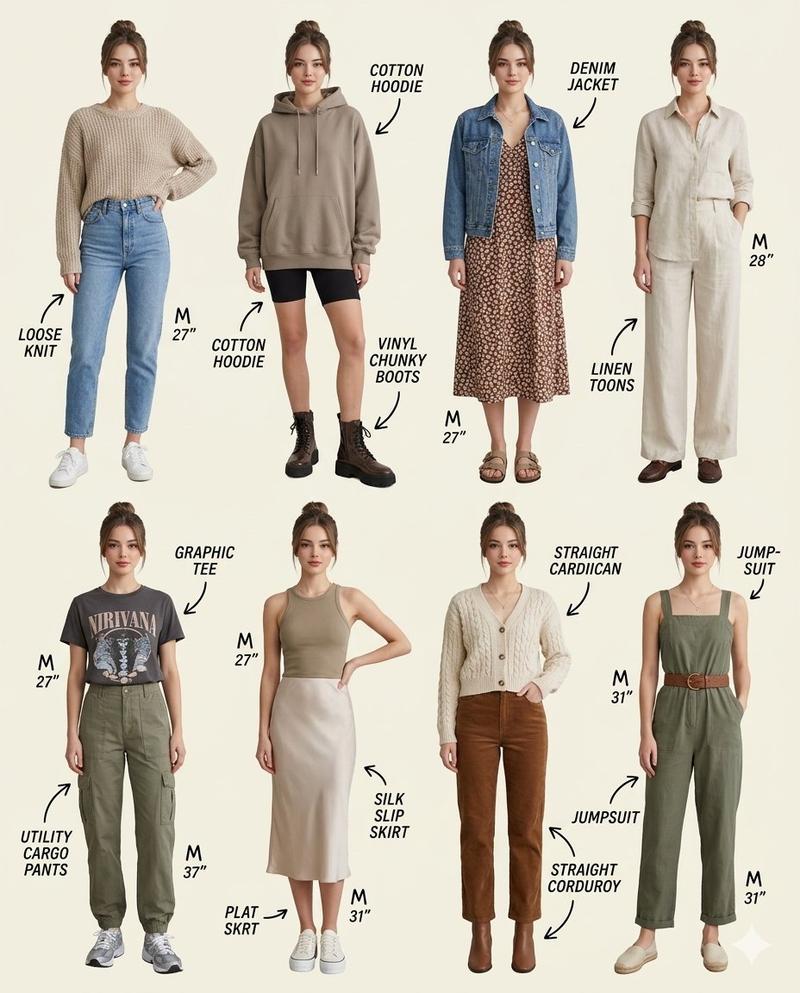
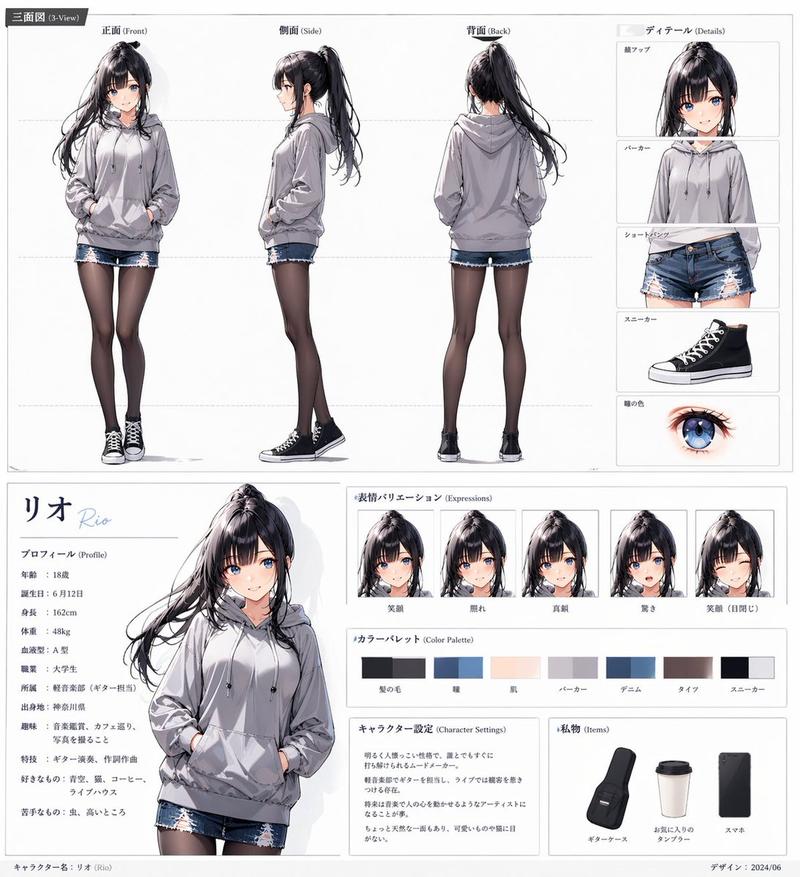
Goal: Create a cute fashion character outfit sheet titled {argument name="headline text" default="American Sweetheart"}, showing a full-body illustrated young woman on the right and a categorized wardrobe breakdown on the left.

Canvas: Vertical portrait canvas, clean white background, soft pastel pink accents, airy magazine look. Use a polished semi-realistic anime/fashion-illustration style with delicate linework, warm skin tones, watercolor-like shading, and crisp clothing details.

Layout: Large romantic title in the upper left, with “American” in elegant pink cursive script and “Sweetheart” in oversized bold pink serif lettering. Place a pale pink heart outline behind the title, plus a tiny bow, sparkles, and small heart decorations. Left column contains exactly 3 labeled wardrobe sections separated by thin pale-pink horizontal rules with small heart icons at the left and tiny sparkle ends at the right. Right side contains one full-body standing character, taking up most of the height.

Text content: The visible labels are exactly 4 text elements: the main headline “American Sweetheart”, section label “ACCESSORIES”, section label “TOPS”, and section label “BOTTOMS & SHOES”. Use uppercase sans-serif pink lettering for the section labels.

Wardrobe items: Show exactly 8 discrete clothing/accessory items in the left catalog column: 1 cream floral bow headband, 1 delicate gold necklace with a red heart pendant, 1 cropped white-and-pink raglan T-shirt with a faded pink heart graphic, 1 red-and-white gingham camisole with thin straps, bow, and lace trim, 1 pair of light blue distressed denim shorts with small red heart embroidery and frayed lace-trim hems, 1 pair of white scrunched ankle socks with ruffles and tiny red heart accents, and 1 pair of red low-top canvas sneakers with cream laces and white star patches.

Character details: The character is a slim young woman with long legs, standing casually with both hands tucked into her denim shorts pockets. She wears the coordinated outfit: floral bow headband in messy curly {argument name="hair color" default="warm brown"} hair piled into a loose bun, pink-and-white cropped heart T-shirt, pale blue frayed denim heart shorts, white ruffled socks, red canvas sneakers, and a small red heart pendant necklace. Her face is intentionally obscured by a plain soft-edged tan square mask, with no facial features visible. Pose is relaxed, slightly tilted hips, knees soft, feet apart. Outfit mood is youthful, patriotic Americana, romantic, summer casual.

Color palette: Pastel pink, strawberry red, cream white, faded denim blue, warm tan skin, and soft brown hair. Keep the overall look feminine, clean, and sweet.

Constraints: Use exactly 3 wardrobe sections and exactly 8 catalog items. Do not add extra labels, extra characters, background scenery, watermark, or complex props. Keep the composition balanced with the catalog on the left and the full-body outfit model on the right.- Category
- Charts & Infographics
- Model
- GPT Image 2
- Creator
- Kiki
- Source ID
- 24070
- Published
- Jun 3, 2026
Views4