20

专业食谱卡片设计师
Enlarge

专业食谱卡片设计师

Prompt
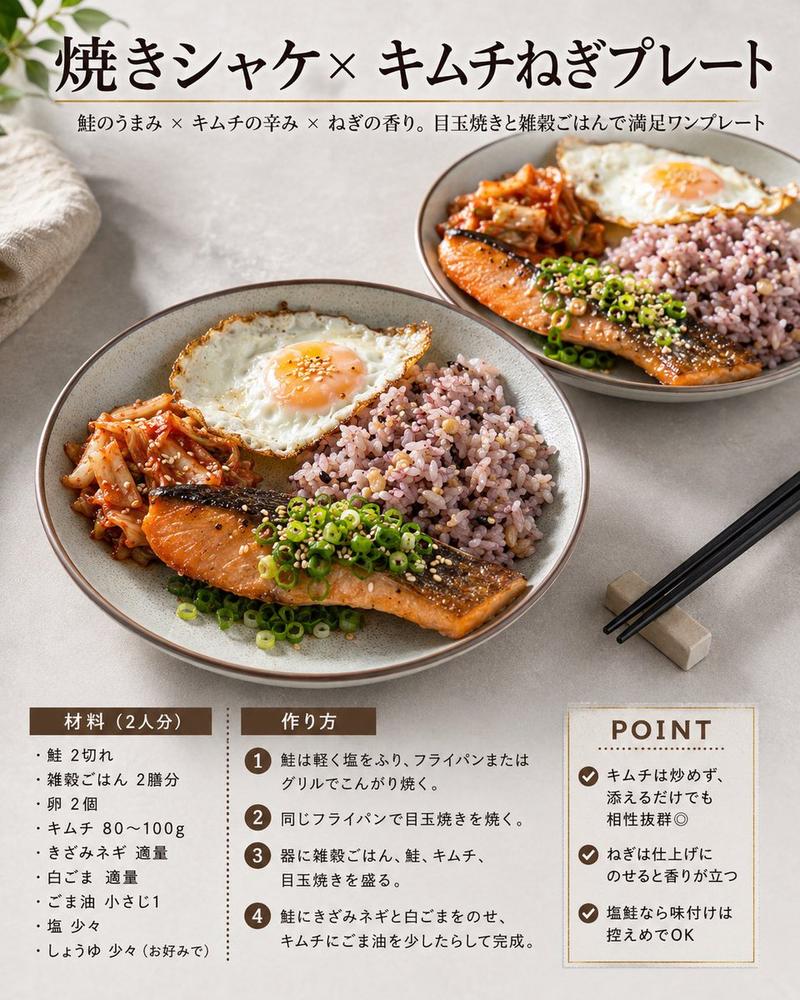
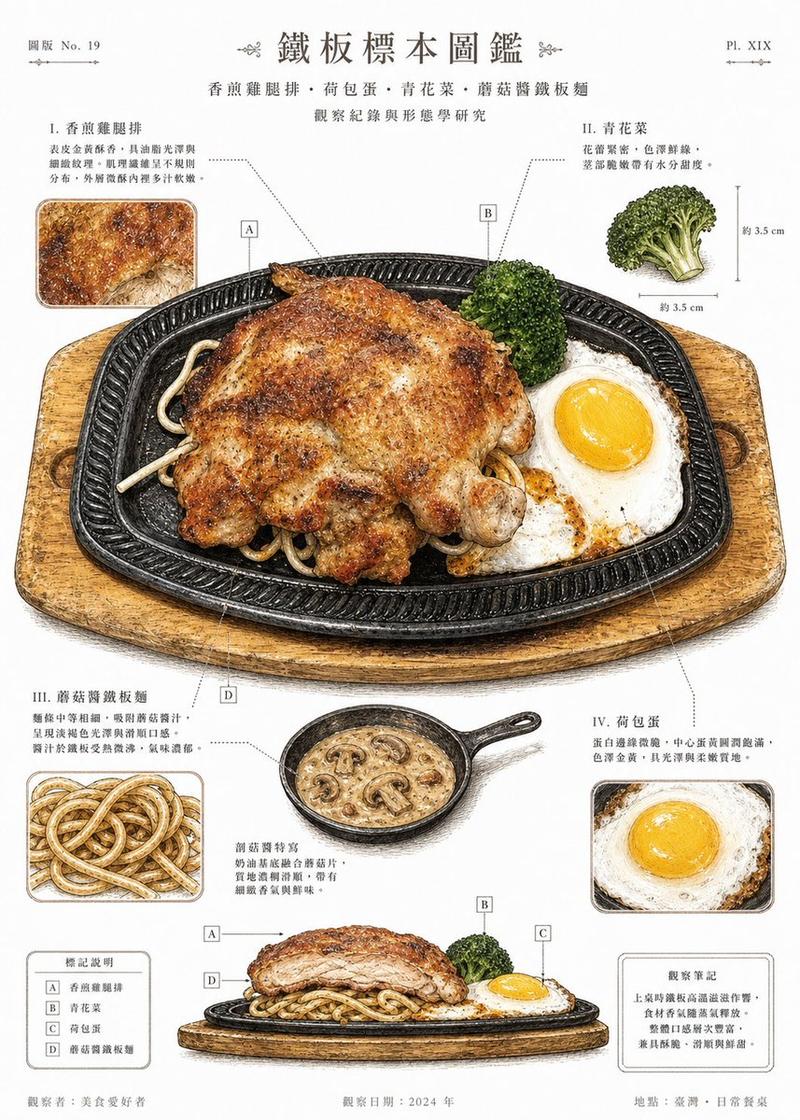
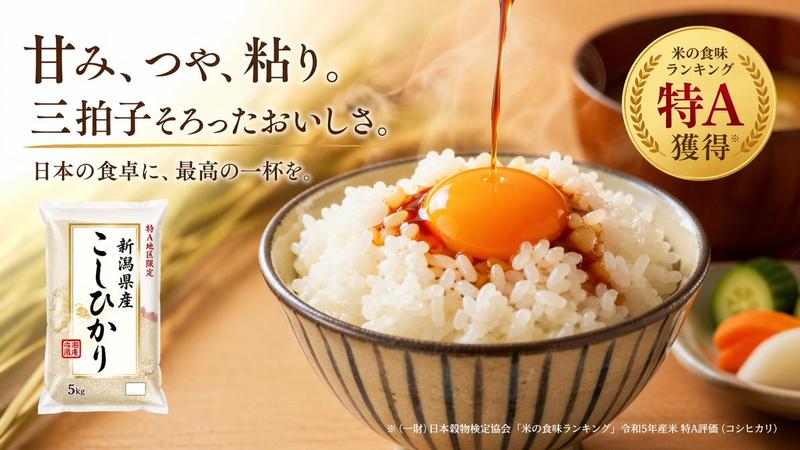
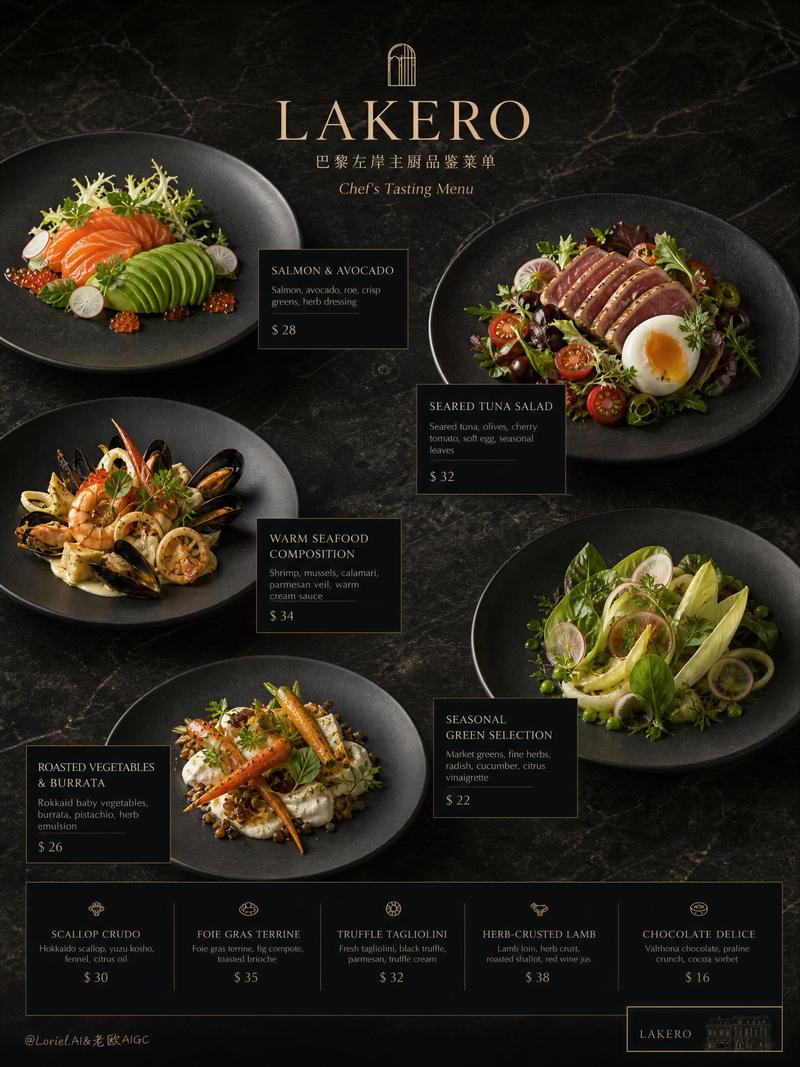
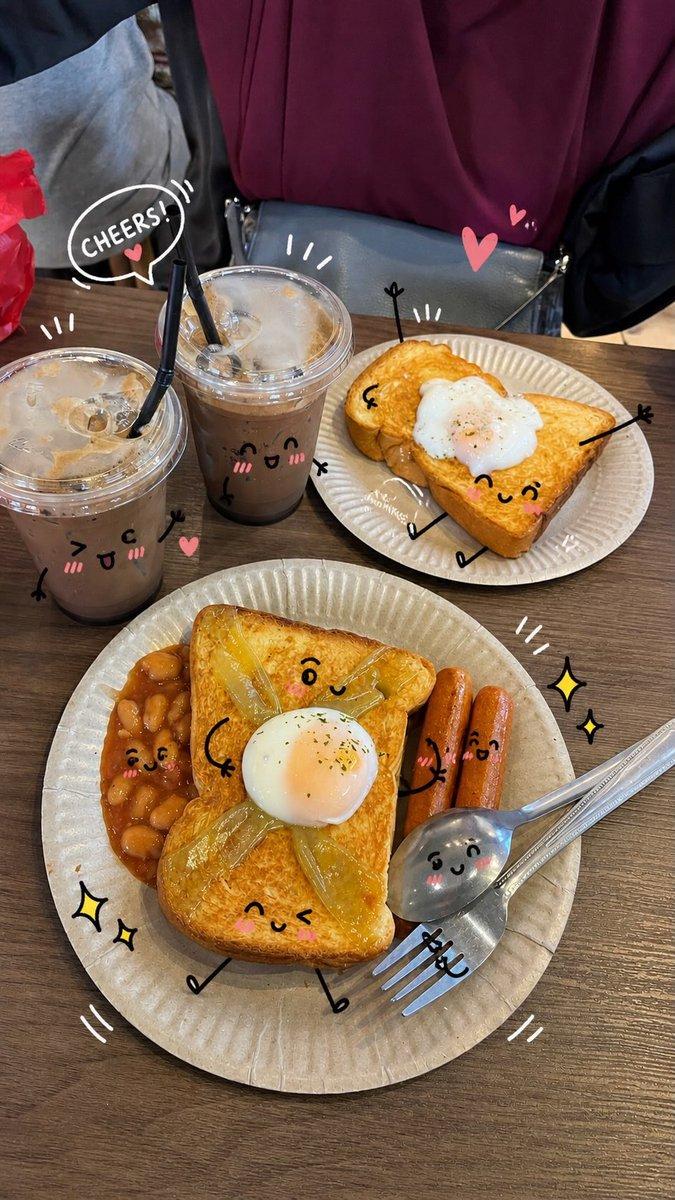
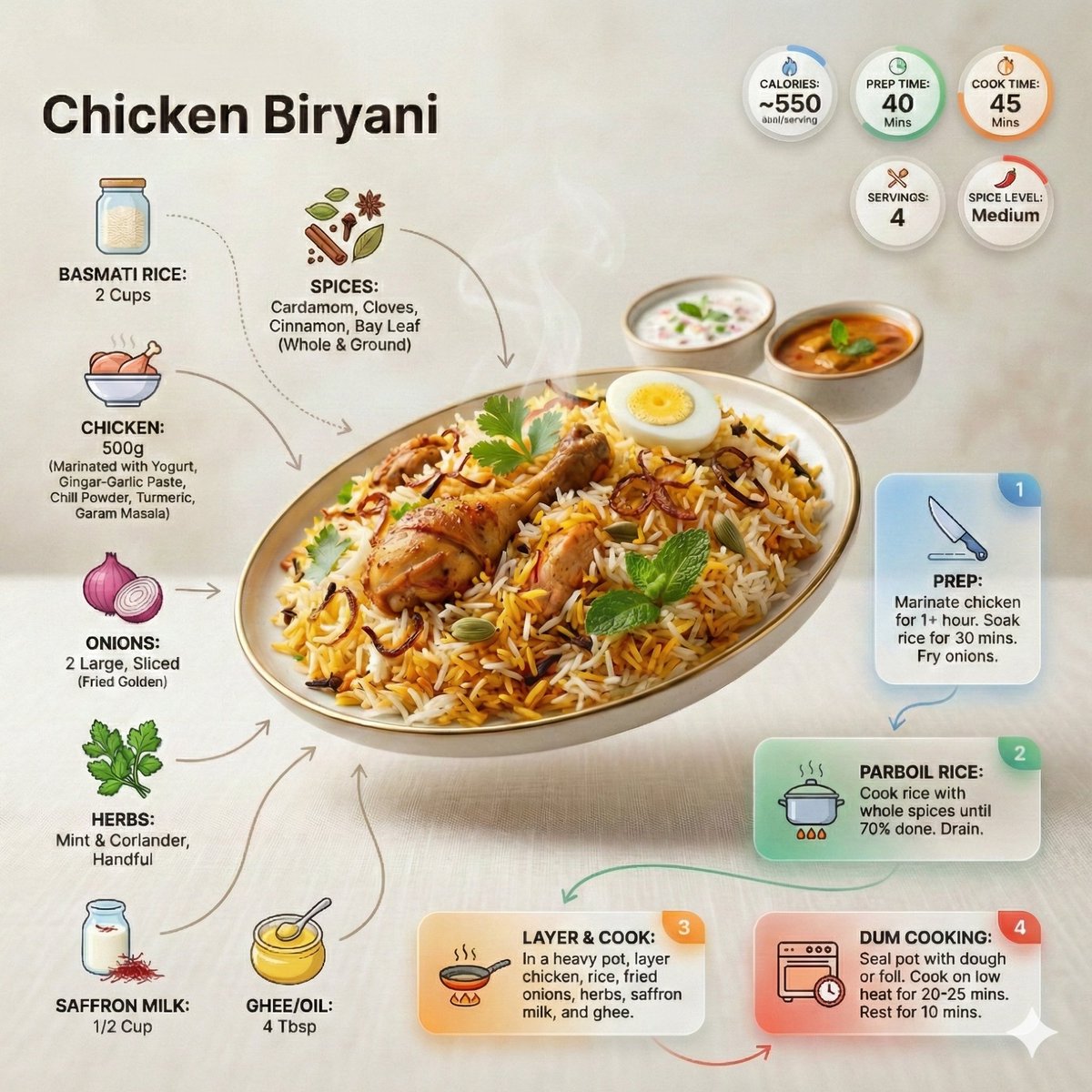
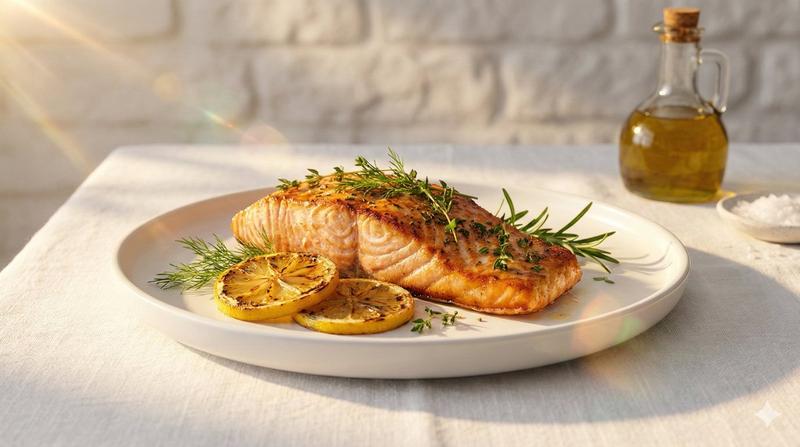
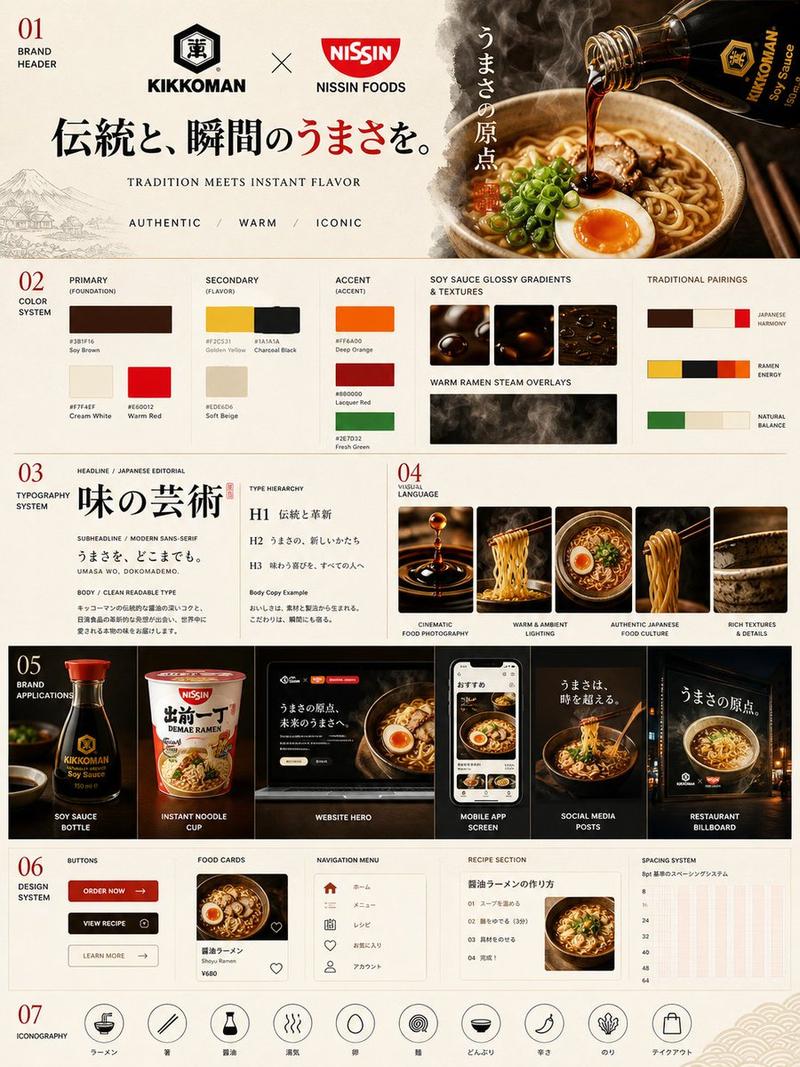
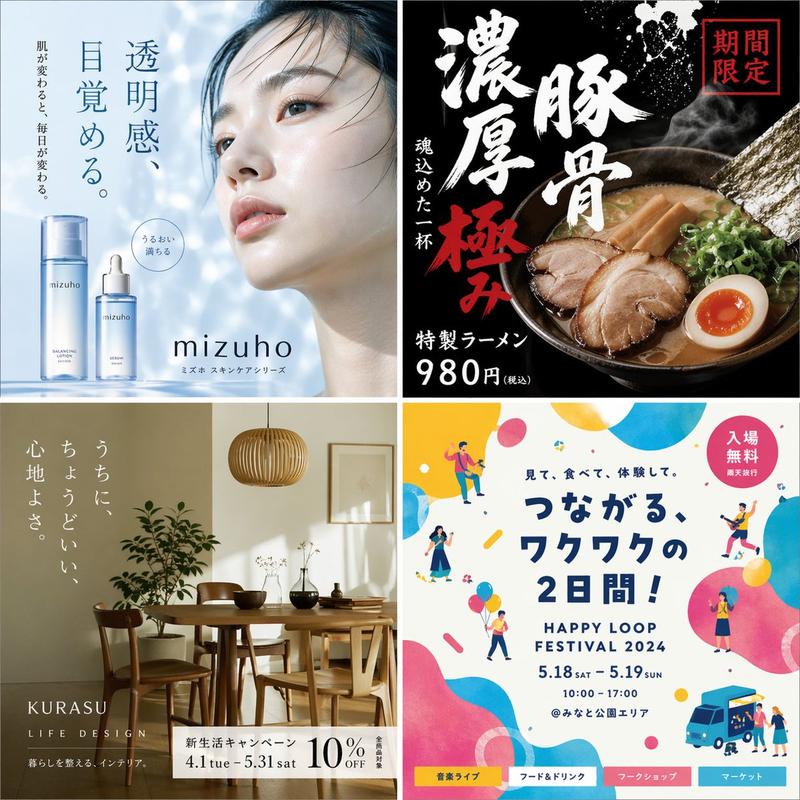
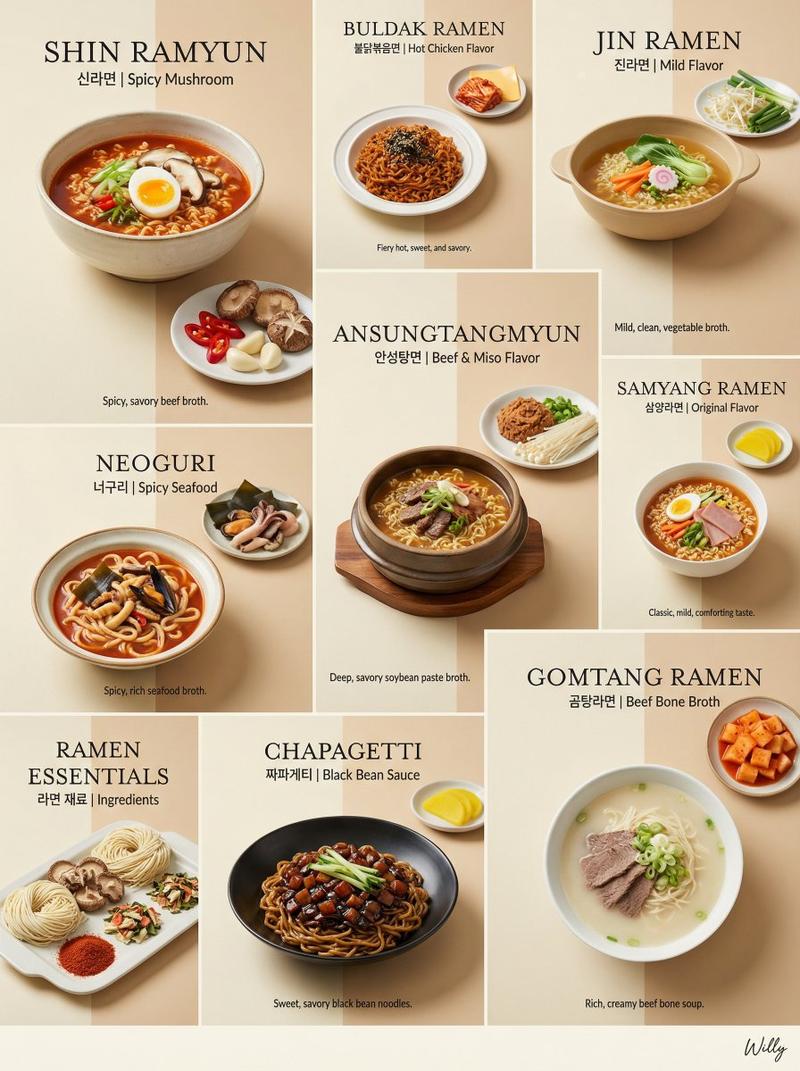
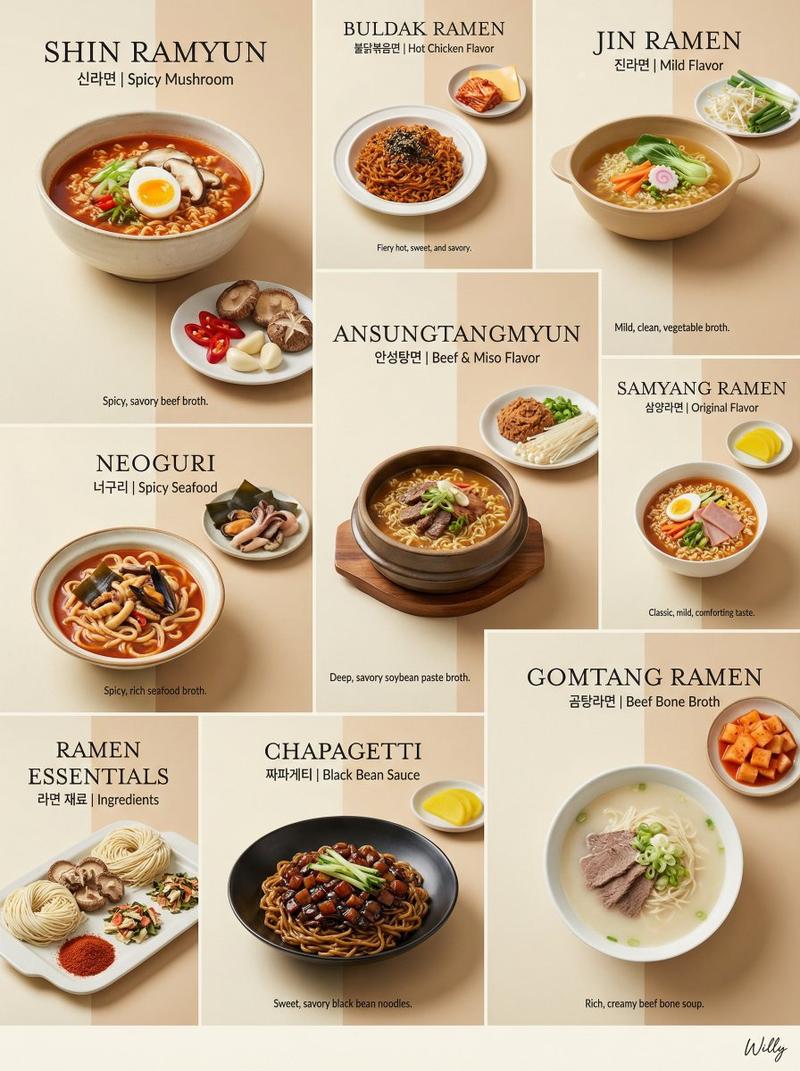
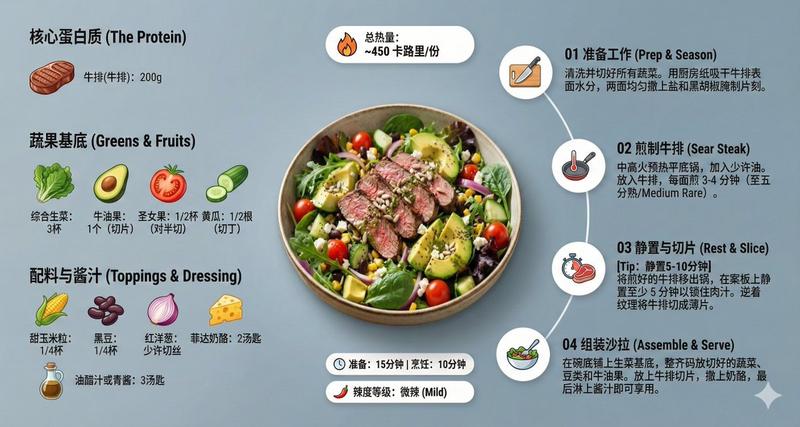
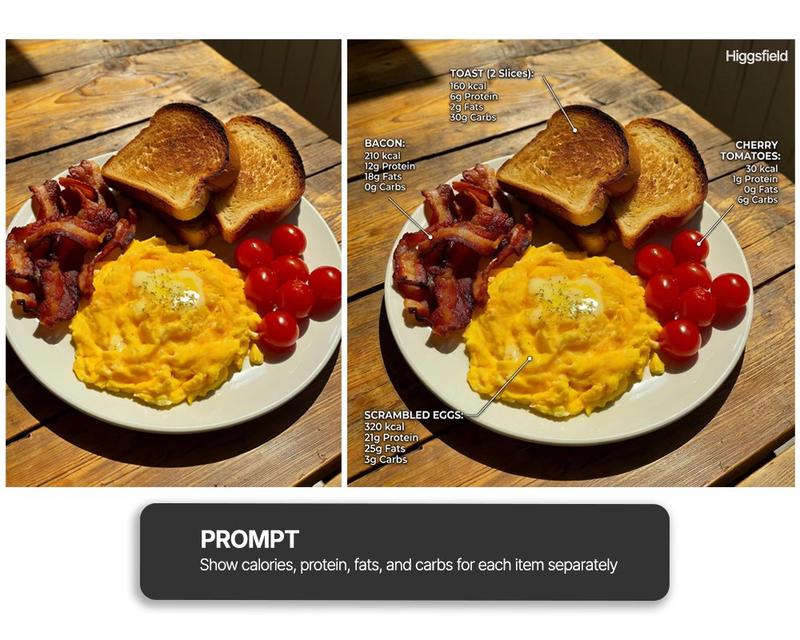
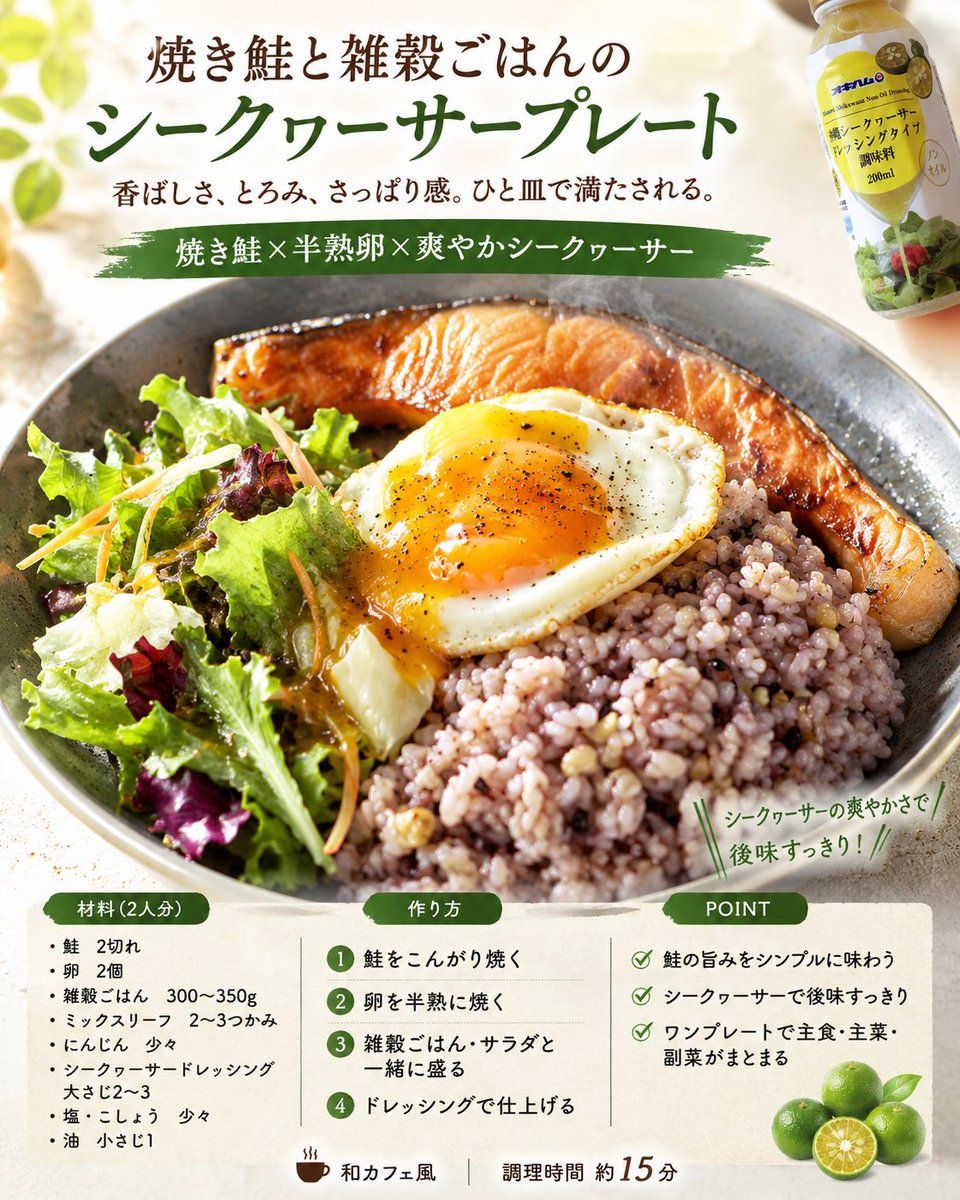
请使用附带的成品照片,生成 4 张符合专业食品设计师规格的食谱概念图。

条件:
- {argument name="aspect ratio" default="vertical 4:5"}(纵向 4:5),{argument name="language" default="Japanese"}(日语)
- 4 张图片均应以同一道菜品为主题。
- 但每张图片需采用不同的设计方向。
- 以附图中的成品菜肴为核心,捕捉并运用其菜品类型、构图、餐具、摆盘、配色及食物质感。
- 优化照片中日常杂乱的背景,将其重构为明亮、整洁的食物摄影作品。
- 在保持实际菜品质量的同时,达到美食杂志、咖啡馆菜单或社交媒体食谱卡片的完成度。
- 对于未指定的项目,请根据附图自然地进行补充。
- 若菜名、人数、类别、配料、步骤、要点(POINT)及宣传语未指定,请根据图片内容自然地进行构思。
- 请勿将照片中不存在的配料作为主角。
- 确保食谱真实且易于在家复刻。
- 调整烹饪过程,使其尽可能简化为一锅出或更少的步骤。

构图:
- 顶部:标题 + 简短副标题
- 中部:主菜照片
- 底部或侧面:“配料(X 人份)”、“制作方法”、“要点(POINT)”

4 种设计方向:
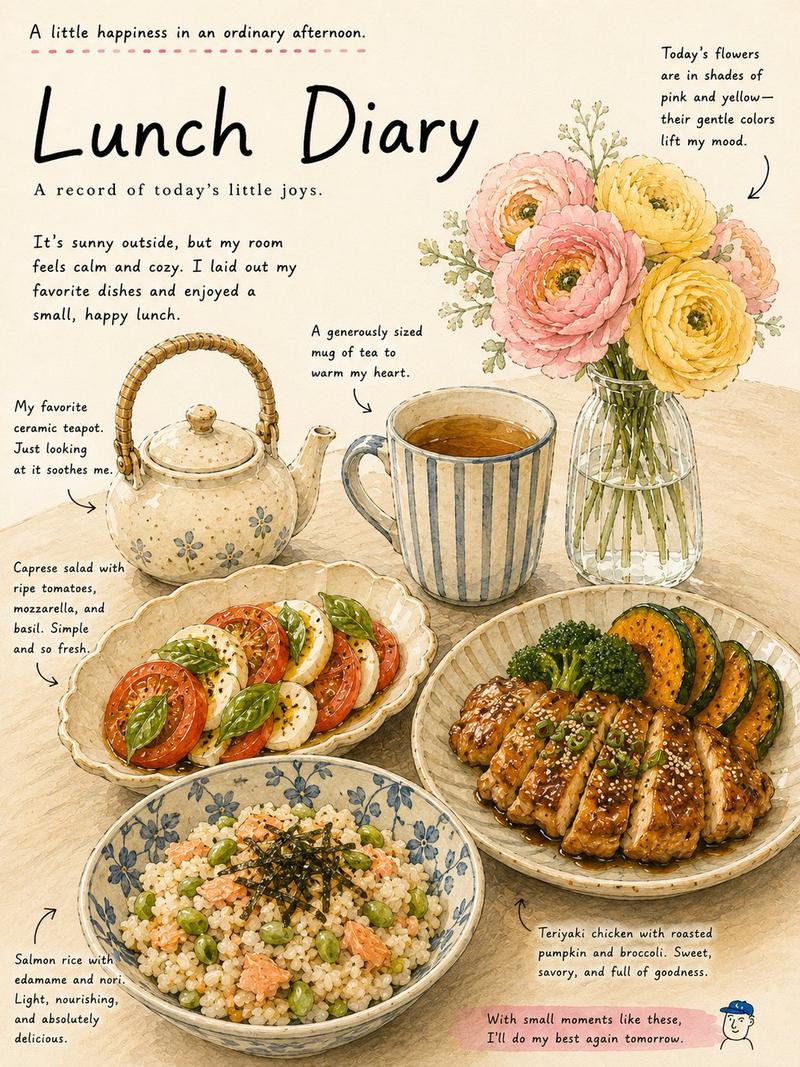
1. 美食杂志专题页面风格
2. 咖啡馆菜单 / 自然食谱卡片风格
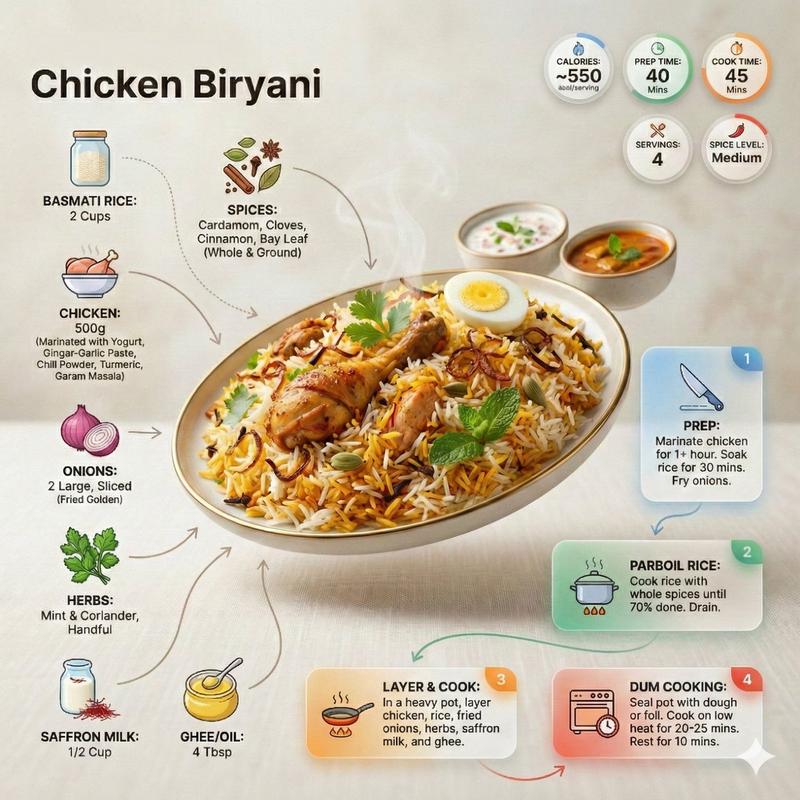
3. 社交媒体易保存 / 实用型食谱卡片风格
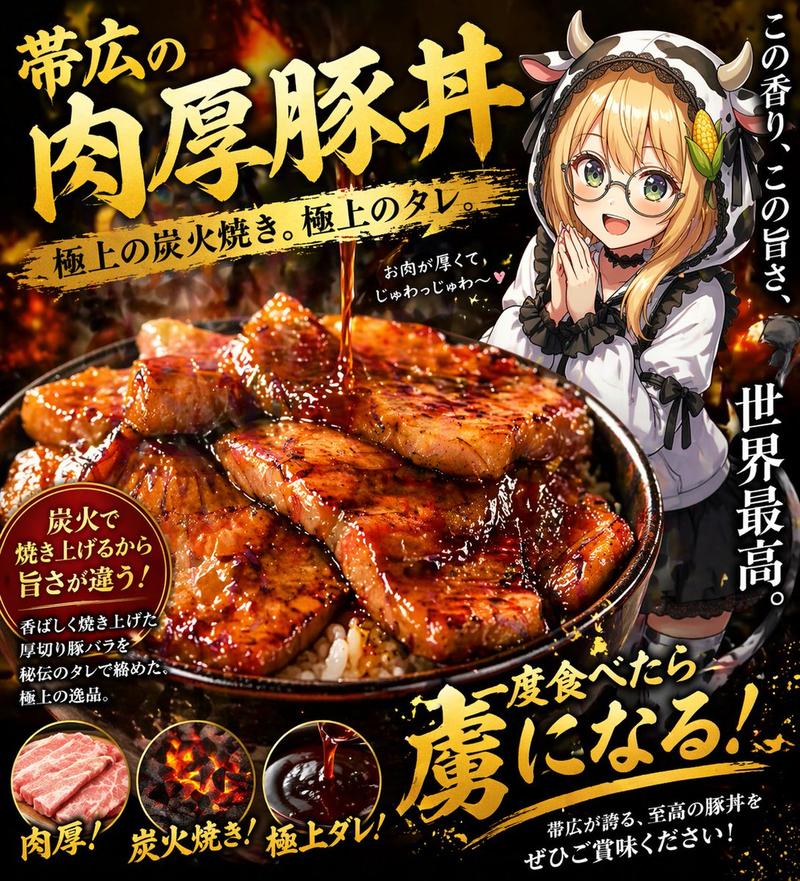
4. 具有强烈诱人感的食品广告风格

最终目标:
基于附图,由专业食品设计师创作出 4 张高质量的食谱图片,呈现出该菜品在 4 种不同风格下的最终效果。
Category
Posters & Typography
Model
GPT Image 2
Views7
Source ID
24125
Published
Jun 4, 2026

Guide

About "专业食谱卡片设计师"

What is this prompt for?

"专业食谱卡片设计师" AI image prompt for GPT Image 2 (Posters & Typography). 将真实的食物照片转化为适用于杂志或社交媒体的专业级食谱卡片,包含配料、步骤和时尚的排版设计。 Copy it on Picva and recreate the look in on…

The full copyable prompt and example visuals above are ready for AI image generation or one-click recreate in Picva.

How to use this prompt

  1. Step 1

    Open the prompt detail

    Review the example visuals, category, and full prompt text for "专业食谱卡片设计师".

  2. Step 2

    Copy the prompt

    Copy the prompt body from this page, or load it directly in Studio.

  3. Step 3

    Pick a model (GPT Image 2)

    Prefer GPT Image 2. If you switch models, keep subject and composition and tweak style terms.

  4. Step 4

    Generate and export

    Recreate the look in Picva, or export into your workflow for editing and publishing.

FAQ

What is the "专业食谱卡片设计师" prompt?
It is an AI image-generation prompt for GPT Image 2 in the Posters & Typography category. This page includes the full prompt text, example visuals, and a one-click recreate path in Picva.
How do I use this prompt to generate an image?
Copy the prompt from this page, or use Generate / Studio. Paste it into a compatible image model, or recreate the look in Picva with optional reference images.
Which model is this prompt for?
This page lists GPT Image 2. Most descriptive prompts also transfer to nearby image models such as GPT Image, Flux, or Midjourney with light style tweaks.
Can I use the result commercially?
You can usually copy the prompt for creation, but commercial use of the final image depends on the model terms, reference-image rights, and the generated content. Follow the source author and platform rules.