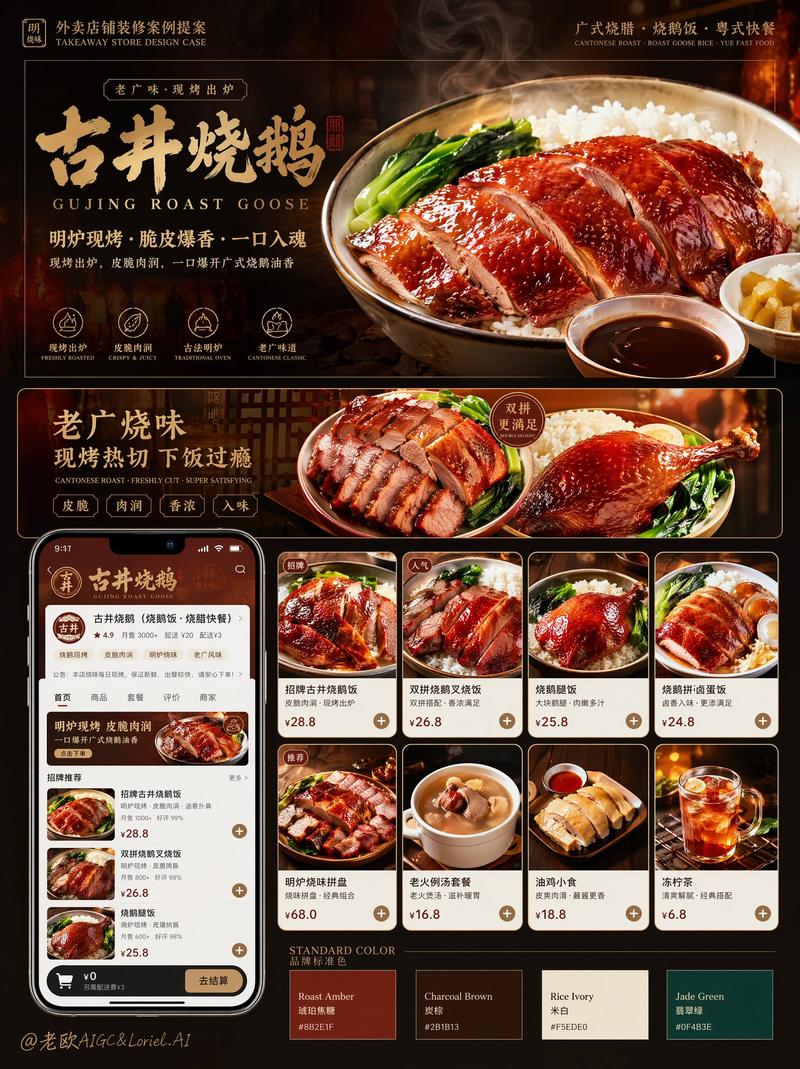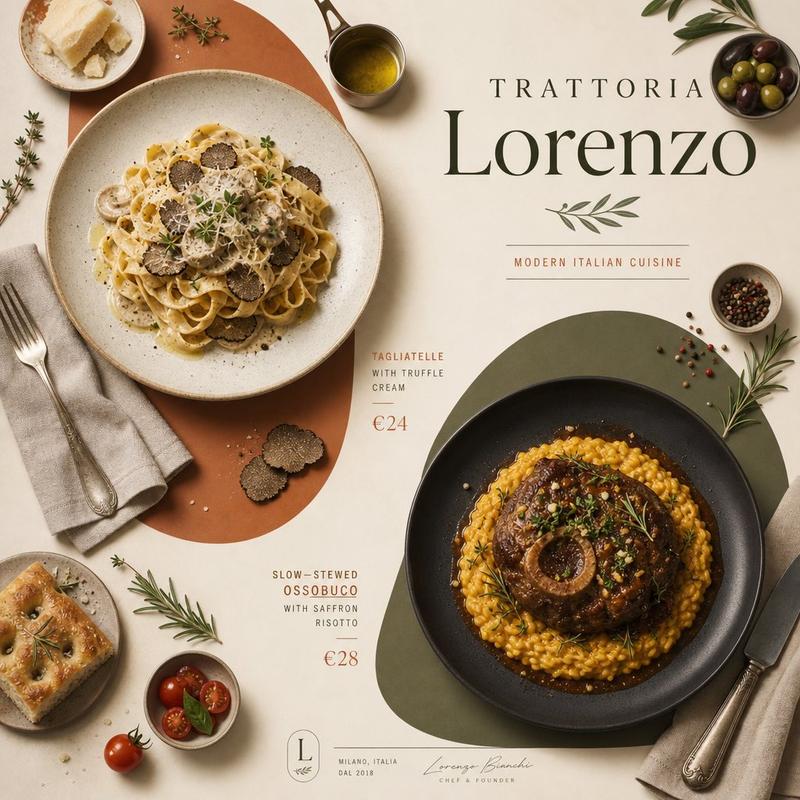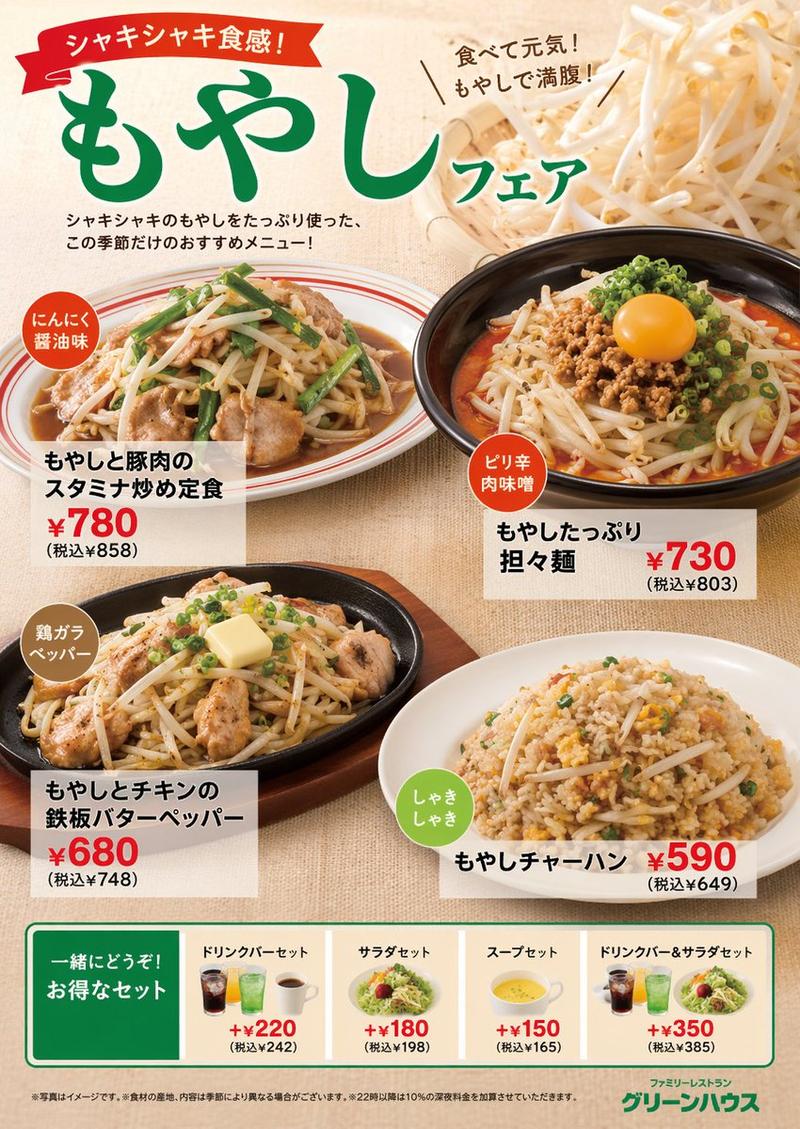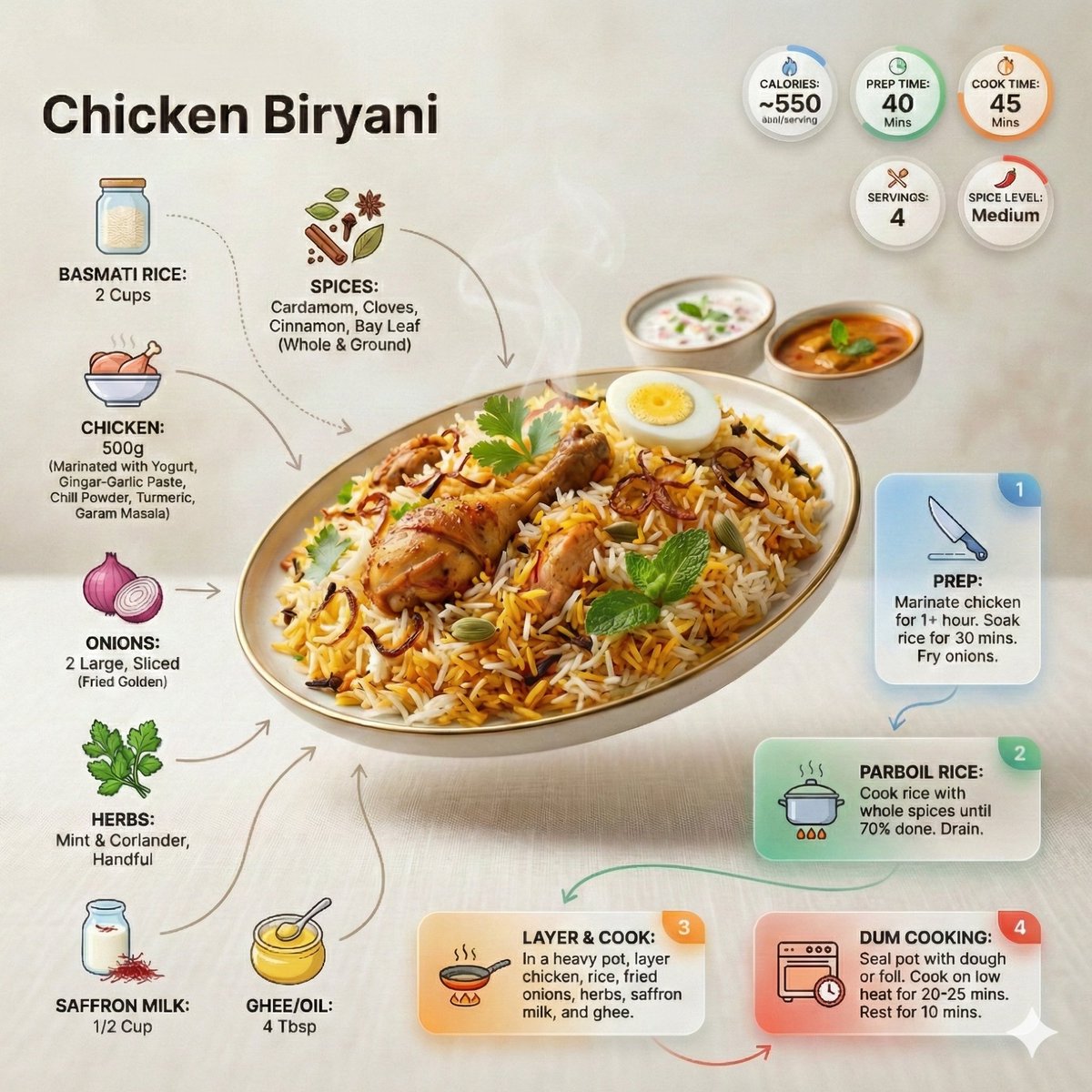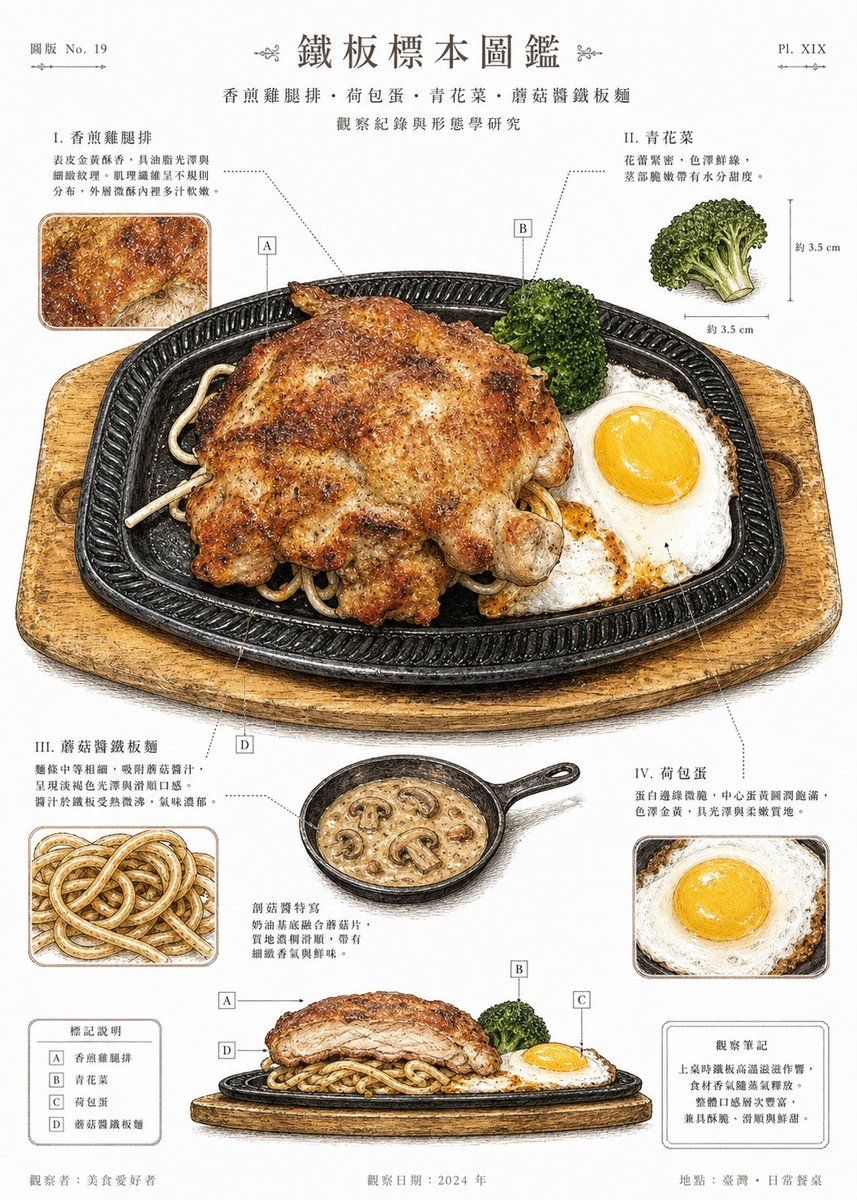
Vintage Teppan Meal Specimen Chart
Prompt
Using REFERENCE_0 as the food subject, transform the photo into a refined vintage scientific specimen plate / illustrated food diagram on a clean off-white paper background. Preserve the same sizzling-plate meal components and overall arrangement, but redraw them as detailed hand-colored botanical/culinary field-guide illustrations with ink outlines, watercolor texture, subtle paper grain, and precise diagram callouts. Add a centered Traditional Chinese title {argument name="main title" default="鐵板標本圖鑑"}, a subtitle {argument name="subtitle" default="香煎雞腿排・荷包蛋・青花菜・蘑菇醬鐵板麵"}, and small plate-number typography in the top corners. Create exactly 4 numbered annotation sections around the main dish: I. 香煎雞腿排, II. 青花菜, III. 蘑菇醬鐵板麵, IV. 荷包蛋, each with short Traditional Chinese explanatory text and dotted leader lines pointing to the corresponding ingredient. Add exactly 4 square letter markers on the dish and legend: A 香煎雞腿排, B 青花菜, C 荷包蛋, D 蘑菇醬鐵板麵. Include exactly 6 supplemental illustrations/insets: a close-up of the seared chicken surface, a broccoli specimen with approximate size marks, a noodle close-up, a fried egg close-up, a small skillet of mushroom cream sauce, and a low side-view cross-section of the entire plated meal. Add two small boxed notes near the bottom, one legend box and one observation note box, plus footer text including {argument name="observer" default="美食愛好者"}, {argument name="observation date" default="2024 年"}, and {argument name="location" default="臺灣・日常餐桌"}. Keep the composition poster-like, balanced, educational, appetizing, and more polished than the original photo.- Category
- Charts & Infographics
- Model
- GPT Image 2
- Creator
- 易成先生
- Source ID
- 17980
- Published
- May 2, 2026
Views2