15

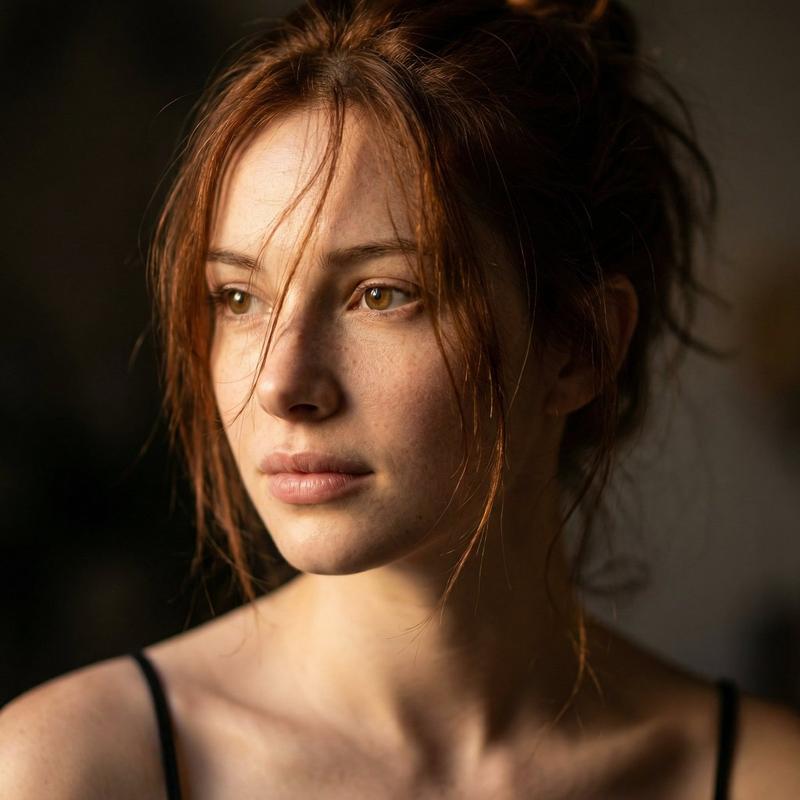
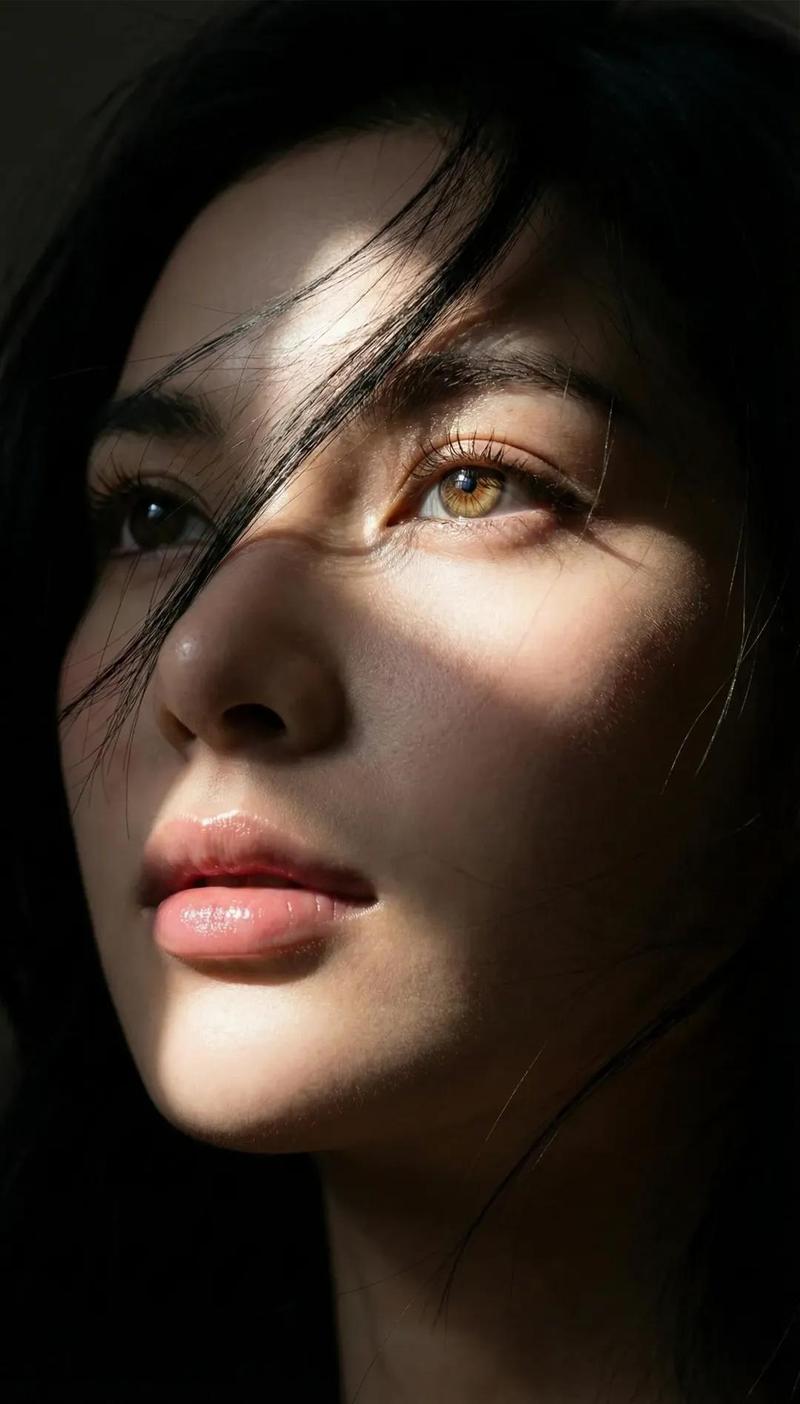
带隐私遮挡的红发女性肖像
Enlarge

带隐私遮挡的红发女性肖像

Prompt
Create a vertical close-up photographic portrait of a young woman with {argument name="hair color" default="long deep burgundy red hair"}, seated against a muted dark green studio wall. The composition is tight from the upper chest to just above the head, with the subject centered slightly left and leaning subtly forward. Her face is completely covered by one large opaque rectangular privacy block, positioned over the entire face from forehead to mouth, colored as a soft brown skin-tone gradient from dark brown on the left to warmer tan on the right, with crisp straight edges. Visible details should include loose strands of red hair catching sunlight, hair falling over both shoulders, a gray crew-neck T-shirt, a softly shadowed neck and collarbone area, and a small portion of a dark jacket or chair edge at the right side. Use dramatic natural sunlight from the upper left, creating strong highlights on the red hair, deep shadows on the left side, realistic skin texture where visible, cinematic contrast, shallow depth of field, and a moody editorial portrait style. Background should remain plain, softly blurred, and olive green. No text, no logos, no extra objects.
Category
Charts & Infographics
Model
GPT Image 2
Views4
Source ID
24209
Published
Jun 4, 2026

Guide

About "带隐私遮挡的红发女性肖像"

What is this prompt for?

"带隐私遮挡的红发女性肖像" AI image prompt for GPT Image 2 (Charts & Infographics). 一张逼真的竖版编辑风格肖像,红发女性的面部被一个棕色隐私矩形遮挡,适用于匿名肖像概念设计。 Copy it on Picva and recreate the look in…

The full copyable prompt and example visuals above are ready for AI image generation or one-click recreate in Picva.

How to use this prompt

  1. Step 1

    Open the prompt detail

    Review the example visuals, category, and full prompt text for "带隐私遮挡的红发女性肖像".

  2. Step 2

    Copy the prompt

    Copy the prompt body from this page, or load it directly in Studio.

  3. Step 3

    Pick a model (GPT Image 2)

    Prefer GPT Image 2. If you switch models, keep subject and composition and tweak style terms.

  4. Step 4

    Generate and export

    Recreate the look in Picva, or export into your workflow for editing and publishing.

FAQ

What is the "带隐私遮挡的红发女性肖像" prompt?
It is an AI image-generation prompt for GPT Image 2 in the Charts & Infographics category. This page includes the full prompt text, example visuals, and a one-click recreate path in Picva.
How do I use this prompt to generate an image?
Copy the prompt from this page, or use Generate / Studio. Paste it into a compatible image model, or recreate the look in Picva with optional reference images.
Which model is this prompt for?
This page lists GPT Image 2. Most descriptive prompts also transfer to nearby image models such as GPT Image, Flux, or Midjourney with light style tweaks.
Can I use the result commercially?
You can usually copy the prompt for creation, but commercial use of the final image depends on the model terms, reference-image rights, and the generated content. Follow the source author and platform rules.